
Mastering Forest Cinematography with the Mini 5 Pro: A Complete Troubleshooting Guide for Complex Terrain
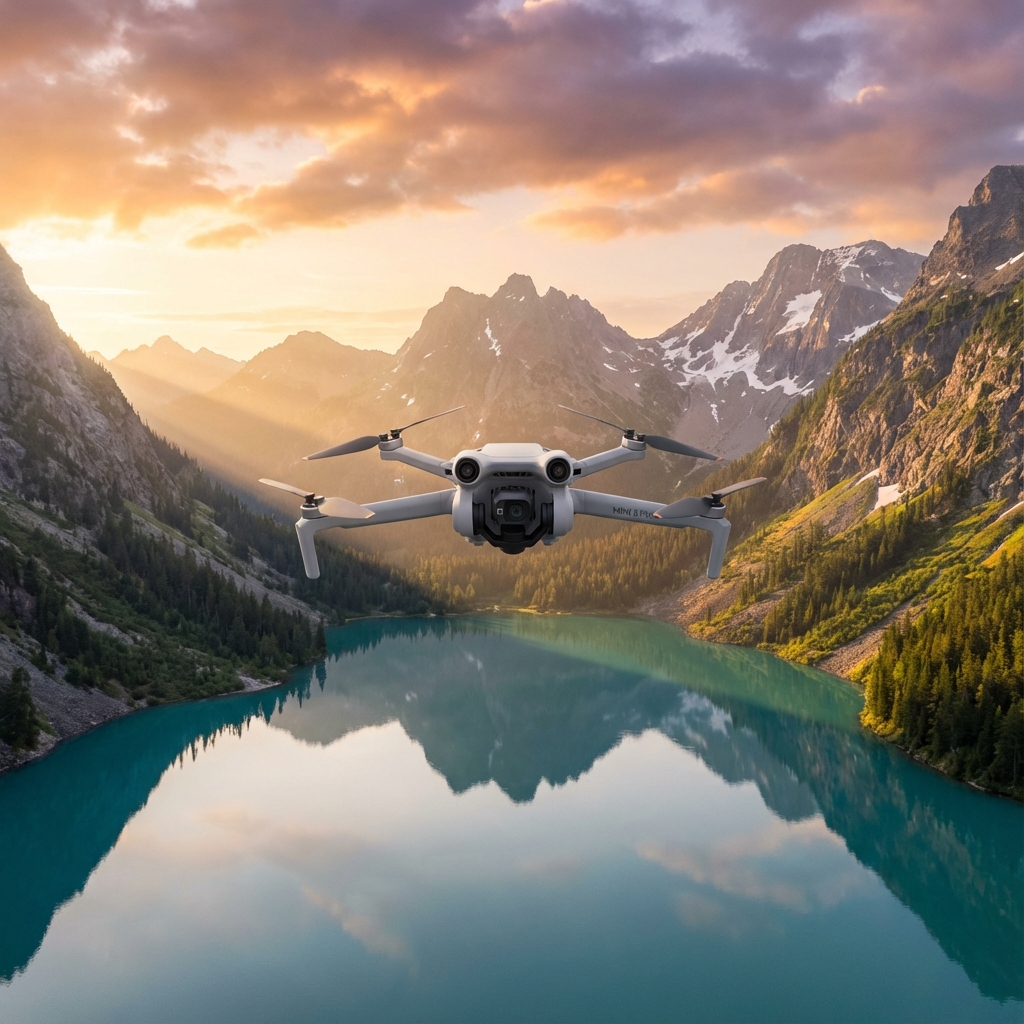
Mastering Forest Cinematography with the Mini 5 Pro: A Complete Troubleshooting Guide for Complex Terrain
TL;DR
- The Mini 5 Pro's 249g weight class and Tri-Directional Sensing make it the ideal platform for navigating dense forest canopies where larger drones struggle
- O4 Transmission maintains reliable signal through foliage interference that typically disrupts standard video links
- Proper D-Log color profile configuration captures the full dynamic range of dappled forest light
- Strategic ActiveTrack and Waypoint flying techniques overcome GPS inconsistencies common under heavy tree cover
Two years ago, I lost a client's footage during a critical forest documentation project in the Pacific Northwest. The culprit wasn't equipment failure—it was my own overconfidence in a heavier platform that couldn't maneuver through tight gaps between old-growth Douglas firs. That experience fundamentally changed my approach to woodland cinematography and led me directly to the Mini 5 Pro as my primary forest filming tool.
The lightweight airframe that initially seemed like a compromise has proven to be the decisive advantage when threading through complex terrain where every gram matters and every inch of clearance counts.
Understanding Forest Filming Challenges
Forest environments present a unique constellation of obstacles that test both pilot skill and equipment capability. Dense canopy cover creates GPS shadowing, electromagnetic interference from mineral-rich soil disrupts compass calibration, and rapidly changing light conditions challenge exposure systems.
The Mini 5 Pro addresses these challenges through intelligent design rather than brute force. Its compact 249g airframe slips through gaps that would ground larger platforms, while sophisticated sensing systems provide the situational awareness needed for confident operation.
Environmental Factors That Affect Flight Performance
| Challenge | Impact | Mini 5 Pro Solution |
|---|---|---|
| GPS Shadowing | Position drift, unstable hover | Enhanced GNSS with multi-constellation support |
| Magnetic Interference | Compass errors, erratic flight | Dual IMU redundancy with automatic switching |
| Signal Obstruction | Video dropouts, control latency | O4 Transmission with adaptive frequency hopping |
| Variable Lighting | Blown highlights, crushed shadows | 4K/60fps HDR with 10-bit color depth |
| Tight Spaces | Collision risk, limited maneuverability | Tri-Directional Sensing with proximity alerts |
Expert Insight: I've found that the most reliable compass calibration in forest environments happens in clearings at least 30 meters from the tree line. The mineral content in forest soil—particularly in regions with volcanic history—creates localized magnetic anomalies that can persist even after calibration. Always verify your heading against a known landmark before entering the canopy.
Pre-Flight Configuration for Forest Operations
Successful forest cinematography begins long before takeoff. The Mini 5 Pro's configuration options allow pilots to optimize performance for the specific demands of woodland environments.
Essential Settings Adjustments
Obstacle Avoidance Configuration
Set your sensing system to Bypass mode rather than Brake when filming in forests. The Brake setting causes abrupt stops that ruin smooth footage, while Bypass allows the aircraft to navigate around obstacles while maintaining cinematic movement.
Keep vertical sensing active at all times. Forest floors are deceptively uneven, and what appears to be flat ground from altitude often contains fallen logs, rocks, and depressions that can damage the aircraft during landing.
Transmission Settings
Lock the O4 Transmission to 2.4GHz in dense forest environments. While the automatic frequency selection typically performs well, the 2.4GHz band penetrates foliage more effectively than 5.8GHz. You'll sacrifice some bandwidth, but the connection stability is worth the tradeoff.
Camera Configuration
- Set resolution to 4K/60fps for maximum post-production flexibility
- Enable D-Log color profile to capture the full 12.6 stops of dynamic range
- Lock white balance manually—auto white balance struggles with the green color cast of forest light
- Set ISO ceiling to 800 to maintain clean shadows without excessive noise
Flight Mode Selection
The Mini 5 Pro offers several flight modes, but forest operations demand specific choices:
- Cine Mode: Reduces maximum speed and control sensitivity for precise movements
- Normal Mode: Balanced performance for transitional shots
- Sport Mode: Reserve for emergency extraction only—sensing systems are disabled
Executing Complex Forest Shots
The Mini 5 Pro's intelligent flight features transform difficult shots into repeatable, professional sequences.
ActiveTrack Through Woodland Terrain
ActiveTrack excels at maintaining subject focus while the pilot concentrates on obstacle avoidance. The system's predictive algorithms anticipate subject movement, keeping framing consistent even when the subject temporarily disappears behind trees.
For best results:
- Select subjects with high contrast against the forest background
- Maintain 15-20 meters of separation between aircraft and subject
- Use Spotlight mode when the subject's path is unpredictable
- Switch to manual control when passing through particularly dense sections
Pro Tip: When tracking a subject through forest terrain, position the Mini 5 Pro slightly ahead of and above the subject's path rather than directly behind. This angle provides better obstacle visibility and creates more dynamic footage with depth-revealing parallels as trees pass through frame.
Waypoint Flying for Repeatable Sequences
Waypoint flying eliminates the guesswork from complex forest routes. Once you've identified a safe path through the canopy, recording it as a waypoint mission allows perfect repetition for multiple takes or different times of day.
The process requires careful planning:
- Fly the route manually at reduced speed, noting obstacle positions
- Record waypoints at 5-10 meter intervals through tight sections
- Set altitude variations to follow terrain contours
- Program speed transitions for cinematic pacing
- Test the automated route at 50% speed before full execution
QuickShots and Hyperlapse Applications
QuickShots provide professional-quality sequences with minimal pilot input. In forest environments, the Helix and Rocket modes work particularly well, creating dramatic reveals of forest scale.
Hyperlapse captures the subtle movement of forest ecosystems—shifting shadows, swaying branches, drifting fog—compressed into compelling sequences. The Mini 5 Pro's 34-minute flight time provides sufficient endurance for extended hyperlapse captures that would drain lesser platforms.
Common Pitfalls and How to Avoid Them
Even experienced pilots encounter preventable problems in forest environments. Understanding these risks protects both your equipment and your footage.
Pilot Errors That Compromise Missions
Ignoring Pre-Flight Compass Warnings
The temptation to dismiss compass interference warnings in forest environments is strong—they appear frequently. Resist this urge. Each warning indicates genuine magnetic anomaly that can cause flight instability. Relocate to a clearer area for calibration.
Overrelying on Obstacle Avoidance
The Tri-Directional Sensing system is remarkably capable, but it has limitations. Thin branches, fishing line, and spider webs don't register reliably. Sensing coverage doesn't extend to the sides in all modes. Maintain visual awareness regardless of system status.
Neglecting Battery Temperature
Forest environments often run cooler than open terrain, particularly in early morning when light is optimal. Cold batteries deliver reduced capacity and can trigger unexpected low-battery warnings. Keep spare batteries warm in an inside pocket until needed.
Rushing Return-to-Home
Automated Return-to-Home functions assume a clear vertical path—an assumption that fails catastrophically in forest environments. Always maintain manual control during ascent and descent phases. Set RTH altitude above the tallest trees in your operating area, typically 40-50 meters minimum.
Environmental Risks to Monitor
- Sudden wind gusts at canopy edges where airflow becomes turbulent
- Wildlife encounters, particularly birds defending nesting territory
- Moisture accumulation from fog, mist, or recent rain on foliage
- Rapidly changing light as clouds pass or sun angle shifts
Post-Flight Workflow Optimization
The Mini 5 Pro's D-Log color profile captures exceptional dynamic range, but realizing that potential requires proper post-processing.
Color Grading Forest Footage
Forest footage shot in D-Log appears flat and desaturated—this is intentional. The profile preserves highlight and shadow detail that standard profiles would clip.
Apply manufacturer-provided LUTs as a starting point, then adjust:
- Lift shadows to reveal detail in dark forest floor areas
- Roll off highlights to prevent blown-out sky patches
- Shift green hues toward yellow to reduce the "radioactive" look common in forest footage
- Add subtle contrast curves to restore visual punch
File Management Best Practices
- Immediately backup footage to redundant storage
- Organize by location, date, and shot type
- Preserve original D-Log files—never overwrite with graded versions
- Document flight paths and settings for future reference
Frequently Asked Questions
How does the Mini 5 Pro handle GPS signal loss under dense forest canopy?
The Mini 5 Pro employs multi-constellation GNSS support combined with visual positioning systems to maintain stable hover even when satellite signals weaken. The aircraft automatically transitions between positioning modes, using downward-facing sensors to track ground features when GPS becomes unreliable. In my experience, the system maintains position accuracy within 0.5 meters even under heavy canopy where other platforms drift significantly.
What's the maximum safe distance for forest operations with O4 Transmission?
While O4 Transmission is rated for 20km in open conditions, forest operations realistically support 500-800 meters of reliable control depending on foliage density and terrain. I recommend maintaining visual line of sight regardless of signal strength—the transmission system will maintain connection, but obstacle awareness requires direct observation. The system's adaptive frequency hopping handles interference well, but physical obstruction from tree trunks creates hard signal blocks that no transmission technology can overcome.
Can the Mini 5 Pro's obstacle avoidance detect thin branches and vines?
The Tri-Directional Sensing system reliably detects obstacles greater than 10mm in diameter under good lighting conditions. Thinner branches, vines, and spider webs may not trigger avoidance responses. For this reason, I always fly slightly slower than the sensing system's maximum detection speed in forest environments and maintain active visual scanning. The sensing system serves as a backup to pilot awareness, not a replacement for it.
Forest cinematography demands equipment that performs reliably under challenging conditions while remaining maneuverable enough to capture shots that larger platforms simply cannot achieve. The Mini 5 Pro's combination of compact size, intelligent sensing, and professional imaging capabilities makes it the definitive tool for woodland operations.
The techniques outlined here represent thousands of hours of field experience refined into repeatable processes. Master them, and you'll capture forest footage that stands apart from the ordinary.
Ready to elevate your forest cinematography capabilities? Contact our team for personalized guidance on optimizing your Mini 5 Pro workflow for complex terrain operations.