
Mini 5 Pro Tracking Guide for Coastal Venues: Altitude
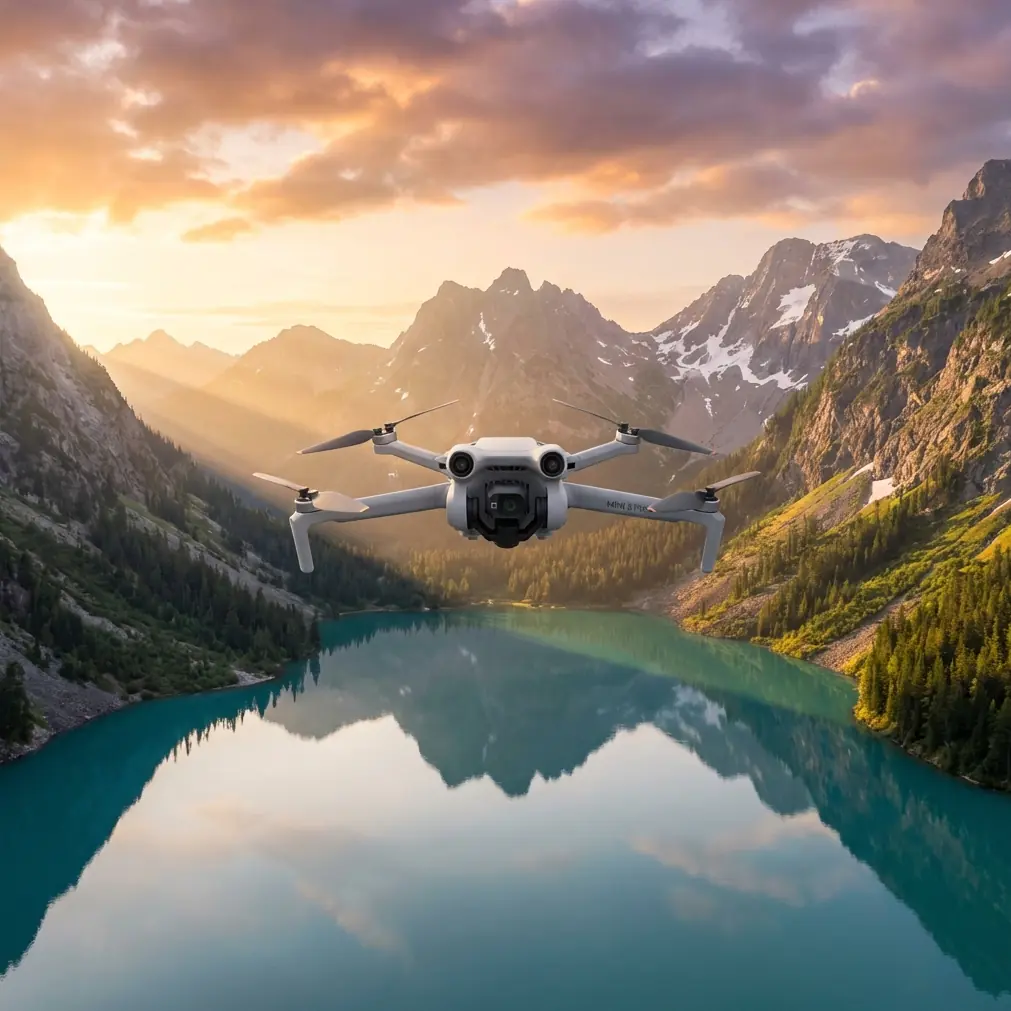
Mini 5 Pro Tracking Guide for Coastal Venues: Altitude, ActiveTrack, and Safer Flight Decisions
META: Learn how to use Mini 5 Pro-style tracking techniques for coastal venues, with practical advice on flight altitude, obstacle avoidance, ActiveTrack, D-Log, QuickShots, and wind-aware shooting strategy.
Coastal venues are beautiful for the same reason they are difficult to film. Open water throws glare into your frame. Sand and concrete reflect light differently. Wind shifts fast around hotels, piers, cliffs, boardwalks, and rooftop event spaces. If you are planning to track movement at a coastal location with a Mini 5 Pro in mind, the real question is not simply whether the drone can follow a subject. It is how to make tracking dependable when the environment keeps changing minute by minute.
I shoot locations where the scene looks simple from the ground and becomes complicated the moment the aircraft leaves your hand. A beach club with a clean shoreline can hide flagpoles, cables, palms, pergolas, and sudden gusts near the venue edge. That is where a small drone platform with obstacle avoidance, ActiveTrack-style subject tracking, QuickShots, Hyperlapse options, and D-Log capture becomes more than a features list. Each of those tools solves a different coastal problem.
This guide is built around one practical goal: tracking people and activity around coastal venues in a way that looks controlled, cinematic, and repeatable.
Start with altitude, not with mode
If you only change one thing in your coastal workflow, change your altitude planning.
Many pilots launch, lock onto a subject, and adjust height only after they see the shot forming. That works in open fields. Around coastal venues, it often produces jumpy footage, weak tracking, or unnecessary collision risk. The better method is to decide your altitude band before you ever engage subject tracking.
For most coastal venue tracking, the strongest starting zone is 8 to 18 meters above ground level, then adjusted by obstacle density and wind behavior. That range matters because it balances three competing needs:
- low enough to preserve intimacy with the subject
- high enough to give obstacle sensors and tracking logic a cleaner read
- far enough above people and structures to avoid abrupt stick corrections
At roughly 8 to 12 meters, the drone usually keeps enough visual separation to track a walking couple, staff movement, a golf cart, or a venue entrance sequence without flattening the scene. You still see pathways, railing geometry, seating patterns, and surf lines. This height is especially useful for boardwalk-adjacent venues or beachfront ceremony setups where you want movement through space, not just a person centered in a frame.
At 12 to 18 meters, tracking becomes more stable when the venue has mixed obstacles such as palms, lamp posts, tent structures, or uneven terrain. This higher band also helps when the shoreline itself creates visual confusion. Foam, wet sand, bright sun reflections, and crowds can all interfere with subject separation. More altitude often gives the tracking system a cleaner top-down angle and a more predictable path.
The mistake is going too high too early. Once you climb beyond the height needed for the story, people become markers instead of subjects. The venue stops feeling alive. You also expose a lightweight drone to stronger wind layers.
So the “best” altitude is not one universal number. It is a band. For coastal venue tracking, begin at 10 to 12 meters, watch subject lock quality, then move higher only if obstacles or background confusion demand it.
Why obstacle avoidance matters more near the coast
Obstacle avoidance is usually discussed as a safety feature. Around coastal venues, it is also a shot-preservation feature.
Here is why. Tracking modes can look confident in open space and then hesitate the second a subject moves near a fence line, decorative arch, tree canopy, umbrella cluster, or terrace edge. That hesitation shows up in footage as tiny braking pulses, sideways detours, or sudden climbs. In a venue setting, those little corrections can ruin a clean follow.
Good obstacle sensing does not mean you should fly aggressively. It means you can build routes with more realistic margins. If a subject will pass from a reception deck to a beach path, for example, do not place the drone at the same height as string lights or canopy edges and hope the sensors sort it out. Set the aircraft above the tallest likely interruption, then use a shallower camera angle to keep the framing intimate.
Operationally, this changes the look of your footage. Instead of the drone making last-second evasive moves, you create a corridor where tracking has room to breathe.
A coastal venue often has “soft obstacles” too, meaning objects that are visually irregular: palms, dune grass, umbrellas, fabric drapes, sail shades. These are harder environments than a single isolated tree because the scene keeps changing as wind moves the surfaces. Extra altitude helps here because the tracking system sees more continuity in the subject path.
ActiveTrack works best when you simplify the scene
Subject tracking is strongest when the drone has a clear idea of two things: who the subject is and where that subject can move next.
Coastal venues complicate both. Similar clothing tones blend into sand and decking. Crowds enter frame unpredictably. Reflections off water can wash contrast away. The result is that ActiveTrack-style modes can hold well for ten seconds, then start drifting once the background gets visually busy.
You can improve tracking reliability without touching a setting by changing your shooting geometry.
Use these three rules:
1. Track diagonally, not directly from behind.
A slight diagonal offset gives the system more subject definition and gives the footage more depth. It also helps preserve venue context: shoreline, architecture, seating layout, and waterline all stay readable.
2. Avoid horizon-heavy framing during the lock-on phase.
If the drone is trying to distinguish a person while the upper half of the frame is bright sky and reflective water, the subject can become less distinct. Lock first with a cleaner background if possible, then expand the composition.
3. Keep subject speed realistic.
Walking pace and controlled vehicle movement are ideal. Fast directional changes near obstacles increase the chance of tracking corrections that look robotic.
This is where many QuickShots fail in coastal settings. The move itself may be beautiful, but if you trigger it without considering wind direction, crowd movement, and reflective surfaces, the automated sequence can prioritize completing the pattern over preserving the cleanest story moment. QuickShots are best treated as short, pre-visualized inserts, not your primary tracking method.
The smartest coastal tracking route is usually crosswind
Pilots often think first about whether wind is strong. The better question is where the wind is strongest and how it changes across the venue.
Near the coast, the wind at hand-launch height can feel manageable while the air 15 to 20 meters up behaves very differently. Buildings create spillover. Cliffs create rotor effects. Open-water wind accelerates into gaps between structures.
For tracking, a crosswind route is often more stable and more cinematic than flying straight into or away from the wind. Why?
- forward motion stays more consistent
- the drone avoids exaggerated nose-up or braking behavior
- subject speed appears natural
- lateral background movement adds visual energy
If you follow a subject straight toward the sea in a headwind, the aircraft may fight for position and produce tiny corrections throughout the shot. If you follow the same subject along the coastline with the wind crossing the route, the move usually reads smoother.
This ties directly back to altitude. A route that is stable at 10 meters may become noticeably rough at 20 meters because the wind layer changes. If the shot works lower, stay lower. Coastal filming rewards restraint.
D-Log is useful here for one specific reason
D-Log or any flatter profile tends to attract broad advice, but for coastal venue tracking its biggest value is simple: it helps hold detail across hard contrast transitions.
Think about a tracking shot that moves from a shaded terrace to bright sand, then brings water into frame. That is exactly the kind of scene where highlights can clip fast, especially around midday or late-afternoon reflective angles. A flatter profile gives you more room to shape those transitions later.
The operational significance is not academic. If your subject is framed correctly but the water turns into a hard white patch or the venue facade loses texture, the shot feels cheap even if the movement was excellent.
That said, D-Log is not a substitute for good timing. If glare is severe, change the route or the launch window. Coastal light can become unworkable faster than many pilots expect, especially when white venue surfaces, glass, and water all enter the same frame.
Hyperlapse is not just for establishing shots
At coastal venues, Hyperlapse can do more than create a wide opener. It can show venue flow in a way normal tracking cannot.
For example, if you are documenting setup progression at a seaside event space, a carefully planned Hyperlapse from a stable height can reveal staff movement, weather shifts, tide behavior, and how guests begin occupying the venue. That context makes your ActiveTrack shots feel more intentional when they appear later.
The key is not to force Hyperlapse into the same role as subject tracking. Use it to describe the environment. Use tracking to describe experience inside that environment.
When those roles are separated, your edit breathes better.
A practical coastal workflow for Mini 5 Pro-style tracking
Here is the sequence I recommend when arriving at a venue:
First, walk the route without launching. Identify the tallest hard obstacle, the messiest reflective zone, and the windiest edge. These are usually three different places.
Second, choose one “safe tracking lane.” This is your default path, the route you know you can repeat. Around coastal venues, repeatability is everything.
Third, launch and hover briefly at two heights, usually around 10 meters and 16 meters. Watch drift, not just stability warnings. The difference tells you where the cleaner air is.
Fourth, test a short ActiveTrack pass with a subject moving at natural speed. Do not use your hero moment as the test clip.
Fifth, capture your reliable tracking passes before experimenting with QuickShots or more complex moves. Coastal conditions rarely improve as time passes.
That workflow sounds basic, but it prevents the biggest mistake I see: burning battery and focus on flashy automated moves before securing the clean shot that actually tells the story.
Best practices for real venue scenarios
If you are tracking a couple walking from venue entrance to shoreline, stay in the 10 to 12 meter zone and offset diagonally. Keep enough angle to show their path, not just their heads and shoulders.
If you are following guests or staff along a boardwalk or pool edge, increase height slightly to clear railings, umbrellas, and decorative structures. This is often where 12 to 15 meters works better than lower flight.
If the venue includes a rooftop deck near the coast, be conservative. Wind behavior around roof edges can be deceptive. Shorter passes are usually cleaner than long commitment shots.
If the background is visually chaotic, simplify. Choose one subject, one movement direction, one clear destination. Tracking technology performs best when the pilot edits the scene before recording.
If you need help planning a route or comparing tracking setups for a specific venue, you can message me here.
The bigger takeaway
Mini 5 Pro interest tends to center on headline features like obstacle avoidance, ActiveTrack, QuickShots, Hyperlapse, and D-Log. Around coastal venues, those features matter less as isolated specs than as parts of a system.
Obstacle avoidance gives you routing confidence. ActiveTrack gives you continuity. QuickShots give you short-form visual punctuation. Hyperlapse gives you environmental context. D-Log helps protect difficult light. But none of them rescue poor altitude choices or lazy route planning.
If you want better results in this scenario, focus on altitude first. For most coastal venue tracking, start around 10 to 12 meters, climb only when obstacle density requires it, and avoid chasing dramatic height unless the composition truly benefits. That single discipline improves tracking stability, reduces awkward avoidance behavior, preserves subject presence, and keeps the venue readable in frame.
That is what separates footage that merely follows a person from footage that explains a place.
Ready for your own Mini 5 Pro? Contact our team for expert consultation.