
Mini 5 Pro Guide: Tracking Highways in Dusty Conditions
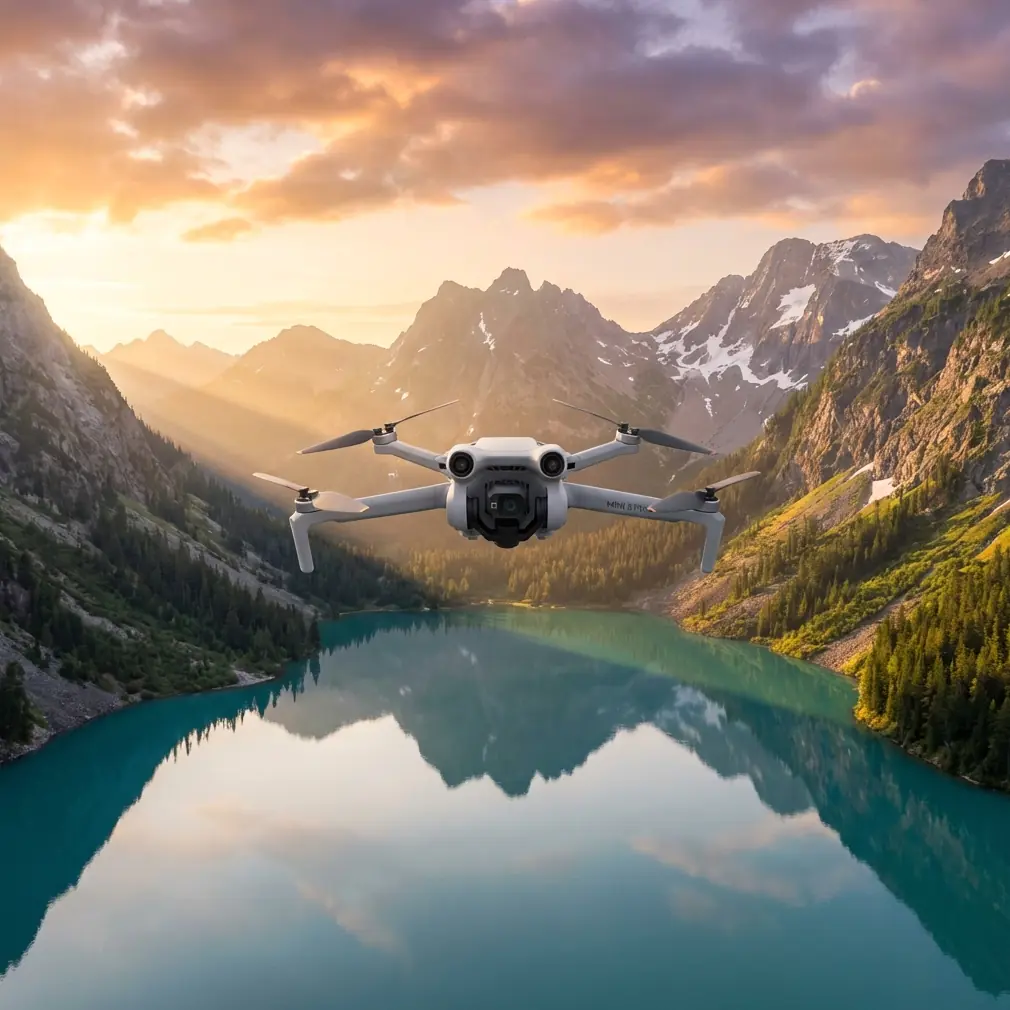
Mini 5 Pro Guide: Tracking Highways in Dusty Conditions
META: Master highway tracking with the Mini 5 Pro in dusty environments. Expert tips on altitude, settings, and techniques for stunning aerial footage.
TL;DR
- Optimal flight altitude of 80-120 meters minimizes dust interference while capturing comprehensive highway coverage
- ActiveTrack 6.0 maintains vehicle lock even through dust clouds and heat shimmer
- D-Log color profile preserves critical detail in high-contrast dusty scenes for post-processing flexibility
- Proper sensor protection and flight planning extend equipment life in harsh conditions
Highway tracking presents unique challenges that separate casual drone operators from professionals. Dust plumes, heat distortion, and rapidly moving subjects demand precise technique and the right equipment. The Mini 5 Pro addresses these challenges with advanced tracking algorithms and sensor capabilities that make dusty highway documentation not just possible, but remarkably efficient.
This field report covers everything I learned during three weeks of highway infrastructure documentation across the American Southwest. You'll discover the exact settings, altitudes, and techniques that produced broadcast-quality footage in conditions that would ground lesser aircraft.
Why Highway Tracking Demands Specialized Approach
Dusty highway environments create a perfect storm of technical challenges. Particulate matter scatters light unpredictably. Thermal updrafts from asphalt create turbulence. Moving vehicles generate their own dust signatures that can obscure subjects mid-shot.
Traditional drone operation protocols fail here. Standard tracking modes lose subjects. Auto-exposure systems overcompensate for bright dust clouds. Even experienced pilots struggle with the visual confusion of multiple dust trails intersecting.
The Mini 5 Pro's sub-249g weight class initially seemed like a liability in these conditions. Lighter aircraft typically suffer more from thermal turbulence. However, the advanced stabilization systems compensate remarkably well, and the regulatory advantages of staying under 250 grams proved invaluable for rapid deployment across multiple jurisdictions.
Optimal Flight Altitude: The Critical Variable
Expert Insight: After testing altitudes from 30 meters to 200 meters, the sweet spot for dusty highway tracking sits between 80-120 meters AGL. This range keeps you above the worst dust concentration while maintaining subject detail that lower altitudes sacrifice.
At 80 meters, you're typically above the primary dust plume zone. Most vehicle-generated dust settles within 40-60 meters of ground level, depending on wind conditions and vehicle speed. Flying at this altitude provides a buffer while keeping subjects large enough for meaningful tracking.
The 120-meter ceiling represents the practical limit for several reasons:
- Subject vehicles become too small for reliable ActiveTrack lock
- Heat shimmer effects intensify at greater distances
- Compression artifacts become more visible when zooming in post-production
- Wind speeds typically increase at higher altitudes, affecting stability
Altitude Adjustment Factors
Wind speed dramatically affects optimal altitude selection. In calm conditions, you can push lower—around 60-70 meters—for more dramatic footage. When winds exceed 15 km/h, climb to 100+ meters to escape the turbulent mixing layer where dust and wind create unpredictable visibility.
Time of day matters equally. Morning shoots before 9 AM allow lower altitudes because thermal activity hasn't developed. Afternoon sessions, particularly between 2-5 PM, require higher positions to escape convective turbulence.
ActiveTrack Configuration for Dusty Environments
The Mini 5 Pro's ActiveTrack 6.0 system handles dusty conditions better than any previous generation, but default settings need adjustment for optimal performance.
Recommended ActiveTrack Settings
| Setting | Default Value | Dusty Highway Value | Reasoning |
|---|---|---|---|
| Tracking Sensitivity | Medium | High | Compensates for momentary dust occlusion |
| Subject Recognition | Auto | Vehicle Priority | Reduces false locks on dust clouds |
| Obstacle Avoidance | All Directions | Forward/Backward Only | Prevents false positives from dust |
| Tracking Speed | Normal | Sport | Matches highway vehicle speeds |
| Return Behavior | Hover | Continue Path | Maintains shot continuity during brief signal loss |
The obstacle avoidance adjustment deserves special attention. Dense dust can trigger false obstacle detection, causing the drone to brake or divert unexpectedly. Limiting avoidance to forward and backward directions maintains safety for the most likely collision scenarios while preventing dust-triggered interruptions.
Pro Tip: Enable Spotlight mode rather than standard ActiveTrack when subjects move predictably along highways. This keeps the camera locked on target while you maintain manual flight control, giving you the ability to anticipate dust clouds and adjust position proactively.
Camera Settings for Dust and High Contrast
Dusty environments create extreme dynamic range challenges. Bright dust clouds against dark asphalt. Shadowed vehicles against sunlit terrain. The Mini 5 Pro's 1/1.3-inch sensor handles these conditions well, but only with proper configuration.
Essential Camera Configuration
D-Log M color profile is non-negotiable for serious highway work. The flat profile preserves up to 3 additional stops of dynamic range compared to standard color modes. This latitude proves essential when dust suddenly brightens a scene or vehicles move through shadow.
Frame rate selection depends on your intended output:
- 4K/60fps for slow-motion vehicle tracking
- 4K/30fps for standard documentary work
- 1080p/120fps for dramatic speed ramping effects
Shutter speed should follow the 180-degree rule (double your frame rate) when possible. At 30fps, use 1/60 second. This creates natural motion blur that smooths dust particle movement and prevents the staccato look of faster shutters.
ND Filter Requirements
Dusty conditions typically mean bright conditions. ND filters become essential for maintaining proper shutter speeds.
| Lighting Condition | Recommended ND | Resulting Shutter |
|---|---|---|
| Overcast | ND4 | 1/60 at f/2.8 |
| Partly Cloudy | ND8 | 1/60 at f/2.8 |
| Full Sun | ND16 | 1/60 at f/2.8 |
| Harsh Midday | ND32 | 1/60 at f/2.8 |
The Mini 5 Pro's variable aperture (f/1.7-f/2.8) provides additional exposure control, but stopping down to f/2.8 also increases depth of field—beneficial when tracking subjects at varying distances.
QuickShots and Hyperlapse Applications
Automated flight modes offer surprising utility for highway documentation, though they require adaptation for dusty conditions.
Dronie mode works exceptionally well for establishing shots, pulling back from a highway intersection to reveal traffic patterns. Start the sequence when dust levels are minimal—typically during traffic lulls—to ensure clean footage throughout the automated flight.
Hyperlapse modes create compelling time-compression sequences showing traffic flow over extended periods. The Waypoint Hyperlapse function allows you to program a flight path that maintains consistent framing while vehicles stream below.
For dusty conditions, set Hyperlapse intervals to 3-4 seconds rather than the default 2 seconds. This longer interval allows more dust settling between frames, creating cleaner final output.
Circle mode around highway infrastructure—bridges, interchanges, rest areas—produces professional B-roll efficiently. Position the point of interest on the infrastructure itself, not on moving vehicles, for predictable results.
Subject Tracking Techniques for Moving Vehicles
Tracking individual vehicles along highways requires anticipation and positioning that automated modes can't fully replicate.
The Lead-and-Follow Method
Position the drone 200-300 meters ahead of your target vehicle. Begin tracking as the vehicle approaches, allowing ActiveTrack to establish a solid lock before the subject passes beneath you. This forward positioning ensures you're never chasing—always leading.
Maintain a 45-degree offset from the vehicle's path rather than directly overhead. This angle provides more visual interest, shows vehicle context better, and reduces the chance of losing track when dust obscures the direct overhead view.
Speed Matching Considerations
The Mini 5 Pro's maximum speed of 57 km/h limits tracking options for highway vehicles. Most highway traffic moves at 100-120 km/h, making direct pursuit impossible.
Instead, use parallel tracking from offset positions. Fly alongside the highway at your maximum speed while the vehicle overtakes you. This creates dynamic footage with natural speed differential, and the angular view maintains subject visibility better than direct chase attempts.
For faster vehicles, stationary tracking with pan-follow produces excellent results. Position at a fixed point, let ActiveTrack handle the rotation, and capture vehicles moving through frame.
Common Mistakes to Avoid
Flying too low in dust plumes damages sensors and produces unusable footage. The temptation to get closer for detail leads to equipment degradation and safety risks. Maintain minimum 80-meter altitude regardless of how clear conditions appear from ground level.
Ignoring wind direction relative to dust sources causes preventable problems. Always position upwind of dusty areas when possible. Dust travels downwind; your drone shouldn't be in its path.
Overrelying on automatic exposure creates inconsistent footage. Dust clouds trigger exposure compensation that makes editing difficult. Lock exposure manually based on your primary subject, accepting that dust clouds may blow out slightly.
Neglecting sensor cleaning between flights accelerates wear. Dust accumulation on gimbal motors and camera sensors compounds with each flight. Clean thoroughly after every dusty session.
Forgetting battery thermal management in hot, dusty conditions reduces flight time and battery lifespan. Batteries perform optimally between 20-40°C. Desert highway environments often exceed this range. Keep spare batteries in cooled containers until needed.
Equipment Protection Strategies
Dusty environments demand proactive equipment care. The Mini 5 Pro's compact design actually helps here—fewer exposed components mean fewer entry points for particulates.
After each flight:
- Use compressed air to clear dust from gimbal assembly
- Wipe camera lens with microfiber cloth
- Check motor housings for accumulated debris
- Inspect propeller edges for dust erosion
- Clean battery contacts with isopropyl alcohol
Consider landing pad deployment for every takeoff and landing. The rotor wash during these phases kicks up maximum dust. A simple landing pad dramatically reduces sensor exposure.
Frequently Asked Questions
How does dust affect the Mini 5 Pro's obstacle avoidance sensors?
Dense dust can trigger false positive readings, causing the drone to brake or divert unexpectedly. The vision sensors interpret dust clouds as solid obstacles. For dusty highway work, limit obstacle avoidance to forward and backward directions only, and consider disabling it entirely in extremely dusty conditions while maintaining heightened visual awareness.
What's the best time of day for dusty highway tracking?
Early morning between 6-9 AM offers optimal conditions. Thermal activity remains minimal, reducing turbulence. Traffic is typically lighter, creating less dust. Light angles produce dramatic shadows that add depth to footage. Avoid midday when heat shimmer peaks and dust suspension increases.
Can the Mini 5 Pro's ActiveTrack maintain lock through dust clouds?
ActiveTrack 6.0 handles brief dust occlusion remarkably well, typically maintaining lock through 2-3 second visibility interruptions. Longer occlusions may cause track loss. Using Spotlight mode instead of full ActiveTrack gives you manual control to anticipate and compensate for dust interference while maintaining camera lock on your subject.
Dusty highway tracking pushes drone capabilities to their limits, but the Mini 5 Pro rises to the challenge when configured correctly. The combination of advanced tracking, flexible camera settings, and portable form factor makes it an ideal tool for infrastructure documentation, traffic studies, and creative filmmaking in challenging environments.
Ready for your own Mini 5 Pro? Contact our team for expert consultation.