
Mini 5 Pro in Windy Forests: Practical Tracking Tactics
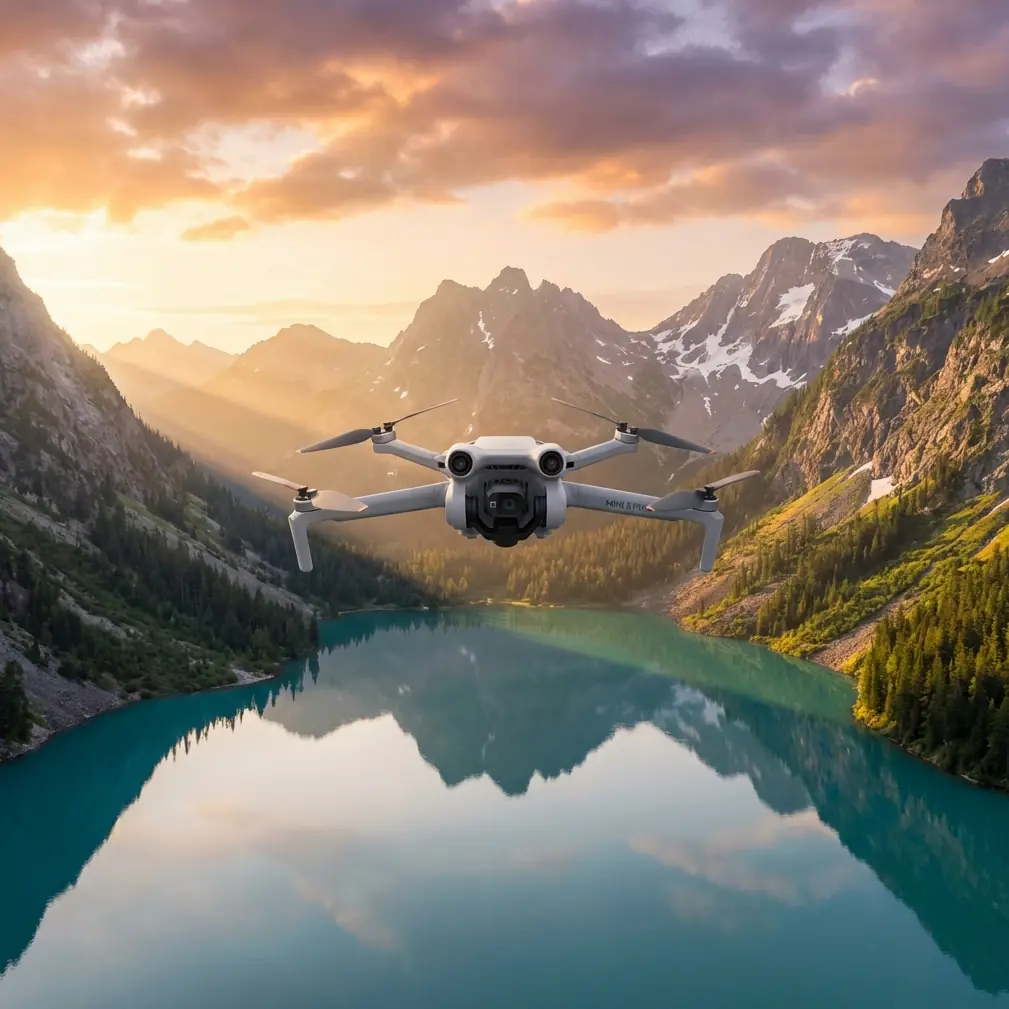
Mini 5 Pro in Windy Forests: Practical Tracking Tactics That Actually Hold Up
META: A field-focused Mini 5 Pro tracking guide for windy forest flights, covering obstacle avoidance, ActiveTrack behavior, antenna positioning, D-Log setup, and safer filming workflow.
Tracking a subject through a forest sounds simple until the air starts moving.
Wind changes everything. Tree canopies create turbulence. Branches break line of sight. GPS can stay solid while video transmission gets messy. And if you are flying a sub-250 g style platform such as the Mini 5 Pro class, small setup mistakes show up fast.
That is why a good forest-tracking workflow is less about raw speed and more about discipline. You need to think about how obstacle avoidance reacts in tight spaces, how ActiveTrack behaves when the subject disappears behind trunks, how your antenna direction affects link quality, and when to stop trying to force a cinematic shot that the environment simply does not support.
This guide is built around that real scenario: tracking in forests when the wind is active, not on a calm open field.
The actual problem with windy forest tracking
Most pilots blame one thing when a shot fails. Usually the drone. Sometimes the tracking mode. Often the wind.
In practice, it is the combination.
A forest creates three separate challenges at once:
Irregular wind flow
Wind near the treetops is rarely the same as wind below the canopy. A drone can move from relatively calm air into a pocket of lateral gusts in seconds.Obstacle density
Trees do not form clean walls. They create a shifting maze of trunks, thin branches, leaves, and partial openings. That matters because obstacle avoidance can detect some objects well and handle others less confidently, especially when lighting, branch size, and closure speed all vary.Broken visibility for tracking
Subject tracking works best when the aircraft can maintain a clear, predictable view of the target. Forests constantly interrupt that view. A cyclist, hiker, surveyor, or ranger may vanish behind foliage for a moment, then reappear at a new angle.
The Mini 5 Pro is attractive here because the feature set people expect in this line classically points in the right direction: obstacle avoidance, ActiveTrack-style subject tracking, QuickShots, Hyperlapse, and D-Log capture. But these features only pay off when the pilot adjusts the flight plan to the terrain.
Start with the shot that the forest allows
A lot of poor outcomes begin with the wrong creative assumption. Pilots imagine a long, low, aggressive chase through dense trees. In windy conditions, that is often the least stable option.
The better move is to let the forest dictate the geometry.
For example:
- Use edge tracking along a trail, stream, fire road, or tree-line break rather than deep interior pursuit.
- Favor slightly higher and offset angles instead of tailing directly behind the subject at branch level.
- Keep the aircraft where obstacle avoidance has cleaner forward and lateral reads.
- Build the shot from short linked segments rather than one continuous run.
That sounds less exciting on paper. It usually looks better in the edit.
Why? Because wind correction is easier when the drone has more lateral breathing room. ActiveTrack also performs more reliably when the target stays framed against a clearer background instead of being swallowed by visual clutter.
What obstacle avoidance can and cannot save you from
Obstacle avoidance is one of the biggest reasons pilots look at a Mini 5 Pro for this kind of work. It matters, but not in the way many people hope.
It is not a permission slip to fly recklessly between trunks.
In a forest, obstacle avoidance is most useful as a buffer against misjudgment, not as your primary navigation method. Thin branches, leaf clusters, and partially obscured paths can confuse any small-camera perception system. Add wind drift and closing speed, and the margin gets thinner.
Operationally, that means:
- Leave extra stand-off distance from branches even when the path looks clear.
- Treat avoidance alerts as confirmation, not discovery. You should already be seeing the hazard.
- Reduce forward speed before entering denser sections. Avoidance systems do better when they have time.
- Expect behavior changes when light levels drop under canopy cover.
This is especially relevant for forest monitoring, conservation documentation, and trail-follow filming. In those civilian workflows, the objective is usually repeatable data or stable footage, not a dramatic near-miss through foliage.
If you are mapping tree condition, checking trail access, or following a ranger on foot, a conservative route usually produces more usable footage than a flashy one.
ActiveTrack in the woods: keep the subject visible, not heroic
Subject tracking is only as good as your framing discipline.
ActiveTrack-style modes are extremely useful for following hikers, cyclists, or field teams through mixed terrain. In forests, the failure point is not usually initial lock. It is subject interruption. A person slips behind a trunk, passes through dappled light, or changes direction sharply at the same time the drone gets nudged by a gust.
That is where many flights become messy.
To improve reliability:
1. Track from offset, not directly behind
A slight side-rear angle often gives the camera a cleaner, more continuous visual on the subject. Direct rear pursuit in dense forest invites occlusion from every trunk on the trail centerline.
2. Increase subject separation
Pilots often get too close because they want impact. In trees, that reduces reaction time for both tracking and avoidance. Give the aircraft space to absorb small wind corrections.
3. Use predictable subject movement
Tracking works best when the subject moves steadily. If you are filming a forestry worker, trail runner, or inspection team member, ask for smooth pace changes and wider turns where possible.
4. Reset before the lock gets ugly
If the subject is about to disappear into denser cover, it is often smarter to stop, climb slightly, reacquire, and start a new segment than to hope the aircraft guesses correctly.
This is one of the most underappreciated truths about autonomous tracking: the best pilots interrupt it early. They do not wait for a near-loss event.
Wind management: fly lower only when the geometry is cleaner
People often say to stay low in wind. In a forest, that advice is incomplete.
Yes, lower altitude can reduce exposure to stronger air above the canopy. But under the trees, airflow can become chaotic. Gusts bounce, curl, and squeeze through gaps. The result is not always calmer, just more irregular.
So the question is not “higher or lower?” It is “where is the air more predictable relative to obstacles?”
A practical method:
- Do one non-tracking reconnaissance pass first.
- Watch how the aircraft holds position near trail openings, canopy gaps, and tighter corridors.
- Identify the section where drift is smallest and visibility is best.
- Put the tracked segment there, even if it is shorter than planned.
This matters for forest monitoring flights as much as for filming. If your purpose is documenting canopy change, erosion, or access routes, stable positioning in a short useful section is worth far more than a longer unstable run.
Antenna positioning advice for maximum range and a cleaner link
This is the detail many pilots skip until signal quality starts dropping.
In wooded areas, transmission performance suffers quickly because trees absorb and scatter signal. Wind can also rotate the aircraft during corrections, changing link quality in small but noticeable ways. If you want the best range and the cleanest live view, antenna positioning on the controller matters.
The rule is simple: do not point the tips of the antennas at the drone.
For strongest performance, orient the flat sides of the antennas toward the aircraft. Think of the antenna face presenting a broad surface to the drone, not a spear tip. If the drone is far ahead at roughly your height, keep the antennas upright so their sides face forward. If the drone is significantly above you, angle them to maintain that side-on relationship.
That matters operationally in forests for two reasons:
- Video feed stability: a cleaner feed makes it easier to judge branch clearance and subject framing.
- Control confidence: when signal drops in tree cover, pilots tend to overcorrect. Better antenna alignment reduces the chance of turning a minor link fluctuation into a bad flight decision.
Also keep your own body position in mind. Do not stand behind a vehicle, metal fence, rock wall, or dense trunk cluster and expect ideal performance. Move to a small clearing or trail opening where you preserve direct line of sight as long as possible.
If you need route-specific setup advice for your terrain, this direct field contact is often the fastest way to compare notes: message the flight team here.
QuickShots and Hyperlapse are useful here, but only in the right spaces
QuickShots and Hyperlapse are often treated as “extra” features. In windy forests, they can actually solve a problem if you use them selectively.
QuickShots
Automated shot patterns can work well at forest edges, clearings, ridgelines, and trailheads where obstacle spacing is more forgiving. They are less suited to dense interior canopy corridors. The benefit is repeatability. If you need a clean establishing shot before entering the woods, a controlled automated move can be more consistent than a rushed manual orbit in gusts.
Hyperlapse
Hyperlapse has real value for showing movement through changing weather, cloud shadow over canopy, or activity around a worksite near wooded terrain. But the strongest forest Hyperlapses are usually not the risky moving ones. They are often stable elevated compositions where the changing scene does the work.
If your goal is environmental storytelling rather than pure pursuit footage, those modes expand what the Mini 5 Pro can contribute without forcing it into the narrowest spaces.
D-Log is not just for colorists
D-Log is one of those features that gets mentioned as if everyone already knows why it matters. In forests, it matters because lighting is ugly.
You are dealing with bright sky holes, dark understory, reflective leaves, and subjects moving in and out of sun patches. A flatter recording profile such as D-Log gives you more room to recover highlight and shadow detail in post. That can make the difference between useful footage and a sequence where trunks turn into black blocks while the sky blows out.
The operational significance is straightforward:
- For inspection and documentation, more recoverable detail can help preserve information in mixed-light scenes.
- For creative edits, D-Log reduces the harsh contrast shifts common in canopy environments.
- For multi-shot sequences, it gives you a better starting point for matching clips captured under changing cloud and wind conditions.
Just remember that D-Log is most valuable when exposure is controlled sensibly in the field. It is not a rescue button for poor judgment.
A simple forest workflow that works
If I were flying a Mini 5 Pro for a windy forest tracking assignment, I would keep the sequence tight:
Pre-flight
- Check wind not just at launch point, but relative to canopy height and trail direction.
- Identify clear recovery zones.
- Choose one primary tracking lane and one fallback lane.
First lift
- Hover and watch drift.
- Do a short manual pass with no tracking engaged.
- Test signal quality and confirm antenna orientation.
Tracking segment
- Start with ActiveTrack on an offset line.
- Keep speed moderate.
- Abort early if the subject is repeatedly occluded.
Secondary captures
- Take a higher safety shot.
- Capture one static or slow Hyperlapse if the environment supports it.
- Record a clean establishing clip in D-Log at the forest edge or clearing.
Wrap
- Review footage before leaving. Windy forest flights often look different on screen than they did in the moment.
That final review matters more than people think. A shot that felt unstable may be usable. A shot that looked smooth on the controller may reveal branch proximity or compression artifacts later.
The smarter goal: repeatable results
The Mini 5 Pro conversation often gets pulled toward specs, but windy forest tracking is really about repeatability.
Can you return with stable footage from the same trail next week? Can you follow a forestry crew without losing the subject every minute? Can you document canopy conditions while keeping safe distance from obstacles? Can you maintain a reliable link because your antenna position and pilot location were chosen deliberately?
Those questions matter more than whether the aircraft can technically perform a flashy move once.
In this environment, the winning approach is boring in the best sense. Better spacing. Cleaner lines. Earlier resets. Smarter antenna orientation. Controlled use of obstacle avoidance. ActiveTrack with discipline, not blind faith.
That is how a compact drone becomes genuinely useful in the woods, especially when the wind is trying to make every decision for you.
Ready for your own Mini 5 Pro? Contact our team for expert consultation.