
How to Track Coastlines in Low Light with Mini 5 Pro
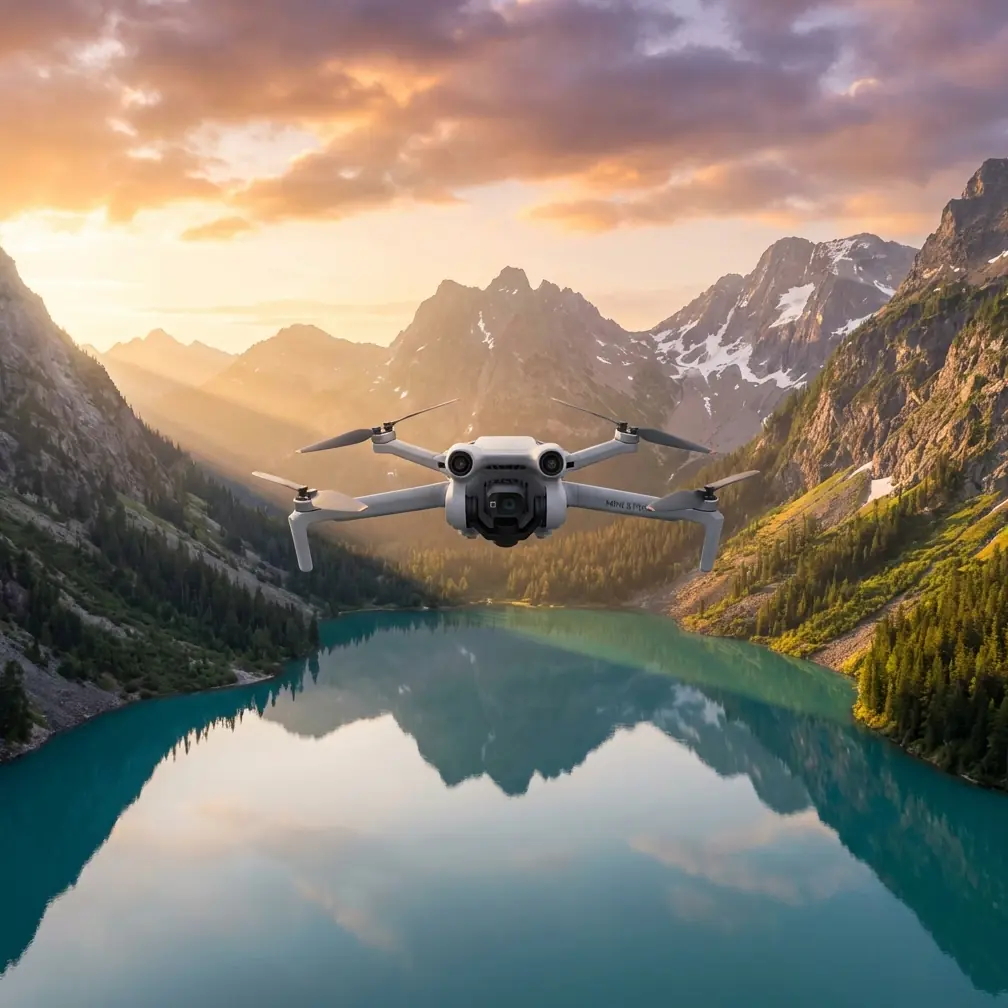
How to Track Coastlines in Low Light with Mini 5 Pro
META: Master low-light coastline tracking with the DJI Mini 5 Pro. Learn optimal altitudes, camera settings, and ActiveTrack techniques for stunning coastal footage.
TL;DR
- Fly between 15-30 meters altitude for optimal coastline tracking in low light conditions
- Use D-Log color profile with ISO 400-800 to capture maximum dynamic range during golden hour and twilight
- Enable ActiveTrack 6.0 with obstacle avoidance for safe, automated coastal following
- Set shutter speed to double your frame rate and use ND filters to maintain cinematic motion blur
Coastline tracking during golden hour and twilight separates amateur drone footage from professional cinematography. The Mini 5 Pro's 1-inch CMOS sensor and advanced tracking capabilities make it the ideal tool for capturing dramatic shoreline sequences—but only if you understand the specific techniques required for low-light coastal environments.
This comprehensive tutorial walks you through every setting, altitude consideration, and tracking method needed to capture breathtaking coastline footage when light levels drop.
Why Low-Light Coastline Tracking Demands Specialized Techniques
Coastal environments present unique challenges that intensify as daylight fades. You're dealing with constantly moving subjects (waves, wildlife, boats), reflective water surfaces that confuse sensors, and rapidly changing light conditions.
The Mini 5 Pro addresses these challenges with its f/1.7 aperture lens, which gathers 2.3 times more light than previous Mini series drones. Combined with the larger sensor, you gain approximately 2 stops of additional light sensitivity—the difference between grainy, unusable footage and clean, professional results.
Understanding Coastal Light Behavior
Water reflects ambient light differently than land. During twilight, the ocean often appears 0.5 to 1 stop brighter than surrounding terrain due to sky reflection. This creates exposure challenges when tracking subjects that move between water and shoreline.
The Mini 5 Pro's dual-native ISO sensor handles these transitions smoothly, maintaining detail in both highlights (water reflections) and shadows (rocky outcrops, vegetation).
Optimal Flight Altitude for Coastline Tracking
Expert Insight: The sweet spot for coastline tracking sits between 15-30 meters altitude. Lower than 15 meters risks obstacle collision with unexpected wave surges and coastal debris. Higher than 30 meters loses the intimate connection with the shoreline that makes tracking shots compelling.
Here's how altitude affects your coastal footage:
| Altitude Range | Best Use Case | Tracking Difficulty | Visual Impact |
|---|---|---|---|
| 5-15m | Dramatic wave close-ups | High (obstacle risk) | Intense, immersive |
| 15-30m | Subject tracking along shore | Medium | Balanced, cinematic |
| 30-50m | Wide coastal reveals | Low | Expansive, contextual |
| 50m+ | Establishing shots | Very Low | Geographic, documentary |
For active subject tracking (surfers, kayakers, wildlife), maintain 20-25 meters. This altitude provides enough clearance for the obstacle avoidance system to react while keeping your subject prominent in frame.
Camera Settings for Low-Light Coastal Excellence
D-Log Configuration
Switch to D-Log M color profile before your flight. This flat color profile preserves 12.3 stops of dynamic range, capturing detail in bright water reflections and shadowed cliff faces simultaneously.
Configure these settings as your starting point:
- Resolution: 4K at 30fps (or 24fps for cinematic look)
- Color Profile: D-Log M
- ISO: 400 (base) to 800 (maximum for clean footage)
- Shutter Speed: 1/60 for 30fps, 1/50 for 24fps
- White Balance: 5600K (or match to ambient conditions)
- Sharpness: -1 (reduces noise visibility)
ND Filter Selection for Twilight
Even in low light, you'll need ND filters to maintain proper shutter speed for motion blur. The 180-degree shutter rule (shutter speed = double your frame rate) creates natural-looking motion in waves and moving subjects.
For twilight coastal tracking:
- ND4: Bright golden hour, sun still visible
- ND8: Late golden hour, sun below horizon
- ND2 or Clear: Deep twilight, minimal ambient light
Pro Tip: Carry a full ND filter set during coastal shoots. Light levels can drop 2-3 stops within 15 minutes during twilight, requiring quick filter changes between flights.
Mastering ActiveTrack 6.0 for Coastal Subjects
The Mini 5 Pro's ActiveTrack 6.0 represents a significant leap in subject recognition and tracking stability. For coastline work, you'll primarily use two modes:
Trace Mode
The drone follows behind or in front of your subject at a set distance. Ideal for:
- Runners on beaches
- Cyclists on coastal paths
- Boats moving parallel to shore
Set your following distance to 8-12 meters for intimate tracking shots. The system maintains this distance while the obstacle avoidance sensors monitor for unexpected obstacles.
Parallel Mode
The drone flies alongside your subject, keeping them centered in frame. This mode excels for:
- Surfers riding waves
- Kayakers paddling along coastline
- Wildlife moving along shorelines
Parallel tracking requires more lateral space, so ensure you're flying in areas with at least 50 meters of clearance from cliffs, trees, or structures.
Obstacle Avoidance Configuration for Coastal Safety
The Mini 5 Pro features omnidirectional obstacle sensing with a detection range of 0.5 to 40 meters. Coastal environments demand specific configuration:
Recommended Settings
- Obstacle Avoidance: Bypass (allows drone to navigate around obstacles while maintaining tracking)
- Braking Distance: Medium (balances safety with tracking responsiveness)
- Return-to-Home Altitude: Set 20 meters above highest coastal obstacle
Coastal-Specific Hazards
Be aware of obstacles the sensors may struggle to detect:
- Thin power lines along coastal roads
- Fishing lines from pier anglers
- Transparent surfaces like glass barriers on observation decks
- Fast-moving birds (seagulls, pelicans)
Fly a manual reconnaissance pass before enabling ActiveTrack to identify potential hazards along your planned tracking route.
QuickShots for Automated Coastal Sequences
When you need reliable, repeatable shots without manual piloting, QuickShots deliver professional results:
Helix
The drone spirals upward while keeping your subject centered. Start at 10 meters altitude and set the spiral to climb to 40 meters for dramatic coastal reveals.
Rocket
Vertical ascent while camera tilts down. Position over a subject on the beach, then execute for a powerful establishing shot that reveals the coastline context.
Circle
Orbits around a fixed point. Use this around lighthouses, rock formations, or stationary subjects for 360-degree coastal panoramas.
Creating Hyperlapse Sequences Along Coastlines
The Mini 5 Pro's Hyperlapse mode transforms lengthy coastal stretches into compressed time-lapse sequences. For low-light conditions:
Waypoint Hyperlapse Settings
- Interval: 3-5 seconds between shots
- Duration: Minimum 30 minutes for smooth results
- Speed: 0.5-1 m/s maximum
- Photo Format: JPEG + RAW for maximum post-processing flexibility
Set 4-6 waypoints along your coastline route, ensuring each waypoint has clear line-of-sight to the next. The drone will automatically calculate the smoothest flight path.
Expert Insight: For twilight Hyperlapse, start your sequence 45 minutes before sunset and continue through blue hour. The resulting footage compresses a 90-minute light transition into a mesmerizing 10-15 second clip.
Common Mistakes to Avoid
Flying too low during wave surges: Coastal waves can surge 3-5 meters higher than average during sets. Maintain minimum 15-meter altitude near active surf.
Ignoring wind patterns: Coastal areas experience thermal winds that shift dramatically at sunset. Check wind forecasts and monitor battery consumption—headwinds can reduce flight time by 30%.
Overexposing water surfaces: The bright, reflective ocean tricks auto-exposure. Use spot metering on your subject rather than evaluative metering.
Neglecting lens cleaning: Salt spray accumulates on the lens within minutes near breaking waves. Carry microfiber cloths and clean between every flight.
Tracking subjects into no-fly zones: Many coastlines border restricted airspace (military installations, wildlife preserves). Pre-plan your tracking routes using airspace apps.
Frequently Asked Questions
What's the maximum wind speed for safe coastal tracking with the Mini 5 Pro?
The Mini 5 Pro handles winds up to 10.7 m/s (Level 5). For stable tracking footage, limit flights to 8 m/s or below. Coastal winds often gust 2-3 m/s above reported averages, so build in a safety margin.
How do I prevent the ActiveTrack from losing my subject against water backgrounds?
Ensure your subject wears high-contrast clothing (bright colors against dark water, or vice versa). The tracking algorithm relies on visual differentiation. If tracking drops, tap your subject on screen to re-acquire.
Can I track subjects during actual nighttime, not just twilight?
The Mini 5 Pro lacks dedicated night vision, but its f/1.7 aperture allows usable footage up to 30 minutes after sunset in clear conditions. Beyond this, you'll need artificial lighting on your subject for the tracking system to maintain lock.
Coastline tracking in low light rewards preparation and patience. The Mini 5 Pro provides the sensor capability, tracking intelligence, and obstacle awareness needed for professional results—your job is understanding how to deploy these tools effectively.
Start with the 20-meter altitude baseline, configure D-Log for maximum dynamic range, and let ActiveTrack handle the complex flight path while you focus on composition. With practice, you'll capture coastal footage that rivals productions with crews and budgets ten times your size.
Ready for your own Mini 5 Pro? Contact our team for expert consultation.