
Mini 5 Pro in the Mountains: A Field Case Study
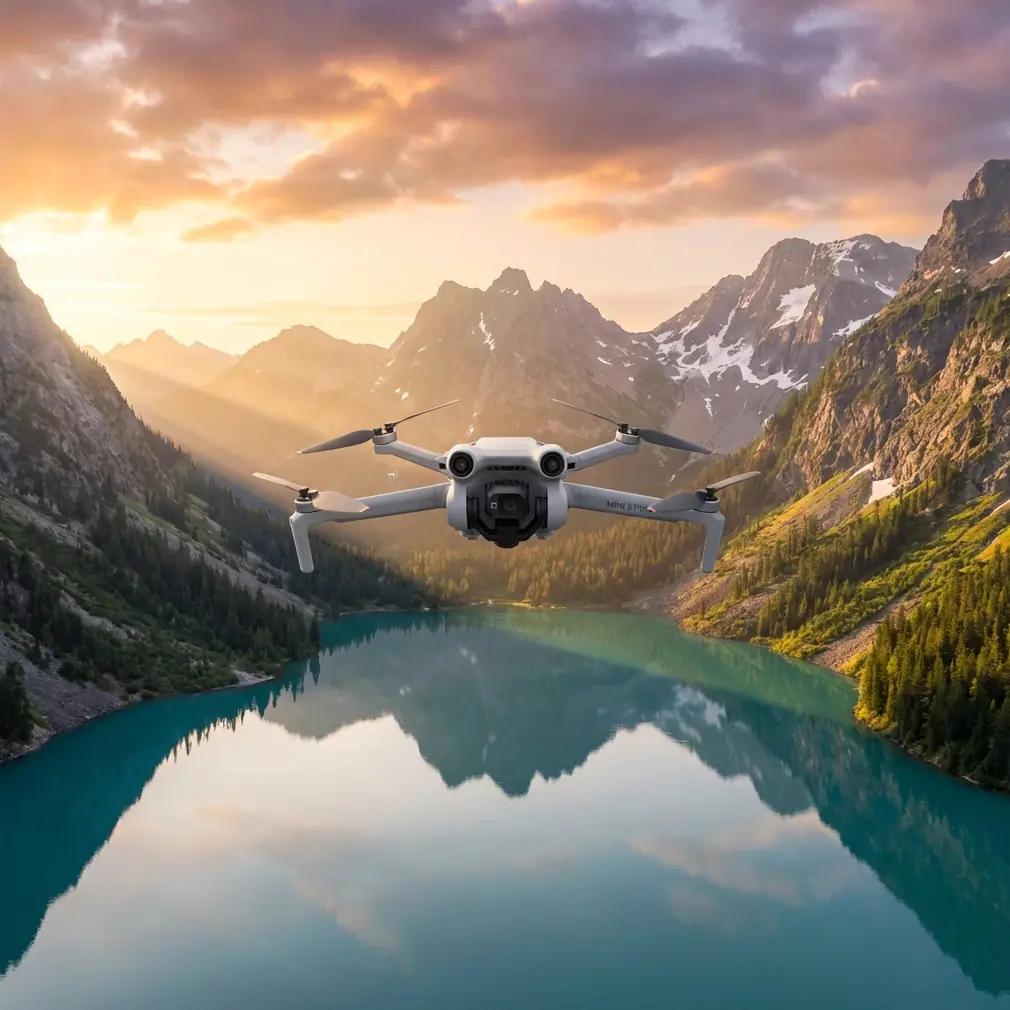
Mini 5 Pro in the Mountains: A Field Case Study for Wildlife Survey Work
META: A practical case study on using the Mini 5 Pro for mountain wildlife surveying, with real-world advice on obstacle avoidance, ActiveTrack, D-Log, Hyperlapse, and antenna positioning for stronger range.
Mountain wildlife surveys punish weak drone planning.
The problem is rarely just flight time or camera quality. In steep terrain, the real challenge is keeping a stable link, reading shifting wind, maintaining safe separation from ridgelines, and collecting footage that is actually useful once you get back to the laptop. A compact platform like the Mini 5 Pro makes sense here because it reduces hiking burden without forcing the operator to give up core tools such as obstacle avoidance, subject tracking, and flexible color capture like D-Log.
This case study is built around a common scenario: a small field team documenting animal movement in mountain habitat, where access by foot is slow, visibility changes by the minute, and every launch site is a compromise.
Why the Mini 5 Pro fits mountain wildlife work
For this kind of mission, the first requirement is portability. When you are climbing to a survey point with binoculars, batteries, weather layers, notebooks, and GPS gear, every gram starts to matter. The Mini class exists for a reason. It lets operators carry a drone into places where a larger airframe feels like a burden before takeoff even begins.
But portability alone is not enough. In mountain wildlife work, the aircraft has to do three things well:
- Hold a reliable connection in uneven terrain
- Avoid terrain and trees during low-speed observation passes
- Capture footage that supports analysis, not just pretty clips
That is where the Mini 5 Pro conversation becomes more interesting than a basic “small drone for travel” pitch.
If you are surveying goats on a rocky slope, nesting birds near cliff bands, or deer moving across a timberline corridor, you often need to fly laterally along terrain rather than simply hovering over an open field. That makes obstacle avoidance operationally significant. It is not just a convenience feature. It gives the pilot more margin when rising ground, isolated trunks, or protruding rock features compress the flight envelope.
The same is true of subject tracking. On paper, features like ActiveTrack sound cinematic. In field use, they can reduce pilot workload when an animal or a tagged subject moves across a predictable line and the operator wants to maintain framing while also monitoring surrounding hazards. That does not mean handing full responsibility to automation. In wildlife work, manual oversight stays critical. But good tracking support can make a survey pass cleaner and more repeatable.
The mission profile: ridge-to-valley observation
Let’s use a realistic example.
A conservation team needs visual documentation of ungulate movement between an upper ridge and a lower meadow. Ground observers can only see part of the route because a shoulder of terrain blocks the middle section. The drone is launched from a saddle rather than the valley floor because the team wants better line of sight and shorter transit time to the survey corridor.
This is exactly the kind of operation where mountain pilots either get smart fast or waste batteries fighting the landscape.
The Mini 5 Pro is especially effective when flown with a terrain-aware workflow:
- Launch from elevation when practical, not from the lowest point
- Keep the aircraft within strong visual orientation cues
- Use obstacle avoidance as backup, not as your primary planning method
- Capture in D-Log when lighting contrast is severe
- Use QuickShots and Hyperlapse selectively for habitat context, not during sensitive animal behavior moments
That last point matters. Wildlife surveying is not the same as outdoor content creation. You are there to observe patterns with minimal disturbance. Automated cinematic modes can still be useful, but only if they serve documentation.
The camera decision that saves the survey later
Anyone who has flown in mountains knows the light can turn ugly in a hurry. One ridgeline can be in hard sun while the valley floor drops into deep shade. Snow patches, pale rock, dark conifers, and moving cloud cover push the camera hard.
This is where D-Log becomes more than a spec-sheet item.
If the team needs to review footage for body movement, path choice, herd spacing, or habitat interaction, preserving highlight and shadow detail matters. D-Log gives more room in post to recover contrast-heavy scenes that would otherwise look harsh or clipped. That is useful when the survey is not just for outreach footage, but for actual interpretation.
A lot of operators underestimate this. They fly in a standard profile because it looks good on the controller, then discover that the bright slope is blown out or the shaded tree line is too compressed to study properly. In a mountain survey, image flexibility is operational insurance.
The same logic applies to Hyperlapse, though in a different way. Hyperlapse is not a wildlife tracking tool in the direct sense. It is better used to document environmental change over time: moving fog across habitat, cloud shadow progression, snowmelt exposure, or the daily shift in visibility around a cliff zone. That kind of context can help explain why animal movement happened when it did.
QuickShots, meanwhile, are best treated as situational tools. A carefully used orbit or reveal can document terrain relationships around a nesting zone or meadow edge. Used lazily, they just burn time and battery. Used intentionally, they can add a concise visual record of the site.
Obstacle avoidance in broken terrain
Mountain flying exposes the real value and the real limits of obstacle sensing.
A drone may detect a trunk, boulder edge, or terrain rise, but the pilot still has to think ahead about slope geometry. As the aircraft moves across a rising hillside, the relative clearance can vanish much faster than it feels on the screen. That is why obstacle avoidance on the Mini 5 Pro should be seen as a second layer of protection rather than permission to fly casually.
For wildlife survey work, I recommend a conservative pass design:
- First pass high and wide, to map hazard zones
- Second pass lower only if the route is clean
- Avoid cresting blind ridgelines at speed
- Never trust one viewing angle in complex terrain
This is where many compact drones earn respect. If the sensing system gives you a warning near scrub, a snag, or a rock outcrop while you are focused on the target area, that warning can save the mission. In mountain habitat, a small mistake often becomes a retrieval problem.
ActiveTrack for observation, not pursuit
ActiveTrack has obvious appeal when a subject is moving through open terrain. But in a wildlife context, the key is restraint.
You are not chasing animals. You are maintaining a useful framing distance while minimizing disturbance and pilot workload. If a herd or single animal is already moving through a corridor, ActiveTrack can help maintain composition while the pilot concentrates on altitude separation, side clearance, and route integrity. The value is not flashy automation. The value is cognitive relief.
This is particularly helpful in a cross-slope movement where the subject path is stable but the terrain behind it is messy. Instead of making constant stick corrections to keep the animal centered, the operator can let tracking support handle part of the framing task and dedicate more attention to safety and environment.
That is the difference between using a smart feature as a field tool and using it as a novelty.
The mountain link problem: antenna positioning advice that actually matters
Here is the field lesson that gets ignored until the signal starts breaking up.
In the mountains, range is often lost not because the drone is “too far,” but because the antenna alignment is poor, the aircraft drops behind terrain, or the operator is standing in a bad launch position. Antenna positioning is one of the easiest ways to improve control link reliability, and most weak-link complaints trace back to basic handling mistakes.
The practical rule: do not point the tips of the controller antennas directly at the drone. The broad side of the antenna pattern needs to face the aircraft. Think of it as presenting the flat face, not the narrow end.
That sounds simple, but on a windy ridge people tend to hunch over the screen, angle the controller downward, and accidentally degrade the link. In a mountain survey, I advise teams to do four things:
1. Face the aircraft with your body, not just your head
If you are twisted sideways to watch both observers and the screen, the controller orientation often becomes sloppy. Square up with the drone during critical segments.
2. Tilt the antennas to maintain broadside alignment
As the drone climbs or descends relative to your position, adjust antenna angle so the side of the pattern stays presented toward the aircraft. Tiny adjustments can make a noticeable difference.
3. Launch from a point with clean line of sight
A saddle, rocky shoulder, or small rise can outperform a sheltered hollow even if the hollow feels more comfortable. Terrain between controller and aircraft kills link quality fast.
4. Do not let the aircraft slip behind a ridge shoulder
This is the most common mountain-range error. The horizontal distance may still be modest, but once rock blocks the path, signal quality can collapse. Reposition before that happens.
Operationally, this matters because a wildlife team often wants to hold station near terrain transitions. If the pilot understands antenna geometry and line-of-sight discipline, the Mini 5 Pro can maintain a much more reliable working envelope.
If your team wants a field setup checklist built around this kind of terrain work, send the mission profile here: message us with your survey route and launch conditions.
Building a repeatable survey workflow
The best Mini 5 Pro mountain surveys do not feel dramatic in the field. They feel methodical.
A solid workflow might look like this:
Pre-launch
Check wind direction at launch and visually assess wind behavior on the ridgeline, not just at your feet. Mountains create false confidence. Calm air at the saddle does not mean calm air above the slope face.
Recon pass
Fly a higher, slower route to identify dead trees, wires near trail infrastructure, cliff protrusions, and rotor turbulence zones. Keep obstacle avoidance active, but stay well outside minimum clearances.
Documentation pass
Shift to the actual observation line. If lighting is difficult, record in D-Log so the footage remains workable later. If an animal is moving steadily and the route is clean, ActiveTrack can support framing.
Habitat context
Use a brief Hyperlapse or controlled QuickShot only after the primary survey objective is complete. This is where you document terrain relationships, water access, vegetation bands, or exposure changes across the site.
Recovery planning
Do not wait until low battery to think about the return path. In mountains, the outbound leg with a tailwind can hide the difficulty of climbing back into a headwind on return. Keep reserve margin.
What makes the Mini 5 Pro especially useful here
The Mini 5 Pro is not valuable in this scenario because it tries to imitate a larger enterprise platform. It is valuable because it allows a field team to move fast, launch from difficult access points, and still use features that matter in real survey conditions.
Obstacle avoidance reduces risk in broken terrain.
ActiveTrack helps stabilize observation passes.
D-Log protects footage in severe contrast.
QuickShots and Hyperlapse can add meaningful habitat context when used with discipline.
Those are not isolated bullet points. In mountain wildlife surveying, they connect.
A small aircraft with poor sensing is stressful near terrain. A small aircraft with weak tracking support increases pilot workload during moving-subject observation. A small aircraft without flexible color capture can leave you with footage that looks fine at first glance but falls apart during review. The Mini 5 Pro’s value is in how these pieces work together in a packable field tool.
Final field note from the creator’s chair
If I were briefing a new operator for this exact mission, I would say this: your biggest mistake will probably not be a bad camera setting. It will be overconfidence in the landscape.
The mountain always changes the job. Wind wraps differently than expected. Signal drops where the map looked open. A ridge that seemed distant suddenly interferes with line of sight. The reason a compact drone like the Mini 5 Pro works so well is not because it removes those problems. It makes them manageable, provided the pilot respects terrain, uses obstacle avoidance intelligently, and keeps the controller antennas properly aligned.
That last detail sounds small. In the field, it is often the difference between a smooth survey and a broken link at the exact moment the subject enters view.
Ready for your own Mini 5 Pro? Contact our team for expert consultation.