
Mini 5 Pro for Remote Wildlife Surveys: Field Techniques
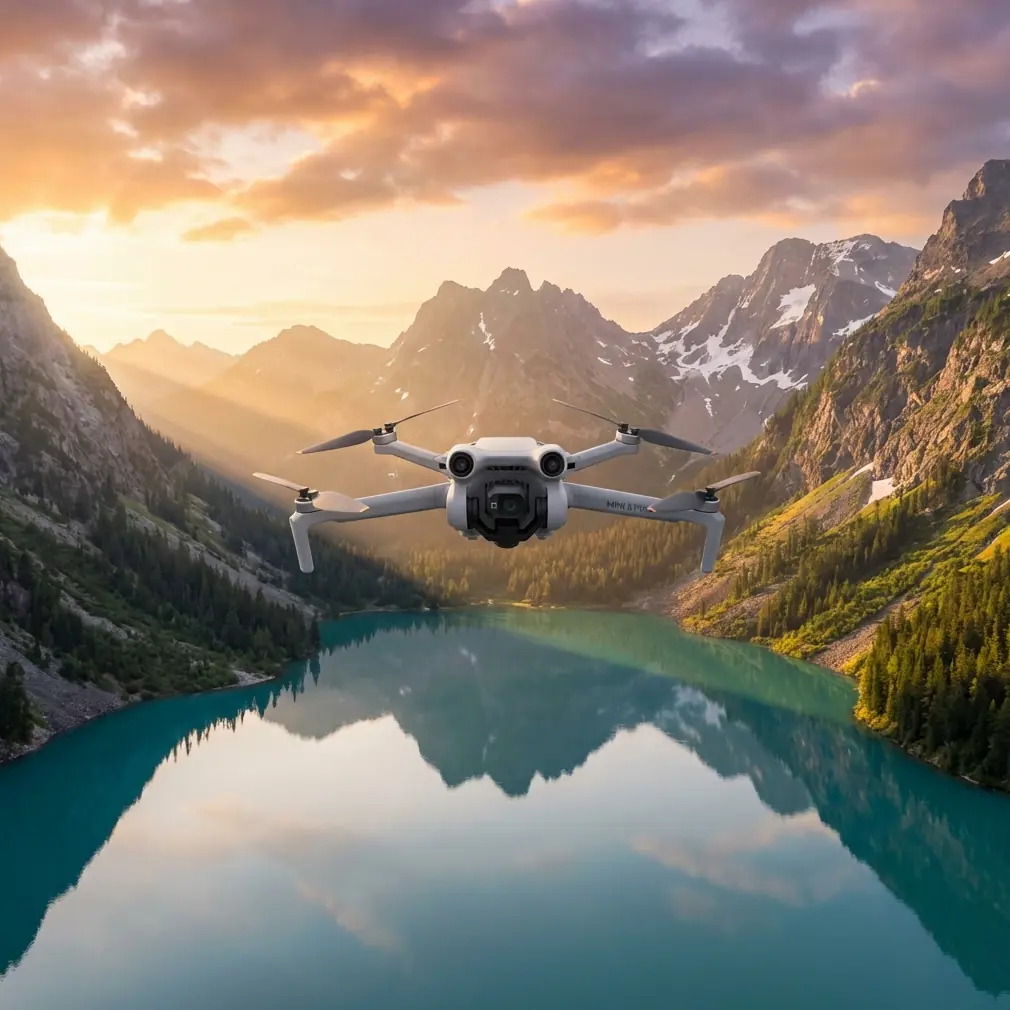
Mini 5 Pro for Remote Wildlife Surveys: Field Techniques That Actually Matter
META: Practical Mini 5 Pro tutorial for remote wildlife surveying, with antenna positioning, obstacle avoidance, ActiveTrack strategy, D-Log workflow, and safer long-range flight habits.
Remote wildlife work exposes every weakness in a small drone setup. Range gets unpredictable. Wind turns a neat flight plan into battery math. A clean tracking shot becomes useless the second a branch, cliff face, or ridge line interrupts signal. If you are planning to use a Mini 5 Pro in isolated habitat, the drone itself is only part of the equation. The bigger issue is whether your methods are built for field conditions.
I approach this as a photographer first, but remote surveying changes your priorities fast. You are not flying for spectacle. You are trying to collect usable visual data without pushing wildlife, losing link quality, or draining the aircraft before it can make a safe return. That means features like obstacle avoidance, subject tracking, QuickShots, Hyperlapse, D-Log, and ActiveTrack only matter if you understand when to trust them and when to switch back to manual control.
This guide is built around that reality. There is no breaking news to react to here, so the useful angle is operational: how to set up a Mini 5 Pro workflow that respects distance, preserves image value, and gives you the best possible range in remote terrain.
Start with the mission, not the drone
Wildlife surveying in remote areas usually breaks into three different jobs.
First, there is habitat reconnaissance. You need wide-area coverage to understand terrain, water access, nesting zones, game trails, or canopy openings. Second, there is observation. That is where you hold position, watch movement patterns, and collect stable footage or stills that can be reviewed later. Third, there is documentation. This includes repeatable passes, matching camera angle over time, and footage graded consistently enough to compare one survey window against another.
The Mini 5 Pro is most useful when you assign one flight to one of those jobs. Pilots get into trouble when they try to combine all three into a single battery. A broad scouting run, then a tracking sequence, then a cinematic reveal over a ridgeline sounds efficient on paper. In the field, it usually means weak signal, rising stress, and footage that does not match your actual survey objective.
Short flights with a clean purpose tend to produce better data.
Antenna positioning is not a minor detail
If you want maximum range in remote wildlife work, antenna orientation is one of the first things to fix. Many pilots still aim the tips of the controller antennas directly at the aircraft. That looks intuitive, but it is usually wrong. The strongest part of the signal pattern is broadside to the antenna, not off the point.
In plain terms, you want the flat face or side of the antenna pattern directed toward the drone, not the ends. With a standard dual-antenna controller setup, that often means adjusting the antennas so they are parallel to each other and angled to keep their sides facing the aircraft as it moves out. If the drone climbs high overhead, the controller position should change too. Range is not just about distance. It is about preserving the cleanest possible line between controller and aircraft.
This matters even more in wildlife areas because the environment is constantly working against you. Dense tree cover absorbs signal. Rock faces and gullies block it. Moisture-heavy vegetation can reduce link reliability. A drone that flies perfectly over open shoreline may behave very differently over a forested ravine.
A few habits help:
- Keep your body from blocking the controller.
- Turn yourself as the aircraft changes direction rather than holding one fixed stance.
- Avoid standing directly below overhanging branches or against a rock wall.
- Launch from the highest practical open point with clear line of sight.
- Do not hide yourself in a vehicle during flight unless you understand how badly that can weaken signal.
That last point matters more than people admit. A parked truck feels like a smart field base. It is also an efficient shield against your own transmission path.
Obstacle avoidance is useful, but terrain still wins
Obstacle avoidance can prevent the sort of avoidable collision that ends a survey day early. In remote work, that has real value. A lightweight aircraft operating near tree lines, scrub, and uneven slopes benefits from additional situational awareness.
But obstacle avoidance is not permission to fly carelessly through cluttered habitat.
Branches without much contrast, thin reeds, irregular deadwood, and changing shadows can challenge any small drone vision system. The risk gets worse when the drone is moving laterally, descending toward textured ground, or flying in dim forest-edge light near sunrise or late afternoon. Those are exactly the periods when wildlife activity can be strongest.
The operational significance is simple: obstacle avoidance should support your route planning, not replace it. Build survey legs with margin. Use wider turns than you think you need. Climb before crossing terrain breaks instead of trying to skim through them. If you are documenting animal movement corridors, avoid threading between trunks to get a dramatic line. You are there for data, not bragging rights.
I treat obstacle avoidance as a second pair of eyes, not as authority.
ActiveTrack and subject tracking need rules in wildlife use
Subject tracking is one of the most misunderstood tools in field drone work. ActiveTrack can be effective for following a predictable moving subject across open ground or water. It can also become a bad choice very quickly when the environment is complex or the animal’s behavior changes.
Wildlife is not a cyclist on a trail. Animals stop without warning, disappear under canopy, pivot fast, or bunch together in ways that confuse tracking logic. If you try to hand off too much decision-making to automated tracking, you can end up with footage that is both ethically questionable and operationally unstable.
There is a responsible way to use it.
Use ActiveTrack only when:
- the subject has clear separation from the background,
- the flight path has open lateral space,
- altitude is high enough to avoid pressure on the animal,
- and you can instantly abandon the track if behavior changes.
That last condition is critical. If the animal accelerates, changes direction sharply, or moves toward cover, stop tracking. Resume manual control. Your goal is observation, not pursuit.
Operationally, ActiveTrack is most valuable for maintaining framing consistency during short observation windows. That consistency can help later review, especially when comparing gait, spacing, or route choice. What it should not do is tempt you into prolonged following behavior.
QuickShots and Hyperlapse are not just creative modes
Plenty of pilots dismiss QuickShots and Hyperlapse as features for travel clips. In surveying, they can be useful if you are disciplined about purpose.
QuickShots can help standardize short, repeatable establishing sequences around a site. A brief orbit or pull-away recorded from consistent altitude and start point can reveal habitat context in a way that a single still cannot. The key is repetition. If you use the same move at the same location over different survey days, you create a visual reference that is easier to compare later.
Hyperlapse has a different role. It can compress environmental change into a usable record. Cloud shadow movement over a nesting zone, tidal change near feeding areas, shifting fog cover, or changes in herd presence over a fixed interval can all become easier to interpret in a controlled Hyperlapse sequence.
The trap is obvious: both modes can encourage unnecessary motion. In wildlife work, movement should be justified. If a static hover delivers the needed record, stay static. If a repeatable automated sequence adds context that helps analysis later, use it deliberately.
Why D-Log matters for surveys, not just pretty footage
D-Log often gets framed as something only colorists care about. For wildlife survey work, it can be more practical than glamorous.
Flat profiles preserve more highlight and shadow detail, which matters when your scene includes bright water, pale rock, dark canopy, and an animal moving between them. In high-contrast terrain, a standard look can clip bright areas or crush darker detail that you may want to inspect later. D-Log gives you more room in post to recover those transitions.
That operational benefit becomes real when reviewing edge detail: coat texture, horn silhouette, wing position, trail definition, or habitat boundaries at dawn and dusk. You are not grading for drama. You are protecting information.
If you use D-Log, commit to a consistent workflow:
- lock white balance when conditions permit,
- avoid jumping between profiles during one mission,
- expose carefully to protect highlights,
- and create a simple repeatable grading baseline for survey footage.
Consistency beats style every time. Two moderately flat, well-managed clips are more useful than one dramatic clip and one overprocessed one that cannot be compared.
Battery discipline decides whether the mission is professional
Remote flying punishes wishful thinking. If you push range because the signal looks clean now, or stay on station because the subject finally appeared, you are borrowing against return safety.
Small aircraft make that trade look harmless until wind, elevation, or rerouting changes the return profile. A drone that drifted out with a tailwind may crawl back into a headwind. A route that looked clear from altitude may require a higher return path once you realize a ridge blocks direct line of sight. Wildlife work also tends to keep your eyes on the subject, which is exactly how pilots stop noticing battery trend early enough.
Use a return threshold that reflects the environment, not just the screen prompt. In open flat land, you can be more efficient. In broken terrain, cold air, or shifting wind, build margin sooner. If you are conducting documentation rather than one-time exploration, it is usually smarter to land with unused battery than to stretch one final pass.
Professional field flying often looks conservative from the outside. That is because it is.
A practical launch sequence for remote surveys
Before takeoff, I like a short routine that keeps the flight honest.
Pick a launch point with clear line of sight in the direction you expect to work. Check antenna orientation before the drone leaves the ground, not after signal quality starts to drop. Confirm obstacle avoidance status and make sure it matches the route type you are actually flying. If you plan to use ActiveTrack, decide in advance under what conditions you will cancel it. Choose your color profile before takeoff so you do not create mixed footage halfway through a survey.
Then do a brief climb and hover check. Watch stability. Watch the image feed. Turn the aircraft through a few headings and confirm the signal remains clean. This first minute can tell you a lot about hidden interference, wind layers, and whether your chosen takeoff point is as good as it looked.
If you work with a spotter, agree on one simple standard for animal response. The moment the spotter sees agitation, bunching, abrupt direction change, or defensive posture, the aircraft backs off. No debate in the moment.
That kind of discipline is what keeps a small drone useful in sensitive environments.
When manual flight is the better tool
There is a tendency to assume that the most advanced mode is the most capable one. In wildlife surveys, manual flight often produces the best result because it lets you respond to subtle conditions that automation does not interpret well.
Manual control is better when:
- the terrain rises unpredictably,
- branches or reeds may intrude into the route,
- multiple animals overlap in frame,
- lighting changes quickly,
- or the subject moves into partial cover.
It is also the better choice when you need to maintain respectful distance while adjusting composition gently. That kind of restraint is hard to automate well.
The Mini 5 Pro is strongest when you treat its smart functions as selective tools. Obstacle avoidance helps reduce preventable contact. ActiveTrack can stabilize short follow sequences in open space. QuickShots and Hyperlapse can standardize repeatable visual records. D-Log protects image information for later analysis. None of them replace pilot judgment.
The real range secret is not speed
Pilots often ask how to squeeze more range from a compact drone. They expect a hidden setting. Usually the answer is less exciting and far more effective.
Good range comes from line of sight, clean antenna orientation, disciplined route shape, and the willingness to stop before the link becomes marginal. If you are surveying remote wildlife habitat, that combination matters more than any single spec sheet claim.
Climb to maintain signal geometry when needed, but do not do it blindly. Use terrain to your advantage rather than letting it trap your link behind a ridge. Keep your controller antennas oriented so the broad signal face points toward the aircraft. Avoid standing in positions that turn your own body, vehicle, or shelter into an obstacle. These are simple actions, but their impact is immediate.
If you want a second opinion on remote setup choices or controller positioning strategies, you can message me here and I will point you toward a cleaner field workflow.
A Mini 5 Pro can be an excellent remote survey platform when the pilot understands what the aircraft needs to stay reliable. That reliability is not built in by default. It is created in the field, one decision at a time.
Ready for your own Mini 5 Pro? Contact our team for expert consultation.