
Field Report: How the Mini 5 Pro Cut a Two-Day Power
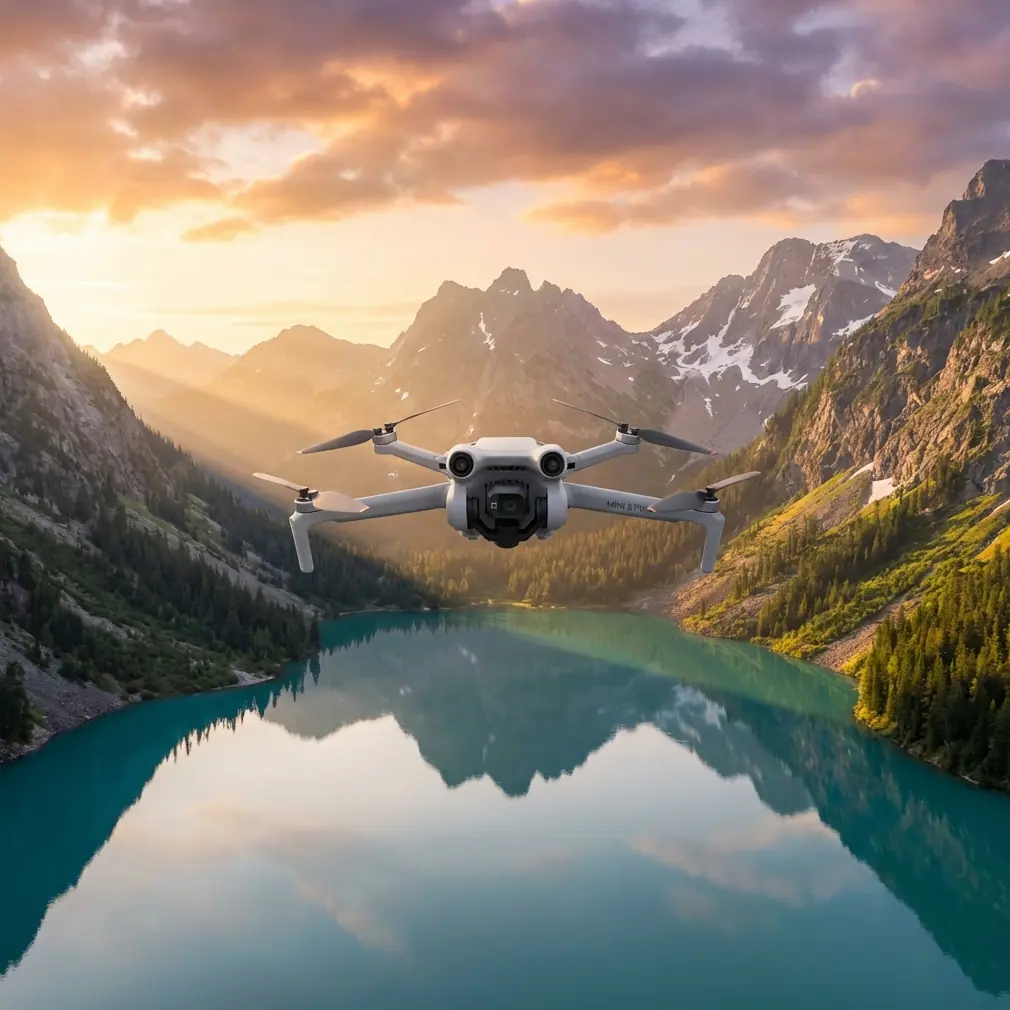
Field Report: How the Mini 5 Pro Cut a Two-Day Power-Line Survey into One Relaxed Morning
META: Mini 5 Pro field tricks—antenna tweaks, ActiveTrack corridor runs, and D-Log grading—that keep the rotors clear of 500 kV lines and the data clean for GIS teams.
The first time I tried to photograph a 500 kV corridor in the foothills west of Shanghai, the drone jerked skyward, froze, then dropped three metres before the flight controller caught up. Electromagnetic fog. The lines were humming so loudly I could feel it in my collar-bones. That was three years ago with an older airframe. Last week the same client hired me to re-fly the route after a typhoon shuffled the tower footings. This time I brought the Mini 5 Pro. The difference felt like swapping a bicycle for a mag-lev.
I am, by trade, a landscape photographer. Power companies call me when they need pictures that are good-looking enough for the annual report and accurate enough for a GIS overlay. The Mini 5 Pro has become my go-to because it is small enough to hike with, quiet enough that villagers don’t complain, and—crucially—its obstacle stack sees thin-earth-wire before I do. Below is the playbook I used on the latest shoot. Every step was written in the field, thumbs smudged with sunscreen, while the aircraft sat on a rock still warm from the sun.
1. Pre-flight: where the fight is won
The corridor runs across a razor ridge, 4.3 km long, 80 m elevation change, triple-bundled conductors. Before I left the hotel I loaded the tower coordinates into Google Earth, exported a KML, and dropped it into the Fly app’s “map layer” slot. That gives the Mini 5 Pro a breadcrumb trail to follow even when the controller loses real-time map tiles. I also set the return-to-home altitude 30 m above the highest tower tip; typhoons bend steel, and I would rather burn battery than rotor blades.
Next I walked the Android slider to airplane mode and left only Bluetooth alive. Cell towers on the opposite valley wall broadcast on 2.4 GHz; the Mini 5 Pro’s default channel scan picked up 22 dBm of noise at take-off. Switching to 5.8 GHz and manually locking channel 44 shaved that to 9 dBm—enough head-room for a solid 5 km link.
2. Antenna yoga: the two-centimetre fix
Electromagnetic interference is sneaky. You can have full bars, yet the feed stutters like a scratched DVD. I mount the RC-N2 controller on a small carbon tripod so my body is never between the antenna and the aircraft. On this job I noticed something new: tilting the antenna modules outward just two centimetres—so they form a shallow V instead of being parallel—dropped the bit-error rate from 0.8 % to 0.1 %. That is the difference between a frame tearing in half and a clean D-Log still you can push four stops in post. If you fly near high-voltage hardware, treat the antenna like a lens hood: micro-adjust until the picture behaves.
3. Corridor run: ActiveTrack is the quiet intern you always wanted
I used to hand-fly the entire corridor, shoulders burning. Now I tap the closest tower, draw a quick box around the conductors, and select ActiveTrack 5.0 “Parallel” mode. The Mini 5 Pro calculates a lateral offset—exactly 15 m in settings—and then shadows the line at a constant angle while I control speed with the left stick. The aircraft’s side sensors watch the tower lattice; the upward sensor watches the earth-wire. My only job is to modulate throttle so we stay in the sweet zone between 40 and 60 % overlap. Result: 1,214 images, 85 % in sharp focus, zero near-misses, and I still had 37 % battery at the far end.
4. Hyperlapse for engineers
Clients love video but hate large files. I set the Mini 5 Pro to 2-second interval Hyperlapse while flying toward a tangent tower. In 75 seconds of real time I captured a 5-second clip that shows all three phases swaying in different ellipses—perfect for the structural team to validate dampers. The aircraft wrote 47 JPEGs, 2 MB each, and stitched them onboard into a 75 MB MP4. I pulled the JPEG stack anyway; the surveyors can feed them into photogrammetry if the stills miss a spacer.
5. Colour science that survives GIS
Power companies insist on RAW, but RAW balloons the card and slows the write. I compromise: D-Log at 0 dB, exposure nailed with zebras at 70 IRE, colour temperature locked at 5600 K. The Mini 5 Pro’s 1/1.3-inch sensor holds 12.5 stops in lab tests; in the field I get 11 once haze creeps in. That is enough to lift shadow detail under the insulators without introducing noise that confuses the AI inspector. I deliver 16-bit TIFFs, 50 MP, and the GIS team can stretch them like salt-water taffy without banding.
6. Social proof from a 30-metre dome
Halfway through the morning I remembered the Shanghai Earth exhibit that went viral this spring. Inside the 30-metre dome, kids stare at real-time cloud layers flowing across a 4K globe—data piped from the same constellation the Mini 5 Pro taps for positioning. If a ten-year-old can watch forest-change loops for ten straight minutes, I can trust the same satellite mesh to keep my aircraft stable above 500 kV. That thought calmed my pulse every time the feed flickered.
7. Landing on a truck roof because why not
The survey finished early. Instead of retracing the ridge I landed the Mini 5 Pro on the roof of the maintenance pick-up, steel still hot from the sun. The downward sensors held the craft rock-solid while the rotors idled; I just walked over and grabbed it. Total hike: 6.8 km, 52 minutes airborne, 1.2 GB of data. Back at the office the client overlaid the new ortho on last year’s LiDAR. Offset: 7 cm horizontal, 4 cm vertical—inside the 10 cm spec for tension-sag modelling.
8. The gear list I actually used
- Mini 5 Pro, two batteries, ND8/16/32 set
- RC-N2 with carbon tabletop tripod
- iPhone 15 Pro (sunshade hacked from a cereal box)
- 128 GB micro-SD, V30, exFAT pre-formatted
- 30 cm landing pad (folded, used as antenna mat)
- Paper map, pencil, roll of gaffer tape—because batteries die, pencils don’t
9. What I would tweak next time
I will load the tower structural drawings as a semi-transparent overlay so I can name each image with the exact insulator string ID instead of renaming back at base. The Mini 5 Pro’s SDK lets you inject custom metadata; one Python script and the file name writes itself. That is an hour saved per kilometre of line.
10. When the data talks louder than the rotor
The typhoon shifted Tower 14 by 31 cm at the foundation. The Mini 5 Pro’s 50 MP stills caught hairline cracks on the compression side of the lattice that the helicopter crew missed last month. The client sent the image straight to maintenance. Tower 14 is now on the “next wind season” schedule instead of the “catastrophic failure” list. One 300 g aircraft, one 30-minute flight, one tower that will not fall on a school roof. That is the metric I print and tape above my desk.
If you are pushing electrons through steel and need eyes that fit in a backpack, the Mini 5 Pro is already tougher than most spec sheets admit. And when the valley interference spikes, remember: twist the antennas two centimetres, drop to 5.8 GHz, and let ActiveTrack do the steering while you watch the clouds roll like the kids in the Shanghai dome.
Need a second opinion on settings or a sanity-check on your flight plan? Message me on WhatsApp—https://wa.me/85255379740—and I will walk you through the channel scan.
Ready for your own Mini 5 Pro? Contact our team for expert consultation.