
Mini 5 Pro for Mountain Highway Survey Work
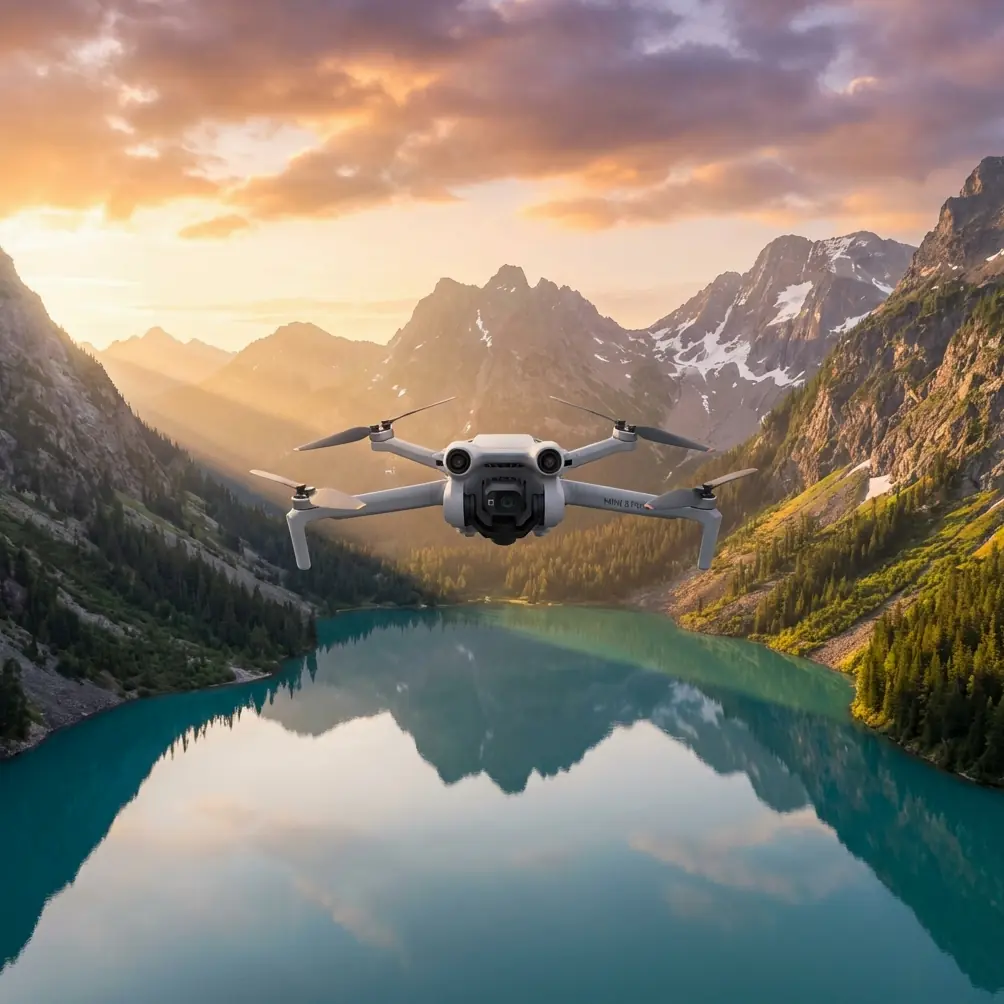
Mini 5 Pro for Mountain Highway Survey Work: A Field Case Study on Capture Height and 3D Model Cleanup
META: Expert case study on using Mini 5 Pro for mountain highway surveying, with practical flight altitude guidance, obstacle avoidance workflow, and why post-processing mesh repair matters for usable 3D outputs.
Mountain highway surveying exposes every weakness in a small drone workflow.
The terrain rises and falls abruptly. Guardrails, cut slopes, retaining walls, tunnel approaches, utility poles, and passing vehicles all create geometry that looks simple on paper but becomes messy in real-world photogrammetry. A compact aircraft like the Mini 5 Pro can be a strong fit here, but only if the operator thinks beyond “get enough photos” and plans for what happens after the flight.
That is where the reference material behind this discussion becomes more useful than a generic drone overview. The source points to an air-ground integrated photogrammetry workflow and, more specifically, to DP-Modeler for realistic 3D model retouching. Two details stand out: the solution emphasizes rapid repair of mesh models using supplemental imagery, and it explicitly references vehicle-mounted or handheld image collection as part of that repair process. Those are not minor production notes. For mountain highway jobs, they change how you should fly the Mini 5 Pro in the first place.
The real problem with highway corridors in mountains
A mountain road is a corridor, but not a clean one.
You are rarely mapping a flat strip. Instead, you are dealing with vertical relief on one side, drop-offs on the other, and long linear sections where perspective changes constantly. If the output goal is a visually credible and operationally useful 3D model, your main risks are usually:
- stretched or torn mesh along guardrails and slope edges
- poor reconstruction under overhangs or near retaining structures
- vehicle ghosting from moving traffic
- incomplete side geometry on embankments
- texture gaps on vertical surfaces
- inconsistent image overlap where terrain height shifts quickly
This is why the reference to mesh model supplemental image collection matters so much. It acknowledges a truth every experienced survey pilot learns: one autonomous aerial pass is often not enough for corridor-grade 3D realism in difficult terrain.
Why Mini 5 Pro makes sense here
For a mountain highway team, the Mini 5 Pro’s value is not just portability. It is operational flexibility.
A larger mapping drone may deliver stronger endurance or heavier payload options, but a compact platform has an advantage when survey teams need to reposition frequently along narrow roadside pull-offs, shoulder access points, or steep turnouts. That matters in mountainous terrain because setup friction compounds over the course of a day.
Mini 5 Pro is especially useful when the workflow includes both broad coverage and targeted re-capture. Features like obstacle avoidance help during low and medium altitude edge passes near terrain transitions. ActiveTrack and subject tracking, while often associated with media capture, can also help operators maintain stable framing on moving inspection walks or vehicle-based follow documentation when collecting supplementary visual context. And while QuickShots and Hyperlapse are not core survey tools, they can support progress documentation for project stakeholders without requiring a separate aircraft. D-Log can also help preserve tonal detail in high-contrast mountain light when visual interpretation of surfaces matters.
Still, none of those features matter if flight altitude is wrong.
The altitude question: where most mountain corridor surveys go sideways
For this scenario, my preferred starting point with Mini 5 Pro is to think in layers rather than one fixed height.
If the operator asks for one practical number, I usually recommend beginning the primary corridor capture around 60 to 80 meters above the local road surface, then adjusting section by section based on slope height, roadside obstacles, and required ground detail.
That range works because it balances three competing demands:
- Sufficient overlap and efficiency for a long linear route
- Controlled perspective distortion on roadside structures
- Reduced collision exposure compared with very low passes in mountain terrain
Below that range, especially around tight bends or uneven cut slopes, the aircraft may produce excellent road texture but struggle to maintain consistent side coverage unless the mission is broken into many smaller segments. Above that range, the corridor becomes easier to fly, but you begin to lose the side-angle richness needed for retaining walls, guardrails, drainage features, and slope faces.
The key phrase is above the local road surface, not above takeoff point. In mountain work, using a single launch elevation as your reference is one of the fastest ways to ruin consistency. If terrain climbs 40 meters while the aircraft remains on a fixed relative altitude, the model quality changes halfway through the mission. For linear assets, consistency beats convenience.
My practical altitude stack for Mini 5 Pro on mountain highways
I prefer a three-layer method:
- Primary mapping pass: 60–80 m AGL relative to road
- Detail side pass: 25–45 m for retaining walls, slopes, structures, and tunnel approaches
- Targeted repair capture: as needed, often handheld or vehicle-adjacent supplementary imagery
This is where the source material aligns perfectly with field reality. The DP-Modeler workflow does not assume the first mesh will be perfect. It is built around quick model retouching with additional imagery, including handheld or vehicle-collected images. Operationally, that means the aerial mission should aim for clean global geometry first, then let supplementary ground imagery solve the stubborn local defects.
That is a smarter use of Mini 5 Pro than trying to force the aircraft into every low-angle view.
A case example: mountain expressway segment with cut slopes and guardrails
Let’s take a typical inspection-grade survey section: a two-lane mountain expressway segment with alternating cut slopes on the uphill side and barriers on the downhill side.
Phase 1: Establish corridor geometry
I would fly the Mini 5 Pro at about 70 meters above the roadway, keeping overlap conservative and speed moderate to protect image consistency over changing terrain. In this phase, the objective is not artistic footage. It is to create a stable backbone for the model.
Obstacle avoidance is useful here, but it should not replace route planning. In mountain roads, tree canopies and slope edges can intrude into the flight path unexpectedly, especially near switchbacks. Sensors add margin; they do not solve poor altitude discipline.
Phase 2: Side-detail capture
After the base pass, I would review likely weak zones:
- high retaining walls
- rockfall protection sections
- steep drainage channels
- crash barriers with open geometry
- embankment transitions
- culvert and underpass approaches
Then I would capture lower oblique lines, often in the 25 to 45 meter zone, depending on clearances. These passes help the reconstruction engine “see” vertical and semi-vertical surfaces that top-down imagery misses.
This is usually where many operators over-fly. They assume more drone images always produce a better result. In reality, once the road is open to traffic, repeated low passes can introduce more moving-object contamination and increase safety complexity. If you already have the corridor backbone, the better move may be selective supplementary capture from the ground.
Phase 3: Ground or vehicle-based supplemental imagery
This is the operational significance of the reference document’s strongest detail.
The source specifically supports supplementary image collection for mesh completion and rapid model refinement, including vehicle or handheld imagery. For mountain highway work, that means you can repair chronic trouble spots without forcing the Mini 5 Pro into inefficient or risky angles.
Examples include:
- the underside visual edge of a guardrail line
- retaining wall texture blocked by roadway curvature
- slope toe areas hidden during aerial capture
- parked maintenance equipment causing local occlusion
- small façade-like roadside structures
A quick handheld sequence from the shoulder, or controlled vehicle-based capture where permitted, can dramatically improve local mesh fidelity. That is faster than relaunching for multiple micro-missions and often gives better geometry on side surfaces.
Why post-flight model repair matters more than most pilots admit
The reference pages focus on realistic 3D model retouching and a before-and-after comparison of model cleanup. That deserves attention.
In highway surveying, stakeholders do not evaluate a model the way hobby pilots do. They are not impressed because the road “basically appears.” They need surfaces to read cleanly enough for communication, measurement support, planning context, and visual review.
A rough mesh around a slope stabilization zone can hide the very condition the survey was meant to document. A broken roadside barrier edge can make a corridor model look less trustworthy, even if the centerline is accurate. Water surfaces, shadows, repetitive road markings, and fast-moving vehicles all create artifacts that can contaminate a reconstruction. When the source highlights a dedicated step for model modification, it is acknowledging that survey-grade deliverables are built, not merely generated.
For Mini 5 Pro users, this is good news. It means the aircraft does not need to do everything alone. A disciplined capture plan plus a repair-aware processing workflow can outperform a brute-force flying strategy.
How Mini 5 Pro features help in this exact workflow
A lot of drone articles mention features without connecting them to tasks. For this scenario, here is what actually matters.
Obstacle avoidance
Mountain roads are cluttered by terrain, poles, signage, and vegetation. Obstacle avoidance is useful during oblique side passes and when repositioning near slope edges. It reduces the chance of a small misread in depth turning into a contact event. It is not a substitute for line-of-sight route management, but on a compact aircraft operating close to roadside geometry, it is highly relevant.
ActiveTrack and subject tracking
These are not core mapping modes, but they have value when documenting supplementary ground operations. If a field technician is walking a drainage edge, retaining wall line, or access shoulder for visual inspection footage, stable tracking can create coherent contextual clips for the project record. That can complement the photogrammetry dataset, especially when communicating site conditions to teams not present on location.
D-Log
Mountain light changes fast. Bright sky, dark cut slopes, reflective pavement, and shaded embankments can push standard profiles too hard. D-Log helps preserve tonal information, which is useful when reviewing texture, crack visibility, surface staining, or vegetation encroachment in visual documentation clips. It is not a replacement for proper survey exposure control, but it can improve interpretability.
QuickShots and Hyperlapse
Not core to measurement, but useful around the edges. Progress reporting, route communication, and stakeholder briefings benefit from concise overview visuals. For firms that need both technical output and presentation-ready updates, these modes save time without requiring a second aircraft.
A better mindset: capture for reconstruction, not just coverage
The biggest mistake in mountain highway drone work is chasing visual completeness from the air alone.
The reference solution suggests a more mature workflow:
- build a corridor model from aerial data
- identify weak mesh zones
- use supplementary imagery to repair those zones quickly
- deliver a cleaner and more usable 3D result
That is exactly how I would approach a Mini 5 Pro deployment in this environment.
If you only remember one tactical point, make it this: start your main flight around 60 to 80 meters above the local road surface, then treat lower obliques and ground imagery as surgical tools rather than default behavior. That keeps the mission efficient, reduces exposure to terrain and traffic complexity, and gives your processing team stronger inputs for mesh refinement.
Final field advice from a creator’s perspective
I like the Mini 5 Pro for mountain highway work when the operator respects its role.
It is not there to imitate a full-size corridor mapping platform. It is there to move fast, adapt quickly, and gather strong visual geometry that can be improved intelligently in post. The source material’s emphasis on DP-Modeler, real-scene 3D model retouching, and supplementary handheld or vehicle imagery is the missing piece many pilots overlook. Good survey output is a system, not a single flight.
If your deliverable is a mountain corridor model, success comes from combining:
- sensible flight height
- strong overlap discipline
- selective low obliques
- obstacle-aware operations
- supplemental ground imagery for hard surfaces
- deliberate mesh repair afterward
That is how a compact drone becomes a serious survey tool.
If you want to compare route plans or discuss a specific mountain highway section, you can message our survey workflow desk here.
Ready for your own Mini 5 Pro? Contact our team for expert consultation.