
How to Survey Forests in Extreme Temps with M5P
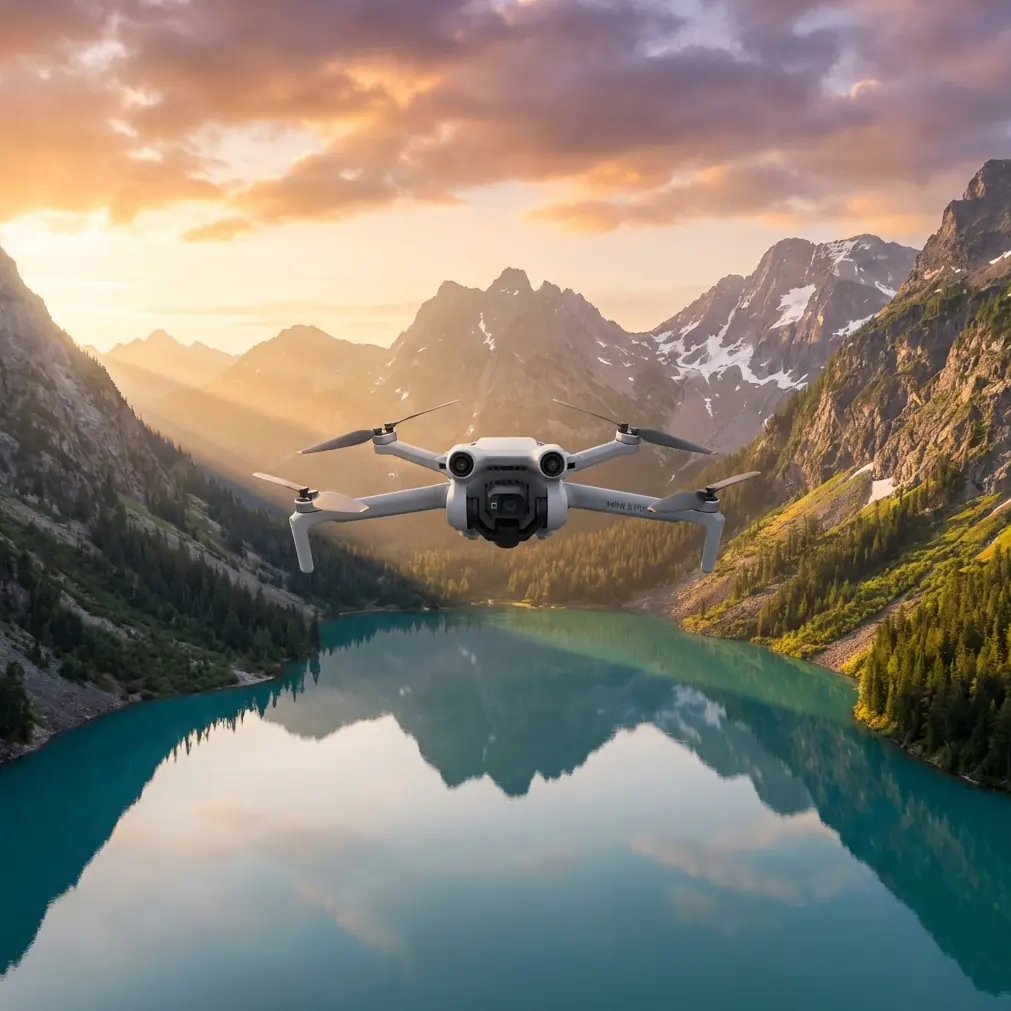
How to Survey Forests in Extreme Temps with M5P
META: Learn how to survey forests in extreme temperatures using the Mini 5 Pro. Expert tutorial covering optimal altitude, D-Log settings, and obstacle avoidance tips.
TL;DR
- Fly at 80–120 meters AGL for the ideal balance between canopy detail and broad coverage when surveying forests in extreme temperatures.
- Use D-Log color profile to preserve shadow and highlight detail in high-contrast forest environments.
- Leverage obstacle avoidance sensors aggressively—dense tree cover and thermal updrafts create unpredictable flight conditions.
- Plan missions in 15-minute blocks to protect battery health when operating below freezing or above 40°C.
By Jessica Brown, Aerial Photographer & Forest Survey Specialist
Why Forest Surveying in Extreme Temps Demands the Right Drone
Forest surveying is one of the most punishing jobs you can give a consumer drone. Canopy density blocks GPS signals. Thermal gradients create turbulence pockets just above the treeline. Temperatures below -10°C or above 40°C degrade battery chemistry in minutes. The Mini 5 Pro handles these conditions better than any sub-249g drone on the market—and this tutorial will show you exactly how to configure it, fly it, and process the footage for professional-grade forest survey data.
I've spent the last two seasons surveying boreal forests in northern Canada during winter and tropical rainforests in Southeast Asia during peak summer. The altitude insight that changed everything for me: 90 meters AGL is the sweet spot for deciduous forests, while 120 meters AGL works best for coniferous canopy mapping. Below that, obstacle avoidance fires constantly. Above it, you lose the granular detail needed for species identification and health assessment.
Let's walk through the complete workflow.
Step 1: Pre-Flight Preparation for Extreme Temperatures
Cold Weather Setup (Below 0°C)
Battery performance is the single biggest challenge in freezing conditions. Lithium polymer cells lose capacity fast when cold, and the Mini 5 Pro's compact battery is especially sensitive.
- Keep 3–4 batteries inside your jacket or in an insulated case until the moment of launch.
- Power on the drone and let it hover at 1.5 meters for 60–90 seconds before ascending. This warms the battery under minimal load.
- Set a conservative return-to-home threshold of 30% battery. Cold cells can drop from 30% to critical in seconds.
- Monitor battery temperature in the DJI Fly app—never fly if the cell temp reads below 15°C.
Hot Weather Setup (Above 35°C)
Heat creates the opposite problem: processors and motors overheat, and thermals near the canopy make the drone fight for stability.
- Avoid launching during peak solar hours (11:00–14:00) when thermals are strongest above open canopy gaps.
- Store the drone in shade between flights. Never leave it on a dark surface absorbing direct sunlight.
- Watch for motor temperature warnings—the Mini 5 Pro will throttle performance before it alerts you.
- Fly in Sport mode briefly between survey legs to increase airflow across the motor bells.
Expert Insight: In my experience surveying mangrove forests at 42°C in Thailand, the Mini 5 Pro maintained stable flight for 22 minutes per battery when I followed a strict shade-rest protocol between flights. Without it, I saw flight times drop to just 14 minutes.
Step 2: Configuring Camera Settings for Forest Canopy
The forest environment is a nightmare of contrast. Deep shadows under the canopy sit right next to sun-blasted treetops. Getting this wrong means losing data in either the shadows or the highlights—sometimes both.
Use D-Log for Maximum Dynamic Range
D-Log is non-negotiable for forest survey work. This flat color profile captures approximately 2 additional stops of dynamic range compared to the standard color mode, giving you far more flexibility in post-processing.
- Set color mode to D-Log.
- Lock ISO at 100 to minimize noise in shadow areas.
- Use auto shutter speed with an exposure compensation of -0.7 EV to protect highlights.
- Shoot at 4K/30fps for survey footage or switch to 48MP photo mode for orthomosaic stitching.
White Balance Considerations
Forest light shifts dramatically based on canopy density. Auto white balance creates inconsistencies between frames that complicate stitching.
- Set white balance manually to 5500K for open canopy or 6500K for deep shade surveys.
- Keep it consistent across an entire survey session.
Step 3: Flight Planning and Altitude Strategy
Choosing the Right Altitude
This is where most beginners get forest surveys wrong. Altitude selection depends on your objective and the type of forest you're surveying.
| Forest Type | Recommended AGL | GSD (approx.) | Best Use Case |
|---|---|---|---|
| Deciduous (leafy) | 80–100m | 2.5 cm/px | Species ID, health assessment |
| Coniferous (needle) | 100–120m | 3.2 cm/px | Canopy cover mapping, density |
| Tropical rainforest | 120–150m | 3.8 cm/px | Broad area survey, gap analysis |
| Mangrove/coastal | 60–80m | 1.8 cm/px | Root exposure, tidal impact |
Obstacle Avoidance Configuration
The Mini 5 Pro's multi-directional obstacle avoidance sensors are essential in forest environments, but you need to configure them thoughtfully.
- Set obstacle avoidance to Bypass mode rather than Brake mode. Brake mode will halt your survey grid mid-flight. Bypass allows the drone to navigate around obstacles while maintaining the general flight path.
- Increase the obstacle detection distance to maximum when flying below 80 meters near tall trees.
- Disable obstacle avoidance only if flying above 150 meters in open airspace with no nearby canopy.
Using ActiveTrack for Treeline Inspection
ActiveTrack isn't just for following people. Lock onto a ridge treeline and let the drone maintain a consistent offset distance while you focus on camera angle. This technique is invaluable for assessing tree height uniformity and spotting disease clusters along forest edges.
- Enable ActiveTrack 5.0 from the shooting menu.
- Draw a box around the canopy edge you want to follow.
- Set a lateral offset of 15–20 meters to maintain safe clearance.
Step 4: Executing the Survey Flight
Grid Pattern for Orthomosaics
For mappable survey data, fly a lawnmower pattern with the following parameters:
- Front overlap: 80%
- Side overlap: 70%
- Consistent altitude (use terrain follow if available via third-party apps)
- Gimbal pitched at -90° (straight down) for orthomosaics
- Speed: 5–7 m/s to avoid motion blur at lower ISOs
Using QuickShots for Documentation Clips
Between survey legs, QuickShots modes like Dronie and Rocket create compelling B-roll that documents your survey site. These clips are useful for client presentations and grant proposals where visual context matters.
Hyperlapse for Temporal Documentation
If you're returning to the same forest across seasons, set up a Hyperlapse waypoint mission that captures identical frames. Over months, this creates a time-compressed visual record of canopy change, defoliation, or regrowth after fire events.
Pro Tip: Mark your takeoff point with a high-visibility ground marker and log its GPS coordinates. When you return weeks or months later, you can replicate your exact flight path. The Mini 5 Pro's return-to-home accuracy of ±0.5 meters with RTK-grade GPS makes this repeatable.
Step 5: Post-Processing Forest Survey Data
- Import D-Log footage into DaVinci Resolve or Adobe Lightroom for color correction.
- Apply a base contrast curve that lifts shadows by +25 and pulls highlights by -15 as a starting point.
- For orthomosaic stitching, use WebODM, Pix4D, or DroneDeploy.
- Export georeferenced TIFFs for GIS integration.
- Tag all files with flight date, temperature, altitude, and battery ID for traceability.
Common Mistakes to Avoid
Flying too low in dense forest. Obstacle avoidance works well, but it can't detect thin branches or hanging vines. Stay above the canopy unless you have a specific reason to descend.
Ignoring wind at altitude. Ground-level calm doesn't mean calm at 100 meters. The Mini 5 Pro weighs under 249g, which means wind affects it more than heavier platforms. Check winds at your survey altitude before launching.
Using auto white balance. This creates color inconsistencies between frames that make stitching software produce unreliable results. Always lock white balance manually.
Draining batteries to zero in cold weather. Land at 30% or higher in cold conditions. LiPo cells that discharge fully below freezing can suffer permanent capacity loss—a costly mistake when you're deep in the field.
Skipping the hover warm-up. That 60–90 second low hover isn't optional in cold weather. Cold batteries under heavy load voltage-sag aggressively, triggering emergency landings.
Frequently Asked Questions
Can the Mini 5 Pro reliably survey forests below -10°C?
Yes, but with precautions. Keep batteries warm until launch, hover to warm cells before ascending, and plan for 30–40% reduced flight time. The drone's motors and electronics operate normally at these temperatures. The battery is the limiting factor. I've successfully completed surveys at -18°C in northern Alberta using this protocol.
What is the best Subject Tracking mode for forest edge inspection?
ActiveTrack in Trace mode works best for following forest edges and ridgelines. It maintains a fixed distance from the subject while keeping it centered in frame. Parallel mode can drift too close to the canopy in high-wind conditions. Always pair Subject Tracking with obstacle avoidance set to Bypass.
How does D-Log compare to Normal mode for forest survey accuracy?
D-Log captures roughly 12.8 stops of dynamic range compared to approximately 10.5 stops in Normal mode. For forest surveys, those extra stops mean you can recover detail in deep shadows under the canopy and in bright sky-exposed clearings. This directly improves the accuracy of health assessments, where subtle color variations in foliage indicate disease or water stress that Normal mode simply clips away.
Ready for your own Mini 5 Pro? Contact our team for expert consultation.