
Mini 5 Pro Guide: Surveying Fields in Wind
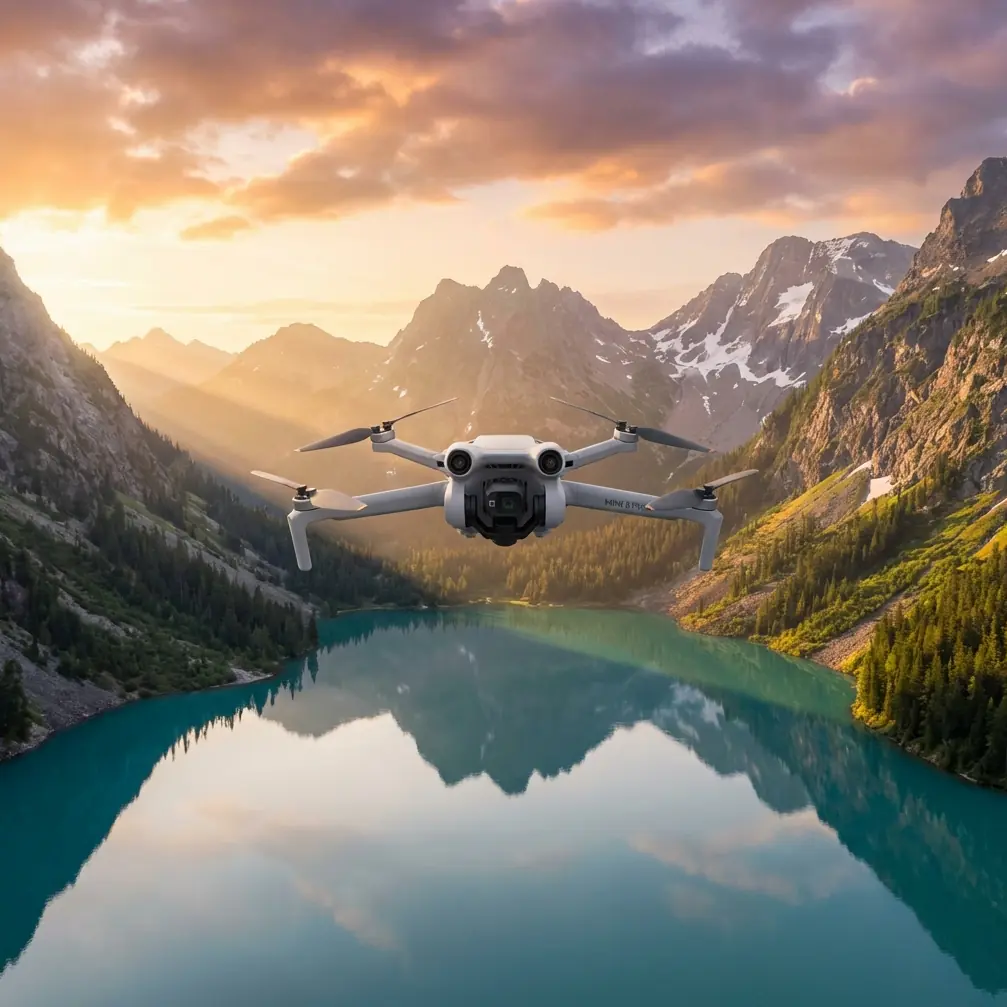
Mini 5 Pro Guide: Surveying Fields in Wind
META: Learn how to survey fields in windy conditions with the Mini 5 Pro. Expert tips on obstacle avoidance, ActiveTrack, and D-Log for reliable aerial data.
TL;DR
- The Mini 5 Pro handles sustained winds up to 24 mph, making it a reliable tool for agricultural field surveys even on gusty days
- Obstacle avoidance sensors on all four sides prevent crashes near tree lines, power poles, and irrigation equipment
- D-Log color profile and 48MP sensor capture the tonal detail needed for accurate crop health analysis
- Pre-programmed flight paths using Hyperlapse and QuickShots let you repeat identical survey routes across multiple sessions
Why Field Surveying in Wind Is a Real Problem
Wind ruins aerial surveys. I learned this the hard way two seasons ago while photographing a 640-acre wheat operation in central Kansas. My older sub-250g drone couldn't hold position above the canopy, frames blurred at every gust, and I burned through three batteries fighting crosswinds before giving up entirely.
That experience cost me a full day of work and a frustrated client. When I switched to the Mini 5 Pro for the same contract the following season, the difference was immediate. The drone locked into position, the gimbal absorbed turbulence, and I completed the survey in a single morning. This guide walks you through exactly how I set up, fly, and process field surveys using the Mini 5 Pro—even when the wind picks up.
Understanding the Mini 5 Pro's Wind Performance
The Mini 5 Pro sits in a unique category. It maintains the sub-250g weight class—meaning no FAA registration required for recreational use in the United States—while packing stabilization and propulsion systems that rival heavier platforms.
Key Specs That Matter for Windy Surveys
- Level 5 wind resistance: rated for sustained winds of 24 mph (10.7 m/s) and gusts beyond that
- Tri-directional obstacle avoidance upgraded to quad-directional sensing, covering forward, backward, downward, and lateral zones
- 3-axis mechanical gimbal that compensates for roll, pitch, and yaw vibrations caused by turbulence
- GPS + GLONASS + Galileo positioning for centimeter-level hover accuracy even in open, featureless terrain
These specs aren't just marketing numbers. In practice, they mean your survey grid stays consistent frame to frame, which is essential when you're stitching orthomosaic maps later.
Expert Insight: Before every windy field session, I check both sustained wind speed and gust speed. The Mini 5 Pro handles 24 mph sustained, but if gusts exceed 30 mph, I postpone. A sub-250g drone caught in a severe gust downdraft near the ground can lose altitude faster than the motors can compensate.
How to Set Up the Mini 5 Pro for Field Surveys
Step 1: Pre-Flight Wind Assessment
Don't rely on general weather apps. Use a handheld anemometer at the field to measure wind at launch height and estimate conditions at your planned survey altitude (typically 100–200 feet AGL for crop analysis).
- Check wind direction relative to your planned grid lines
- Orient your survey passes into the wind on the outbound leg so the drone fights wind while the camera is active
- Plan return legs downwind when the camera is off or between waypoints
Step 2: Camera and Color Profile Configuration
For agricultural surveys where you need to distinguish healthy vegetation from stressed zones, color accuracy is everything.
- Set the color profile to D-Log for maximum dynamic range—this preserves shadow detail in furrows and highlight detail on sun-bleached canopy
- Shoot at 48MP full resolution when you need to crop into specific problem areas later
- Lock ISO to 100–200 to minimize noise, and let shutter speed float (use an ND filter if shutter speed climbs too high)
- Set white balance manually to 5500K–6000K rather than auto; auto WB shifts between passes and creates inconsistent stitching
Step 3: Flight Path Programming
This is where the Mini 5 Pro's intelligent flight modes become survey tools rather than creative toys.
Hyperlapse in Waypoint Mode lets you define a multi-point path that the drone repeats precisely. For surveys, ignore the timelapse output—use it purely as an automated flight path that captures images at set intervals.
QuickShots work well for quick overhead assessments of specific field zones. The Dronie and Circle modes give you a rapid visual scan of irrigation pivot points or drainage problem areas without manually flying complex patterns.
| Feature | Survey Application | Wind Benefit |
|---|---|---|
| Hyperlapse (Waypoint) | Repeatable grid flight paths | Drone auto-compensates heading into wind |
| QuickShots (Circle) | 360° assessment of problem zones | Maintains radius despite crosswind |
| ActiveTrack | Follow moving equipment for context shots | Subject tracking locks onto tractors, UTVs |
| Obstacle Avoidance | Prevents collisions near tree lines, poles | Sensors override wind-pushed drift toward objects |
| D-Log | Maximum color data for post-processing | N/A—color profile, not flight feature |
| 48MP Capture | High-res orthomosaic stitching | N/A—sensor capability |
Flying the Survey: Execution Tips
Maintain Consistent Altitude
Wind creates vertical turbulence, especially over uneven terrain. The Mini 5 Pro's barometric altimeter combined with GPS holds altitude well, but thermal updrafts from sun-heated soil can cause 5–10 foot altitude fluctuations.
- Lock altitude in your flight app before starting the survey pass
- Monitor the altitude readout on-screen during each leg
- If you see fluctuations exceeding 15 feet, pause and let the drone re-stabilize
Use ActiveTrack for Equipment Documentation
Field surveys often include documenting equipment placement—irrigation heads, soil sensors, or damaged machinery. ActiveTrack lets the Mini 5 Pro follow a moving UTV or tractor while you ride through the field, capturing continuous overhead footage that maps equipment locations in context.
This is especially useful for insurance documentation or landlord reporting, where a static overhead shot doesn't tell the full story.
Pro Tip: When using ActiveTrack near field edges, ensure obstacle avoidance is set to Bypass rather than Brake. In Brake mode, the drone stops when it detects a tree line and loses the tracked subject. In Bypass mode, it navigates around the obstacle while maintaining the tracking lock—critical when your path takes you near windbreaks or fence rows.
Battery Management in Wind
Wind forces the motors to work harder, which drains batteries faster. Expect a 15–25% reduction in flight time compared to calm conditions.
- Bring at least 4 fully charged batteries for a standard 160-acre survey
- Set your low-battery return threshold to 25% instead of the default 20%—you need that extra margin to fight headwinds on the return flight
- Keep spare batteries warm in an insulated bag if surveying in cool, windy weather; cold lithium cells deliver less total energy
Post-Processing Field Survey Data
Working with D-Log Footage
D-Log files look flat and desaturated straight out of the camera. That's by design—the flat profile preserves data that punchy, pre-baked color profiles clip.
- Import into Lightroom, Capture One, or DaVinci Resolve
- Apply a base contrast curve to restore midtone separation
- Use the HSL panel to isolate green channel saturation, which reveals subtle differences between healthy and stressed vegetation
- Export at full resolution, sRGB color space for client reports; use AdobeRGB if feeding into GIS or NDVI analysis software
Stitching Orthomosaics
If you flew a grid pattern, your images can be stitched into a single overhead orthomosaic map. Tools like Pix4D, DroneDeploy, or OpenDroneMap accept the Mini 5 Pro's geotagged images directly.
- Ensure 70–80% overlap between adjacent images for clean stitching
- Wind-caused position drift is corrected during the stitching algorithm, but only if overlap is sufficient
- Output resolution from a 48MP sensor at 150 feet AGL typically yields ground sampling distances under 1 cm/pixel—more than adequate for most crop assessments
Common Mistakes to Avoid
- Ignoring gust forecasts: Sustained wind within spec doesn't mean safe if gusts exceed the drone's recovery capability by a wide margin
- Flying perpendicular to wind on every pass: This forces constant lateral correction and increases battery drain; alternate between headwind and tailwind passes
- Leaving obstacle avoidance off to "save processing power": The Mini 5 Pro's sensors have negligible impact on performance—leave them on, especially near field edges with poles and wires
- Shooting in auto white balance: Creates color inconsistencies between survey passes that complicate stitching and crop health analysis
- Forgetting to calibrate the compass at new field locations: Magnetic interference from buried irrigation lines or metal fence posts can cause erratic flight behavior if the compass isn't freshly calibrated on-site
- Using JPEG instead of RAW: JPEG compression destroys the subtle tonal differences that D-Log is designed to capture; always shoot DNG (RAW) for survey work
Frequently Asked Questions
Can the Mini 5 Pro replace a dedicated agricultural survey drone?
For basic visual surveys, crop scouting, and documentation—yes. The 48MP sensor and D-Log profile capture enough spectral detail for visible-light crop analysis. However, if you need multispectral or NDVI-specific sensors, you'll still need a dedicated agriculture platform like the DJI Agras series. The Mini 5 Pro excels as a cost-effective, portable complement to those heavier systems.
How many acres can I realistically cover on one battery in windy conditions?
In winds around 15–20 mph, expect to cover roughly 30–40 acres per battery at 150 feet AGL with 75% image overlap. Calm conditions extend that to 50–60 acres. Your mileage varies based on altitude, speed, and how aggressively the wind fluctuates.
Is the sub-250g weight class a disadvantage in wind?
It's a tradeoff. Lighter drones are more susceptible to displacement in gusts, but the Mini 5 Pro's motor and stabilization systems compensate effectively up to its rated Level 5 wind resistance. The regulatory advantage—no registration required for recreational flights, simplified Part 107 compliance for commercial operators—often outweighs the slight reduction in wind stability compared to heavier drones.
Technical Comparison: Mini 5 Pro vs. Alternatives for Field Surveys
| Specification | Mini 5 Pro | Mini 4 Pro | Air 3 | Mavic 3 Classic |
|---|---|---|---|---|
| Weight | Sub-250g | 249g | 720g | 895g |
| Max Wind Resistance | Level 5 (24 mph) | Level 5 (24 mph) | Level 5 (24 mph) | Level 5 (24 mph) |
| Sensor Resolution | 48MP | 48MP | 48MP (wide) | 20MP |
| Obstacle Avoidance | Quad-directional | Tri-directional | Quad-directional | Quad-directional |
| D-Log Support | Yes | Yes | Yes | Yes |
| ActiveTrack | Yes | Yes (limited) | Yes | Yes |
| Max Flight Time (calm) | ~34 min | 34 min | 46 min | 46 min |
| FAA Registration (Rec.) | Not required | Not required | Required | Required |
The Mini 5 Pro hits the sweet spot: it matches or exceeds the Mini 4 Pro in every survey-relevant category while maintaining the sub-250g regulatory advantage that heavier platforms sacrifice.
Ready for your own Mini 5 Pro? Contact our team for expert consultation.