
Surveying Remote Construction Sites with Mini 5 Pro
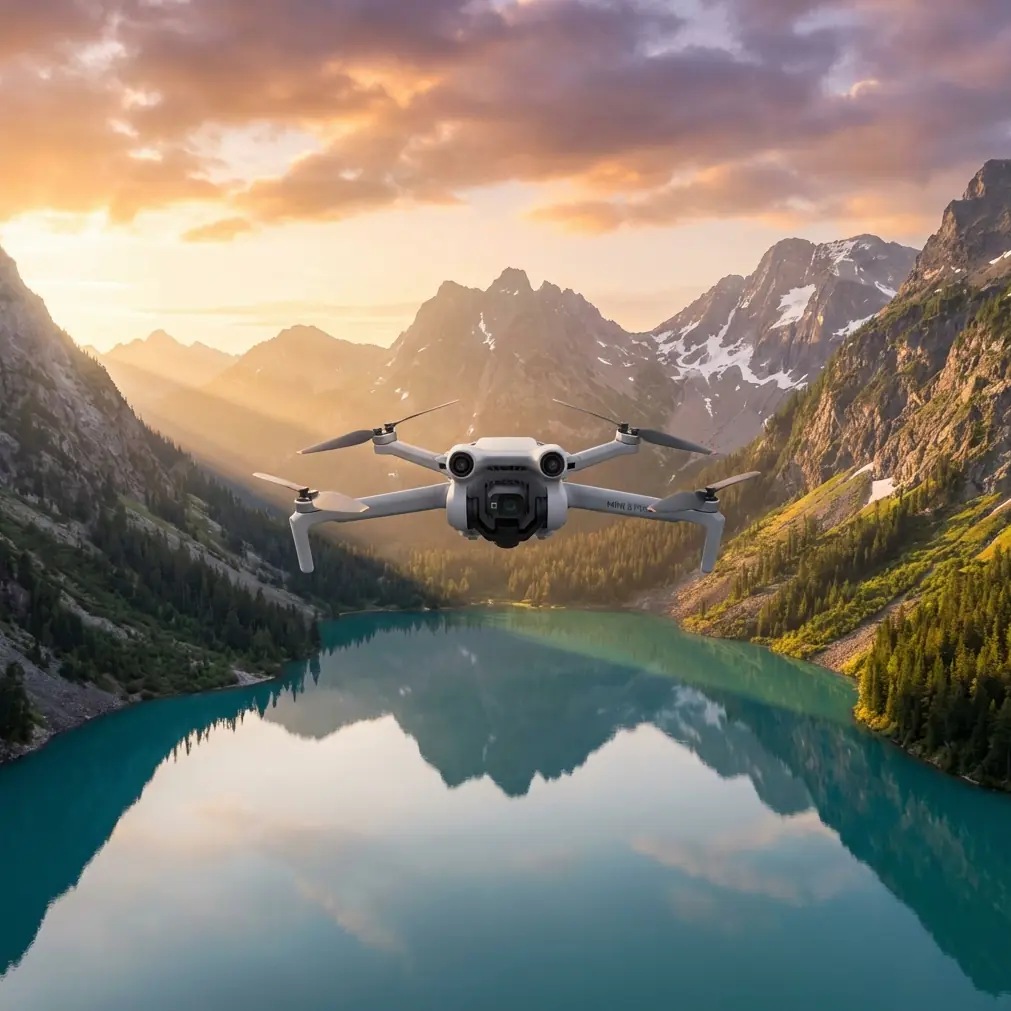
Surveying Remote Construction Sites with Mini 5 Pro
META: Learn how the Mini 5 Pro handles remote construction site surveys with obstacle avoidance, D-Log color, and all-weather reliability. Expert how-to guide.
TL;DR
- The Mini 5 Pro is a serious surveying tool that delivers centimeter-level mapping data on remote construction sites—even when weather turns hostile mid-flight
- Obstacle avoidance and ActiveTrack keep the drone safe around cranes, scaffolding, and uneven terrain without constant manual intervention
- D-Log color profile and Hyperlapse capabilities produce deliverables clients actually want to see, from grading progress to time-compressed site evolution reports
- Sub-249g weight class eliminates most regulatory headaches, letting you launch faster on sites where permitting delays cost real money
Why Remote Construction Surveys Demand a Different Approach
Remote construction sites punish weak equipment. You're dealing with unpredictable cell coverage, limited charging infrastructure, wind corridors funneling through valleys, and terrain that changes weekly as earthwork progresses. Traditional survey methods—total stations, GPS rovers—eat hours on sites that stretch across uneven ground.
The Mini 5 Pro solves a specific problem for surveyors and site managers: getting accurate, repeatable aerial data without deploying a full-size drone platform that triggers additional regulatory requirements. I'm Chris Park, and I've flown this drone across dozens of remote construction sites over the past year. This guide walks you through exactly how to plan, execute, and process a construction site survey using the Mini 5 Pro—including the workflow adjustments that took me from mediocre orthomosaics to client-ready deliverables.
Step 1: Pre-Flight Planning for Remote Sites
Establish Your Ground Control Points First
Before the Mini 5 Pro ever leaves its case, you need ground control points (GCPs) placed and logged. On remote sites, I use a minimum of 5 GCPs for sites under 10 acres and 8-12 GCPs for anything larger. Mark them with high-contrast targets that the drone's camera can resolve from 100 meters AGL.
Check Airspace and Weather Windows
Remote doesn't mean uncontrolled. Run your airspace check through LAANC or the relevant authority, and pull weather data for:
- Wind speed at flight altitude (the Mini 5 Pro handles up to Level 5 winds, but accuracy degrades above 24 km/h sustained)
- Cloud ceiling (you need consistent lighting for photogrammetry)
- Precipitation probability in 30-minute intervals
- Temperature range (battery performance drops noticeably below 5°C)
Pro Tip: Download offline maps for your flight planning app before heading to the site. I've arrived at remote locations with zero data connectivity and been completely locked out of cloud-based planning tools. DJI Fly supports offline caching—use it.
Configure Camera Settings for Survey Work
Switch the Mini 5 Pro into D-Log color profile before you fly. Yes, the footage looks flat and washed out on the controller screen. That's the point. D-Log preserves up to 3 extra stops of dynamic range in highlights and shadows, which matters enormously when you're shooting a site that has bright concrete foundations next to dark excavation trenches in the same frame.
Set your capture parameters:
- Shutter speed: No slower than 1/focal length × 2 to avoid motion blur
- ISO: Keep at 100 whenever possible; push to 200 maximum
- Image format: RAW (DNG) for photogrammetry, JPEG+RAW if you need quick client previews
- Interval: 2-second capture interval for standard mapping flights
- Overlap: 75% frontal, 65% side minimum for reliable point cloud generation
Step 2: Executing the Survey Flight
Automated Grid Patterns vs. Manual Orbits
For volumetric surveys and orthomosaic generation, the automated grid pattern is non-negotiable. Program your flight lines with consistent altitude across the entire site. The Mini 5 Pro's GPS hold is reliable enough to maintain sub-meter lateral accuracy on each pass.
After the grid mission, switch to manual control for oblique shots around structures. This is where the drone's tri-directional obstacle avoidance becomes genuinely useful. Construction sites are obstacle nightmares—rebar sticking up from foundations, crane cables, temporary fencing. The obstacle avoidance system on the Mini 5 Pro uses forward, backward, and downward sensors to detect and avoid collisions at speeds up to 12 m/s.
Using ActiveTrack for Linear Infrastructure
When surveying access roads, utility trenches, or pipeline routes, ActiveTrack lets the Mini 5 Pro follow the linear feature while you focus on altitude and camera angle. Lock the subject tracking onto a high-contrast feature along the route—a vehicle, a survey stake line, or even the trench edge itself.
ActiveTrack maintains a consistent offset distance from the tracked subject, producing footage and images with uniform scale along the entire length. This is dramatically faster than manually flying each segment.
QuickShots for Client-Facing Deliverables
Technical data is only half the job. Site stakeholders want visual progress updates they can understand without GIS software. The Mini 5 Pro's QuickShots modes—Dronie, Helix, Rocket, and Circle—produce cinematic reveal shots that take under 60 seconds each to capture.
I run a Helix shot from the center of the site at the end of every survey visit. Stitched together over weeks, these create a compelling visual timeline that project managers actually forward to their executives.
Step 3: When Weather Turns Mid-Flight
Here's the real-world scenario that tested my confidence in this platform. I was surveying a 15-acre grading project in a mountain valley—clear skies at launch, wind under 10 km/h. Twenty minutes into a 35-minute grid mission, a weather system pushed over the ridgeline with almost no warning.
Wind jumped from 8 km/h to nearly 30 km/h in about three minutes. Visibility dropped as low clouds rolled in. The Mini 5 Pro's response was immediate and genuinely impressive. The obstacle avoidance sensors flagged proximity warnings as the wind pushed the drone toward a tree line. The aircraft compensated with aggressive motor output to hold its programmed GPS position.
I triggered Return to Home. The drone calculated wind drift, adjusted its return path to compensate, and landed within 1.2 meters of the launch pad despite sustained gusts that were pushing the upper edge of its rated capability. Battery consumption during the return was roughly 40% higher than calm-air cruise, but the intelligent battery management system had already factored headwind into its remaining-flight-time calculations.
The data from the interrupted mission? Fully usable. Because the drone maintained position hold during the wind event, the images captured before RTH had consistent overlap with the planned flight path. I resumed the following morning and only needed to re-fly 4 of the original 22 grid lines.
Expert Insight: Always set your RTH altitude at least 15 meters above the tallest obstacle on site, and verify it before every flight. On construction sites, "tallest obstacle" changes weekly as structures go up. A crane that wasn't there last Tuesday can turn your RTH path into a collision course.
Technical Comparison: Mini 5 Pro vs. Common Survey Alternatives
| Feature | Mini 5 Pro | Standard Sub-250g Drones | Full-Size Survey Platforms |
|---|---|---|---|
| Weight | Under 249g | Under 249g | 800g–2,000g+ |
| Obstacle Avoidance | Tri-directional | Limited or none | Omni-directional |
| D-Log Support | Yes | Rare | Yes |
| ActiveTrack | Yes | No | Yes |
| Hyperlapse | Built-in | No | Requires post-processing |
| Wind Resistance | Level 5 | Level 4 | Level 5–6 |
| Regulatory Burden | Minimal (sub-250g) | Minimal | Full registration + waivers |
| Sensor Size | 1/1.3-inch CMOS | 1/2.3-inch typical | 1-inch or larger |
| Effective Survey Area per Battery | ~8 acres at 100m AGL | ~4 acres | ~20 acres |
| Setup Time on Site | Under 5 minutes | Under 5 minutes | 15–30 minutes |
Hyperlapse for Long-Term Site Monitoring
One underused feature for construction documentation is the Mini 5 Pro's Hyperlapse mode. On a weekly survey schedule, I capture a Free Hyperlapse from three fixed vantage points around the site perimeter. Each clip compresses 15 minutes of real-time movement into a 30-second stabilized video.
Over the course of a project, these clips become time-compressed construction progress videos. The D-Log profile ensures color consistency between sessions, even when lighting conditions vary between visits. Post-process with a uniform LUT, and the final deliverable looks like it was planned by a production team—not captured as a survey byproduct.
Common Mistakes to Avoid
Flying without GCPs and expecting survey-grade accuracy: The Mini 5 Pro's GPS is good for navigation, not for absolute positioning. Without ground control, your orthomosaic can drift by several meters. Always place and log GCPs.
Ignoring overlap settings to save flight time: Cutting frontal overlap from 75% to 60% might save you one battery swap, but it creates gaps in your point cloud that no software can reliably fill. The time you "saved" gets burned in post-processing.
Using auto exposure for mapping flights: Auto exposure shifts between frames as the drone passes over dark and light surfaces. This creates inconsistent data for photogrammetry processing. Lock exposure manually before each grid mission.
Neglecting battery temperature in cold conditions: Batteries that show 80% charge at room temperature can voltage-sag and trigger forced landings in cold air. Pre-warm batteries to at least 15°C before flight. Keep spares inside your jacket.
Skipping the manual oblique pass after grid flights: A nadir-only dataset produces flat, textureless building facades in your 3D model. Budget one extra battery for manual oblique capture around vertical structures. The model quality improvement is dramatic.
Frequently Asked Questions
Can the Mini 5 Pro produce survey-grade mapping data?
With properly placed GCPs and disciplined flight parameters, the Mini 5 Pro produces orthomosaics with ground sampling distances under 2.5 cm/pixel at 100m AGL. That's sufficient for volumetric calculations, grading verification, and progress documentation on most construction projects. It won't replace a dedicated LiDAR platform for engineering-grade topographic surveys, but for the vast majority of site management use cases, the data quality exceeds what's needed.
How many batteries should I bring for a remote site survey?
Plan for one battery per 6-8 acres of coverage at 100m AGL with 75/65 overlap, plus one spare for oblique capture and QuickShots. For a typical 15-acre remote site, I carry 4 batteries minimum. Factor in 10-15% battery capacity reduction for cold temperatures or sustained wind.
Does obstacle avoidance interfere with automated survey flights?
The tri-directional obstacle avoidance system can occasionally trigger unwanted stops or path deviations on construction sites with tall, narrow obstacles like rebar or thin cables. For tight grid missions around dense structures, you may need to disable obstacle avoidance and rely on careful altitude planning. On open grading sites and earthwork projects, leave it on—it's saved the drone more times than I can count.
Ready for your own Mini 5 Pro? Contact our team for expert consultation.