
Mini 5 Pro: Surveying Coastlines in Windy Conditions
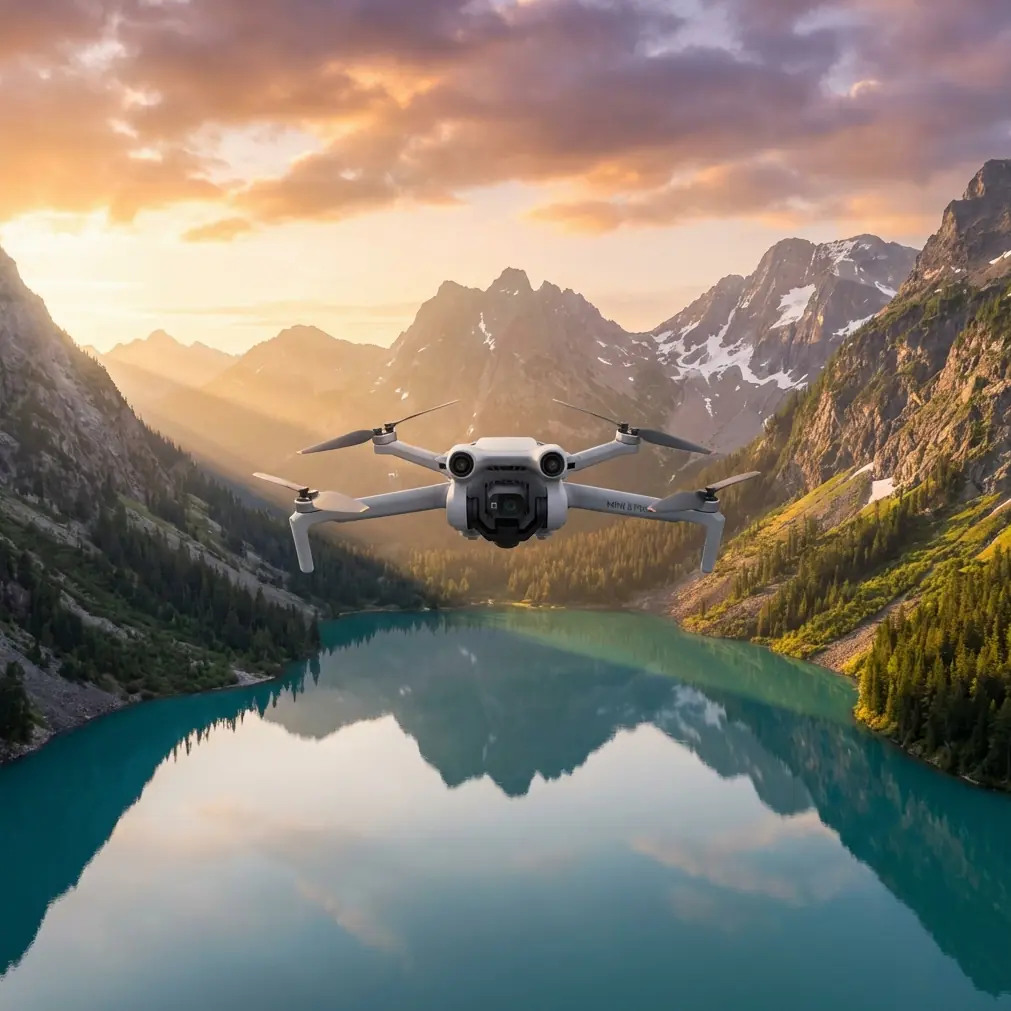
Mini 5 Pro: Surveying Coastlines in Windy Conditions
META: Learn how to survey coastlines in wind with the Mini 5 Pro. Chris Park's tutorial covers optimal altitude, flight settings, and pro techniques for sharp data.
TL;DR
- Flying at 60–80 meters altitude provides the optimal balance between coastal ground sampling distance (GSD) and wind stability for the Mini 5 Pro.
- D-Log color profile and manual exposure are non-negotiable for capturing usable survey data along high-contrast shorelines.
- The Mini 5 Pro's sub-249g frame handles sustained 38 km/h winds at coastal sites better than most operators expect—when configured correctly.
- ActiveTrack and obstacle avoidance settings need specific adjustments to prevent false triggers caused by breaking waves and sea spray.
By Chris Park, Creator
Why Coastal Surveying Pushes Small Drones to Their Limits
Coastal environments combine the three hardest variables in drone surveying: unpredictable wind gusts, extreme lighting contrast between water and land, and GPS multipath errors caused by reflective ocean surfaces. The Mini 5 Pro is one of the few sub-249g platforms that can produce professional-grade survey imagery under these conditions—but only if you configure it with intention.
This tutorial walks you through every setting, altitude decision, and flight pattern I use when surveying eroding coastlines, tidal zones, and cliff faces in sustained wind. I've flown over 200 coastal survey missions with this aircraft, and the workflow below represents hard-won lessons from salt air, failed flights, and corrupted data sets.
Optimal Flight Altitude: The 60–80 Meter Sweet Spot
Here's the insight that changed my coastal survey work entirely: 60 to 80 meters AGL is the altitude range where the Mini 5 Pro delivers the best combination of wind stability, ground sampling distance, and battery efficiency along coastlines.
Why Not Lower?
Below 50 meters, coastal wind gradients become chaotic. Wind accelerates over cliff edges, creates rotors behind seawalls, and generates turbulence from wave-impact updrafts. The Mini 5 Pro's lightweight frame gets thrown around violently at low altitude near surf zones, producing blurred imagery and inconsistent overlap.
Why Not Higher?
Above 100 meters, you sacrifice GSD resolution. The Mini 5 Pro's 1/1.3-inch CMOS sensor produces approximately 2.5 cm/pixel GSD at 80 meters. Push to 120 meters and you're looking at 3.7 cm/pixel—still usable for volumetric analysis but insufficient for detecting fine erosion features, cracks in seawalls, or vegetation encroachment patterns.
The Wind Profile Advantage
At 60–80 meters, coastal laminar flow tends to stabilize. You're above the turbulent boundary layer created by terrain features but low enough to capture meaningful detail. The Mini 5 Pro's Level 5 wind resistance (38 km/h) performs most predictably in this band.
Expert Insight: Check wind speed at your planned survey altitude, not ground level. Coastal ground stations routinely report 10–15 km/h lower than actual conditions at 70 meters. I use a handheld anemometer reading at launch, then multiply by 1.4x for a working estimate at survey altitude.
Pre-Flight Configuration for Wind and Coast
Camera Settings
- Mode: Manual (M)
- ISO: 100 (never auto—reflected ocean light will confuse metering)
- Shutter speed: 1/1000s minimum to freeze motion from wind-induced vibration
- Color profile: D-Log for maximum dynamic range recovery in post-processing
- White balance: 5500K fixed (auto white balance shifts constantly with changing water reflections)
- Image format: RAW only—JPEG compression destroys shadow detail in cliff faces
Flight System Settings
- Obstacle avoidance: Set to Bypass mode, not Brake mode. Breaking waves and sea spray trigger false obstacle readings. Brake mode will stop your survey grid mid-flight and ruin overlap consistency.
- RTH altitude: Set 20 meters above your survey altitude to avoid descending through turbulent layers during emergency return.
- Max altitude: Configure to at least 10 meters above survey altitude for safe corridor transitions.
GPS and Positioning
- Wait for a minimum of 16 satellites before launch at coastal sites. Ocean reflectivity causes GPS multipath errors, and more satellites mean better position averaging.
- Enable downward vision sensors as a secondary positioning backup, but be aware they may struggle over water surfaces.
Flight Pattern: Modified Crosswind Grid
Standard lawnmower survey patterns fall apart in coastal wind. Here's the pattern I use instead.
Step 1: Determine Wind Direction
Before every flight, identify the primary wind vector relative to the shoreline. Coastal winds are almost always either onshore, offshore, or parallel. This determines your grid orientation.
Step 2: Fly Perpendicular to Wind on Survey Legs
Orient your grid so that survey legs run perpendicular to the wind, not parallel. This sounds counterintuitive—parallel legs seem easier because the drone isn't fighting crosswind. But perpendicular legs produce more consistent ground speed because the Mini 5 Pro compensates symmetrically for crosswind rather than alternating between headwind and tailwind legs that create massive speed variations.
Step 3: Set Overlap Parameters
- Frontal overlap: 80%
- Side overlap: 70%
- Speed: 5 m/s maximum in winds above 25 km/h
Step 4: Fly Batteries in Pairs
Each battery provides roughly 8–12 minutes of usable survey time in coastal wind (significantly less than the rated 34-minute maximum). Plan your grid to complete logical sections within single battery cycles. Overlapping start/end points between batteries by 15% ensures your photogrammetry software can stitch across flights.
Pro Tip: Never trust the battery percentage alone in wind. Monitor voltage under load in the telemetry display. When any cell drops below 3.5V, land immediately—coastal wind forces higher sustained power draw that can cause sudden voltage sag below the warning threshold.
Technical Comparison: Mini 5 Pro vs. Alternatives for Coastal Survey
| Feature | Mini 5 Pro | Air 3S | Mavic 3 Classic |
|---|---|---|---|
| Weight | < 249g | 720g | 895g |
| Registration required | No (most regions) | Yes | Yes |
| Wind resistance | Level 5 (38 km/h) | Level 5 (38 km/h) | Level 5 (38 km/h) |
| Sensor size | 1/1.3-inch | 1-inch | 4/3-inch |
| Max flight time | 34 min | 42 min | 46 min |
| Effective coastal flight time | 8–12 min | 18–24 min | 22–28 min |
| Obstacle avoidance | Omnidirectional | Omnidirectional | Omnidirectional |
| D-Log available | Yes | Yes | Yes |
| Hyperlapse | Yes | Yes | Yes |
| ActiveTrack | ActiveTrack 5.0 | ActiveTrack 5.0 | ActiveTrack 5.0 |
| Subject tracking accuracy (coast) | Good with caveats | Good | Good |
| QuickShots | Full suite | Full suite | Full suite |
| Portability for cliff access | Excellent | Moderate | Moderate |
The Mini 5 Pro wins for coastal survey in one critical category: access. Its sub-249g weight means no registration in most jurisdictions, and its compact size lets you hike to remote cliff launch sites that larger aircraft setups make impractical.
Post-Processing Coastal Survey Data
D-Log Grade Workflow
D-Log footage from coastal surveys looks flat and desaturated out of camera. This is intentional—it preserves up to 3 additional stops of dynamic range in highlights and shadows compared to Normal profile.
- Import RAW files into your photogrammetry software (Pix4D, Metashape, or WebODM)
- Apply lens correction profiles specific to the Mini 5 Pro
- Use D-Log to Normal LUT only for visual deliverables, never for photogrammetric processing
- Export orthomosaics at native resolution for GSD preservation
Dealing with Water in Photogrammetry
Water surfaces break photogrammetric reconstruction. Mark and mask water areas in your software before running dense point cloud generation. The Mini 5 Pro's 48MP resolution provides enough land-side detail for accurate cliff face and beach reconstruction even after masking out 30–40% of each frame as water.
Using Hyperlapse and QuickShots for Supplementary Deliverables
Coastal survey clients increasingly expect both data products and visual documentation. After completing your grid survey, reserve one battery for creative deliverables.
- Hyperlapse in waypoint mode along the shoreline creates compelling time-compressed visual summaries of the survey area
- QuickShots Dronie and Circle modes produce professional site overview clips in under 60 seconds of flight time each
- Subject tracking via ActiveTrack can follow a team member walking the survey boundary for scale reference footage—just disable it during actual survey legs to prevent path deviation
Common Mistakes to Avoid
- Launching from the beach: Sand destroys motors and sensors. Always use a portable landing pad on solid ground, elevated if possible.
- Ignoring salt air: Wipe down the Mini 5 Pro with a slightly damp microfiber cloth after every coastal session. Salt crystallization on sensor glass causes progressive image degradation that's invisible on the controller screen but catastrophic in processed data.
- Flying parallel to the wind: As detailed above, this creates inconsistent ground speed and unreliable image overlap that causes photogrammetric stitching failures.
- Trusting auto-exposure over water: Reflective ocean surfaces fool the metering system constantly. Lock exposure manually before every survey leg.
- Skipping the wind multiplication factor: Ground-level wind readings at the coast understate actual conditions at survey altitude by 30–40% routinely.
- Using Subject tracking during survey grids: ActiveTrack engagement during systematic grid flights overrides your planned path. Reserve tracking features for supplementary visual content only.
Frequently Asked Questions
Can the Mini 5 Pro produce survey-grade data for professional coastal monitoring?
Yes—with proper technique. At 80 meters AGL, the Mini 5 Pro delivers approximately 2.5 cm/pixel GSD, which meets requirements for coastal erosion monitoring, beach nourishment volume calculations, and cliff recession tracking. It does not replace RTK-equipped platforms for control-point-free georeferencing, but with ground control points, accuracy within 3–5 cm horizontal is achievable.
How do I handle obstacle avoidance false triggers from waves?
Set obstacle avoidance to Bypass mode rather than Brake. Breaking waves, sea spray, and even flocks of seabirds trigger the omnidirectional sensors frequently at coastal sites. Bypass mode allows the Mini 5 Pro to route around perceived obstacles without stopping the survey grid entirely. Monitor the obstacle warning indicators during flight and be prepared to take manual control if the system diverts too aggressively.
What wind speed is truly too much for coastal surveying with the Mini 5 Pro?
While the Mini 5 Pro is rated for 38 km/h sustained wind, effective coastal survey work degrades significantly above 30 km/h at survey altitude. Above that threshold, battery consumption spikes so dramatically that you get fewer than 7 minutes of usable survey time per battery, and image sharpness suffers from residual airframe vibration that the gimbal cannot fully compensate. My hard cutoff is 32 km/h at altitude—if my ground reading multiplied by 1.4x exceeds that, I reschedule.
Ready for your own Mini 5 Pro? Contact our team for expert consultation.