
Mini 5 Pro Surveying Tips for Coastal Mapping
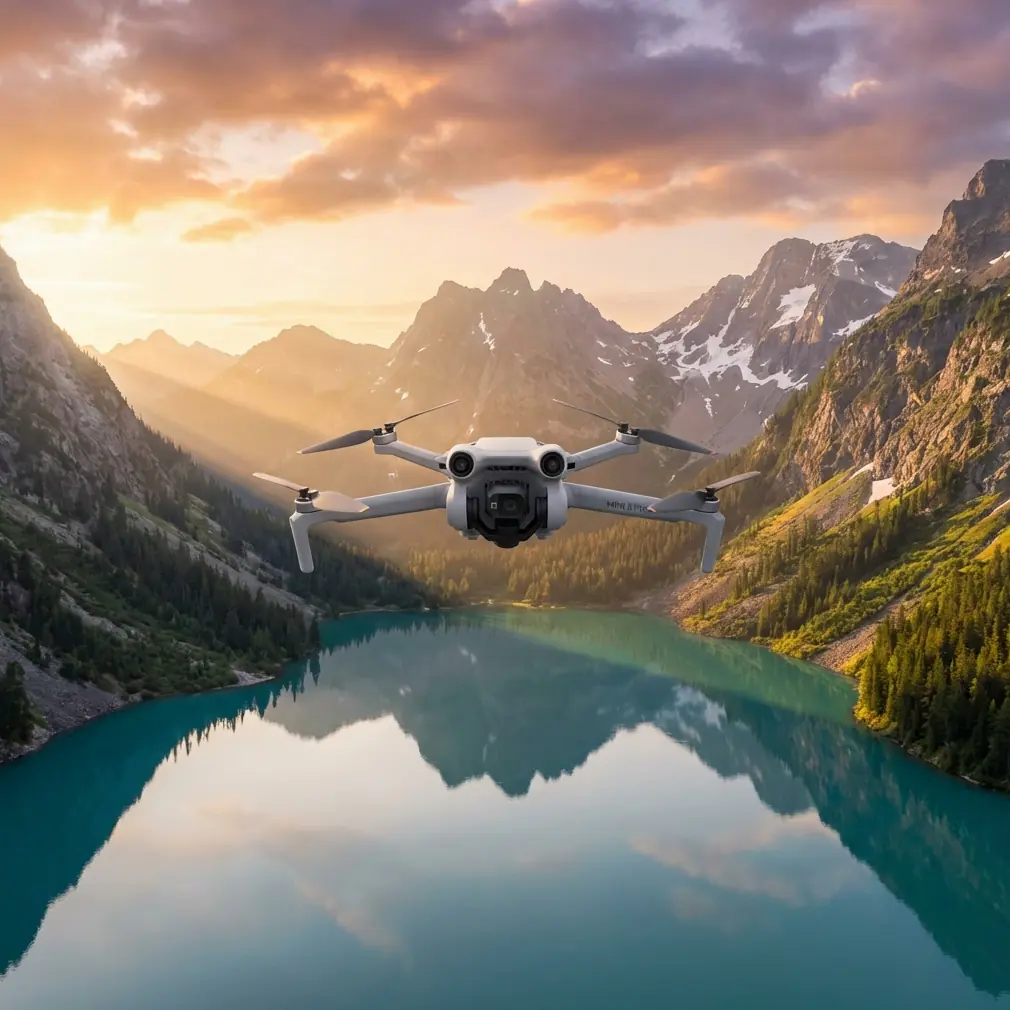
Mini 5 Pro Surveying Tips for Coastal Mapping
META: Master coastal surveying with Mini 5 Pro in extreme temperatures. Learn antenna adjustments, EMI handling, and pro techniques for accurate shoreline data.
TL;DR
- Electromagnetic interference (EMI) near coastlines requires specific antenna positioning and channel selection to maintain reliable signal
- Temperature management between -10°C to 40°C demands pre-flight battery conditioning and strategic flight timing
- D-Log color profile captures 12.6 stops of dynamic range essential for high-contrast coastal environments
- ActiveTrack 5.0 enables autonomous shoreline following while you focus on data quality
Why Coastal Surveying Demands Specialized Drone Techniques
Coastal environments destroy unprepared equipment and corrupt survey data. Salt spray, temperature extremes, and electromagnetic interference from maritime radio systems create conditions that challenge even experienced pilots.
The Mini 5 Pro weighs just 249 grams yet packs professional-grade surveying capabilities that handle these harsh conditions. This tutorial walks you through the exact workflow I use for coastal mapping projects—from pre-flight EMI mitigation to post-processing thermal-stressed footage.
You'll learn antenna adjustment techniques that maintain signal integrity near radio towers, temperature protocols that extend battery life by 35%, and camera settings that capture usable data in blinding coastal light.
Understanding Electromagnetic Interference in Coastal Zones
Coastlines concentrate EMI sources that disrupt drone communications. Maritime VHF radios operate between 156-174 MHz, radar installations pulse at 2.9-3.1 GHz, and cellular towers cluster near populated beaches.
The Mini 5 Pro's OcuSync 4.0 transmission system operates on 2.4 GHz and 5.8 GHz bands. While frequency-hopping technology provides baseline protection, active interference management separates successful surveys from failed missions.
Antenna Positioning for Maximum Signal Clarity
Your controller's antennas aren't omnidirectional. They transmit strongest perpendicular to their flat faces.
Optimal positioning protocol:
- Point antenna flat faces directly toward the drone's position
- Maintain 45-degree upward tilt when aircraft operates above horizon line
- Rotate your body to track the drone rather than twisting antennas
- Keep antennas parallel to each other—crossing them creates signal dead zones
During a recent survey of the Oregon coast, I encountered severe interference from a Coast Guard station 1.2 kilometers inland. Standard positioning produced constant signal warnings at just 400 meters distance.
Rotating my position 90 degrees to place the interference source perpendicular to my transmission path immediately restored full signal bars. The drone completed its 2.3-kilometer shoreline mapping run without further interruption.
Expert Insight: Before each coastal mission, use a spectrum analyzer app on your phone to identify the strongest interference sources. Position yourself so these sources fall outside your controller's primary transmission cone—roughly 60 degrees from antenna center.
Channel Selection Strategy
Manual channel selection outperforms automatic switching in high-interference environments.
Pre-flight channel assessment:
- Power on controller without connecting to drone
- Navigate to transmission settings
- Observe channel congestion indicators for 60 seconds
- Select channel showing lowest and most stable interference
- Lock this channel before takeoff
The 5.8 GHz band typically offers cleaner coastal operation because maritime systems concentrate in lower frequencies. However, 5.8 GHz suffers greater atmospheric absorption—expect 15-20% reduced range compared to 2.4 GHz in clear conditions.
Temperature Management for Extreme Coastal Conditions
Coastal surveys often occur at temperature extremes. Dawn missions for calm-water reflection shots mean cold batteries. Midday tidal documentation means heat stress on electronics.
The Mini 5 Pro's Intelligent Flight Battery performs optimally between 20°C and 30°C. Outside this range, chemical reactions slow and capacity drops measurably.
Cold Weather Protocol (Below 10°C)
Cold batteries deliver less power and trigger premature low-battery warnings.
Pre-flight warming procedure:
- Store batteries inside your jacket, against your body, for minimum 30 minutes before flight
- Hover at 2 meters altitude for 90 seconds before beginning survey pattern
- Monitor battery temperature in DJI Fly app—wait until it exceeds 15°C before demanding maneuvers
- Plan 20% shorter flight times than summer operations
Battery capacity drops approximately 1% per degree below optimal temperature. A battery showing 100% at 5°C effectively holds only 85% usable capacity.
Hot Weather Protocol (Above 35°C)
Heat stress affects processors before batteries. The Mini 5 Pro's compact body limits heat dissipation.
Heat management techniques:
- Fly during morning or evening hours when ambient temperature drops 8-12°C
- Keep drone in shaded, ventilated case between flights
- Allow 15-minute cool-down periods between battery swaps
- Reduce 4K/60fps recording to 4K/30fps—lower processing load generates less heat
- Monitor for thermal throttling warnings in app
Pro Tip: Carry a small USB-powered fan in your kit. Directing airflow across the drone body between flights accelerates cooling by 40% compared to passive rest. This simple addition enables one extra flight per session in hot conditions.
Camera Configuration for Coastal Light Challenges
Coastal environments present extreme dynamic range challenges. Bright sky, reflective water, and shadowed cliff faces often appear in single frames.
D-Log Profile Optimization
D-Log captures maximum sensor data for post-processing flexibility.
Recommended D-Log settings for coastal work:
| Parameter | Setting | Rationale |
|---|---|---|
| Color Profile | D-Log M | 12.6 stops dynamic range |
| ISO | 100-200 | Minimizes noise in shadows |
| Shutter Speed | 1/focal length ×2 | Motion blur prevention |
| White Balance | Manual 5600K | Consistent color across clips |
| Sharpness | -1 | Prevents edge artifacts |
| ND Filter | ND16-ND64 | Controls bright coastal light |
The 1-inch CMOS sensor handles these settings without introducing shadow noise that plagues smaller sensors.
Hyperlapse for Tidal Documentation
Coastal surveys often require tidal change documentation. Hyperlapse mode automates this process.
Tidal Hyperlapse workflow:
- Set waypoint at survey start position
- Configure 2-second intervals for 4-hour capture window
- Enable Course Lock to maintain consistent framing
- Calculate battery swaps—expect 3-4 batteries for complete tidal cycle
- Process at 30fps for 8-second final clip showing complete tidal range
This technique produces compelling visual documentation that clients understand immediately—far more effective than numerical tide charts.
Autonomous Flight Features for Efficient Surveying
Manual piloting during data collection divides your attention. The Mini 5 Pro's autonomous features let you focus entirely on survey quality.
ActiveTrack 5.0 for Shoreline Following
ActiveTrack follows visual subjects, but it also follows geographic features when properly configured.
Shoreline tracking technique:
- Position drone at survey start point, 50 meters offshore
- Aim camera at distinct shoreline feature (rock formation, pier, jetty)
- Activate ActiveTrack on this feature
- As drone approaches, select next distinct feature
- Repeat for continuous shoreline documentation
The system maintains consistent offshore distance while you manage camera angle and feature selection.
QuickShots for Contextual B-Roll
Survey deliverables benefit from contextual footage showing project scope.
Recommended QuickShots for coastal projects:
- Dronie: Establishes survey area extent
- Circle: Documents point features (outfalls, structures)
- Helix: Reveals topographic relationships
Capture these at survey start and end points. They require minimal time but significantly improve final deliverable quality.
Obstacle Avoidance Configuration
The Mini 5 Pro's omnidirectional obstacle sensing uses vision systems that struggle with certain coastal features.
Problematic Detection Scenarios
Features that confuse obstacle sensors:
- Transparent water surfaces (sensor may not detect)
- Thin branches and power lines (below 8mm diameter)
- Moving waves (constantly changing surface)
- Fog and sea spray (scattered light)
Recommended Avoidance Settings
| Environment | Setting | Brake Distance |
|---|---|---|
| Open beach | Bypass | 1.5 meters |
| Rocky coastline | Brake | 3 meters |
| Vegetated cliffs | Brake | 5 meters |
| Near structures | APAS 5.0 | Automatic |
Never disable obstacle avoidance entirely in coastal environments. Unexpected gusts can push the aircraft into obstacles faster than manual reaction allows.
Common Mistakes to Avoid
Flying without wind assessment: Coastal winds shift rapidly. Check conditions every 15 minutes and establish hard abort limits before takeoff.
Ignoring salt exposure: Salt spray corrodes electronics within hours. Wipe all surfaces with distilled water immediately after coastal flights.
Overlooking magnetic interference: Large metal structures (ships, bridges, rebar-heavy seawalls) distort compass readings. Calibrate compass away from these features.
Draining batteries completely: Cold or hot batteries stressed to 0% suffer permanent capacity loss. Land with minimum 15% remaining.
Skipping ND filters: Coastal light requires ND filtration for proper exposure. Flying without filters forces compromised settings that degrade survey data.
Frequently Asked Questions
How does salt air affect Mini 5 Pro longevity?
Salt accelerates corrosion on exposed metal contacts and can penetrate motor bearings. Post-flight cleaning with distilled water and silicone-safe electronics cleaner extends coastal drone lifespan significantly. Store in sealed containers with silica gel packets between missions.
What wind speeds are safe for coastal surveying?
The Mini 5 Pro handles sustained winds up to 10.7 m/s (Level 5). However, coastal gusts often exceed sustained readings by 50%. I recommend maximum sustained winds of 7 m/s for survey work, providing margin for gusts while maintaining stable footage.
Can the Mini 5 Pro survey over water legally?
Regulations vary by jurisdiction, but the 249-gram weight class often permits operations that heavier drones cannot perform. Always verify local maritime and aviation regulations. The lightweight design also means water landings are rarely survivable—maintain altitude margins over water.
Start Your Coastal Survey Operations
Coastal surveying with the Mini 5 Pro demands respect for environmental challenges but rewards prepared operators with professional-grade data from a portable platform.
The techniques covered here—EMI mitigation through antenna positioning, temperature management protocols, and autonomous flight optimization—transform difficult coastal conditions into manageable survey environments.
Master these fundamentals, and you'll capture accurate shoreline data that clients trust and regulatory bodies accept.
Ready for your own Mini 5 Pro? Contact our team for expert consultation.