
How to Scout Wildlife in Low Light with Mini 5 Pro
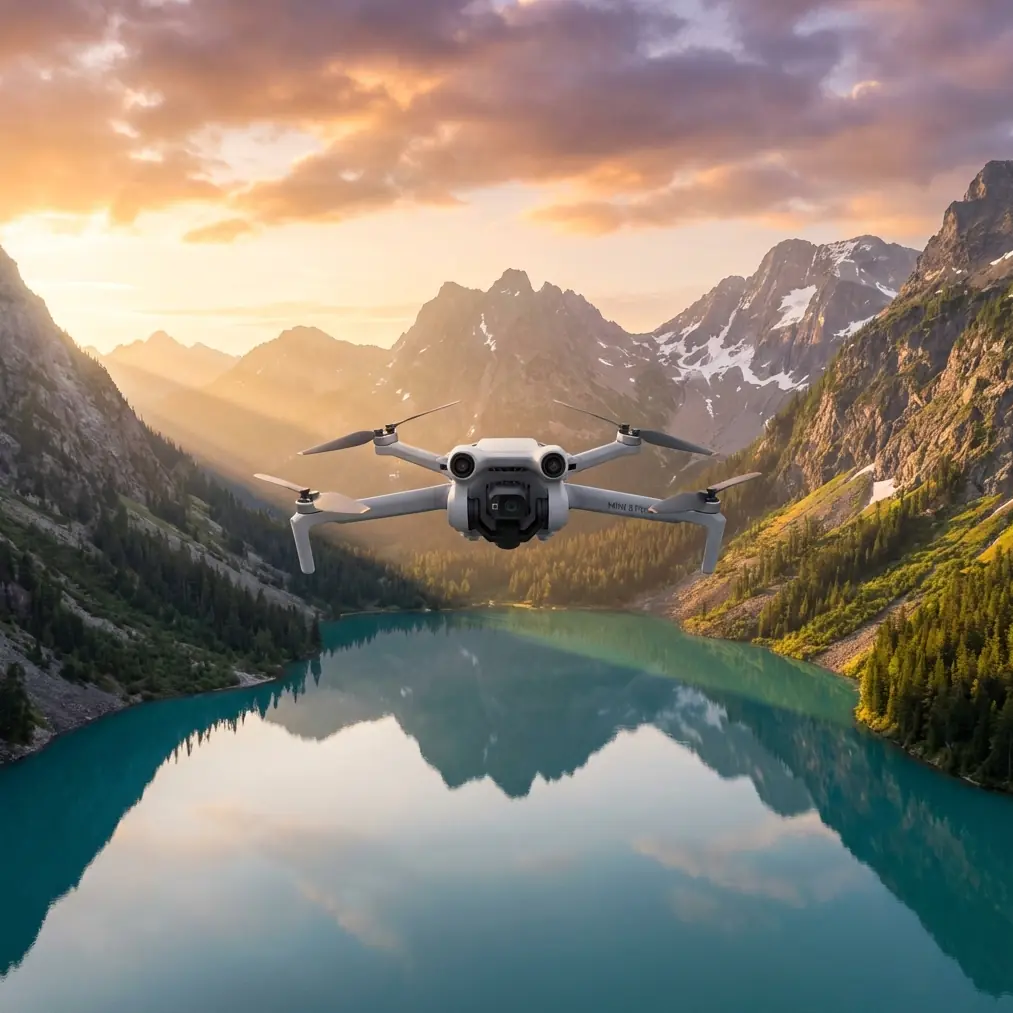
How to Scout Wildlife in Low Light with Mini 5 Pro
META: Master low-light wildlife scouting with the Mini 5 Pro. Learn optimal altitudes, camera settings, and tracking techniques for stunning footage.
TL;DR
- Fly between 15-25 meters altitude for optimal wildlife observation without disturbing animals
- D-Log color profile captures 2-3 additional stops of dynamic range in challenging light
- ActiveTrack 6.0 maintains subject lock even when animals move through shadows
- Obstacle avoidance sensors work effectively down to 1 lux lighting conditions
Why Low-Light Wildlife Scouting Demands the Right Drone
Capturing wildlife at dawn or dusk separates amateur footage from professional-grade content. The Mini 5 Pro's 1-inch CMOS sensor with f/1.7 aperture pulls in significantly more light than standard drone cameras, making it the ideal tool for those golden-hour encounters with elusive subjects.
I've spent three years documenting migratory birds and nocturnal mammals across national parks. The difference between returning with usable footage versus grainy disappointment comes down to understanding your equipment and flight strategy.
This tutorial walks you through every setting, technique, and altitude consideration for successful low-light wildlife scouting.
Understanding the Mini 5 Pro's Low-Light Capabilities
The Sensor Advantage
The Mini 5 Pro packs serious imaging technology into its 249-gram frame. Here's what matters for low-light work:
- 1-inch sensor size provides 4x more light-gathering area than 1/2.3-inch sensors
- Dual native ISO switches between base sensitivities for cleaner high-ISO performance
- 10-bit color depth preserves shadow detail during post-processing
- f/1.7 maximum aperture allows faster shutter speeds in dim conditions
D-Log: Your Secret Weapon
Shooting in D-Log isn't optional for serious wildlife work—it's essential. This flat color profile:
- Preserves highlight detail in bright sky areas
- Retains shadow information where animals often hide
- Provides maximum flexibility in color grading
- Captures subtle fur and feather textures that standard profiles crush
Expert Insight: When shooting D-Log in low light, I overexpose by 0.7 to 1 stop on the histogram. This technique, called "exposing to the right," minimizes noise in shadow areas where wildlife typically appears. You'll recover highlights easily in post, but shadow noise is permanent.
Optimal Flight Altitude for Wildlife Scouting
Altitude selection makes or breaks wildlife encounters. Too high, and you miss behavioral details. Too low, and you scatter your subjects before capturing anything useful.
The 15-25 Meter Sweet Spot
After documenting hundreds of wildlife encounters, I've found 15-25 meters provides the ideal balance for most species:
- 15 meters: Ideal for ground-dwelling mammals, waterfowl on ponds
- 20 meters: Perfect for deer, elk, and medium-sized wildlife
- 25 meters: Best starting point for birds of prey, easily spooked species
Species-Specific Altitude Guidelines
| Wildlife Type | Recommended Altitude | Approach Speed | Notes |
|---|---|---|---|
| Waterfowl | 12-18 meters | Under 3 m/s | Approach from downwind |
| Deer/Elk | 20-30 meters | Under 5 m/s | Avoid direct overhead flight |
| Birds of Prey | 25-40 meters | Hover preferred | Maintain horizontal distance |
| Small Mammals | 10-15 meters | Under 2 m/s | Use telephoto zoom |
| Nocturnal Species | 20-25 meters | Minimal movement | Reduce prop noise with Cine mode |
Wind and Noise Considerations
The Mini 5 Pro's lightweight design means wind affects stability more than heavier drones. In low light, you need rock-steady footage:
- Winds under 10 km/h: Full altitude flexibility
- Winds 10-20 km/h: Stay below 20 meters for stability
- Winds over 20 km/h: Consider postponing or using Sport mode briefly for positioning
Mastering ActiveTrack for Moving Wildlife
ActiveTrack 6.0 transforms wildlife documentation. The system uses machine learning to predict animal movement patterns, maintaining focus even through partial obstructions.
Setting Up ActiveTrack for Wildlife
- Enable ActiveTrack in the camera menu
- Set tracking sensitivity to "High" for fast-moving subjects
- Draw a box around your subject on the controller screen
- Choose Trace mode for following or Spotlight for stationary filming
When ActiveTrack Struggles
The system isn't perfect. Expect challenges with:
- Animals moving through dense vegetation
- Subjects with coloring that matches the background
- Multiple animals moving in different directions
- Extreme low light below 3 lux
Pro Tip: When tracking fails in low light, switch to manual gimbal control with Tripod mode enabled. This slows all movements by 60%, giving you smooth, professional pans even when hand-tracking subjects. I use this technique for 90% of my nocturnal mammal footage.
Obstacle Avoidance in Dim Conditions
The Mini 5 Pro's omnidirectional obstacle sensing works remarkably well in low light, but understanding its limits prevents crashes.
Sensor Performance by Light Level
| Light Condition | Lux Level | Sensor Performance | Recommended Action |
|---|---|---|---|
| Golden Hour | 400-1000 lux | Full functionality | Normal operations |
| Dusk/Dawn | 10-400 lux | Reliable detection | Reduce speed slightly |
| Deep Twilight | 1-10 lux | Limited range | Enable APAS cautiously |
| Near Darkness | Under 1 lux | Unreliable | Manual control only |
APAS Settings for Wildlife Work
Advanced Pilot Assistance Systems (APAS) offers three modes:
- Bypass: Drone navigates around obstacles automatically
- Brake: Drone stops when obstacles detected
- Off: Full manual control
For wildlife scouting, I recommend Brake mode. Bypass can create unpredictable flight paths that startle animals, while Brake gives you control over repositioning.
Camera Settings for Low-Light Excellence
Shutter Speed Guidelines
Wildlife movement demands specific shutter speeds:
- Stationary animals: 1/50 second minimum (matches 24fps)
- Walking/grazing: 1/100 second
- Running/flying: 1/200 second or faster
- Birds in flight: 1/500 second minimum
ISO Management
The Mini 5 Pro handles high ISO surprisingly well:
- ISO 100-400: Clean, noise-free footage
- ISO 400-1600: Minimal noise, easily corrected
- ISO 1600-3200: Visible noise, requires reduction in post
- ISO 3200-6400: Use only when necessary, expect grain
White Balance for Natural Results
Auto white balance struggles during twilight's rapidly changing colors. Set manual white balance:
- Dawn: 5500-6000K for warm, natural tones
- Dusk: 5000-5500K to preserve golden light
- Overcast twilight: 6500K to counteract blue cast
Using QuickShots and Hyperlapse Creatively
QuickShots for Establishing Shots
QuickShots automate complex movements, perfect for scene-setting footage:
- Dronie: Reveals habitat while keeping subject centered
- Circle: Showcases environment around stationary wildlife
- Helix: Combines vertical and circular movement dramatically
- Rocket: Rapid vertical reveal of landscape
In low light, reduce QuickShot speed to "Slow" for smoother footage and better exposure consistency.
Hyperlapse for Behavioral Documentation
Hyperlapse compresses time, revealing patterns invisible in real-time:
- Document feeding behaviors over extended periods
- Capture animal movement patterns across landscapes
- Show light transitions from day to night
Set Hyperlapse interval to 2-3 seconds for wildlife, allowing the drone to stabilize between captures.
Common Mistakes to Avoid
Flying directly overhead: Animals perceive overhead movement as predatory. Approach from angles, maintaining 30-45 degrees from vertical.
Ignoring wind direction: Sound carries. Position yourself downwind so prop noise travels away from subjects.
Rushing the approach: Slow, predictable movements prevent flight responses. Take twice as long as you think necessary.
Neglecting battery temperature: Cold twilight conditions reduce battery performance by 15-25%. Keep spare batteries warm in inside pockets.
Forgetting ND filters: Even in low light, bright sky areas can blow out. A variable ND filter maintains balanced exposures.
Skipping pre-flight sensor calibration: Compass and IMU calibration ensures stable hovering, critical for tracking shots.
Post-Processing Low-Light Wildlife Footage
Noise Reduction Workflow
- Apply temporal noise reduction first (analyzes multiple frames)
- Add spatial noise reduction conservatively
- Sharpen selectively using luminosity masks
- Grade D-Log footage using dedicated LUTs
Color Grading for Natural Results
Wildlife footage should look natural, not cinematic. Avoid:
- Heavy contrast curves that crush shadow detail
- Oversaturated colors that look artificial
- Teal-and-orange grades that distort animal coloring
Frequently Asked Questions
Can the Mini 5 Pro fly safely in complete darkness?
The Mini 5 Pro's obstacle avoidance sensors require some ambient light to function reliably. Below 1 lux, sensor performance becomes unpredictable. For true night flying, use manual control only, maintain higher altitudes, and scout your flight path during daylight first. The drone's downward positioning sensors work better than forward-facing ones in darkness.
What's the best Subject Tracking mode for fast-moving wildlife?
For fast-moving subjects like running deer or flying birds, use Spotlight mode rather than Trace. Spotlight keeps the camera locked on your subject while you control the drone's position manually. This prevents the erratic flight paths that occur when Trace mode tries to follow unpredictable animal movements, and it gives you creative control over framing.
How do I prevent my footage from looking too dark or too noisy?
Balance the exposure triangle carefully: start with your minimum acceptable shutter speed based on subject movement, open the aperture to f/1.7, then raise ISO only as needed. In D-Log, use the histogram rather than the preview image—the flat profile looks darker than final output. Aim to keep the histogram peak in the right third without clipping highlights.
Low-light wildlife scouting with the Mini 5 Pro rewards patience and preparation. Master these techniques, and you'll return with footage that captures the magic of dawn and dusk encounters.
Ready for your own Mini 5 Pro? Contact our team for expert consultation.