
Scouting Venues with Mini 5 Pro in Complex Terrain
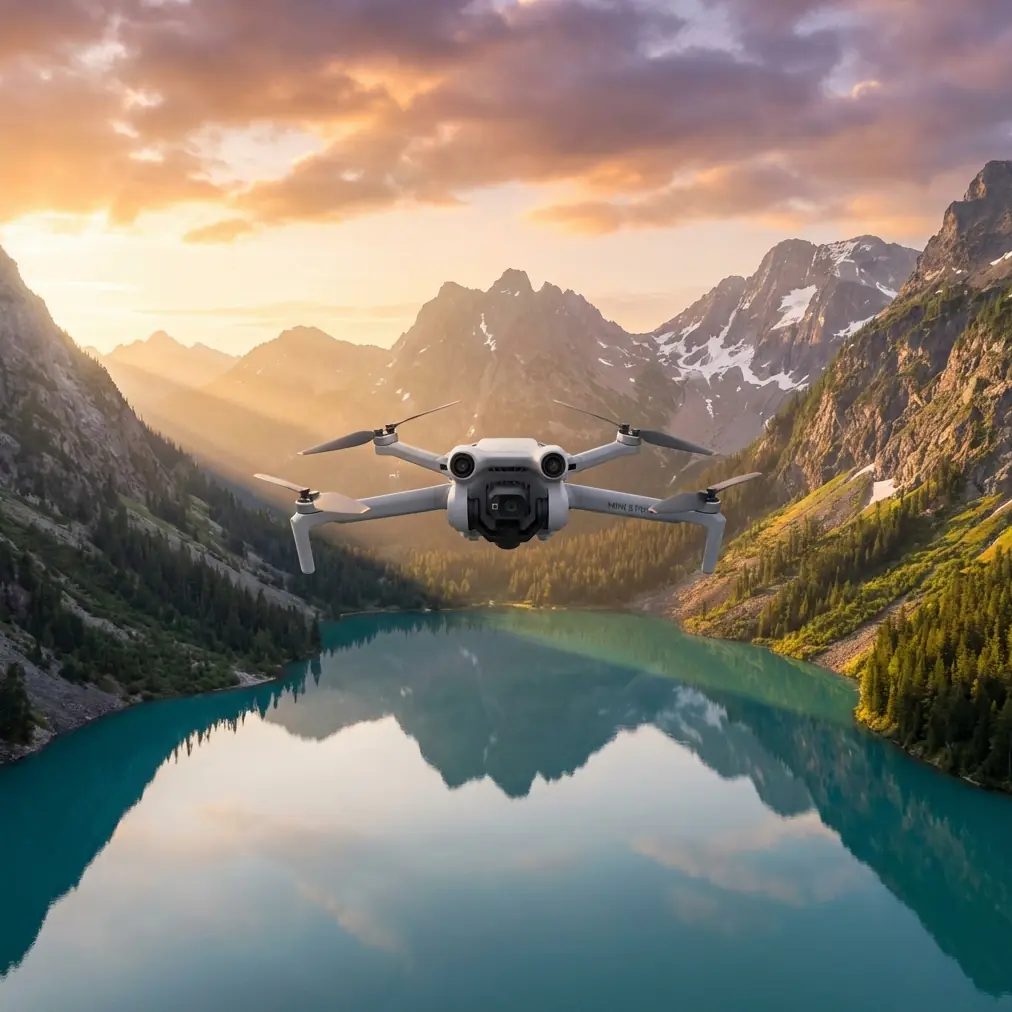
Scouting Venues with Mini 5 Pro in Complex Terrain: What Actually Matters in the Field
META: Practical Mini 5 Pro venue scouting tips for complex terrain, with field-tested thinking on flight planning, obstacle avoidance, ActiveTrack, D-Log, and handling electromagnetic interference.
When I scout a venue, I’m not looking for a pretty establishing shot first. I’m looking for risk.
That mindset changes how you use a compact drone like the Mini 5 Pro. In complex terrain—sloped ground, tree lines, broken ridges, reflective roofs, narrow access roads, power infrastructure, uneven launch spots—the drone is not just a camera in the air. It becomes a decision tool. It tells you whether a location will cooperate with your schedule, your crew, your lighting plan, and your client’s expectations.
For photographers and content teams, venue scouting is often rushed. You get one site visit, limited time, and a lot of variables. That is exactly where a Mini 5 Pro-style workflow earns its place. Not because it replaces full survey equipment, but because it helps you see terrain relationships quickly enough to make smart calls before production day.
The most useful way to think about it is simple: problem first, flight second.
The real problem with complex terrain
A venue can look manageable from the ground and still create headaches from above.
A hilltop ceremony space may be visually open but surrounded by rising tree canopies that compress your safe flight envelope. A winery terrace may offer clean sightlines in one direction and severe GPS or signal instability near metal roofing in another. A coastal venue may seem easy until elevation changes and wind exposure force constant altitude corrections during tracking shots.
This is where many operators make the same mistake. They treat the site visit like a highlight reel. QuickShots, a dramatic reveal, maybe a Hyperlapse pass—and done.
But scouting is not content capture. Scouting is information capture.
A better venue reconnaissance flight answers practical questions:
- Where are the clean approach corridors?
- Which takeoff zone gives the best line of sight through the whole mission?
- Where do elevation changes distort your sense of clearance?
- Which sections are vulnerable to electromagnetic interference?
- Can the drone maintain reliable subject tracking near trees, walls, tents, or structures?
- Which route gives you consistent light and the least background clutter?
The Mini 5 Pro, if used properly, is strong in exactly this kind of short-cycle field assessment.
Why old photogrammetry logic still matters, even with a modern compact drone
One of the most overlooked lessons in venue scouting comes from older low-altitude aerial photogrammetry standards. Even though the reference material behind this article comes from a technical field standard rather than a consumer drone guide, the principle is still useful: altitude, image geometry, and baseline spacing determine how trustworthy your view of the terrain really is.
The source standard includes concrete altitude figures tied to camera setups, including H = 368 m, 273 m, 231 m, 188 m, and 278 m, as well as a mapping context such as 1:500 and 1:1000 output scales. You are not flying a Mini 5 Pro at those same legacy camera configurations, of course, but the operational lesson is clear: image usefulness is never just about resolution. It is about the relationship between height, overlap, angle, and control.
That matters when scouting a venue in broken terrain.
If you fly too low too early, your footage can feel cinematic but reveal almost nothing about route continuity, vertical separation, or access bottlenecks. If you fly too high, you flatten the terrain and lose the details that affect subject movement, staging, and obstacle risk. The photogrammetry mindset reminds us to work in layers. Start broad enough to understand terrain structure, then tighten in for operational detail.
I usually break it into three passes:
Orientation pass
Moderate altitude. Read the terrain shape, access paths, high obstacles, and likely interference zones.Decision pass
Lower, more intentional routes. Test framing lines, approach vectors, and where obstacle avoidance may intervene.Execution pass
Capture the clips and stills you actually need for planning decks, client previews, or production notes.
The old standard’s emphasis on baseline span and image direction also reinforces another point: the direction you fly relative to the site changes what you learn. In a valley or stepped venue, flying parallel to the main axis may hide elevation transitions that become obvious only when you cross them at an angle.
Mini 5 Pro as a scouting tool, not just a content drone
For venue work, several Mini 5 Pro-class features matter less for spectacle and more for efficiency.
Obstacle avoidance helps you inspect, not just avoid crashing
Obstacle avoidance is often discussed as if it exists only for beginners. That misses the real value in scouting.
In complex terrain, obstacle sensing gives you confidence to inspect tree edges, rooflines, pergolas, retaining walls, and transitional spaces more methodically. You are not relying on it blindly, but it reduces the mental load when you need to evaluate whether a walking route or procession path has enough clean air for a future shot.
This becomes especially relevant when the terrain tricks your depth perception. On sloping ground, a route that appears clear from your position can tighten quickly as the land rises into the aircraft.
ActiveTrack and subject tracking reveal route quality
If the venue includes moving subjects—couples, presenters, athletes, staff, shuttles, or guided guests—subject tracking is valuable during scouting because it exposes whether a route is truly shootable.
A manually flown route may look fine on a static pass. Turn on ActiveTrack or subject tracking, and the truth shows up fast. Trees interrupt lock. Foreground structures steal contrast. A narrow lane becomes a problem when the aircraft tries to preserve distance and framing through bends.
That is why I treat tracking features as diagnostic tools. If ActiveTrack struggles in a section, that area probably needs a revised route, a higher path, or a different shooting concept.
QuickShots and Hyperlapse are useful when used with discipline
QuickShots are often dismissed by experienced operators, but in scouting they can be efficient shorthand. A fast reveal, orbit, or pull-away can communicate site context to clients or production teams without a long edit.
Hyperlapse has a similar role. When terrain, parking flow, cloud movement, or guest circulation affects timing, a Hyperlapse test can tell you whether the venue feels calm, congested, exposed, or visually noisy over time.
The key is not to confuse convenience with completeness. These modes supplement a scouting report; they do not replace one.
D-Log preserves evaluation detail
D-Log matters during scouting because venue assessment is often done under ugly light. Midday contrast, reflective surfaces, mixed shadow, and haze can hide important information. A flatter profile gives you more room to recover shadow detail and evaluate surfaces, access lanes, vegetation density, and structure edges later on a larger screen.
That is operationally significant. When you review footage after the site visit, you want to see whether that dark patch behind the reception tent was a harmless shadow or a line of cables, fencing, or brush.
Handling electromagnetic interference in the real world
This is the part many people only learn after a stressful moment.
Electromagnetic interference rarely announces itself politely. You may see unstable signal behavior near telecom installations, metal-heavy roofs, utility corridors, event infrastructure, or even certain hilltop service areas. In venue environments, temporary structures can make this worse: generators, amplified sound systems, lighting rigs, and dense cabling all complicate the signal environment.
The fix is not panic. It is discipline.
When I suspect interference, the first thing I do is stop trying to force the original shooting position. Signal quality is often more about antenna relationship and line of sight than distance alone. A small change in pilot location can stabilize the link faster than any menu setting.
My field approach
- Reposition to improve direct line of sight with the aircraft.
- Adjust the controller and antenna orientation deliberately rather than waving it around.
- Avoid standing beside vehicles, fences, large metal objects, or temporary staging hardware.
- Climb or sidestep slightly if terrain is masking the signal path.
- If the route repeatedly degrades in the same area, treat that as a site condition, not a one-off glitch.
This matters because complex terrain can create a double penalty: the landform blocks clean transmission while nearby infrastructure injects noise into the link. In practice, that means a venue can feel open visually and still perform poorly from a control standpoint.
For teams that want to compare notes on interference behavior in dense venue environments, I usually point them to this quick field contact: message me here for signal troubleshooting context.
The reason antenna adjustment deserves special mention is that many operators blame the drone when the issue is actually geometry. The aircraft may be fine. Your controller angle, body position, or launch point may be the weak link.
A practical scouting workflow for Mini 5 Pro
Here’s the workflow I recommend when entering an unfamiliar venue with uneven topography.
1. Read the site from the ground first
Before launch, walk enough of the venue to understand elevation transitions, possible takeoff spots, metal structures, tree density, and where guests or staff are likely to move. I’m looking for the places where the drone will either shine or struggle.
Ground observation also helps you avoid a common mistake: launching from the most convenient place rather than the most strategically stable one.
2. Start with a high-information pass
Your first flight should not chase beauty. Fly to learn.
Use a calm, measured route to identify:
- terrain high points
- vertical obstacles
- dead zones behind tree lines or buildings
- safe lateral corridors
- likely tracking paths
- wind behavior across exposed sections
Think like a mapper for five minutes. That mindset is more useful than thinking like an editor.
This is where the photogrammetry reference becomes surprisingly relevant. The standard’s use of multiple heights—such as 188 m, 231 m, 273 m, and 368 m—reflects a core truth: one altitude does not answer every planning question. Even if your legal and operational limits differ, the principle stands. Varying altitude reveals different decision layers.
3. Test route logic with subject tracking
If the venue includes a likely hero path—arrival lane, aisle, staircase, vineyard row, shoreline trail—run a tracking test.
You’re not just checking whether ActiveTrack works. You’re checking whether the route is structurally suitable for repeatable footage. This can save a shoot. A path that breaks tracking during scouting is warning you early.
4. Capture one neutral reference set
I always record one conservative set of clips and stills with minimal drama:
- straight approaches
- side profiles
- overhead context
- static hover views at key nodes
These assets are often more valuable than cinematic passes because they help planners, coordinators, and clients understand space clearly.
5. Save creative modes for communication
Once the site is understood, then use QuickShots, Hyperlapse, and polished reveals. At that stage, those modes become useful communication tools rather than distractions.
What makes Mini 5 Pro especially suited to venue scouting
The appeal of a small aircraft in complex locations is not just portability. It is reduced friction.
You can move between launch zones faster. You can test multiple terrain relationships in one session. You can react to weather shifts and changing light without dragging a larger kit through stairs, slopes, gravel, or narrow service lanes.
For a photographer, that speed matters because scouting is rarely the only job happening that day. You may be balancing ground stills, lens tests, sun-path checks, crew notes, and client calls. The Mini 5 Pro fits into that reality.
And when features like obstacle avoidance, D-Log, ActiveTrack, and QuickShots are used in service of planning rather than novelty, the aircraft becomes much more than a lightweight camera.
It becomes a site-reading tool.
The bigger lesson from the reference standard
That old low-altitude photogrammetry table is dry on the surface, but it points to a valuable discipline: careful aerial work depends on structure. Numbers like 1:500, 1:1000, and altitude references such as 278 m or 368 m are reminders that aerial images only become useful when the operator respects geometry and purpose.
That is the mindset venue scouts should borrow.
Don’t ask only, “Can I get a great shot here?”
Ask:
- At what height do I best understand this terrain?
- From which direction do obstacles become obvious?
- Where will the link become unreliable?
- Which route remains stable when tracking is active?
- What footage will still be useful to the team after the excitement of the flight is over?
Those questions produce better scouting, better planning, and ultimately better deliverables.
Complex terrain rewards operators who are patient enough to diagnose before they perform. The Mini 5 Pro, handled that way, is not just convenient. It is precise where it counts.
Ready for your own Mini 5 Pro? Contact our team for expert consultation.