
Mini 5 Pro for Low-Light Power Line Scouting
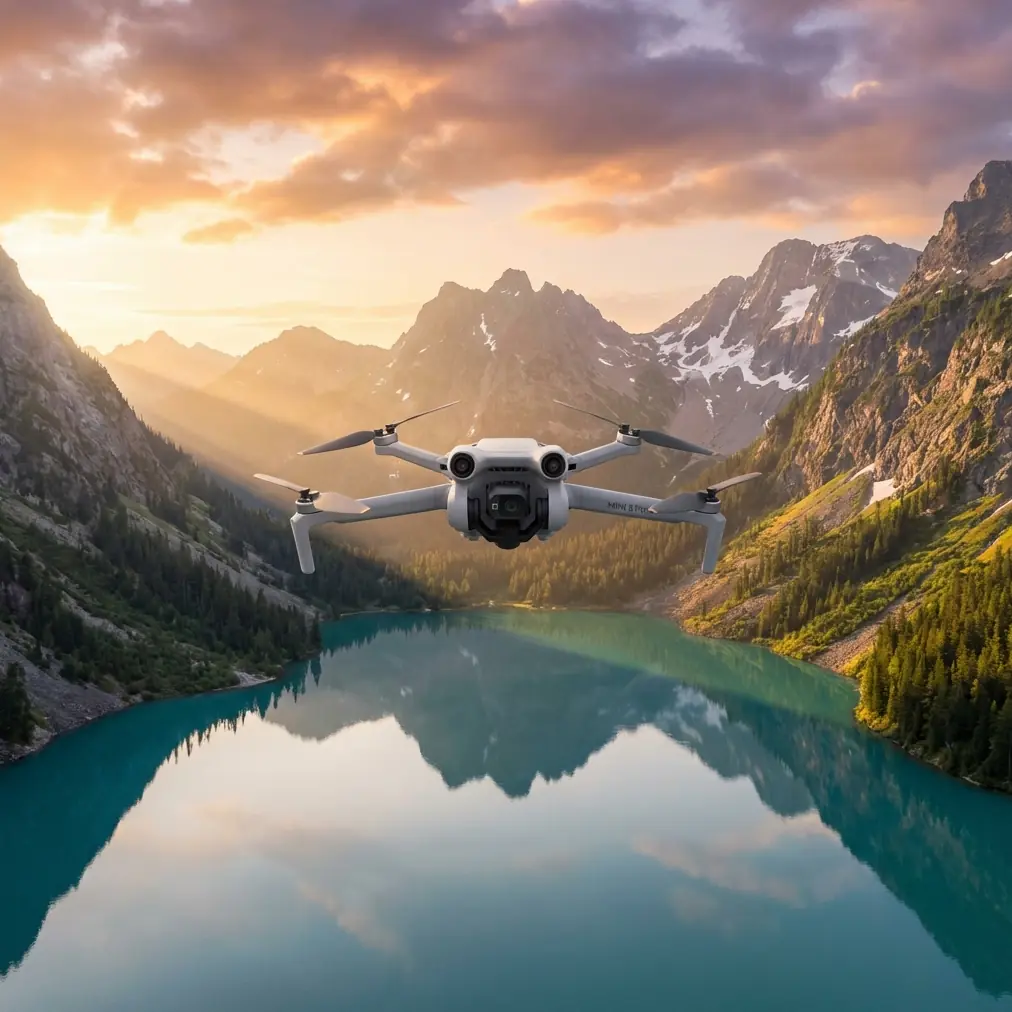
Mini 5 Pro for Low-Light Power Line Scouting: A Field Review from a Photographer’s Perspective
META: A technical review of using the Mini 5 Pro for low-light power line scouting, covering obstacle avoidance, ActiveTrack, D-Log workflow, pre-flight sensor cleaning, and practical safety considerations.
Power line scouting asks a small drone to do a very specific job. It is not just about getting airborne and collecting pretty footage. You need stable flight, clear visual separation between thin cables and messy backgrounds, predictable obstacle sensing, and a camera workflow that still holds together when daylight starts to fade. That last part matters more than many pilots admit. The margin for error shrinks quickly in low light, especially around utility corridors where poles, guy wires, tree lines, and changing terrain compete for attention.
The Mini 5 Pro sits in an interesting place for this kind of work. On paper, it looks like a compact aircraft aimed at creators. In practice, several of its core features line up surprisingly well with power line scouting if you understand the limits and set it up properly. I’m looking at it here less as a casual camera drone and more as a lightweight technical tool for early-morning and late-evening line checks, route familiarization, and visual documentation.
My background is photography, so I naturally judge drones by image quality first. But around power infrastructure, flight confidence comes before aesthetics. The camera only matters if the aircraft can move safely, hold its line, and give you a clean enough file to interpret insulator condition, vegetation encroachment, and corridor access points without fighting noise and motion blur.
Why the Mini 5 Pro fits this niche
A compact drone has a real advantage when scouting utility corridors. It is easier to launch from uneven roadside pull-offs, easier to transport between survey points, and less intrusive when working near residential edges or narrow access lanes. That portability sounds like a convenience feature until you spend a day hopping between poles and service roads. Then it becomes operational efficiency.
The Mini 5 Pro’s value for low-light scouting comes from the overlap between three systems: its imaging profile, obstacle awareness, and automated tracking tools. Those are often marketed to content creators using terms like D-Log, ActiveTrack, QuickShots, Hyperlapse, and obstacle avoidance. For utility work, they mean something more practical.
- D-Log can preserve highlight and shadow detail when the sky is still bright but the ground corridor is already dim.
- Obstacle avoidance can reduce workload when flying near poles, trees, and uneven terrain.
- ActiveTrack and subject tracking can help maintain framing on a corridor edge or moving inspection vehicle in documentation workflows.
- QuickShots and Hyperlapse, while not primary inspection tools, can create useful context visuals for reporting, route summaries, and stakeholder presentations.
That does not turn the aircraft into a substitute for a dedicated utility inspection platform. It does make it a credible option for light scouting and visual assessment when flown conservatively.
The low-light reality: where image settings matter
Low light around power lines is tricky because cables can disappear. Fine conductors are hard enough to resolve in ideal conditions. Add flat evening light, a bright horizon, or dark tree cover behind the lines, and contrast drops fast. This is where a photographer’s mindset helps.
The Mini 5 Pro’s D-Log profile is one of the features I would actually use in this scenario, not because it sounds technical, but because utility corridors often create ugly dynamic range problems. A pale dawn sky above a dark right-of-way can fool auto exposure and flatten crucial detail. Shooting in D-Log gives you more flexibility to recover subtle tonal differences later, especially around poles, crossarms, and vegetation edges.
That flexibility has operational value. If a scouting flight is meant to support maintenance planning, you want footage that survives post-processing without clipping the sky or crushing the line corridor into mush. A normal profile can look punchy on a screen and still lose important information. D-Log is less flattering out of camera, but it gives you room to work.
The tradeoff is that low light punishes poor exposure discipline. If you let shutter speed drop too far, thin line details smear. If ISO climbs too aggressively, cable visibility and fine structural features get noisy. For corridor scouting, I would prioritize stable exposure and clean motion over dramatic cinematic settings every time.
Obstacle avoidance is useful, but only if you respect its limits
Obstacle avoidance is one of the most misunderstood features in compact drones. Around power lines, people hear the phrase and assume the drone will somehow recognize and avoid everything in its path. That is the wrong mindset.
For low-light power line scouting, obstacle avoidance is best thought of as a secondary safety layer, not primary protection. It can help with larger hazards such as poles, tree masses, structures, and terrain transitions. That matters, especially when the pilot is also monitoring framing, signal quality, and route progress. Reducing cognitive load is a real safety benefit.
But utility corridors include some of the hardest objects for small drones to interpret reliably: thin wires, small branch tips, guy wires, and low-contrast obstacles in fading light. Those are exactly the moments when pilots get into trouble by trusting automation too much.
The Mini 5 Pro’s obstacle avoidance should therefore influence how you plan the flight, not tempt you into aggressive proximity work. Keep more standoff distance than you think you need. Use lateral passes instead of direct approaches. Avoid flying directly into backlit spans. Maintain visual awareness of pole geometry and crossing lines.
One simple but often ignored step has a direct effect here: clean the vision sensors before takeoff.
The pre-flight cleaning step that actually matters
If I had to pick one habit that separates careful pilots from casual ones, it would be pre-flight cleaning. Not a rushed wipe on the camera lens alone. A deliberate check of every forward, rear, downward, or side-facing sensing surface involved in obstacle avoidance and positioning.
Power line corridors are dusty. Access roads throw fine grit into the air. Early-morning moisture leaves residue. Pollen, fingerprints, and even a faint film from transport cases can reduce sensor clarity. In low light, that problem gets worse because the drone already has less visual information to work with.
Before any scouting flight, I would do four things:
- Inspect the camera lens for smudges.
- Clean the obstacle sensing windows with a proper microfiber cloth.
- Check the downward sensors for dust or moisture.
- Verify the gimbal moves freely and the image feed is crisp before launch.
This is not fussy behavior. It directly affects flight safety features. If obstacle avoidance and positioning systems are part of your risk management plan, they deserve the same attention as propellers and batteries. A dirty sensor can quietly degrade performance until the drone starts hesitating, drifting, or failing to identify larger obstacles as early as expected.
That small pre-flight ritual is especially relevant when scouting in low light, because every onboard visual aid is already operating with less contrast than it would at midday.
ActiveTrack and subject tracking: not for the lines, but for the workflow around them
ActiveTrack and subject tracking should not be treated as line-following substitutes in a utility corridor. I would not rely on them to autonomously interpret power infrastructure in challenging light. Where these tools become genuinely useful is around the operational context.
Say you are documenting a maintenance team vehicle moving along access roads, or creating a repeatable visual record of corridor approach conditions. ActiveTrack can maintain framing while you focus on route separation and obstacle spacing. That can be helpful for survey documentation, contractor reporting, or creating training examples that show approach conditions before crews mobilize.
The same goes for subject tracking in broader corridor overviews. It can simplify support footage that explains where a particular line section sits in relation to roads, vegetation, and terrain. Used carefully, this reduces pilot workload and creates cleaner records.
The key is restraint. Let tracking assist with framing. Do not let it dictate safe distance around infrastructure.
QuickShots and Hyperlapse are more useful than they sound
These modes often get dismissed as social-media extras, but that undersells them. In utility scouting, QuickShots can generate fast contextual visuals that show the relationship between a pole line and the surrounding environment. Hyperlapse can compress movement along a corridor into a brief visual sequence that highlights route continuity, terrain changes, and vegetation patterns.
For a field team or asset manager reviewing multiple sites, that kind of context matters. A static close-up of a pole tells one story. A concise orbit or pull-back showing tree density, access path width, and line orientation tells another.
I still would not use QuickShots as a primary inspection method, especially in low light. Automated flight paths near utility infrastructure require extra caution. But in safer, wider-open segments, these tools can create strong supplemental visuals for reports and planning meetings.
What a practical low-light mission looks like
A sensible Mini 5 Pro power line scouting mission starts before the motors arm. Pick a route that avoids direct proximity to conductors. Aim for side-angle observation rather than flying under or toward the span. Arrive early enough that you are not chasing darkness. Low light does not mean no light.
At the site, do the cleaning routine. Lens. Sensor windows. Downward sensors. Then check the live view for haze or flare. If there is condensation or dust, solve it on the ground, not after takeoff.
Once airborne, begin with a wider establishing pass. Let obstacle avoidance support your awareness around trees and poles, but maintain manual control discipline. If the corridor is visually cluttered, increase distance instead of trying to thread through it. Capture broad overviews first, then move into selective closer documentation where the background helps line visibility.
For imaging, D-Log is worth using when contrast is uneven and the footage may need careful grading later. If the scene is simple and documentation speed matters more than grading latitude, a standard color mode may be enough. The right choice depends on whether the footage is meant for immediate reference or post-processed reporting.
If you need help evaluating whether a Mini 5 Pro setup makes sense for your corridor workflow, you can message a drone specialist directly.
Where the Mini 5 Pro shines, and where it does not
The Mini 5 Pro makes sense when the job is lightweight visual scouting: checking route conditions, reviewing vegetation pressure near the corridor, documenting pole approaches, and capturing useful low-light footage without hauling a larger aircraft. It is especially appealing for solo operators who need to move quickly between multiple locations.
Its strengths are clear:
- Compact form factor for frequent relocation
- Useful obstacle avoidance support for larger hazards
- D-Log for difficult lighting conditions
- ActiveTrack and related automation for supporting documentation
- QuickShots and Hyperlapse for visual context and reporting assets
Its limitations are just as clear:
- Thin wires remain a serious visual and sensing challenge
- Low light reduces the margin for automated safety features
- Tracking tools should not be confused with infrastructure intelligence
- Compact drones still require conservative separation around utility assets
That last point matters most. A good outcome with the Mini 5 Pro depends less on the feature list than on disciplined operating style. Pilots who treat it as a smart, lightweight camera platform with some helpful safety assistance will usually get better results than those who expect automation to solve corridor complexity.
Final assessment
As a photographer, I appreciate what the Mini 5 Pro can do with difficult light. As someone thinking about power line scouting, I care more about how those imaging tools interact with flight safety. The combination is what makes this drone interesting.
D-Log is not just a creator feature here; it is a practical way to preserve detail in uneven dawn or dusk scenes. Obstacle avoidance is not a magic shield; it is a backup layer that becomes more reliable when the sensors are clean and the pilot leaves generous spacing. ActiveTrack, subject tracking, QuickShots, and Hyperlapse are not inspection replacements; they are workflow enhancers when used in the right parts of the mission.
If your job is low-light utility corridor scouting rather than deep technical inspection, the Mini 5 Pro can be a sharp tool. Just treat the pre-flight cleaning step as part of the aircraft, not an afterthought. On a dusty access road at first light, that tiny detail may do more for your safety margin than any spec sheet ever will.
Ready for your own Mini 5 Pro? Contact our team for expert consultation.