
How to Scout High-Altitude Power Lines With the Mini 5 Pro
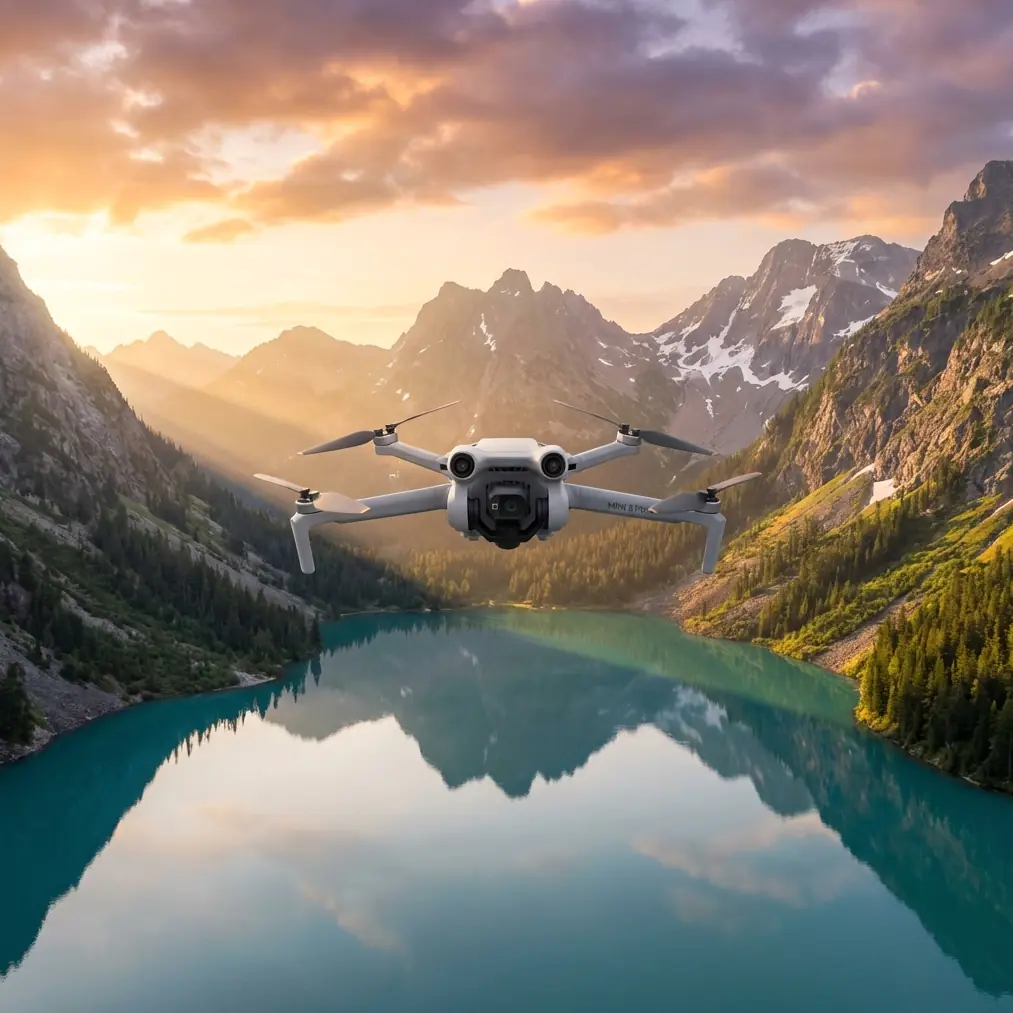
How to Scout High-Altitude Power Lines With the Mini 5 Pro
META: A practical Mini 5 Pro tutorial for high-altitude power-line scouting, covering obstacle avoidance, ActiveTrack limits, D-Log workflow, EMI handling, antenna adjustment, and safer inspection planning.
Scouting power lines at altitude is one of those jobs that looks straightforward until the aircraft is actually in the air. The route is long, the terrain can change fast, wind rarely behaves the same at ridge level as it does at takeoff, and the wires themselves create a strange mix of visual clutter and radio uncertainty. If you are planning to use the Mini 5 Pro for this kind of work, the right question is not whether it can get usable footage. It can. The real question is how to set it up so the mission remains stable, repeatable, and safe when you are flying near energized infrastructure in thin mountain air.
That is where a lot of pilots get tripped up. They bring a compact drone into an inspection-style scenario and treat it like a casual landscape flight. The Mini 5 Pro is light, capable, and unusually flexible for its size, but power-line scouting demands discipline. This is especially true when electromagnetic interference starts affecting signal behavior and you need to respond with basic fieldcraft rather than panic. One of the most practical habits in that moment is antenna adjustment. Small corrections in controller orientation can make the difference between a clean live feed and a mission that needs to be aborted early.
This guide is built for that exact scenario: scouting power lines in high-altitude terrain with a Mini 5 Pro, with an emphasis on obstacle avoidance, subject tracking limits, image capture strategy, and signal management around energized corridors.
Start With the Mission Profile, Not the Camera
Before thinking about QuickShots, Hyperlapse, or dramatic reveal moves, define what the sortie is supposed to produce. For power-line scouting, most flights fall into one of three categories:
- corridor familiarization
- visual condition review
- route documentation for a later technical inspection
Those are not the same mission.
If you are doing corridor familiarization, your job is to understand access points, tower spacing, ridgeline exposure, and line-of-sight gaps. That usually means broader framing, cleaner map-based planning, and less aggressive proximity flying.
If you are doing a visual condition review, you need to think more carefully about camera angle, backlighting, conductor visibility, and whether your footage can actually support a useful assessment later. Thin wires can disappear against bright sky or snow-covered terrain. In that case, your flight path matters more than your sensor settings alone.
If the goal is route documentation, consistency wins. Same speed. Similar altitude above the line. Controlled yaw. Predictable overlap in the footage. The Mini 5 Pro works best here when you treat it like a disciplined survey tool, not a toy with cinematic extras.
High Altitude Changes the Way the Drone Feels
A Mini-class aircraft at elevation will not behave like it does near sea level. Air is thinner. Propeller efficiency drops. Wind can be sharper and more erratic, especially when it rolls over saddles, cliffs, or exposed utility corridors. The drone may still hold position well, but acceleration, braking feel, and battery confidence can all shift enough to matter.
That affects power-line scouting in two immediate ways.
First, you need more margin from terrain and structures. Obstacle avoidance is helpful, but it should never be your primary strategy around cables, poles, or lattice towers. Small wires are among the hardest hazards for any vision-based avoidance system to interpret reliably, especially with mixed backgrounds and changing light. The Mini 5 Pro’s sensing suite can reduce workload, but you should still plan your path as if the aircraft will not “see” the conductor in time.
Second, your return planning needs to be more conservative. At altitude, a battery percentage that feels comfortable in ordinary flying can disappear faster during a headwind climb back to launch. For long corridor work, it is smarter to divide the route into segments and treat each battery as a defined block of airspace rather than trying to stretch one sortie too far.
Power Lines Are a Signal Environment, Not Just a Visual One
Pilots often talk about mountains and towers as line-of-sight problems. Around power infrastructure, there is another layer. You are also dealing with a radio environment that can become less predictable near energized assets and metal-heavy structures. That does not mean the Mini 5 Pro becomes unusable. It means you need to read the symptoms correctly.
Typical field signs include:
- live feed instability
- short signal dips at certain headings
- brief controller warnings
- inconsistent control feel when the aircraft is aligned with the corridor
When that starts happening, do not immediately climb, punch forward, or overcorrect. Instead, stabilize the aircraft in a safe clear area, reduce unnecessary movement, and check the relationship between the controller antennas and the drone’s position. Antenna adjustment is a basic move, but it is often the first useful correction when electromagnetic interference or structural reflections begin to affect link quality.
The principle is simple: you want the controller oriented so the antenna faces are properly aligned to the aircraft rather than pointed awkwardly off-axis. In mountain utility work, this can change as the drone moves along a slope, passes near a tower, or drops below your standing elevation. A small wrist rotation or body repositioning may restore a cleaner link faster than any menu change.
If you routinely scout infrastructure and want help setting up a cleaner field workflow, you can message our UAV team here and compare your route-planning approach before the next deployment.
Do Not Rely on ActiveTrack for the Wire Itself
The Mini 5 Pro’s subject tracking tools, including ActiveTrack, are useful in the right context, but power lines are not the right subject to “track” in the consumer sense. Conductors are visually thin, repetitive, and easy to lose against terrain or sky. Towers can be tracked more reliably than wires, but even then, the result may not match the precision you want for inspection-style flying.
Where ActiveTrack can still help is in adjacent documentation tasks. For example, if you are following a vehicle moving beneath the corridor to document access conditions or route obstruction, the feature can reduce stick workload. But for the line itself, manual control is still the professional choice.
That matters operationally because automated tracking can encourage complacency. Around infrastructure, complacency is expensive. A pilot who assumes the drone understands the scene is more likely to drift into a conductor plane, misjudge standoff distance, or let the aircraft approach a tower from a poor angle.
Use intelligent features as helpers, not substitutes for judgment.
The Best Camera Profile Depends on What You Need Later
One of the most overlooked advantages of a drone like the Mini 5 Pro is not just that it captures good-looking footage. It is that it can capture footage that remains workable after the flight. For line scouting, that usually points toward D-Log when lighting is difficult or highly variable.
Think about a typical mountain corridor. One span is lit cleanly by morning sun. The next sits in shadow beneath a ridge. Snow patches or pale rock can push highlights hard, while tower steel falls into contrast. If you shoot in a flatter profile like D-Log, you preserve more room to recover those tonal extremes during review.
That has practical value beyond aesthetics. Better highlight and shadow control can help you identify hardware outlines, vegetation encroachment, terrain relationship, and conductor visibility that might be less clear in a baked-in profile.
That said, D-Log only helps if your workflow can support it. If the footage needs to be handed off quickly to a field team with no grading step, a more direct color profile may be the better call. The mistake is choosing a profile because it sounds professional rather than because it fits the downstream use.
QuickShots and Hyperlapse Have a Role, Just Not the One Most Pilots Think
For real scouting work, QuickShots are rarely the main event. They are too stylized for primary documentation. Still, they can be useful before or after the core inspection pass.
A controlled reveal shot can show how a line segment sits within a valley. A smooth pullback can document tower location relative to road access, slope angle, and vegetation density. Those are not inspection frames, but they are operationally useful when briefing a team that has not yet visited the site.
Hyperlapse is even more specialized. It is not something I would use close to energized infrastructure, but it can help document environmental movement over time at a safer stand-off point. Watching cloud behavior, fog movement, or shifting mountain shadows along a corridor can support planning for later flights. In high-altitude work, weather windows can be narrow. A short Hyperlapse sequence from a safe vantage can tell you more about local conditions than a static observation ever will.
The key is to separate “cinematic” from “informative.” Sometimes a feature associated with creative flying still has legitimate utility in operations, but only if used deliberately.
A Practical Flight Sequence for High-Altitude Line Scouting
A lot of risk disappears when the sequence is structured. Here is a field-tested way to think through the sortie with a Mini 5 Pro.
Start with a stand-off ascent in a clear area away from the conductors. Gain enough altitude to assess wind and link behavior before moving laterally toward the corridor. This is where you catch early instability, not when you are already close to towers.
Then make a slow establishing pass parallel to the line rather than crossing underneath it immediately. A parallel approach gives you better visual understanding of sag, tower spacing, and terrain rise. It also reduces the chance of climbing unexpectedly into the conductor plane.
Once you have the geometry, choose one side of the corridor and keep your offset deliberate. Random drifting from one side to the other makes obstacle avoidance harder and weakens the consistency of your footage.
Use obstacle avoidance as a buffer, not a steering system. Keep your own spacing rules. In bright or contrast-heavy scenes, wires can be difficult for automated sensing to resolve.
If you notice signal fluctuations, stop trying to “push through” the area. Pause, maintain safe separation, and adjust antenna orientation on the controller first. That response is simple, fast, and often effective when electromagnetic conditions or reflective structures are affecting the link.
Finally, leave battery margin for the return with wind in mind. At altitude, the trip home is where poor planning usually becomes visible.
What Good Footage Looks Like for This Job
For recreational flying, “good footage” usually means dramatic footage. For power-line scouting, good footage is readable footage.
That means:
- the conductors are visible against the background
- tower hardware is not crushed into shadow
- your motion is smooth enough to review frame by frame
- camera angle stays consistent through a pass
- the route context is understandable without guessing
That last point matters more than many pilots realize. A close-up clip of a tower arm can look sharp and still be almost useless if the viewer cannot tell where it sits in the corridor. The Mini 5 Pro is small enough to move quickly between detail and context, which is a real advantage if you plan the sequence rather than improvising it.
Mistakes That Cause Trouble Fast
The first is flying too close too early. Pilots often trust the compact size of the aircraft and try to squeeze into inspection-style positions before they understand wind, signal quality, or visual contrast.
The second is overusing automation. ActiveTrack, QuickShots, and smart functions have their place, but infrastructure is not forgiving. Manual control remains the backbone of safe corridor work.
The third is ignoring the controller. People stare at the aircraft and the screen, but forget that antenna position is part of the flight system. In an area where electromagnetic interference or structural reflections affect signal quality, a poor antenna angle can quietly make a manageable situation worse.
The fourth is choosing image settings for looks instead of analysis. If D-Log gives you better post-flight review, use it. If a standard profile speeds up handoff and still preserves enough detail, choose that instead. The right setting is the one that supports the mission.
Final Take
The Mini 5 Pro is not a replacement for a heavy inspection platform, and it should not be treated like one. But for high-altitude power-line scouting, it can be extremely effective when the pilot respects its size, plans for thinner air, keeps realistic expectations about obstacle avoidance, and understands the limitations of subject tracking around wires.
The most useful habit to build is not flashy. It is operational awareness. Read the corridor. Read the wind. Read the signal. And when the link starts acting strange near energized infrastructure, remember that a calm hover and a smart antenna adjustment are often more valuable than any dramatic stick input.
That is how you get footage you can actually use, while bringing the aircraft home without turning a scouting flight into a recovery problem.
Ready for your own Mini 5 Pro? Contact our team for expert consultation.