
How I’d Scout Coastal Highways With the Mini 5 Pro
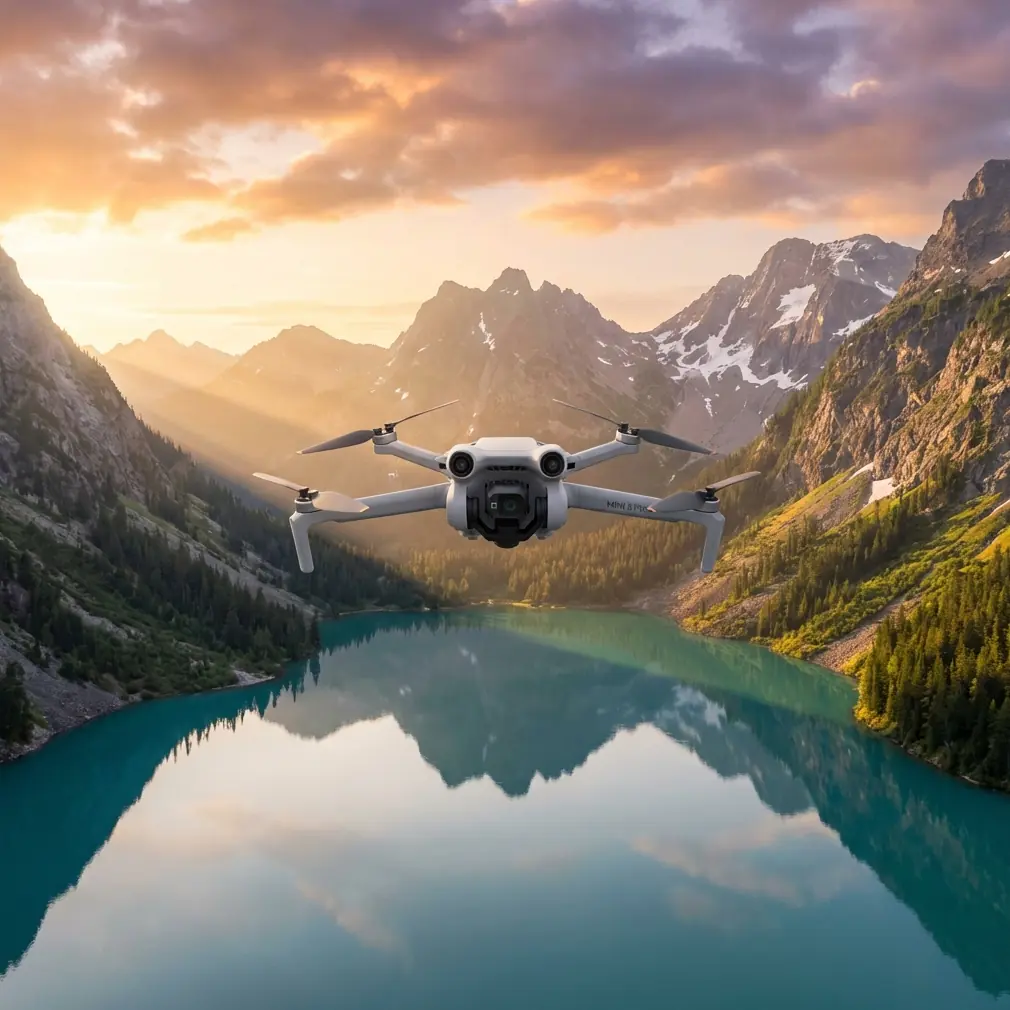
How I’d Scout Coastal Highways With the Mini 5 Pro
META: A field-tested Mini 5 Pro tutorial for scouting coastal highways, covering obstacle avoidance, ActiveTrack, D-Log, QuickShots, Hyperlapse, and practical battery management in windy roadside conditions.
Scouting a coastal highway asks more from a small drone than many pilots expect. The route looks simple on a map: long ribbons of asphalt, clean curves, open water, dramatic shoulders, maybe a bridge or two. In the air, it is a different assignment. Wind rolls in sideways off the water. Salt haze softens contrast. Traffic speed changes your framing choices every few seconds. Guardrails, sign gantries, utility lines, dunes, and pull-off areas create a surprisingly dense obstacle environment.
That is exactly why the Mini 5 Pro is such an interesting platform for this kind of work.
If I were preparing a Mini 5 Pro specifically for coastal highway scouting, I would not treat it like a casual travel drone. I would build the flight around three priorities: staying predictable in wind, protecting image quality in harsh coastal light, and preserving battery margin for a safe return when the shoreline air starts shifting. Those priorities shape every setting and every decision in the field.
I’m writing this from the perspective of a photographer, but the workflow applies just as well if your goal is route documentation, location planning, social content capture, or progress observation along a scenic road.
Start with the mission, not the camera settings
A lot of pilots begin with QuickShots or a shooting mode they want to try. For highway scouting, that is backward. The first question is operational: what are you trying to learn from the route?
On a coastal road, I usually break the mission into four capture goals:
- establish the highway’s relationship to the shoreline
- identify usable access points and shoulder conditions
- record traffic behavior and line-of-sight constraints
- collect a few strong cinematic angles for presentation or editorial use
Once those goals are clear, the Mini 5 Pro’s feature set becomes much easier to use intelligently.
Obstacle avoidance matters here, not as a marketing checkbox, but because highway edges are messy. On paper, a coastal road can look open. In practice, low utility runs, lamp posts, sign structures, and irregular terrain transitions are constant hazards. A drone with robust obstacle awareness lets you work closer to the visual story without gambling every pass. That matters when you are following a road that bends around dunes or climbs a bluff where terrain rises faster than it appears on screen.
The second feature that earns its keep is subject tracking, especially ActiveTrack. On a scouting run, I often use tracking less for dramatic pursuit footage and more for consistency. If you want to monitor how a specific vehicle or lead car moves through a coastal segment, ActiveTrack can hold a cleaner frame while you focus on terrain, wind, and separation. That frees up attention, and attention is the real limited resource when you are flying near roads.
My default coastal highway setup
For this kind of assignment, I would not launch with a “creative” setup. I would launch with a stable one.
I’d begin in a conservative flight mode and evaluate two things immediately: wind direction relative to the road and GPS confidence near any cliffs, bridges, or structures. Coastal wind is rarely uniform. A headland can create one pocket of smooth air and another pocket of turbulence only a few hundred meters away. You feel that quickly in a lightweight aircraft.
Image-wise, I prefer to capture the main scouting footage in D-Log when the light is harsh or mixed. Coastal roads often alternate between bright reflections off the water and darker inland vegetation or concrete surfaces. D-Log gives you more room to hold sky detail while keeping road texture usable in post. That is not just an aesthetic choice. If you are reviewing roadway visibility, shoulder materials, or environmental context later, preserving tonal range helps.
For short-form deliverables or quick turnarounds, I still grab some standard-profile clips too. But D-Log is usually my insurance policy once the sun rises high and the glare starts biting.
I also keep gimbal behavior smooth and resist the temptation to fly fast just because the road invites it. A highway shot only looks elegant when the motion feels intentional. Speed exaggerates every correction.
Where obstacle avoidance changes the job
There is a practical difference between flying above a road and scouting a road.
If you are just trying to capture a scenic overview, you can stay high and wide. But if the assignment is to understand the route, you often need lower oblique passes that reveal lane geometry, shoulder width, embankments, adjacent access tracks, or the relationship between traffic and coastal features.
This is where obstacle avoidance stops being abstract. Along coastal highways, the worst hazards are often the ones that do not dominate the scene: a single roadside mast, cables crossing toward a maintenance structure, or vertical sign supports at the outside of a bend. The drone may be framing the sweep of the highway while the real threat sits near the edge of the path.
A strong obstacle avoidance system helps on those transitional shots, especially when you are sliding laterally while the road curves away beneath you. I still never rely on automation as a substitute for route reading, but I absolutely value it as a second layer of protection when visual complexity rises.
Operationally, that means I can spend more energy reading traffic rhythm and composition instead of micro-correcting every second.
ActiveTrack for scouting, not just spectacle
Most pilots associate ActiveTrack with action scenes. For highway scouting, I use it more surgically.
Let’s say I want to understand how a vehicle moves through a coastal S-curve where cliffs on one side and water on the other create a dramatic corridor. I can tag the vehicle, let ActiveTrack stabilize the relationship, and then study the environment around that moving subject. The result is not merely a pretty clip. It becomes a readable visual record of spacing, sightlines, and the way the road presents itself from above.
That has obvious value for photographers, tourism teams, survey-adjacent visual planning, and route recce work.
The caution is simple: tracking systems are only as good as the visibility and separation you give them. On a road with intermittent shadows, reflective roofs, or vehicles merging in and out of frame, I keep altitude and angle generous enough that the track has room to breathe. Small drones excel when you let the system work within its strengths rather than forcing aggressive, low-altitude hero moves.
The battery management tip I learned the hard way
Here is the field lesson that actually saves flights: over water-adjacent highways, never judge battery health by percentage alone. Judge it by distance, headwind exposure, and how many times you have accelerated back into the wind.
That sounds obvious until you are absorbed in a beautiful pass along a causeway.
My rule is simple. I split the battery into thirds. The first third is for outbound positioning and test passes. The second third is for the actual keeper shots. The final third is treated as recovery reserve, not creative time. On coastal routes, that reserve disappears faster than expected because the return leg often becomes a headwind leg, even when launch conditions felt mild.
A small drone can look comfortable in the app while quietly spending extra energy fighting coastal airflow. You do not always feel the danger right away because the aircraft is still stable. Then ground speed drops on the way back, and your margin suddenly looks much thinner than it did two minutes earlier.
I also avoid hovering for long periods over scenic water edges while deciding what to do next. Hovering feels harmless, but in unstable coastal wind it is a steady drain. Make the shot plan on the ground, execute in the air, and land with intent.
If I am scouting several highway segments in one outing, I label batteries by cycle behavior in my notes. One pack may consistently recover voltage well after short pauses; another may sag earlier under wind load. That kind of pattern matters more in the field than a fresh-looking percentage icon.
QuickShots and Hyperlapse: useful, but only after the route is covered
QuickShots are easy to dismiss in professional workflows, yet they can be surprisingly effective after the core scouting is complete. A controlled reveal or orbit can establish the relationship between a highway turnout and the coastline in a way that a plain straight pass cannot. The trick is to use QuickShots as supplemental context, not as the backbone of the mission.
Hyperlapse is even more situational. On a coastal highway, it works best when there is visible environmental motion: traffic streams, moving clouds, tide movement, or a long bridge crossing where the geometry unfolds over time. Hyperlapse can be excellent for showing how a roadway sits inside the broader landscape. It is less useful when the scene is visually cluttered or when wind introduces too much micro-drift.
What matters is sequence. First, gather the practical scouting footage. Then use QuickShots or Hyperlapse to explain the place emotionally.
That order keeps the drone from becoming a toy in a setting that demands discipline.
How I’d actually fly the route
My field workflow is usually broken into short, intentional phases.
First, I do a high reconnaissance pass. This is where I verify wind behavior, identify obstacles, and mark safe exit directions if traffic conditions or gusts shift. I am not looking for perfect footage yet. I am building a mental map.
Second, I capture wide establishing clips that show the road in relation to the coast. These usually come first because they are the easiest to lose if weather turns.
Third, I move into medium-altitude oblique passes. This is where the Mini 5 Pro’s obstacle avoidance and tracking features become most useful. I want roadway texture, edge conditions, and movement rhythm without descending into unnecessary risk.
Fourth, I collect one or two specific motion sequences using ActiveTrack. Usually that means tracking a subject through a curve, bridge approach, or scenic straight where the road design becomes visually legible.
Fifth, only if battery and wind both justify it, I add a QuickShot or Hyperlapse for storytelling variety.
This layered approach sounds basic, but it prevents the classic mistake of burning energy on flashy shots before the operational footage is secured.
Image quality choices that pay off later
On a bright coast, exposure discipline matters more than people think. A road is a high-contrast subject. Painted lane markings, reflective water, dark vehicles, and bright sky all compete inside the same frame. Shooting D-Log gives you a better chance of preserving those relationships cleanly. It also helps if you later need to match footage from different times of day along the same route.
I keep white balance fixed once the look is established. Auto settings can drift as the drone turns between water and land, and that inconsistency becomes annoying fast when you are editing a route sequence.
For scouting specifically, I prefer footage that is easy to interpret over footage that screams for attention. Smooth pans, readable altitude, and coherent movement beat dramatic over-tilts every time.
The real value of a Mini 5 Pro on coastal roads
The appeal of a drone like the Mini 5 Pro is not just portability. It is that a compact aircraft with capable obstacle avoidance, ActiveTrack, QuickShots, Hyperlapse, and D-Log can shift between documentation and storytelling without changing platforms.
That flexibility is ideal for coastal highway work. One minute you need a clean visual record of an access road, erosion edge, turnout, or traffic corridor. The next minute you need a polished image that shows why the route matters at all. A drone that can do both, while staying light enough to launch from practical roadside positions, fits the mission.
If you are planning this kind of shoot and want to compare field workflows, I’d share a setup checklist through this quick chat link: https://wa.me/example
What makes the difference, though, is not the spec sheet. It is judgment. Know when obstacle avoidance is a safety layer rather than permission to fly recklessly. Use ActiveTrack to improve consistency, not to show off. Save battery for the return before the coast takes its share. Capture D-Log when the light turns hard. Let QuickShots and Hyperlapse support the story after the route is properly covered.
That is how I’d use a Mini 5 Pro for scouting highways in coastal terrain: not as a gadget for random aerials, but as a disciplined tool for reading a road from the sky.
Ready for your own Mini 5 Pro? Contact our team for expert consultation.