
How I Scout Fields With the Mini 5 Pro When Temperature Swin
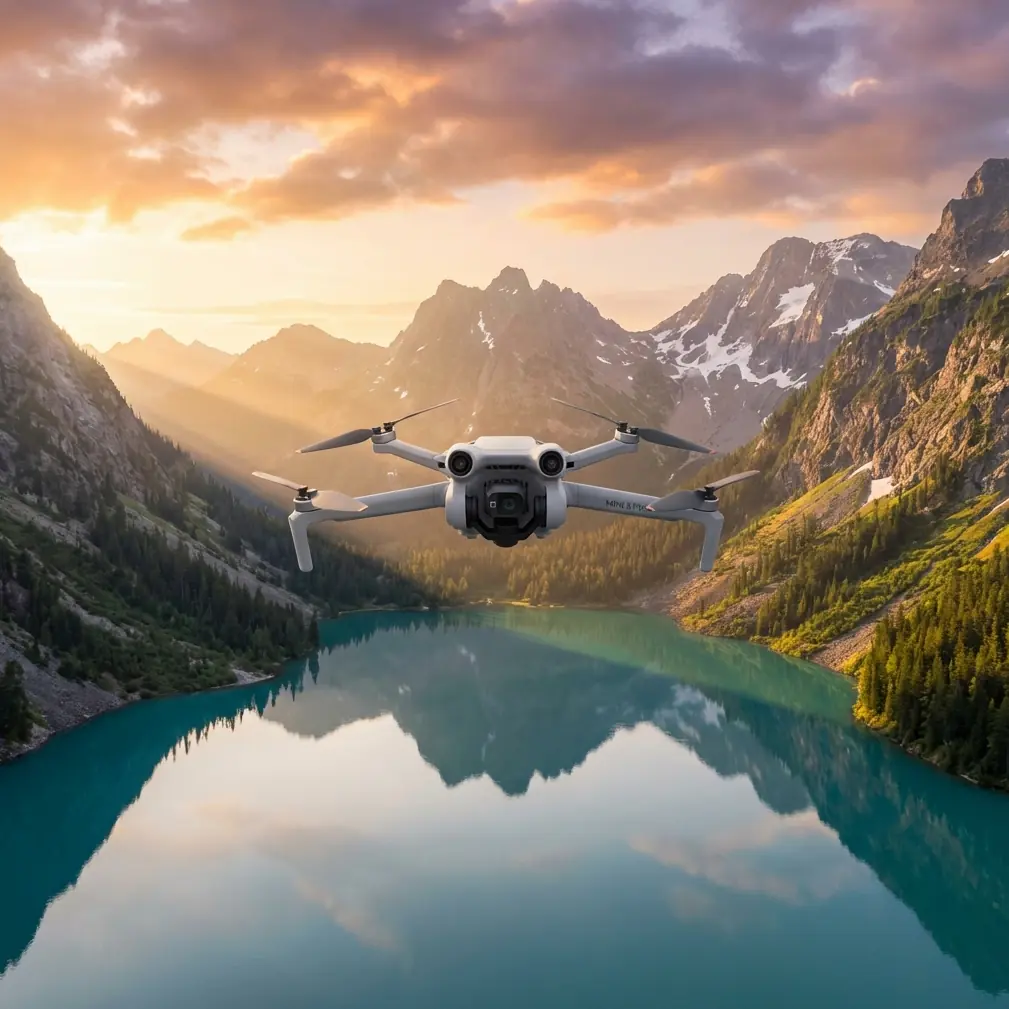
How I Scout Fields With the Mini 5 Pro When Temperature Swings Complicate the Mission
META: A field-tested Mini 5 Pro workflow for scouting land in extreme temperatures, using photogrammetry discipline, orthomosaic logic, and practical flight decisions when weather shifts mid-mission.
I spend a lot of time photographing landscapes, but field scouting asks for a different kind of discipline. Pretty footage is optional. Reliable interpretation is not. When I take a Mini 5 Pro out to inspect farmland, drainage lines, access tracks, or developing edges of a property in difficult weather, I’m not just trying to “see the field.” I’m trying to come back with material that still holds up when someone zooms in later and asks a practical question.
That is why my workflow for the Mini 5 Pro is shaped less by cinematic habits and more by low-altitude aerial survey logic.
A useful reference point here comes from the Chinese low-altitude digital aerial photogrammetry field standard, CH/Z 3004-2010. One line in particular matters more than most drone users realize: when using digital orthophotos for field interpretation, the imagery should retain its original resolution. Another requirement says that when imagery is output for interpretation, pixel size should not exceed the equivalent of 0.1 mm at the target map scale. Those may sound like office rules. In the field, they decide whether a drainage rut looks like a shadow, whether a tractor path can be separated from a narrow irrigation cut, and whether your flight was actually useful.
So this is my Mini 5 Pro tutorial for scouting fields in extreme temperatures, with one real-world complication baked in: weather changed halfway through the flight.
What “field scouting” actually means with a Mini 5 Pro
When people hear “field scouting,” they often imagine a quick perimeter pass and a few top-down photos. That can work for a casual look. It falls apart when the land is visually messy.
In agricultural and rural land checks, the hard part is usually interpretation. You may be trying to identify:
- subtle standing-water patterns
- crop stress along edge zones
- fresh tire intrusion
- fence alignment
- drainage blockages
- newly added structures or work areas
- changes near residential edges or development zones
That last point matters because the source standard specifically distinguishes between minor changes and major new works. Small new features after the photo date may not always require supplementation, but large engineering installations, expanded residential areas, and development zones do need to be updated or rechecked. Operationally, that means one thing for Mini 5 Pro users: don’t assume your first pass is complete just because the map looks neat. If the field has changed in a meaningful way, you need a supplemental pass.
Why original-resolution imagery matters more than fancy edits
The Mini 5 Pro is often discussed in terms of intelligent features like ActiveTrack, QuickShots, Hyperlapse, and obstacle avoidance. Those are useful, but they don’t solve the core scouting problem. Resolution discipline does.
The standard’s instruction to preserve original orthophoto resolution is a quiet but critical rule. Once you export lower-quality previews, compress images for convenience, or annotate over reduced copies, you start losing the exact visual cues that separate one land condition from another.
Here’s how that plays out in practice.
If I’m scouting a field after a cold morning that turns into a hot, windy afternoon, tonal differences across the ground can shift quickly. Shadows shorten. Moisture patches become less obvious. Reflective surfaces change character. If I’ve kept the Mini 5 Pro imagery in original resolution, I can inspect those transitions later without wondering whether a compression artifact or soft export hid a real feature.
For field work, this is not a pixel-peeping obsession. It’s the difference between confidence and guesswork.
My pre-flight setup for extreme temperatures
The Mini 5 Pro is compact, which is part of its strength for land scouting. I can move quickly between sites, launch from tight access points, and avoid bringing a larger kit into rough terrain. But extreme temperatures force a more deliberate pre-flight plan.
I break prep into five checks.
1. Define the interpretation goal before launch
I never launch asking only, “What does the field look like?” That’s too vague.
Instead, I choose a specific output:
- moisture pattern review
- boundary condition check
- access-road and rut assessment
- post-worksite update
- vegetation change review
This matters because the survey standard emphasizes that interpretation content should be marked clearly and consistently so office staff can understand it accurately later. In drone terms, your labels, screenshots, overlays, and notes need to be uniform. If you switch naming conventions midway through a mission, you create confusion later, especially when a second person reviews the dataset.
2. Plan overlap like it matters
The standard calls for more than 20% overlap between adjacent interpretation images. That’s a baseline many casual pilots ignore. I don’t.
In fields with repetitive textures, low contrast, or subtle drainage patterns, overlap is what saves continuity. If weather changes mid-flight, overlap becomes even more valuable because it gives you a visual bridge between earlier and later lighting conditions.
With the Mini 5 Pro, I’d rather fly a little more and preserve scene continuity than come back with coverage gaps I can’t confidently interpret.
3. Choose flight lines that avoid splitting meaningful features
Another source detail I take seriously: interpretation boundary lines should avoid coinciding with linear features or cutting through residential areas, and adjacent sheets should not leave holes or redundant conflict zones.
That sounds technical, but the practical lesson is simple. Don’t let your mission geometry create confusion.
If a ditch, farm road, hedgerow, or settlement edge is important, I avoid ending a flight segment right on top of it. I want those features comfortably inside a frame sequence, not awkwardly bisected at the margin. The moment you split a key feature across unstable edges, your later judgment gets weaker.
4. Keep scale readable for complex ground
The standard says printed interpretation imagery should be at or above the final map scale, and in more complex areas it should be enlarged appropriately to support reading and drafting. I apply the same principle digitally.
When fields are visually simple, broader altitude and wider coverage can work. In complex areas—mixed vegetation, ditches, utility traces, temporary works, edge buildings—I lower altitude enough to preserve interpretable detail. Not because lower is automatically better, but because “can I actually tell what I’m seeing?” is the only question that matters.
5. Build a note system before takeoff
Because the standard stresses uniform symbols and text for later interpretation, I prep a simple field note template:
- flight block name
- temperature and wind trend
- lighting condition
- visible anomalies
- whether a supplemental pass is needed
That way, if conditions shift, I’m not trying to reconstruct the story from memory.
The day the weather changed halfway through
One of the more revealing Mini 5 Pro field sessions I’ve had started in brittle morning cold and turned unstable before I landed the last battery.
The site was a mixed agricultural block with open rows, a drainage channel, compacted vehicle tracks, and a newly disturbed margin near a development edge. I launched in stable air, planning a disciplined top-down sweep first, then a few oblique passes to check the field boundary and ditch geometry.
The first leg was straightforward. Clean visibility, even contrast, easy reading of the ground.
By the middle of the mission, wind shifted and surface light changed fast. Thin cloud moved in, brightness flattened, and parts of the field that had clear texture a few minutes earlier began looking deceptively uniform. This is exactly where smaller drones either feel like precision tools or like toys.
The Mini 5 Pro stayed useful because I changed priorities immediately.
Instead of chasing dramatic angles, I stayed committed to coverage logic. I tightened my pass sequence over the most important zones, preserved overlap, and used the drone’s stable control and obstacle avoidance awareness to keep repositioning safe near boundary vegetation. I also used subject tracking sparingly—not for the field itself, obviously, but to maintain consistent follow coverage on a moving utility vehicle crossing the access route so I could document track interaction with wet ground without losing my wider mission structure.
That’s where consumer-friendly features actually become operational features. ActiveTrack isn’t just for athletes and cyclists. In the right civilian workflow, it can help document moving farm or site activity in context, provided it doesn’t distract from the mapping objective.
Where cinematic tools help, and where they don’t
There’s a temptation to dismiss QuickShots, Hyperlapse, or D-Log in field scouting. I wouldn’t go that far.
D-Log
If temperatures and cloud cover are causing harsh tonal transitions, D-Log can preserve more grading flexibility for later review. Not because you want a moody edit, but because subtle contrast recovery can help separate surface conditions in difficult light.
Hyperlapse
For pure inspection, Hyperlapse is not my first tool. But if I need to show environmental change over a working day—fog lifting, irrigation activation, equipment movement, shadow progression—it can provide context that still images cannot.
QuickShots
Rarely central to analysis, but occasionally useful for stakeholder communication. If a landowner or project manager needs a quick spatial understanding of a boundary or access relationship, a controlled automated shot can communicate the layout fast.
The warning is this: none of those tools should replace systematic capture. The standard-backed logic still wins. Original resolution, sufficient overlap, readable scale, and consistent annotation are what make the mission defensible.
My in-field workflow with the Mini 5 Pro
This is the sequence I use most often.
Step 1: Start with the orthographic mindset
Even if I’m not building a formal survey product, I begin as if the top-down material will need to support orthophoto-style review later. That keeps my framing disciplined.
Step 2: Capture the broad field before the edges
The standard mentions a “first outer then inner” and “first inner then outer” logic in digital image interpretation depending on workflow coupling with vector data. Operationally, I treat this as a reminder to think in both directions. First, understand the larger field pattern. Then move inward to anomalies. Or, if I’m validating existing mapped features, start from known internal references and work back outward to confirm the edges. The Mini 5 Pro handles either method well as long as the pilot is intentional.
Step 3: Revisit newly changed zones
If I spot freshly disturbed ground, a new work pad, expanded structures, or obvious edge development, I schedule a supplemental pass before leaving. The source standard is explicit that major new engineering facilities and significant residential or development-area change should be updated. For field scouting, that means don’t postpone the obvious.
Step 4: Annotate immediately
I mark changed features, removed features, and uncertain areas while the flight context is still fresh. The standard even notes that removed objects after the aerial capture should be marked on the imagery. That’s a smart rule for Mini 5 Pro operators too. Absence can be as important as presence.
Step 5: Check border completeness
One overlooked line in the source says coverage around the survey boundary should extend 4 mm beyond the map frame in image distance, with careful edge matching between adjacent interpreted zones. Translate that into drone practice and you get a simple lesson: don’t stop exactly at the property edge. Give yourself margin. A narrow buffer protects against crop-and-stitch mistakes, edge distortion, and context loss.
How this applies to readers scouting fields in extreme temperatures
Extreme temperatures don’t just affect batteries and comfort. They affect interpretation.
Cold mornings can exaggerate contrast, preserve moisture signatures, and sharpen track marks. Hot periods can flatten detail and shift the visual character of soil, vegetation, and standing water. Wind can move crops enough to complicate repeated pattern reading. Passing cloud can alter surface tone faster than most pilots realize.
The Mini 5 Pro can absolutely handle this type of field scouting if you stop thinking like a casual flyer and start thinking like a disciplined low-altitude imaging operator.
That means:
- maintain original image quality
- preserve enough overlap for continuity
- avoid cutting key features at frame boundaries
- enlarge or lower altitude in visually complex areas
- use standardized notes and labels
- perform supplemental passes where land change is substantial
Those are not abstract standards. They are the habits that prevent bad decisions later.
A final practical note
If you’re setting up your own Mini 5 Pro field workflow and want a second opinion on capture planning, overlap logic, or how to document changing conditions clearly, I’d suggest sending your mission outline here. A short pre-flight review can save a wasted site visit.
The best Mini 5 Pro field scouting results don’t come from flying more aggressively. They come from flying with enough structure that the imagery still means something after the weather turns, the light changes, and the questions get harder.
Ready for your own Mini 5 Pro? Contact our team for expert consultation.