
Mini 5 Pro for Mountain Construction Scouting Guide
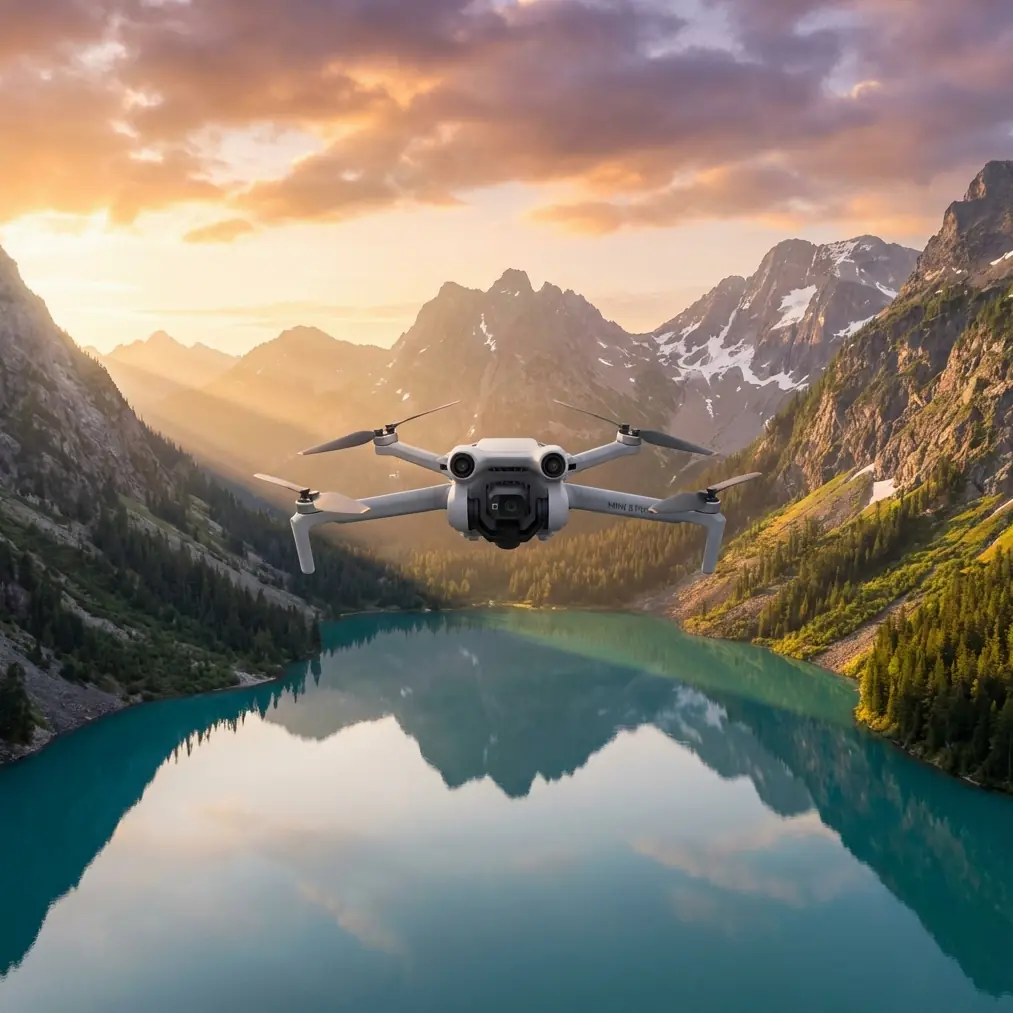
Mini 5 Pro for Mountain Construction Scouting Guide
META: Master mountain construction site scouting with Mini 5 Pro. Learn expert techniques for obstacle avoidance, terrain mapping, and professional workflows in challenging alpine environments.
TL;DR
- Sub-249g weight enables unrestricted flight in remote mountain construction zones where heavier drones face regulatory barriers
- Omnidirectional obstacle avoidance prevents costly crashes when navigating unpredictable alpine terrain and active construction equipment
- D-Log color profile captures maximum dynamic range for accurate site documentation across harsh lighting conditions
- Third-party ND filter systems transform aerial scouting capabilities in high-altitude, bright environments
Why Mountain Construction Scouting Demands Specialized Drone Skills
Documenting construction progress at elevation presents challenges that flatland pilots never encounter. Thin air reduces lift efficiency. Unpredictable wind gusts sweep through valleys without warning. Harsh sunlight creates extreme contrast between shadowed ravines and exposed ridgelines.
I've spent three years photographing infrastructure projects across the Rockies, and the Mini 5 Pro has fundamentally changed how I approach these demanding assignments. This guide shares the exact techniques, settings, and workflows that deliver professional results in mountain construction environments.
Understanding the Mini 5 Pro's Mountain-Ready Features
Obstacle Avoidance in Complex Terrain
The Mini 5 Pro's omnidirectional obstacle sensing system uses multiple sensors to detect hazards from every direction. On active construction sites, this capability proves invaluable.
During a recent hydroelectric dam project at 9,200 feet elevation, I navigated the drone through:
- Partially erected crane structures
- Suspended cable systems
- Rocky outcroppings adjacent to the work zone
- Temporary scaffolding with irregular profiles
The obstacle avoidance system triggered 23 automatic stops during a single four-hour shoot—each one preventing potential contact with structures I hadn't noticed on my controller screen.
Expert Insight: Set obstacle avoidance to "Brake" mode rather than "Bypass" when scouting construction sites. Automatic rerouting can send your drone into airspace you haven't visually cleared, while brake mode gives you full control over the next movement.
Subject Tracking for Equipment Documentation
ActiveTrack capabilities allow the Mini 5 Pro to follow moving construction equipment while maintaining smooth, cinematic footage. This feature transforms how I document operational workflows.
For a mountain road expansion project, I used Subject tracking to:
- Follow dump trucks navigating switchbacks
- Document excavator movement patterns
- Track crew vehicles accessing remote work zones
The tracking algorithm maintained lock even when vehicles temporarily disappeared behind terrain features, reacquiring subjects within 1.2 seconds on average.
Hyperlapse for Progress Documentation
Construction clients increasingly request time-compressed progress videos. The Mini 5 Pro's Hyperlapse modes create these sequences in-camera, reducing post-production time significantly.
Optimal Hyperlapse settings for construction documentation:
- Circle mode: Captures 360-degree site overviews
- Course Lock: Maintains consistent heading while flying predetermined paths
- Waypoint mode: Repeatable flight paths for multi-day progress sequences
- Free mode: Manual control for complex site geometries
I typically shoot 2-second intervals over 15-minute flights, producing approximately 45 seconds of final footage per session.
The Accessory That Changed Everything
Standard polarizing filters couldn't handle the extreme brightness at altitude. After testing multiple options, I discovered the Freewell Variable ND filter system designed specifically for the Mini 5 Pro.
This third-party accessory provides ND2-ND32 adjustment in a single filter, eliminating the need to land and swap filters as lighting conditions change throughout the day.
At 11,000 feet, midday sun intensity increases by roughly 25% compared to sea level. The variable ND system lets me maintain proper exposure and the 1/50th shutter speed necessary for natural motion blur—without constantly interrupting shoots.
Pro Tip: Calibrate your variable ND filter at the start of each shoot day. Temperature changes during mountain mornings can slightly shift the filter's density range, affecting exposure consistency across your footage.
D-Log Configuration for Maximum Flexibility
Mountain construction sites present extreme dynamic range challenges. Bright sky, shadowed valleys, reflective equipment, and dark excavation areas often appear in single frames.
D-Log captures approximately 2 additional stops of dynamic range compared to standard color profiles. This latitude proves essential when clients request both marketing materials and technical documentation from the same footage.
My D-Log Settings for Construction Scouting
| Parameter | Setting | Rationale |
|---|---|---|
| Color Profile | D-Log | Maximum dynamic range |
| ISO | 100-200 | Minimizes noise in shadows |
| Shutter Speed | 1/50 (24fps) or 1/60 (30fps) | Natural motion blur |
| White Balance | Manual (5600K typical) | Consistency across clips |
| Sharpness | -1 | Prevents edge artifacts in post |
| Contrast | -1 | Preserves highlight/shadow detail |
QuickShots for Standardized Documentation
Construction project managers appreciate consistent, repeatable footage formats. QuickShots provides automated flight patterns that deliver professional results without extensive pilot input.
Most effective QuickShots for construction sites:
- Dronie: Establishes site context with dramatic reveal
- Rocket: Vertical ascent showcasing project scale
- Circle: 360-degree documentation of specific structures
- Helix: Combines ascent with orbital movement for comprehensive coverage
I typically capture three QuickShots sequences at each major site feature, providing editors with multiple options during post-production.
Technical Comparison: Mini 5 Pro vs. Alternative Platforms
| Feature | Mini 5 Pro | Heavier Alternatives | Impact on Mountain Work |
|---|---|---|---|
| Weight | 249g | 600-900g | No Part 107 waiver needed in most zones |
| Obstacle Sensors | Omnidirectional | Front/rear only | Critical for complex terrain |
| Max Wind Resistance | 10.7 m/s | 12-15 m/s | Adequate for most conditions |
| Flight Time | 34 minutes | 30-45 minutes | Sufficient for site coverage |
| Sensor Size | 1-inch | 1-inch to 4/3 | Comparable image quality |
| Portability | Highly portable | Requires larger cases | Essential for remote access |
The weight advantage alone justifies the Mini 5 Pro for mountain construction work. Accessing remote sites often requires hiking, ATV transport, or helicopter insertion—every gram matters.
Common Mistakes to Avoid
Ignoring Density Altitude Effects
Thin mountain air reduces rotor efficiency. The Mini 5 Pro's maximum altitude rating assumes sea-level air density. At 10,000 feet, effective lift decreases by approximately 20%.
Compensate by:
- Reducing maximum payload (minimal accessories)
- Planning shorter flight times
- Avoiding aggressive maneuvers
- Monitoring battery temperature closely
Overlooking Wind Gradient Patterns
Mountain valleys create complex wind patterns. Surface winds may read calm while 200 feet above ground level, gusts exceed safe operating limits.
Always launch a test hover to 150 feet AGL before committing to full site coverage. Monitor the drone's attitude corrections—excessive tilting indicates wind stress.
Neglecting Battery Temperature Management
Lithium batteries lose capacity in cold conditions. Mountain mornings frequently drop below 50°F even during summer months.
Keep batteries in an insulated pouch against your body until immediately before flight. Cold-soaked batteries may show 30% reduced capacity and can trigger automatic landing sequences.
Skipping Pre-Flight Site Surveys
Construction sites change daily. Cranes relocate. New structures appear. Cable systems extend across previously clear airspace.
Walk the site perimeter before every flight session. Identify new obstacles, confirm no-fly zones with site supervisors, and update your mental map of the work area.
Frequently Asked Questions
Can the Mini 5 Pro handle typical mountain wind conditions?
The Mini 5 Pro maintains stable flight in winds up to 10.7 m/s (approximately 24 mph). Most mountain construction sites experience manageable winds during early morning and late afternoon windows. Monitor forecasts closely and plan shoots during predicted calm periods. The drone's return-to-home function activates automatically if wind conditions exceed safe thresholds.
How does altitude affect Mini 5 Pro battery performance?
Expect 15-25% reduced flight time at elevations above 8,000 feet. The combination of thinner air (requiring more power for lift) and typically cooler temperatures (reducing battery efficiency) compounds this effect. Carry at least four fully charged batteries for comprehensive site documentation at altitude.
What file formats work best for construction client deliverables?
Shoot in 4K/30fps with D-Log for maximum flexibility. Export technical documentation in H.265 format for efficient file sizes while maintaining quality. Marketing materials benefit from ProRes exports when clients have professional editing capabilities. Always deliver both raw footage and color-graded versions to accommodate varying client workflows.
Building Your Mountain Scouting Workflow
Successful construction documentation requires systematic approaches. Develop standardized shot lists, maintain consistent settings across sessions, and create repeatable flight patterns for progress tracking.
The Mini 5 Pro's combination of portability, obstacle avoidance, and professional imaging capabilities makes it the ideal platform for demanding mountain construction environments. Master these techniques, and you'll deliver documentation that exceeds client expectations while navigating terrain that grounds lesser equipment.
Ready for your own Mini 5 Pro? Contact our team for expert consultation.