
Mini 5 Pro for Coastline Scouting in Low Light
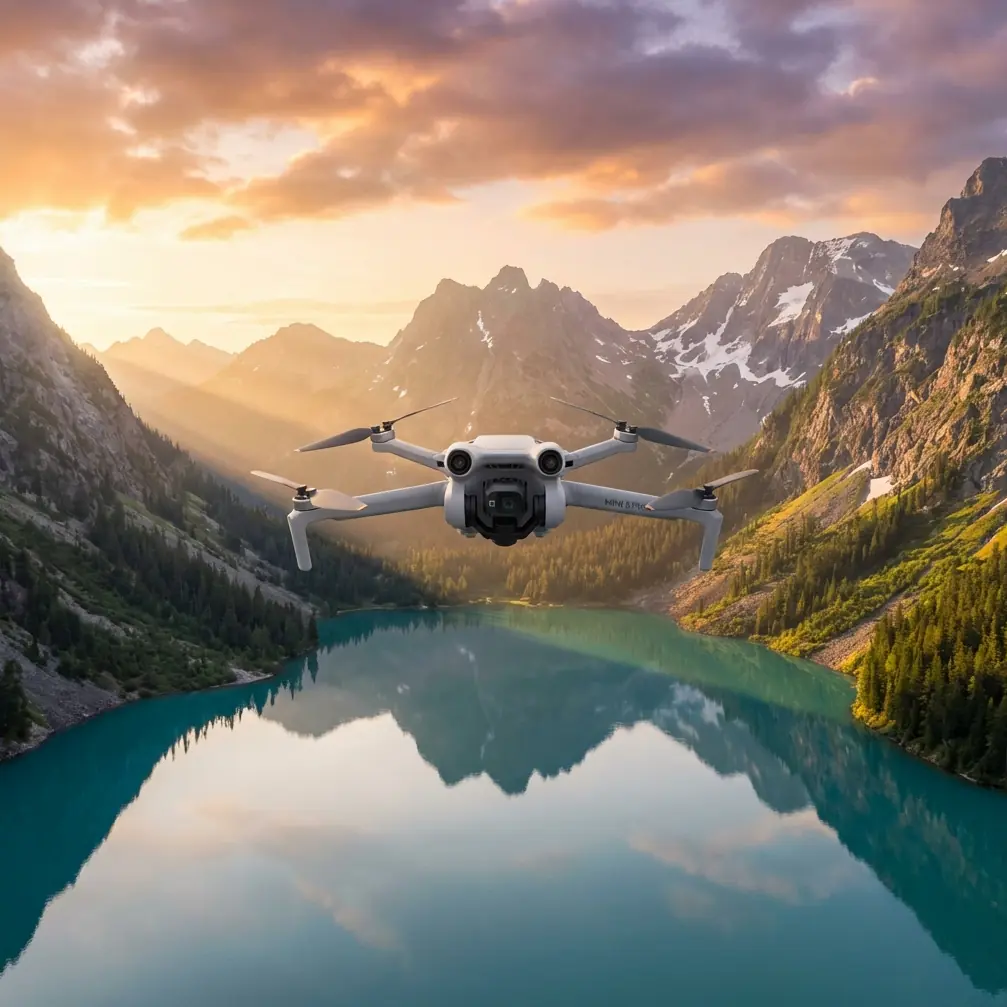
Mini 5 Pro for Coastline Scouting in Low Light: A Practical Photogrammetry Workflow
META: Learn how to use Mini 5 Pro for low-light coastline scouting with a field-tested workflow grounded in aerial photogrammetry standards, DEM editing, feature matching, and clean data capture.
Coastlines punish sloppy flying and sloppy data.
You have moving texture, wet surfaces, dark rock, reflective water, vegetation edges, and often the worst timing for light: dawn, dusk, fog lift, or the last usable minutes before weather closes in. If you are scouting a shoreline with the Mini 5 Pro, especially as a photographer or survey-adjacent operator, the aircraft is only half the story. The other half is whether the data you bring home can actually be used.
I approach this as a photographer first and a disciplined drone operator second. That matters. Beautiful low-light footage of a coastline is one thing. A repeatable capture set that supports clean orthomosaics, interpretable terrain, and reliable visual comparison over time is something else. The Mini 5 Pro sits in an interesting place here: small enough to launch quickly in difficult access zones, capable enough to produce useful imaging outputs, and portable enough to become the aircraft you actually carry when a shoreline recce cannot wait.
What follows is not a generic flying guide. It is a field tutorial shaped by one dry but highly relevant technical reference: the Chinese low-altitude digital aerial photogrammetry office-processing standard CH/Z 3003—2010. At first glance that sounds remote from a compact drone used for coastal scouting. It is not. The standard addresses exactly the kinds of image matching and elevation-model problems that show up when you fly a difficult edge environment in weak light.
Why a photogrammetry standard matters to a Mini 5 Pro pilot
Most Mini-series operators focus on camera modes, safety systems, and flight convenience. All of that matters, especially features like obstacle avoidance, ActiveTrack, subject tracking, QuickShots, Hyperlapse, and D-Log when you are collecting both documentation footage and structured image sets.
But coastline scouting in low light creates a less obvious challenge: image interpretation breaks down when contrast is poor.
The reference standard explicitly calls out situations where object color contrast is not sensitive enough and says the operator should identify the cause, analyze it, and address it during processing. That sounds basic, but operationally it is huge. On a coast, low contrast is not an exception. It is often the default condition. Dark basalt against dark wet sand. Foam lines fading into gray water. Tidal vegetation blending into shadow. If your Mini 5 Pro footage looks cinematic yet the software struggles to distinguish stable feature points, your mission has only half succeeded.
The standard also states that feature-point matching can be done through image matching methods, but the feature-point distribution must be uniform. That is one of the most useful ideas a small-drone operator can borrow. Uniform point distribution is not a software wish; it begins in the way you fly.
Start with the coastline problem, not the drone feature list
Before launch, define what you are scouting.
For civilian shoreline work, I usually see four legitimate mission types:
- visual change documentation for erosion or access
- habitat or vegetation edge observation
- infrastructure adjacency checks near paths, walls, or small coastal structures
- photography-led recon that may later support mapping
Each one changes how you use the Mini 5 Pro.
If the mission is mostly visual, D-Log can preserve tonal detail in shadowed cliffs and bright surf. If the mission may feed a stitched map or terrain interpretation, consistency outranks artistry. That means stable overlap, predictable altitude, and fewer dramatic moves. QuickShots and Hyperlapse still have value, but not as your primary capture method. Use them for context sequences after your structured passes are complete.
Low light tempts pilots to improvise because the scene is beautiful. Resist that during the technical portion of the flight.
The hidden enemy on the coast: poor matching, not just poor light
The standard’s section on DEM generation and feature-point matching highlights two details worth carrying directly into Mini 5 Pro operations.
First, feature points should be evenly distributed.
Second, in areas where matching is difficult, characteristic data should be collected separately.
That second point is easy to miss, and it has direct field significance. Along a coastline, “matching difficult” areas include glossy wet sand, shallow water transitions, uniform gravel, marsh grass, and low-contrast rock shelves. If your planned grid crosses these surfaces, do not assume the normal pass pattern will solve everything. Collect supplemental oblique images or lower-altitude passes over transition zones where the shoreline geometry changes. Those extra frames can give software enough stable visual structure to connect the scene.
With a Mini 5 Pro, this means flying like a data collector, not just a camera operator:
- maintain overlap discipline even when the light is dropping
- add oblique coverage over ambiguous boundaries
- revisit low-contrast sections while the battery still permits it
- avoid relying on open water as a visual anchor, because it often contributes little to stable matching
The standard’s logic is simple: if matching is hard, collect more useful source information. That principle survives every hardware generation.
A low-light coastal workflow that actually holds up
Here is the practical sequence I use for Mini 5 Pro coastline scouting.
1. Establish the wind and interference picture before takeoff
Coastal takeoff zones are messy. Metal railings, parked vehicles, reinforced concrete, signal masts, and wet ground can all complicate launch conditions. If you encounter electromagnetic interference warnings or unstable heading behavior, do not panic and do not force a rushed departure.
This is where antenna handling matters more than people think. Adjust the controller antennas so the broad faces are oriented toward the aircraft’s flight area rather than pointing the tips directly at it. Then shift your body position a few steps away from metal clutter if possible. I have had shoreline launches settle down simply by changing my stance relative to a guardrail and re-aiming the antennas toward the planned track line. It is not glamorous, but it works.
Low-light scouting often happens in marginal RF environments because you are launching from the only accessible overlook or footpath opening. Treat link quality as part of image quality.
2. Fly a clean baseline set first
Before experimenting with ActiveTrack or cinematic orbits, fly your structured capture.
I prefer a simple, steady pattern parallel to the shoreline, then a crossing set where safe and practical. If the coast has layered elements such as dunes, paths, retaining edges, rock faces, or vegetation bands, include those transitions in frame. The goal is to avoid leaving the software with large texture-poor gaps.
The reference material notes that the grid size used in feature matching should not exceed the prescribed limits in the standard’s table and appendix formula. Even if you are not directly applying those exact calculations in the field, the operating lesson is clear: do not let your capture geometry get too coarse. If you spread passes too far apart because the light is fading, you may save a minute and lose the map.
3. Watch the histogram, but think about contrast as a mapping problem
Photographers often judge low light in terms of mood. For coastal scouting, judge it in terms of separability.
Can the rock edge separate from seaweed? Can the beach wrack line separate from wet sand? Can the top of a retaining wall separate from adjacent scrub?
The standard’s warning about weak color contrast should shape your decisions here. If tonal separation is collapsing, compensate operationally. Lower the altitude modestly. Reduce speed. Add a second pass from a slightly different angle. If you are recording in D-Log, remember that the flatter image may preserve more tonal range for later grading, but it does not automatically fix poor feature distinction during automated matching if the original scene structure is weak.
4. Use obstacle avoidance as a confidence tool, not a crutch
Coastlines are full of awkward obstacles: isolated posts, wires near access paths, cliffside vegetation, signboards, and jagged outcrops. Obstacle avoidance can be genuinely useful when light levels dip, but it should support a deliberate flight path rather than encourage casual close flying.
The Mini 5 Pro’s obstacle systems help when you are collecting oblique supplemental frames near uneven terrain. They are less useful as a substitute for route planning over wave-washed surfaces with inconsistent texture and changing reflectivity. In other words: let the system protect your margin, but don’t ask it to invent one.
5. Reserve ActiveTrack and subject tracking for moving context, not primary survey capture
For shoreline content work, ActiveTrack can be excellent if you are documenting a walker, cyclist, inspector, or field biologist moving along a coastal path. It adds human scale and operational context. But if your end use includes terrain interpretation or shoreline comparison, do not mix tracking shots into your primary data set and expect neat reconstruction afterward.
Track after the baseline work is done. Get your clean, repeatable frames first.
6. Capture supplemental obliques over problem zones
This is where the reference standard becomes especially relevant. It states that automatically generated digital surface model data, combined with stereo model data, should be manually edited in areas such as buildings and vegetation-covered zones so that points are correctly placed on the ground, producing DEM data.
That matters on a coastline because the shore is rarely “bare ground.” You get huts, stairs, low walls, brush, dune grass, and shrub cover. If you fly a compact drone over these zones and later depend on automated elevation output, you can easily end up modeling canopy tops, roof edges, or mixed surfaces instead of the underlying terrain.
The field response is simple: give processing more to work with. Gather supplemental obliques around built features and vegetated edges. Those extra views will not eliminate the need for manual editing, but they make the edits smarter and faster.
Why manual editing still matters, even with a modern compact drone
A lot of pilots assume current software can sort out terrain from surface clutter automatically. Sometimes it can. Coastlines are where that confidence gets expensive.
The standard specifically requires manual editing for buildings and vegetation-covered areas when using automatically generated surface-model data in order to derive a ground-correct DEM. That is not bureaucratic fussiness. It is recognition that the machine often sees the top of what is visible, not the ground you actually care about.
For civil coastal applications, the difference is operational:
- a vegetation top is not a dune toe
- a roof edge is not a stable shoreline reference
- a bush-covered embankment is not true terrain
If your Mini 5 Pro mission supports site review, restoration planning, environmental documentation, or repeat-change tracking, bad elevation assumptions can distort the story. Manual editing is where raw imagery becomes decision-grade information.
Organizing your deliverables like a serious operator
Another useful detail from the source is its treatment of result labeling. It gives an example product mark including the output type, sheet identifier, grid size of 1 meter, production time listed as 200906, and a version number where the integer represents re-survey count and the decimal represents revision count, shown as 2.1.
That may sound like archive trivia, but it solves a very real small-team problem: version confusion.
If you scout the same coastline repeatedly, perhaps after storms or seasonal changes, use a naming logic that records:
- mission area
- grid or resolution target
- date
- revision number
That way your “best-looking” low-light shoot does not get mixed up with your “best-aligned” mapping set. The standard’s example is a reminder that disciplined data handling is part of flight professionalism. Tiny aircraft do not excuse messy records.
Where Mini 5 Pro shines for coastline work
The Mini 5 Pro is at its best when the assignment is short-notice, access-limited, and visually complex.
You can move fast, launch from constrained legal access points, gather structured imagery, and still produce useful contextual footage for stakeholders. QuickShots and Hyperlapse are not the core of a technical shoreline mission, but they are excellent for briefing clips after the heavier work is complete. A short reveal of the headland, a lateral pass over erosion control, or a compressed-tide sequence can help non-technical viewers understand the site faster than a stack of static frames.
And because the aircraft is small, you are more likely to carry it during uncertain weather windows, which is exactly when many coastlines need to be observed.
A final field note from the shoreline
If you are standing on a windy coastal path in failing light, link quality wobbling, wet rocks below, and a scan window of fifteen minutes before the scene flattens into gray, the answer is not to fly harder. It is to simplify.
Adjust the antennas. Step away from interference sources. Fly the clean baseline set. Add extra frames over low-contrast trouble spots. Respect vegetation and structures as DEM problems waiting to happen. Label your outputs so you can trust them next month.
That approach is much closer to real aerial work than most feature-chasing advice online.
If you want help building a Mini 5 Pro workflow around coastal documentation, mapping support, or low-light capture discipline, you can message our flight team here and talk through the mission profile directly.
Ready for your own Mini 5 Pro? Contact our team for expert consultation.