
Mini 5 Pro for Coastal Scouting: What Actually Matters
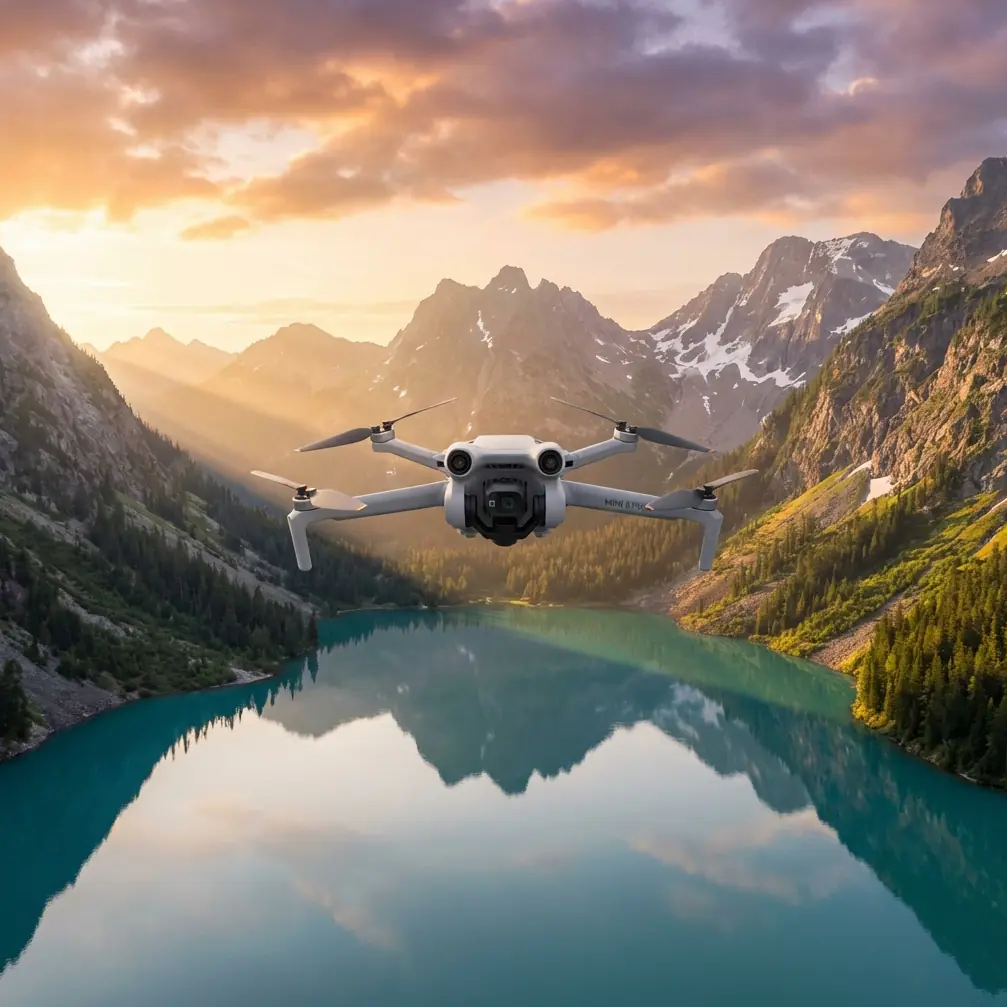
Mini 5 Pro for Coastal Scouting: What Actually Matters in the Field
META: A technical review of Mini 5 Pro for coastal scouting, with practical mission-planning insight drawn from DJI GS Pro orthomosaic workflow, remote setup choices, GPS lock timing, and antenna positioning advice for reliable field operations.
Coastal scouting sounds simple until you try to do it properly.
The shoreline moves. Light changes by the minute. Wind pushes harder than many pilots expect. Wet sand, rock edges, tidal pools, seawalls, and construction zones create a scene that looks cinematic from the air but behaves like a technical survey environment. That is exactly why the Mini 5 Pro deserves to be discussed as more than a casual camera drone. In a coastal workflow, it sits somewhere between a lightweight visual reconnaissance tool and a practical data-capture platform.
I’ve been thinking about the Mini 5 Pro through the lens of a much older but still highly relevant field lesson from DJI GS Pro orthographic mission planning. One detail from that reference is easy to miss, yet it changes how you prepare any serious flight: power on the aircraft before planning the mission. The reason is not cosmetic. When the aircraft is live, the app can auto-select the corresponding hardware parameters, including camera behavior, route density, and ground resolution. Just as crucial, the aircraft can complete GPS positioning and refresh the home point while you are still building the mission.
That single workflow habit matters a lot on the coast.
If you are scouting erosion lines, documenting a shoreline construction site, checking beach access routes, or collecting repeatable visual records of sea defenses, you do not want your first airborne minute wasted waiting for full positioning logic to catch up. Near open water, your launch area can also be less forgiving than an inland park. A delayed home point refresh is not a detail to shrug off when the nearest safe recovery patch may be a narrow strip of dry ground between surf and fencing.
Why the Mini 5 Pro makes sense for coastal work
The Mini 5 Pro appeals to coastal operators for one obvious reason: portability. You can carry it along a seawall, over dune access paths, or to a temporary site office without planning the day around a large case. But portability alone is not enough. What makes it useful is how that compact footprint interacts with modern capture tools like obstacle avoidance, ActiveTrack-style subject tracking, D-Log capture, and automated camera moves such as QuickShots and Hyperlapse.
Those features are often marketed as creator tools. On the coast, they become operational tools.
A Hyperlapse sequence from a stable repeat position can reveal changing surf impact against a revetment. Subject tracking can help document a slow-moving inspection target such as a shoreline maintenance vehicle traveling a defined path. D-Log matters when you are filming in harsh reflective conditions where bright water and darker land textures fight each other in the same frame. Obstacle avoidance becomes less about dramatic forest flying and more about staying disciplined around poles, railings, cranes, masts, and temporary works near harbors or coastal construction areas.
Still, the Mini 5 Pro’s biggest strength in this environment is not any one headline feature. It is the ability to pivot between visual storytelling and structured scouting without forcing a full survey-drone workflow on every task.
The hidden lesson from GS Pro: field setup matters more than people admit
The source reference also highlights another practical point from real operations: because of controller size limitations, the aircraft was typically used with a phone by default, but the recommendation was to use a third-party iPad mini bracket and sun hood, especially for long outdoor work.
That advice translates cleanly into Mini 5 Pro coastal use.
A bright shoreline is one of the most hostile viewing environments for a pilot. Reflected glare off water can flatten your display. Wind and salt air make short sessions feel longer. If you are assessing beach conditions, documenting rock armor displacement, or checking access roads along the coast, a larger screen with a proper shade is not a luxury. It changes decision quality.
You see more edge detail in wave impact zones. You catch compositional errors before the aircraft is too far out. You can inspect whether your planned overlap or route line actually makes sense against terrain breaks and man-made barriers. And during a long field day, a larger display reduces the kind of eye fatigue that quietly leads to sloppy piloting.
So while people often obsess over flight specs, one of the smartest Mini 5 Pro upgrades for coastal scouting may be the least glamorous: a stable tablet mount and a real sun hood.
Antenna positioning for maximum range over the coast
Open coast tempts pilots into bad habits because it looks unobstructed.
You launch from a beach, face the water, and assume radio link quality will take care of itself. That is exactly where pilots get lazy with antenna orientation. If you want the best practical range and signal stability, do not point the antenna tips directly at the drone. The broad face of the antenna pattern should be oriented toward the aircraft. In simple terms, think of presenting the side of the signal field to the drone, not the end.
On a coastline, this matters even more because the aircraft may fly low over reflective water or along terrain transitions that can complicate link behavior. A few field habits help:
- Stand where the controller has a clean line of sight above parked vehicles, handrails, and embankments.
- Keep your body from blocking the controller path when turning to follow the drone.
- Re-angle antennas as the aircraft shifts from offshore to lateral shoreline flight.
- Avoid launching from directly below elevated metal structures or next to cluttered utility installations common near ports and marinas.
- If you are using a larger screen setup, make sure the bracket does not encourage awkward controller posture that compromises antenna direction.
This is not about chasing extreme distance. It is about preserving a reliable link while keeping the mission conservative and repeatable.
Structured shoreline scouting beats random flying
The GS Pro reference discusses a mapping mode that can automatically generate a route within a defined area so the aircraft follows a specified path and completes mapping or aerial photography tasks on its own. Even though Mini 5 Pro users may not always be running a full orthomosaic program, the operating principle is worth stealing: define the area first, then let the flight logic support the objective.
For coastal scouting, random manual flight is usually the least efficient method once the mission has any repeat value.
A better workflow looks like this:
1. Define the strip
Coastlines are naturally linear. Instead of drawing a big generic polygon, think in segments: dune edge, seawall face, beach access path, drainage outlet, mooring zone, or construction frontage.
2. Decide whether this is visual or measurable
If the goal is a quick status review, your route can prioritize angles and context. If the goal is repeatability across days or tides, route density, altitude consistency, and camera direction start to matter much more.
3. Power on before route planning
This is one of the strongest carryovers from the GS Pro source. Turning the aircraft on before mission setup helps the app identify the active hardware correctly and align the plan with camera and route parameters. It also gives the drone time to establish GPS position and refresh the return point.
4. Use manual intelligence on top of automation
Automation is useful, but shorelines are full of edge cases: gulls, kites, cranes, moving vehicles, shifting bystanders, and tidal hazards. The Mini 5 Pro’s obstacle avoidance and tracking features help, but they do not replace preflight judgment.
5. Repeat from the same launch logic
If you are comparing erosion, construction progress, or seasonal change, consistency is everything. Launch from the same safe zone when possible, use similar heading logic, and document the conditions.
This is where a compact drone becomes genuinely valuable to consultants, content teams, site managers, and environmental observers. You can revisit the same corridor quickly without mobilizing a heavy kit.
D-Log, QuickShots, and Hyperlapse are not just for pretty footage
Mini-series drones often get trapped in a false choice: either they are creative tools or they are work tools. Coastal scouting proves that distinction is outdated.
Take D-Log. Over shorelines, dynamic range is often brutal. Foam, reflections, concrete, shaded vegetation, and dark riprap can all occupy the same frame. A flatter recording profile gives more room to recover highlights and maintain useful texture. That matters not just for cinematic edits but for clearer interpretation when documenting site condition.
QuickShots can also be useful when used with discipline. A controlled reveal from behind a dune or structure can quickly communicate site context to a remote stakeholder who has never visited the location. Hyperlapse, when repeated from a fixed viewpoint, can show traffic flow on a coastal access route, tidal movement relative to a structure, or changing activity around a project frontage.
And ActiveTrack-style tools become meaningful when you need a stable, consistent view of a moving inspection subject without forcing the pilot to manually compose every second.
The trick is to stop thinking of these features as novelty modes. In a coastal workflow, they can compress the time between launch and usable information.
What the number in the source tells us
One small but interesting reference detail shows a location readout with coordinates including 30.620978 and 104.157944. On the surface, that looks like nothing more than a screenshot artifact. Operationally, it tells a different story: the mission environment was anchored to real positional logic, not freeform flying. That reinforces the broader lesson of the source material—serious aerial work depends on geographic certainty.
For Mini 5 Pro coastal missions, that means every output becomes more useful when tied to consistent position and route behavior. A shoreline image is nice. A shoreline image captured from a known corridor with a stable home point and planned pass structure is evidence.
That distinction matters if the audience includes engineers, planners, property managers, marina operators, environmental consultants, or contractors.
Screen ergonomics and long coastal days
The source recommendation to pair the controller with an iPad mini and sun hood for longer outdoor operations deserves more attention than it usually gets. Coastal work is tiring in a specific way. Wind noise drains concentration. Brightness causes squinting. Walking uneven shoreline terrain while managing batteries and launch safety turns a 20-minute task into a half-day outing.
A better display setup supports:
- route verification before takeoff
- safer evaluation of return paths
- easier exposure checks over high-glare water
- improved review of obstacle zones near piers, breakwaters, or scaffolding
- less mental strain over multiple sorties
People routinely spend more time discussing aircraft specs than the human factors that determine whether the mission is executed well. In field reality, ergonomics often decides whether a repeat operation stays sharp by the third battery.
Where the Mini 5 Pro fits best
For coastline scouting, the Mini 5 Pro is strongest when used as a repeatable observation platform rather than a do-everything survey replacement. It shines in site familiarization, visual progress tracking, shoreline condition checks, media capture for project updates, and light corridor documentation where mobility is a genuine advantage.
Its compact size also lowers the barrier to opportunistic deployment. If a sea wall needs a quick visual check after weather changes, or a project manager wants current aerial context before a coordination meeting, a portable aircraft gets used more often. And equipment that gets used consistently produces better site intelligence than equipment that stays packed because mobilization feels excessive.
If you’re setting up a coastal scouting workflow and want to compare field-ready controller and display options, this direct WhatsApp channel is a practical place to continue the conversation.
The real takeaway
The most useful lesson for Mini 5 Pro coastal operators does not come from a spec sheet. It comes from field procedure.
Turn the aircraft on before planning so the app can align with the active camera and route logic, and so GPS positioning and the home point are sorted before launch. Treat screen visibility as mission equipment, not an accessory decision. Use antenna orientation deliberately instead of assuming open coast guarantees a clean link. And when possible, replace casual flying with defined route structure inspired by mapping workflows.
That is how a lightweight drone becomes a reliable coastal tool rather than just a convenient flying camera.
Ready for your own Mini 5 Pro? Contact our team for expert consultation.