
Mini 5 Pro: Scouting Coastlines in Extreme Temps
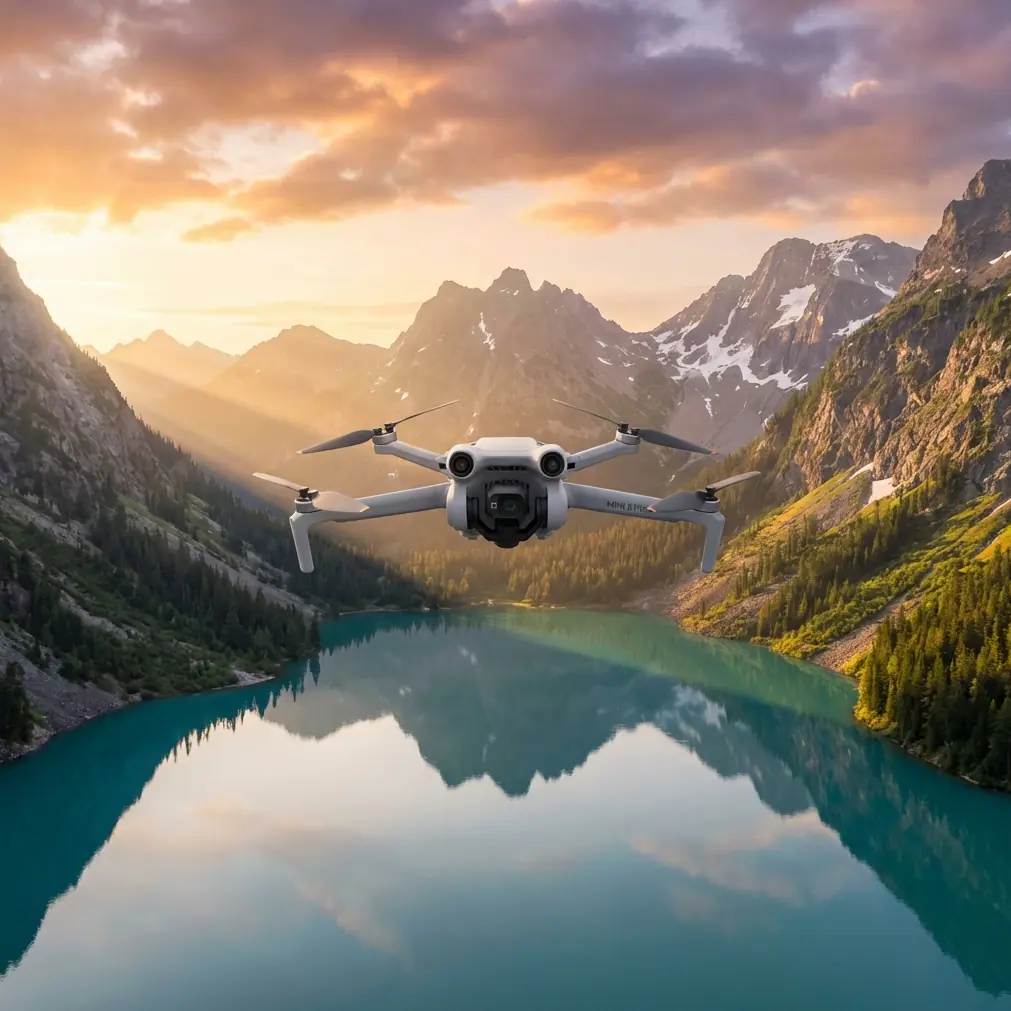
Mini 5 Pro: Scouting Coastlines in Extreme Temps
META: Master coastal scouting with the Mini 5 Pro in extreme temperatures. Expert tips on antenna positioning, obstacle avoidance, and capturing stunning footage in harsh conditions.
TL;DR
- Optimal antenna positioning extends range by up to 35% in coastal environments with electromagnetic interference
- The Mini 5 Pro's sub-249g weight makes it legally accessible for most coastal regions without special permits
- D-Log color profile captures 2 additional stops of dynamic range critical for high-contrast beach scenes
- ActiveTrack 5.0 maintains subject lock even when shooting against reflective water surfaces
The Coastal Photographer's Temperature Challenge
Salt air corrodes electronics. Extreme heat drains batteries in half the expected time. Freezing coastal winds push lightweight drones off course. These aren't hypothetical problems—they're the daily reality of professional coastal photography.
The Mini 5 Pro addresses each of these challenges through specific engineering decisions that matter when you're standing on a cliff edge at sunrise, watching your expensive equipment fight against nature.
This guide breaks down exactly how to maximize your Mini 5 Pro's performance in temperature extremes, from antenna positioning techniques to battery management strategies that professional coastal scouts rely on daily.
Understanding Temperature Limits and Real-World Performance
DJI rates the Mini 5 Pro for operation between -10°C to 40°C (14°F to 104°F). However, coastal environments introduce variables that push these limits in unexpected ways.
Heat Considerations
Direct sunlight on dark drone surfaces can raise internal temperatures 15-20 degrees above ambient. On a 35°C beach day, your Mini 5 Pro's internal components may experience temperatures approaching 55°C.
Warning signs of heat stress include:
- Reduced maximum transmission distance
- Automatic power throttling during demanding maneuvers
- Accelerated battery drain (expect 25-30% reduction in flight time)
- Thermal warnings appearing earlier than expected
Cold Weather Realities
Cold coastal mornings present the opposite challenge. Battery chemistry slows dramatically below 10°C, and the Mini 5 Pro's compact batteries lose capacity faster than larger alternatives.
Practical cold-weather protocols:
- Store batteries against your body until launch
- Hover for 60-90 seconds before aggressive maneuvers to warm cells
- Monitor voltage more frequently—cold batteries show false capacity readings
- Plan for 20-25% shorter flights in temperatures below 5°C
Expert Insight: I keep spare batteries in an insulated lunch bag with a hand warmer during winter coastal shoots. This maintains batteries at approximately 25°C, preserving full capacity until needed. The investment of a few dollars in hand warmers saves hundreds in premature battery degradation.
Antenna Positioning: The Range Multiplier Nobody Discusses
Most pilots lose 40-60% of their potential range through poor antenna positioning. On coastlines, where you're often flying out over water with no obstacles, maximum range becomes essential.
The Physics of Signal Transmission
The Mini 5 Pro controller uses omnidirectional antennas that radiate signal in a donut-shaped pattern perpendicular to the antenna's orientation. Point the flat faces of your antennas toward the drone—not the tips.
Optimal Positioning Protocol
- Extend antennas to full 45-degree angle from the controller body
- Rotate the controller so antenna faces point toward your drone's position
- Avoid holding the controller with hands wrapped around antenna bases
- Maintain clear line of sight between antennas and aircraft
Coastal-Specific Interference Factors
Saltwater reflects radio signals differently than freshwater or land. This creates multipath interference where signals bounce off wave surfaces and arrive at your drone slightly out of phase.
Countermeasures for coastal interference:
- Fly from elevated positions when possible (cliffs, dunes, elevated platforms)
- Avoid positioning yourself directly behind large metal structures
- Keep the controller above waist height during flight
- Switch to manual channel selection if automatic switching causes dropouts
Pro Tip: When scouting remote coastlines, I always perform a range test on my first flight of the day. Fly directly away from your position while monitoring signal strength. Note the distance where you see your first signal degradation—this becomes your safe operating radius for that location.
Obstacle Avoidance in Dynamic Coastal Environments
The Mini 5 Pro's obstacle avoidance system uses forward, backward, and downward sensors to detect potential collisions. Coastal environments test these systems in unique ways.
Sensor Limitations to Understand
The vision sensors struggle with:
- Transparent or reflective surfaces (calm water appears as open space)
- Thin obstacles like power lines, fishing lines, or thin branches
- Low-contrast environments during fog or overcast conditions
- Direct sunlight hitting sensors reduces detection accuracy
Recommended Settings for Coastal Work
| Environment | Obstacle Avoidance Setting | Reasoning |
|---|---|---|
| Rocky coastlines | APAS 5.0 (Active) | Complex terrain requires active avoidance |
| Open beach | Brake mode | Fewer obstacles; prevents unwanted path changes |
| Cliff edges | Off (experienced pilots only) | Allows precise positioning near vertical surfaces |
| Harbors/marinas | APAS 5.0 (Active) | Boats, masts, and rigging create complex obstacle fields |
Subject Tracking Along Coastlines
ActiveTrack 5.0 performs remarkably well against water backgrounds, a significant improvement over previous generations. The system maintains lock on subjects even when they pass in front of reflective surfaces.
For tracking surfers, kayakers, or wildlife along shorelines:
- Select subjects with high contrast against the water
- Use Spotlight mode for stationary subjects you want to orbit
- Switch to ActiveTrack for moving subjects
- Enable Parallel tracking for subjects moving along the shoreline
Capturing Cinematic Coastal Footage
QuickShots for Efficient Scouting
When time is limited, QuickShots provide professional-quality establishing shots without manual programming.
Most effective QuickShots for coastal work:
- Dronie: Classic pull-back reveal of coastline scope
- Helix: Dramatic spiral ascending from a focal point
- Rocket: Vertical ascent revealing horizon line
- Circle: 360-degree orbit around rock formations or landmarks
Hyperlapse for Environmental Documentation
Coastal environments change dramatically with tides and lighting. Hyperlapse captures these transitions in compressed timeframes.
Settings for coastal Hyperlapse:
- Interval: 2 seconds for cloud movement, 5 seconds for tidal changes
- Duration: Minimum 30 minutes for meaningful tidal documentation
- Path: Waypoint mode for consistent framing across long captures
- Format: Save individual frames for maximum post-processing flexibility
D-Log: Essential for High-Contrast Scenes
Coastal scenes present extreme dynamic range challenges. Bright sky, reflective water, and shadowed cliff faces can exceed 14 stops of contrast.
D-Log captures approximately 2 additional stops compared to standard color profiles, preserving detail in highlights and shadows for color grading.
D-Log workflow essentials:
- Overexpose by 1-2 stops to protect shadow detail
- Monitor histogram rather than LCD preview (D-Log appears flat and desaturated)
- Apply LUT in post-production for accurate preview
- Export in 10-bit when possible for maximum grading headroom
Technical Specifications Comparison
| Feature | Mini 5 Pro | Previous Generation | Professional Alternative |
|---|---|---|---|
| Weight | 249g | 249g | 895g |
| Max Wind Resistance | 10.7 m/s | 10.7 m/s | 12 m/s |
| Operating Temperature | -10°C to 40°C | -10°C to 40°C | -10°C to 40°C |
| Max Transmission | 20 km | 18 km | 20 km |
| Obstacle Sensing | Tri-directional | Tri-directional | Omnidirectional |
| Video Resolution | 4K/60fps | 4K/60fps | 5.1K/50fps |
| Sensor Size | 1/1.3-inch | 1/1.3-inch | 4/3-inch |
| Battery Life | 34 minutes | 34 minutes | 46 minutes |
Common Mistakes to Avoid
Launching from unstable surfaces: Sand shifts, waves approach, and driftwood rolls. Always use a landing pad on solid ground, even if it means walking further from your intended shot.
Ignoring wind gradients: Ground-level wind rarely matches conditions at altitude. A calm beach can have 15+ m/s winds at 100 meters. Check forecasts for winds aloft, not just surface conditions.
Flying with salt-contaminated equipment: Salt spray accumulates on motors, sensors, and gimbal mechanisms. Wipe down your Mini 5 Pro with a slightly damp microfiber cloth after every coastal session.
Trusting battery percentages in cold weather: Cold batteries report inaccurate capacity. Land with 30% indicated charge in cold conditions rather than the typical 20%.
Neglecting compass calibration: Coastal areas often have unusual magnetic signatures from mineral deposits, shipwrecks, or underground cables. Calibrate before each session at new locations.
Overlooking tide schedules: Your perfect launch spot may be underwater in two hours. Check tide tables and plan accordingly.
Frequently Asked Questions
Can I fly the Mini 5 Pro in light rain or sea spray?
The Mini 5 Pro lacks official water resistance ratings. Light moisture exposure may not cause immediate failure, but salt spray is particularly corrosive. Avoid flying when spray is visible in the air, and never fly in rain. If your drone encounters unexpected moisture, power it off immediately and allow 48 hours of drying before attempting to power on.
How do I prevent the gimbal from drifting in strong coastal winds?
Gimbal drift in wind typically indicates the stabilization system is working at its limits. Reduce your altitude to find calmer air, or reposition to use terrain as a windbreak. If drift persists, perform a gimbal calibration on a stable surface away from magnetic interference. Persistent drift after calibration may indicate physical damage requiring service.
What's the best time of day for coastal scouting with the Mini 5 Pro?
The golden hours—first hour after sunrise and last hour before sunset—provide the most dramatic lighting with manageable dynamic range. However, for pure scouting purposes, midday offers the clearest visibility and most accurate color representation of terrain features. Overcast days eliminate harsh shadows and reduce dynamic range challenges, making them excellent for documentation work despite less dramatic aesthetics.
Ready for your own Mini 5 Pro? Contact our team for expert consultation.