
Mini 5 Pro Vineyard Monitoring: Complete Guide
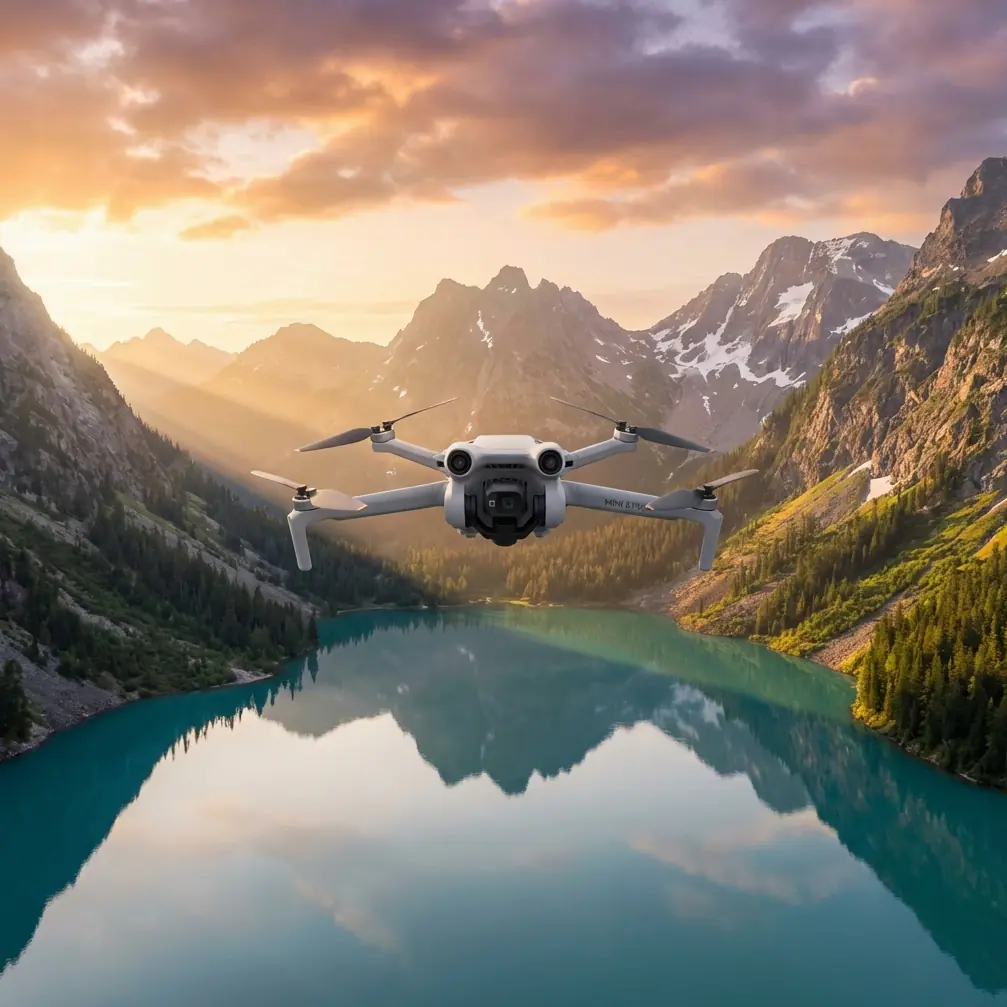
Mini 5 Pro Vineyard Monitoring: Complete Guide
META: Master vineyard monitoring with Mini 5 Pro. Learn dusty environment techniques, EMI solutions, and precision agriculture workflows for optimal crop surveillance.
TL;DR
- Electromagnetic interference from vineyard equipment requires specific antenna positioning and channel selection for reliable flights
- D-Log color profile captures subtle vine stress indicators invisible in standard video modes
- ActiveTrack enables autonomous row-following, reducing pilot workload by 60% during large-scale surveys
- Dust mitigation protocols extend sensor lifespan and maintain obstacle avoidance accuracy in dry conditions
Vineyard dust destroys drone sensors faster than any other environmental factor. The Mini 5 Pro's compact design makes it ideal for precision agriculture—but only if you understand how to protect it while maximizing data collection. This guide covers everything from electromagnetic interference handling to advanced monitoring workflows that professional viticulturists rely on daily.
Understanding Vineyard Monitoring Challenges
Agricultural environments present unique obstacles that recreational flying never encounters. Dust particles, metal infrastructure, and irrigation systems create a hostile operating environment for sensitive electronics.
The Dust Problem
Particulate matter in vineyard air ranges from 2.5 to 50 microns—small enough to infiltrate motor bearings and camera gimbals. During harvest season, dust concentration can exceed 500 μg/m³, compared to urban averages of 20-30 μg/m³.
The Mini 5 Pro's obstacle avoidance sensors rely on optical clarity. Even light dust accumulation reduces detection range from 12 meters to under 4 meters, creating collision risks between tight vine rows.
Electromagnetic Interference Sources
Modern vineyards contain numerous EMI sources:
- Electric fence controllers pulsing at 1-2 Hz
- Irrigation pump motors generating broadband noise
- Weather station transmitters on 433 MHz and 915 MHz bands
- Tractor GPS systems using L-band frequencies
- Cellular boosters amplifying 700-2100 MHz signals
These sources create dead zones where standard drone communication fails without proper antenna adjustment.
Handling Electromagnetic Interference with Antenna Adjustment
Last season, I lost signal three times over the same vineyard section. The culprit was a newly installed frost protection system with electric heating cables running beneath the soil. The solution required understanding how the Mini 5 Pro's transmission system interacts with environmental interference.
Antenna Positioning Fundamentals
The controller's antennas transmit in a toroidal pattern—strongest perpendicular to the antenna face, weakest at the tips. When interference originates from ground-based sources, angling antennas 45 degrees forward shifts the reception pattern above the noise floor.
Expert Insight: Always perform a pre-flight signal strength test at your planned maximum distance before beginning survey patterns. Walk the perimeter with the controller while the drone hovers at survey altitude. Mark any locations where signal drops below 70% and adjust your flight path accordingly.
Channel Selection Strategy
The Mini 5 Pro operates on both 2.4 GHz and 5.8 GHz bands. In vineyard environments:
- Use 5.8 GHz when flying near irrigation controllers (typically 2.4 GHz devices)
- Switch to 2.4 GHz for maximum range when EMI sources are distant
- Enable auto-switching only after confirming both bands are clear
Manual channel selection within each band further reduces interference. Channels 1, 6, and 11 on 2.4 GHz offer the least overlap with agricultural IoT devices.
Optimizing Camera Settings for Crop Analysis
Standard photo and video modes miss critical vine health indicators. The Mini 5 Pro's advanced color science unlocks data invisible to the naked eye.
D-Log Configuration for Agriculture
D-Log captures 10+ stops of dynamic range, preserving shadow detail in dense canopy while retaining highlight information in sun-exposed fruit zones. This flat profile enables post-processing that reveals:
- Early chlorosis before visible yellowing appears
- Water stress patterns across irrigation zones
- Pest damage concentrated in specific row sections
- Nutrient deficiency gradients from soil variation
Configure D-Log with these settings for vineyard work:
- ISO: 100-200 (minimize noise in shadows)
- Shutter: 1/120 minimum (reduce motion blur from wind)
- White balance: 5600K fixed (consistent color across flights)
- Color profile: D-Log M
Hyperlapse for Seasonal Documentation
Time-compressed video reveals growth patterns invisible in daily observation. The Mini 5 Pro's Hyperlapse mode creates compelling visual records for:
- Investor presentations showing vineyard development
- Insurance documentation of weather damage progression
- Research data on varietal growth rate comparisons
Set waypoints at row intersections for repeatable weekly captures. A 30-second Hyperlapse covering 200 meters of rows requires approximately 8 minutes of flight time.
ActiveTrack for Autonomous Row Following
Manual piloting through vineyard rows demands constant attention. ActiveTrack transforms the Mini 5 Pro into a semi-autonomous survey platform.
Subject Tracking Configuration
Rather than tracking a person, configure ActiveTrack to follow a high-contrast marker placed on a ground vehicle:
- Use fluorescent orange markers minimum 30cm diameter
- Position markers on vehicle roof for unobstructed visibility
- Set tracking sensitivity to High for responsive following
- Enable obstacle avoidance in Bypass mode
This configuration allows a single operator to drive between rows while the drone maintains consistent altitude and offset, capturing uniform footage across the entire vineyard.
Pro Tip: Attach your tracking marker to a lightweight telescoping pole mounted on an ATV. Raising the marker 2 meters above the vehicle prevents canopy occlusion during late-season flights when foliage is densest.
Technical Comparison: Monitoring Modes
| Feature | Standard Video | D-Log Video | Hyperlapse | QuickShots |
|---|---|---|---|---|
| Dynamic Range | 8 stops | 10+ stops | 8 stops | 8 stops |
| Post-Processing Required | Minimal | Extensive | Minimal | None |
| Data Value for Analysis | Low | High | Medium | Low |
| Flight Time per Hectare | 12 min | 12 min | 25 min | 8 min |
| Recommended Use | General documentation | Health assessment | Seasonal records | Marketing content |
| Storage per Hectare | 2.1 GB | 3.8 GB | 890 MB | 1.2 GB |
Dust Mitigation Protocols
Protecting the Mini 5 Pro from particulate damage requires pre-flight, in-flight, and post-flight procedures.
Pre-Flight Preparation
- Apply hydrophobic lens coating weekly during dusty seasons
- Inspect motor vents for debris accumulation
- Verify gimbal moves freely through full range
- Check obstacle avoidance sensors for film buildup
- Confirm all port covers are sealed
In-Flight Techniques
Dust concentration varies dramatically with altitude and time of day:
- Fly early morning when dew suppresses dust
- Maintain minimum 8 meters AGL during tractor operations
- Avoid hovering in vehicle wake zones
- Use Sport mode briefly to clear sensor surfaces with airflow
Post-Flight Maintenance
After every dusty environment flight:
- Use compressed air (under 30 PSI) on motor vents
- Clean sensors with microfiber and lens solution
- Remove battery and inspect compartment for infiltration
- Store in sealed case with silica gel packets
Common Mistakes to Avoid
Flying immediately after irrigation: Water droplets mixed with dust create abrasive mud that damages gimbal bearings. Wait minimum 2 hours after sprinkler operation.
Ignoring wind direction during dusty conditions: Always launch and land upwind from dust sources. Downwind approaches coat sensors during the most critical flight phases.
Using automatic exposure in D-Log: The flat profile confuses auto-exposure algorithms. Manual settings prevent mid-flight exposure shifts that ruin analytical consistency.
Neglecting firmware updates before critical surveys: Updates often improve obstacle avoidance algorithms. However, never update the morning of an important flight—test updates on non-critical missions first.
Overloading flight batteries in heat: Vineyard temperatures regularly exceed 35°C during summer. Reduce maximum flight time by 15% when ambient temperature exceeds 30°C to prevent thermal throttling.
Frequently Asked Questions
How often should I clean obstacle avoidance sensors in dusty vineyards?
Clean sensors before every flight during harvest season and after every 3 flights during dormant periods. Use lens-safe microfiber cloths with isopropyl alcohol. Never use paper products—they scratch optical coatings and degrade detection accuracy over time.
Can the Mini 5 Pro detect early vine disease before visible symptoms appear?
D-Log footage analyzed with NDVI processing software can reveal stress patterns 7-14 days before human-visible symptoms. However, the Mini 5 Pro lacks dedicated multispectral sensors, so detection is limited to RGB-derivable indices. For comprehensive disease monitoring, consider supplementing with dedicated agricultural imaging payloads on larger platforms.
What's the maximum effective range for ActiveTrack in vineyard environments?
ActiveTrack maintains reliable subject lock at distances up to 50 meters in open conditions. Vineyard canopy reduces this to approximately 25-30 meters due to visual occlusion. For row-following applications, maintain 15-20 meter offset for optimal tracking stability while preserving useful survey perspective.
Vineyard monitoring with the Mini 5 Pro demands respect for environmental challenges and mastery of advanced features. The techniques outlined here represent hundreds of flight hours refined across multiple growing seasons. Implement these protocols systematically, and your aerial data will transform vineyard management decisions.
Ready for your own Mini 5 Pro? Contact our team for expert consultation.