
Mini 5 Pro Power Line Monitoring in Dust
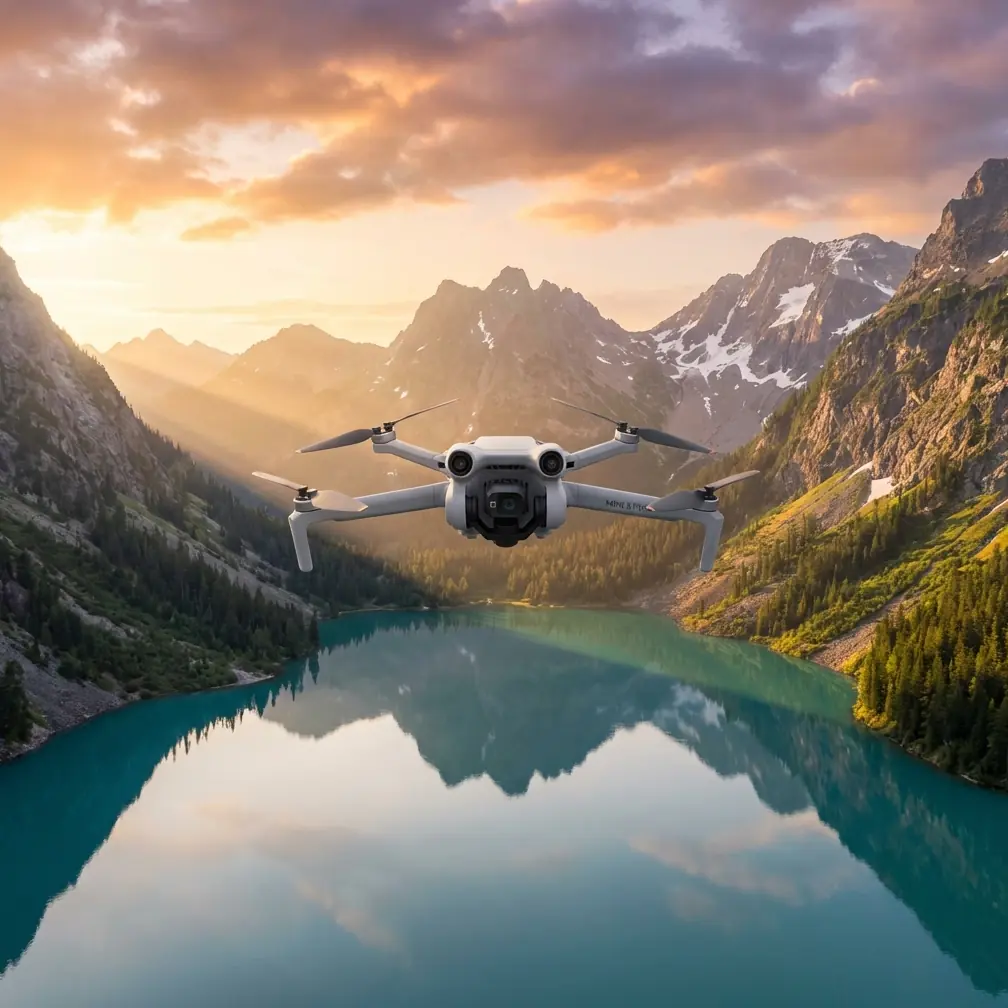
Mini 5 Pro Power Line Monitoring in Dust
META: Learn how the Mini 5 Pro handles dusty power line inspections with optimal altitude tips, obstacle avoidance, and D-Log settings for clear utility footage.
By Chris Park | Creator & Drone Operations Specialist
TL;DR
- Fly between 15–25 meters AGL for the ideal balance of detail capture and dust avoidance when monitoring power lines in arid environments.
- The Mini 5 Pro's obstacle avoidance sensors and ActiveTrack capabilities make it uniquely suited for following transmission corridors without manual drift correction.
- D-Log color profile preserves critical detail in high-contrast, haze-heavy conditions that would blow out standard footage.
- Dust mitigation comes down to flight altitude discipline, gimbal protection, and post-flight sensor cleaning—skip any of these and you'll shorten your drone's operational life dramatically.
The Problem: Dust Destroys Inspections and Equipment
Power line inspections in dusty environments are brutal on both operators and equipment. Traditional helicopter and ground-crew methods cost utilities enormous labor hours while exposing workers to hazardous conditions near high-voltage infrastructure. Small drones changed the game—but most consumer platforms choke in particulate-heavy air.
Dust infiltrates gimbal motors. Fine sand scratches lens coatings. Thermal updrafts near sun-baked terrain create unpredictable turbulence at low altitudes. And the footage? Washed out, hazy, and borderline useless for identifying the hairline fractures, corroded connectors, and sagging spans that cause catastrophic failures.
The Mini 5 Pro addresses these challenges with a combination of sensor protection, intelligent flight modes, and imaging flexibility that punches well above its weight class. This guide walks you through exactly how to configure and fly it for reliable power line monitoring in the harshest dusty conditions.
Why the Mini 5 Pro Fits Utility Corridor Work
Sub-250g Regulatory Advantage
At under 249 grams, the Mini 5 Pro falls below regulatory thresholds in most jurisdictions. For utility companies and contracted inspection teams, this means fewer waivers, faster deployment authorization, and the ability to operate in restricted zones where heavier platforms require extensive paperwork.
Power line corridors often cross mixed-use airspace—near highways, residential areas, and sometimes airport approach paths. The sub-250g classification doesn't eliminate all restrictions, but it significantly reduces the administrative burden that delays inspection schedules.
Obstacle Avoidance in Complex Environments
Transmission towers, guy wires, cross-arms, and the lines themselves create a dense obstacle field. The Mini 5 Pro's multi-directional obstacle avoidance system uses a combination of sensors to detect and avoid hazards in real time.
This matters enormously in dusty conditions where visual line-of-sight degrades. When you can't clearly see your drone against a haze-filled sky at 200 meters downrange, those sensors become your safety net against collision with infrastructure worth hundreds of thousands in repair costs.
Expert Insight: Set your obstacle avoidance to "Bypass" rather than "Brake" mode when tracking along power line corridors. "Brake" mode causes the drone to stop abruptly—sometimes directly beneath energized conductors—while "Bypass" allows it to intelligently route around obstacles and continue its path. Always maintain a minimum 5-meter horizontal clearance from any energized line.
ActiveTrack for Corridor Following
Manual stick flying along a power line corridor demands intense concentration. Over a 3-kilometer inspection run, fatigue-induced drift is inevitable. The Mini 5 Pro's ActiveTrack system can lock onto a transmission tower or conductor span, maintaining consistent framing while you focus on flight safety.
This is especially valuable in dusty conditions. When particulate haze reduces contrast, your eyes tire faster. Let ActiveTrack handle composition while you manage altitude and obstacle awareness.
Optimal Flight Altitude: The Critical Variable
Here's the insight that separates productive power line inspections from wasted battery cycles:
Fly between 15 and 25 meters above ground level (AGL), maintaining 8–12 meters above the highest conductor.
Below 15 meters AGL, you encounter the densest dust concentration. Ground-level thermal activity in arid environments kicks particulate into a persistent cloud that typically extends 10–15 meters above the surface. Flying within this zone coats your sensors, degrades your footage, and forces your obstacle avoidance system to work overtime filtering false positives from airborne particles.
Above 25 meters AGL, you gain cleaner air but lose the resolution needed to identify critical defects. Corroded splice connectors, cracked insulators, and bird-strike damage on conductors require close-range imaging that even the Mini 5 Pro's excellent sensor can't deliver from 30+ meters.
The sweet spot—15 to 25 meters—keeps you above the worst dust while preserving enough detail for actionable inspection data.
| Altitude Range (AGL) | Dust Exposure | Detail Level | Recommended Use |
|---|---|---|---|
| 5–14 meters | Severe | Excellent | Only in low-wind, minimal dust |
| 15–25 meters | Moderate | Good to Excellent | Primary inspection altitude |
| 26–40 meters | Low | Moderate | Overview and corridor mapping |
| 41+ meters | Minimal | Low | Route planning only |
Pro Tip: Check wind conditions at your planned altitude before committing to a full corridor run. Use the first 2 minutes of flight to hover at 20 meters AGL and assess dust density on your live feed. If the image looks hazy with reduced contrast, climb to 25 meters and reassess. The few meters of additional altitude often make a dramatic difference in footage clarity.
Camera Configuration for Dusty Conditions
D-Log: Your Secret Weapon Against Haze
Dusty air scatters light, compressing the dynamic range of your scene. Bright sky above, dark infrastructure below, and a veil of particulate washing everything toward a flat midtone. Standard color profiles clip highlights and crush shadows, destroying the subtle detail you need.
D-Log captures a flat, wide-dynamic-range image that preserves information across the entire tonal spectrum. In post-processing, you can:
- Recover highlight detail in sky-blown areas around tower tops
- Lift shadow information on the underside of conductors and cross-arms
- Cut through haze using selective contrast adjustments
- Color-correct the warm cast that dust introduces
Shoot in D-Log at the highest available bitrate. Yes, the files are larger. Yes, they look flat on your monitor during flight. But the post-processing flexibility is non-negotiable for professional inspection deliverables.
Shutter Speed and ISO Discipline
Dusty environments are almost always bright. Use these settings as your starting framework:
- ISO: Keep at 100 whenever possible to minimize noise that mimics dust artifacts
- Shutter speed: Follow the 180-degree rule for video (double your frame rate)
- ND filters: Essential. Pack ND8, ND16, and ND32 to maintain proper exposure without stopping down excessively
- Frame rate: 4K/30fps balances detail with manageable file sizes for long corridor runs
QuickShots and Hyperlapse for Documentation
While not primary inspection tools, QuickShots modes like Dronie and Circle provide excellent contextual documentation of tower sites. Use them at the start and end of each inspection segment to establish the environment and tower condition in a format that's immediately understandable to non-technical stakeholders.
Hyperlapse along a corridor compresses a 45-minute inspection run into a 90-second overview that utility managers can review in meetings. It's a powerful communication tool that takes minimal extra flight time to capture.
Dust Mitigation: Protecting Your Mini 5 Pro
Pre-Flight Protocol
- Inspect all gimbal components for existing dust before each flight
- Apply a UV or clear protective filter over the lens—replace the filter, not the lens coating
- Ensure ventilation ports are clear of debris
- Launch from an elevated surface (truck bed, equipment case on a stand) to avoid ground-level dust plumes from your own rotors
- Verify obstacle avoidance sensors are clean and unobstructed
Post-Flight Protocol
- Power down immediately after landing—don't let motors pull dust through the chassis while cooling
- Use a rocket blower (never canned air) to clear particulate from the gimbal assembly
- Wipe the lens filter with a microfiber cloth using gentle circular motions
- Store in a sealed case with desiccant packs to prevent moisture-dust adhesion
Common Mistakes to Avoid
1. Ignoring wind-driven dust layers. Wind speed at ground level tells you nothing about conditions at 20 meters AGL. A calm surface can mask significant particulate transport at altitude. Always verify conditions at your working height before starting a corridor run.
2. Flying too low for "better footage." The temptation to drop below 15 meters for tighter shots leads to dustier lenses, more obstacle avoidance interruptions, and ironically worse image quality. Maintain discipline on altitude minimums.
3. Skipping D-Log because files "look bad." Flat footage is a feature, not a bug. If your deliverables look flat, the problem is your post-processing workflow, not the color profile. Build a simple LUT-based correction pipeline and apply it to every inspection batch.
4. Running ActiveTrack without obstacle avoidance. Some operators disable obstacle avoidance to prevent false triggers from dust particles. This is extraordinarily dangerous near power infrastructure. Instead, adjust sensitivity settings to reduce false positives while maintaining collision protection.
5. Launching from bare ground. Your own rotor downwash creates a dust cloud that immediately coats the gimbal and sensors. Always use a landing pad on a raised surface or launch from a paved area.
Frequently Asked Questions
Can the Mini 5 Pro handle sustained dusty conditions without damage?
The Mini 5 Pro is not IP-rated for dust or water ingress, but with proper pre-flight preparation, protective lens filters, and disciplined post-flight cleaning, it performs reliably in moderately dusty environments. The key limiting factor is gimbal motor contamination—fine sand particles can cause binding over time. Budget for periodic gimbal maintenance if you're flying in these conditions weekly. Most operators report 50–80 dusty flights before any gimbal service is needed, assuming consistent cleaning protocols.
What's the best Subject Tracking mode for following power lines?
Use ActiveTrack in Trace mode for following conductor spans between towers. Lock onto the conductor or the next tower in sequence and let the system maintain framing. For orbiting individual towers to inspect all sides, switch to Spotlight mode, which keeps the subject centered while you manually control the flight path. Avoid Parallel mode near power lines—the lateral offset it maintains can put the drone dangerously close to adjacent conductor phases.
How does Hyperlapse work for long corridor inspections?
Set the Mini 5 Pro to Waypoint Hyperlapse and define start and end points along the corridor. The drone captures images at timed intervals while flying the route, then stitches them into an accelerated video. For a typical 2-kilometer corridor, set a 2-second interval at 4K resolution. This produces a smooth overview clip of approximately 60–90 seconds that clearly shows the condition progression along the entire line segment. It's exceptionally useful for identifying sections where vegetation encroachment or structural anomalies need closer re-inspection.
Technical Comparison: Mini 5 Pro vs. Common Inspection Alternatives
| Feature | Mini 5 Pro | Mid-Size Inspection Drone | Full-Size Enterprise Drone |
|---|---|---|---|
| Weight | Under 249g | 500–900g | 1.5–4kg |
| Obstacle Avoidance | Multi-directional | Multi-directional | Omnidirectional |
| ActiveTrack / Subject Tracking | Yes | Varies | Yes |
| D-Log / Flat Profile | Yes | Limited | Yes |
| Flight Time | Up to 34 min | 25–38 min | 30–55 min |
| Regulatory Burden | Minimal (sub-250g) | Moderate | High |
| Dust Resilience | Moderate (with care) | Moderate | High (some IP-rated) |
| Deployment Speed | Under 5 minutes | 5–10 minutes | 15–30 minutes |
| Portability | Fits in a sling bag | Requires backpack/case | Requires vehicle transport |
The Mini 5 Pro won't replace a dedicated enterprise inspection platform for every scenario. But for routine corridor monitoring, rapid-response damage assessment after storms, and supplementary documentation alongside ground crews, its combination of portability, regulatory simplicity, and imaging capability makes it the most efficient tool in the fleet for 80% of power line inspection tasks.
Ready for your own Mini 5 Pro? Contact our team for expert consultation.