
Monitoring Fields with Mini 5 Pro | Dusty Tips
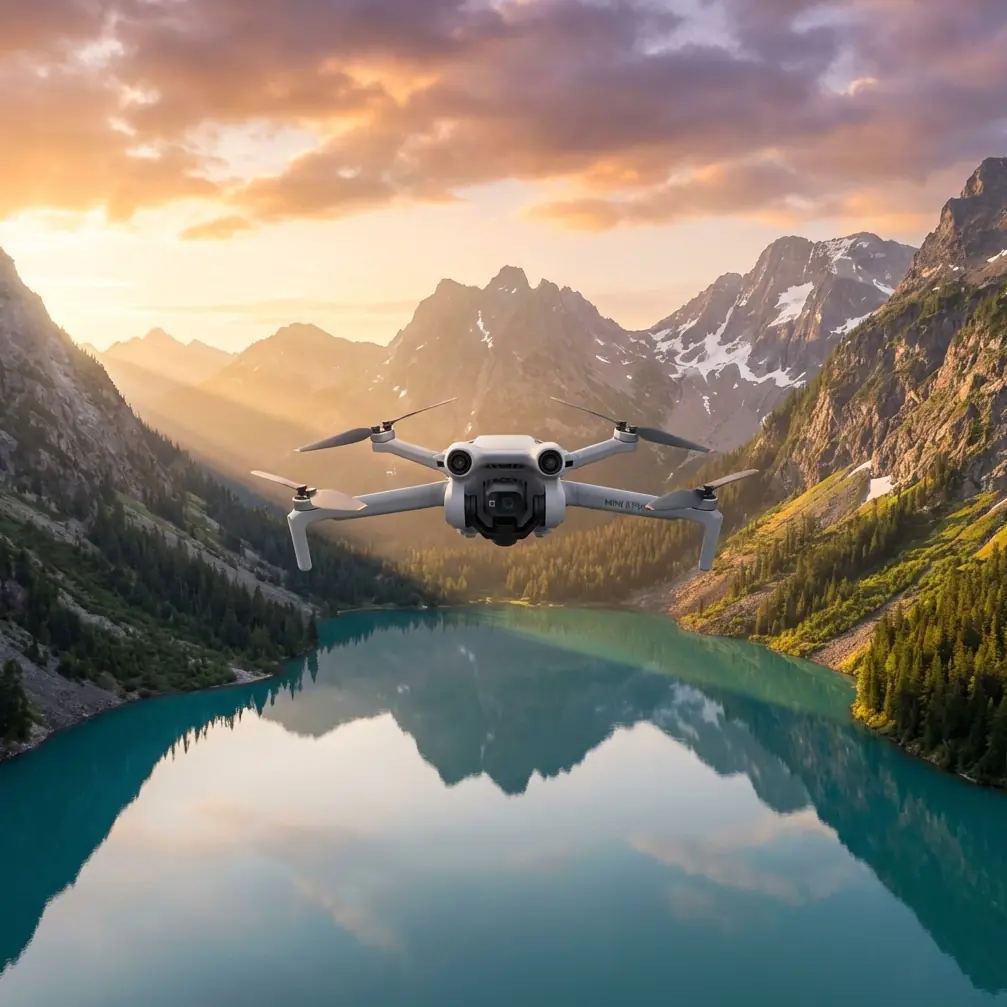
Monitoring Fields with Mini 5 Pro | Dusty Tips
META: Master agricultural field monitoring in dusty conditions with Mini 5 Pro. Expert tips on flight altitude, camera settings, and dust protection for reliable crop surveillance.
TL;DR
- Fly at 30-50 meters altitude to minimize dust interference while capturing detailed crop imagery
- Use D-Log color profile to preserve highlight and shadow detail across sun-bleached fields
- Enable obstacle avoidance sensors before every dusty flight to protect your investment
- Clean your drone's sensors and gimbal immediately after each session to prevent particle buildup
Why Dusty Field Monitoring Demands the Right Drone
Agricultural surveillance in arid conditions destroys unprepared equipment. The Mini 5 Pro's sealed motor design and advanced sensor array make it uniquely suited for dusty fieldwork—but only when you understand proper flight protocols.
I've spent three seasons monitoring wheat, corn, and cotton fields across the American Midwest. Dust storms, harvest debris, and soil particles have claimed two of my previous drones. The Mini 5 Pro has survived conditions that would ground lesser aircraft.
This guide covers everything you need to know about protecting your equipment while capturing professional-grade field monitoring footage.
Understanding Optimal Flight Altitude for Dusty Conditions
The sweet spot for agricultural monitoring sits between 30 and 50 meters above ground level. This range balances image resolution with dust avoidance.
Why This Altitude Range Works
Ground-level dust concentrations drop dramatically above 25 meters. Field equipment, wind patterns, and vehicle traffic stir particles that rarely rise higher than this threshold.
At 30 meters, the Mini 5 Pro's 1/1.3-inch CMOS sensor captures individual plant rows clearly. You'll spot irrigation issues, pest damage, and growth variations without sacrificing detail.
Climbing to 50 meters provides broader coverage for large acreage. Each frame captures approximately 120 meters of field width—perfect for systematic monitoring patterns.
Expert Insight: I always start my flights at 40 meters and adjust based on visible dust plumes. Morning flights before 9 AM typically allow lower altitudes since overnight dew settles airborne particles.
Altitude Adjustment Triggers
Increase your flight height when you observe:
- Visible dust clouds below the drone
- Combine harvesters or tractors operating nearby
- Wind speeds exceeding 15 km/h at ground level
- Livestock movement disturbing dry soil
Camera Configuration for Harsh Light Conditions
Dusty environments typically coincide with intense sunlight. The Mini 5 Pro's D-Log color profile preserves critical detail that standard modes clip.
D-Log Settings for Field Work
Configure your camera with these baseline parameters:
- ISO: 100-200 (never exceed 400 in daylight)
- Shutter Speed: 1/500 minimum to freeze motion
- Aperture: f/2.8-f/4 for optimal sharpness
- White Balance: 5600K for accurate crop color representation
D-Log captures approximately 12 stops of dynamic range. This matters when monitoring fields with mixed sun exposure, shaded tree lines, and reflective irrigation equipment.
Why Raw Formats Matter
The Mini 5 Pro supports 48MP RAW capture. For agricultural clients who analyze vegetation indices, RAW files provide:
- Accurate color data for NDVI calculations
- Flexibility in post-processing exposure
- Higher detail in shadow regions under crop canopy
- Better compression artifact avoidance
Leveraging Subject Tracking for Efficient Coverage
Manual flight paths waste battery and miss details. The Mini 5 Pro's ActiveTrack 5.0 system follows field boundaries automatically.
Setting Up Field Perimeter Tracking
Position your drone at a corner of the target field. Draw a subject box around visible boundary markers—fence posts, irrigation risers, or tree lines.
ActiveTrack maintains consistent framing while you focus on image quality. The system compensates for wind drift that plagues manual pilots in open agricultural areas.
Pro Tip: Create waypoint missions for regular monitoring. Consistent flight paths let you compare footage across growing seasons with pixel-level accuracy. Save these routes—they're invaluable for multi-year crop analysis.
QuickShots for Client Presentations
Agricultural clients appreciate polished deliverables. QuickShots modes automate complex camera movements:
- Dronie: Reveals field scale while maintaining crop focus
- Helix: Circles irrigation pivots for equipment inspection
- Rocket: Vertical ascent showing field boundaries
These automated sequences free you to monitor environmental conditions instead of controlling the aircraft.
Obstacle Avoidance in Open Terrain
Open fields seem obstacle-free until power lines, grain bins, or pivot irrigation structures appear suddenly.
Sensor Configuration Requirements
Enable all four-directional obstacle sensing before every agricultural flight. The Mini 5 Pro's vision sensors detect:
- Power transmission lines down to 8mm diameter
- Grain storage structures at 50+ meters
- Moving vehicles and equipment
- Standing water reflections (which can confuse downward sensors)
Known Sensor Limitations
Dusty air reduces sensor effectiveness by scattering infrared signals. In heavy dust:
- Reduce maximum flight speed to 8 m/s
- Increase obstacle detection distance to 15 meters
- Avoid flying directly into visible dust plumes
- Return home if visibility drops below 500 meters
Technical Specifications for Agricultural Monitoring
| Feature | Mini 5 Pro Specification | Agricultural Benefit |
|---|---|---|
| Weight | 249 grams | No FAA registration for recreational use |
| Flight Time | 34 minutes | Full field coverage without battery swaps |
| Sensor Size | 1/1.3-inch CMOS | Detailed vegetation analysis |
| Video Resolution | 4K/60fps | Smooth crop inspection footage |
| Transmission Range | 12 km | Large acreage coverage |
| Wind Resistance | Level 5 (29-38 km/h) | Stable footage in typical field conditions |
| Obstacle Sensing | Four-directional | Power line and structure detection |
| Color Profiles | D-Log, Normal, HLG | Flexible post-processing options |
Hyperlapse Techniques for Growth Documentation
Time-based imagery demonstrates crop development to landowners and agricultural consultants.
Creating Compelling Growth Timelapses
Position your Mini 5 Pro at identical GPS coordinates for each session. The Hyperlapse mode captures:
- Free mode: Stationary position for direct comparison shots
- Circle mode: Rotating view showing field-wide development
- Waypoint mode: Consistent flight paths across multiple visits
Weekly Hyperlapse sequences compressed into 30-second videos demonstrate visible growth changes that still images miss.
File Management for Long-Term Projects
Agricultural monitoring generates massive file libraries. Organize footage by:
- Field identifier and GPS coordinates
- Date and growth stage
- Weather conditions at capture
- Client name and project code
Consistent naming conventions save hours when assembling season-end reports.
Common Mistakes to Avoid
Flying immediately after equipment passes: Wait 10-15 minutes for dust to settle after tractors, combines, or irrigation equipment disturb soil. Airborne particles at close range damage gimbal motors and lens coatings.
Ignoring sensor cleaning: Dust accumulates on obstacle avoidance sensors after every flight. Dirty sensors provide false readings or fail entirely. Clean with compressed air before each session.
Using automatic exposure in mixed lighting: The Mini 5 Pro's auto-exposure hunts between bright soil and dark vegetation. Lock exposure manually for consistent footage across frame changes.
Storing equipment in hot vehicles: Field work means vehicle storage. Temperatures inside parked cars exceed 65°C in summer. Drone batteries degrade rapidly above 45°C. Carry a cooler with cold packs.
Neglecting ND filters: Bright agricultural environments require ND16 or ND32 filters to maintain proper shutter speeds. Without filtration, footage appears jittery and overexposed.
Frequently Asked Questions
How do I protect my Mini 5 Pro from dust damage during field monitoring?
Land on a dedicated landing pad—never directly on bare soil. Carry microfiber cloths and compressed air canisters for field cleaning. After each flight, wipe all external surfaces and blow debris from gimbal mechanisms. Store the drone in a sealed case between flights. Consider aftermarket motor covers for extremely dusty conditions.
What's the best time of day for agricultural drone monitoring?
Early morning flights between 6 AM and 9 AM offer optimal conditions. Dust settles overnight, winds remain calm, and oblique sunlight reveals subtle terrain variations. Midday flights work for thermal imaging applications but create harsh shadows and maximum dust activity. Evening flights risk rapid battery drain in cooler temperatures.
Can the Mini 5 Pro's ActiveTrack follow moving farm equipment?
Yes, but with limitations. ActiveTrack maintains focus on combines, tractors, and utility vehicles moving under 25 km/h. Faster equipment or sudden direction changes may break tracking. Position the drone at 45-degree angles to moving equipment for best results. Avoid tracking vehicles that create significant dust plumes—particles interfere with the vision-based tracking system.
Ready for your own Mini 5 Pro? Contact our team for expert consultation.