
Mini 5 Pro for Dusty Power Line Mapping: A Practical Field
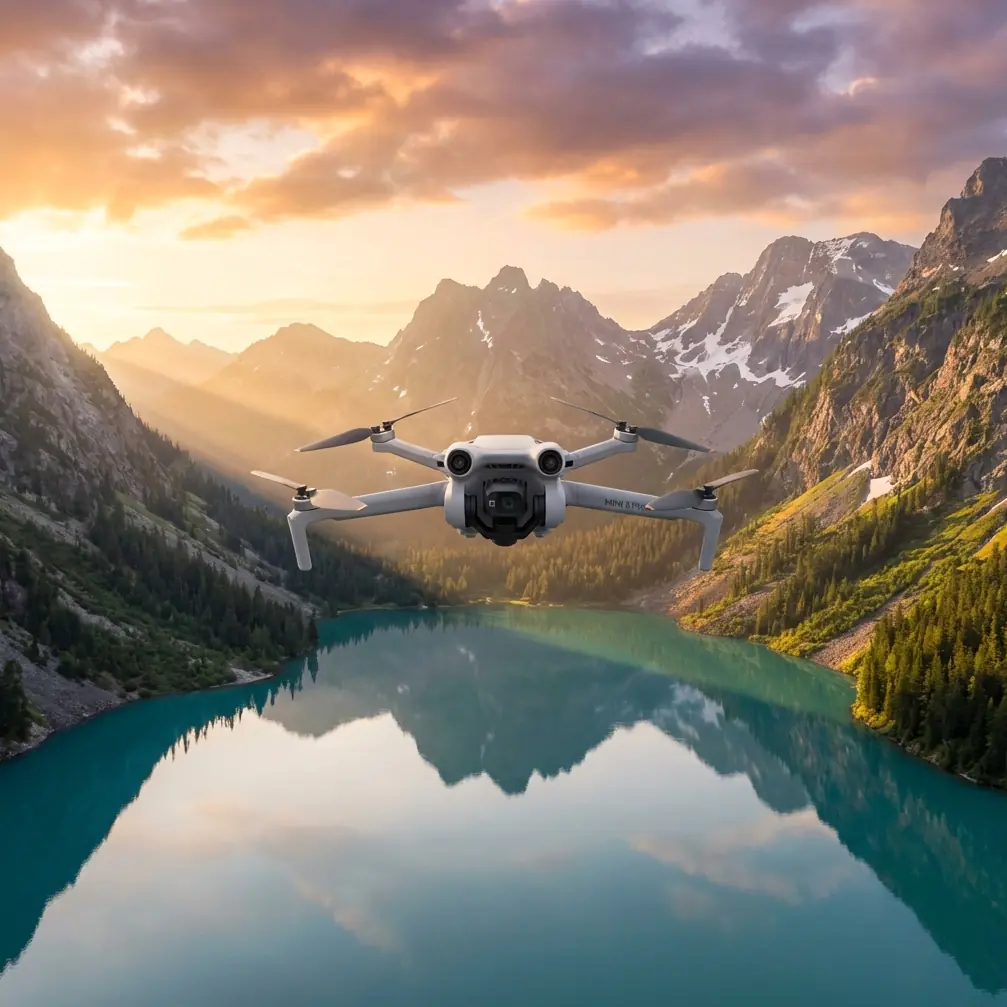
Mini 5 Pro for Dusty Power Line Mapping: A Practical Field Workflow That Starts Before Takeoff
META: Learn a practical Mini 5 Pro workflow for dusty power line mapping, with pre-flight cleaning, obstacle avoidance checks, flight planning, image settings, and field tips grounded in 2025 drone industry trends.
Power line mapping sounds straightforward until dust gets involved.
Dust changes everything. It softens contrast, coats lenses and sensors, interferes with visual positioning, and can quietly reduce confidence in obstacle sensing right when you need it most. If you are taking a Mini 5 Pro into that environment, the drone is only part of the job. The real work is building a repeatable field routine that protects image quality, flight safety, and data consistency.
That is where the current drone market tells us something useful. In the first quarter of 2025, the industry moved in two directions at once: consumer drones became more accessible, while industrial platforms became smarter. At the same time, low-altitude economy policies in places like Shenzhen and Hefei, plus wider use of AI and LiDAR, pushed drones beyond the category of “tools” and closer to infrastructure. That shift matters even for a compact platform like the Mini 5 Pro. It means pilots are no longer judged only on whether they can fly. They are judged on whether they can produce reliable, repeatable outputs inside larger inspection and mapping workflows.
So if your job is mapping power lines in dusty conditions, the Mini 5 Pro should be approached less like a casual camera drone and more like a disciplined field instrument.
Why a compact drone still has a place in utility mapping
Large industrial aircraft have obvious advantages for corridor inspection. Better thermal options. More payload flexibility. Longer endurance in some cases. And in early 2025, DJI’s Matrice 4 series, released on January 8, made that direction even clearer with upgrades spanning transmission, flight safety, accessories, AI, night vision, and thermal imaging. That launch was a signal: professional drone operations are becoming more intelligent and more integrated.
But not every power line mapping task calls for a larger platform.
There are plenty of utility scenarios where a Mini 5 Pro-sized aircraft makes operational sense: short corridor segments, access-constrained sites, post-maintenance documentation, vegetation encroachment checks, line-adjacent asset context capture, and training flights where teams need clean visual records without deploying a full industrial stack. In dusty areas, the smaller aircraft can also be easier to transport, faster to deploy, and simpler to clean between sorties.
The tradeoff is that small drones demand tighter pilot discipline. Dust punishes shortcuts.
The pre-flight cleaning step most pilots rush through
Before batteries, before mission planning, before checking ActiveTrack or QuickShots or camera profiles, clean the aircraft.
Not casually. Deliberately.
Dust on the front elements and sensing windows does more than spoil footage. It can compromise the behavior of obstacle avoidance systems by reducing the clarity of what the drone “sees.” In a power line environment, where wires, poles, insulators, and vegetation create layered visual clutter, that matters. A small reduction in sensor confidence can turn a comfortable pass into a hesitant or unstable one.
My rule is simple: if the site is dusty enough to leave residue on your boots, it is dusty enough to justify a full visual-system wipe before launch.
A practical sequence:
Check the camera lens first.
Even a faint film of dust lowers micro-contrast in utility imagery. Fine details such as insulator condition, hardware edges, and conductor separation become harder to interpret later.Clean the obstacle sensing surfaces.
If the Mini 5 Pro uses multi-directional visual sensing, those windows need to be clear. Dust buildup can reduce the reliability of obstacle avoidance, especially when the drone is working near poles and crossarms.Inspect the gimbal cavity.
Dust trapped around the gimbal can affect startup behavior or create subtle vibration issues that reduce mapping consistency.Look at the motors and cooling openings.
You are not doing a teardown in the field. You are checking for visible buildup that could affect smooth operation.Finish with the downward sensing area.
In takeoff and landing zones covered in loose dust, this section gets dirty quickly. That can affect low-altitude stability.
This is not housekeeping. It is risk control. In dusty power line work, clean sensors support safe flight just as directly as charged batteries do.
Plan the mission around visibility, not just battery life
A lot of Mini-series pilots still think in terms of “How much can I cover in one flight?” That question is too simple for utility mapping.
The better question is: How much can I cover while keeping visual detail and positional consistency high enough for the final deliverable?
Dust reduces usable visibility even when the sky looks clear. Midday glare can make lines disappear against pale terrain. Wind can kick surface dust into the air after takeoff. If your route crosses access roads or dry fields, the environment may change during the mission.
For that reason, break the task into short, clean segments.
For corridor mapping, I prefer:
- short linear sections rather than one long push
- a conservative altitude that preserves line context without flattening pole details
- overlap in key areas such as angle poles, junctions, and vegetation pinch points
- a return buffer that assumes slower progress if obstacle avoidance becomes more active near structures
If you are documenting rather than producing a survey-grade deliverable, consistency matters more than brute coverage. The Mini 5 Pro’s value is not in pretending to be a heavy industrial aircraft. Its value is in giving you fast, repeatable visual intelligence when used within clear limits.
Use obstacle avoidance as a safety layer, not a permission slip
Obstacle avoidance is one of the most misunderstood features in utility work.
It is useful. It is not magic.
Power lines are thin, visually complex, and affected by background contrast, lighting angle, and dust in the air. Add poles, stay wires, branches, and terrain, and the scene becomes difficult for any compact drone to interpret perfectly. That is why the operational significance of clean sensing surfaces is so high in this use case. If the drone already faces a hard visual environment, dust should not be allowed to make it harder.
For Mini 5 Pro operators, the right approach is:
- enable obstacle avoidance where appropriate
- test system behavior in open space after cleaning
- avoid assuming the aircraft will reliably detect every wire or narrow component
- keep lateral and vertical separation conservative
- use slower, smoother control inputs near line infrastructure
Think of obstacle avoidance as a backup layer that supports good piloting, not a feature that authorizes aggressive proximity flying.
Camera settings that hold up when the air is dirty
Dusty scenes often look flatter than they felt in person. Browns and grays merge. Bright sky clips early. Line hardware can disappear into shadow. That means your image settings matter more than usual.
If your goal is mapping and documentation, prioritize clarity over style.
For stills
Use the highest quality still capture mode available and maintain a consistent exposure approach across the route. If the light is stable, manual exposure is often better than letting the camera shift between ground and sky brightness as you fly. Those variations become distracting later when reviewing corridor imagery.
For video-based documentation
If you expect to grade footage, D-Log can help preserve highlight and shadow information in harsh utility environments. That is particularly useful when poles and conductors are framed against bright sky while ground details remain dark. The benefit is operational, not artistic: you retain more usable detail for analysis and reporting.
For automated movement modes
QuickShots and Hyperlapse are not core mapping tools, but they do have selective value. A short automated reveal can document site context before or after a maintenance operation. A controlled Hyperlapse may help show corridor scale or access conditions over time. Still, for primary power line mapping, manual or mission-disciplined flight paths are usually the better fit. Fancy movement is rarely the priority.
ActiveTrack and subject tracking: where they help, and where they do not
The LSI features around subject tracking and ActiveTrack get plenty of attention, but for power line mapping they should be used cautiously.
Tracking modes can be helpful when documenting moving ground crews, service vehicles, or a maintenance convoy entering a site. They can create efficient contextual footage for training, reporting, or stakeholder communication. But they are not a substitute for deliberate line inspection passes. Infrastructure mapping requires framing control, predictable spacing, and route awareness. Tracking features are designed to follow subjects, not to reason about utility geometry.
So yes, the feature has value. Just not as the main engine of corridor mapping.
A practical field workflow for dusty power line mapping
Here is the workflow I would hand to a new pilot using a Mini 5 Pro in this environment.
1. Establish a clean launch zone
Do not launch from the dustiest patch you can find. Use a pad or stable surface. The goal is to reduce the amount of debris pulled into the aircraft during takeoff and landing.
2. Perform the cleaning check
Lens, sensing windows, gimbal area, downward sensors. Every flight. No exceptions.
3. Hover test at low altitude
Watch for stable hover behavior, gimbal smoothness, and any unusual obstacle system alerts. Better to discover a problem 2 meters up than near energized infrastructure.
4. Fly a short verification leg
Use a small section of corridor to confirm image sharpness and exposure. Zoom into captured frames before committing to the full route.
5. Map in segments
Treat each section as its own deliverable. If dust intensity changes, reset your expectations and recheck image quality.
6. Pause between flights to inspect the aircraft
Dust accumulation after the first sortie can be surprisingly heavy. A drone that launched clean may not still be clean 20 minutes later.
7. Log the environmental conditions
Note wind, dust level, visibility, sun angle, and any moments when obstacle alerts felt overly sensitive or unexpectedly quiet. Those notes become valuable when comparing outputs across days or sites.
This is how compact drones earn trust in professional work: not by acting bigger than they are, but by being used with method.
Why the 2025 market trend matters to Mini 5 Pro operators
The broad 2025 trend toward smarter industrial drones might seem distant from a lightweight platform, but it sets the expectation for everyone. When the industry starts moving from simple hardware toward AI-assisted operations, stronger transmission, and broader safety systems, clients and teams begin expecting cleaner workflows and more dependable results from every aircraft in the fleet.
That is the operational significance of the quarter’s biggest signals.
First, the market’s split between more accessible consumer drones and more intelligent industrial drones means compact aircraft like the Mini 5 Pro will increasingly be asked to fill real field roles, not just casual imaging tasks. Second, the release of more advanced industrial platforms such as the Matrice 4T and 4E raises the professional standard around flight safety, image reliability, and mission repeatability. Even if you are not flying thermal or night missions, that standard trickles down into how a Mini-class drone should be prepared and flown.
In other words, a Mini 5 Pro used for dusty power line mapping should be operated with an infrastructure mindset.
The photographer’s advantage
As a photographer, I tend to notice the image problems before the flight problems.
A sensor window with dust on it worries me because it affects safety. A lens with dust on it worries me because it erases evidence. Once the aircraft is back on the ground, no amount of confidence about the flight path will recover detail that was never captured cleanly.
That is why my strongest advice is also the least glamorous: build your whole mission around the pre-flight cleaning step. It supports obstacle avoidance. It protects image integrity. It improves confidence in close-structure work. And in dusty utility environments, it may be the difference between a usable mapping set and a wasted flight.
If your team is refining a Mini 5 Pro workflow for corridor documentation, training, or light inspection support, it helps to compare notes with operators who have worked through the same field issues. You can message an experienced drone specialist here if you want to talk through setup choices or operational routines for dusty sites.
The drone industry is moving toward smarter systems and infrastructure-scale thinking. That does not make field basics less relevant. It makes them more relevant.
And for power line mapping with a Mini 5 Pro, the basics start with a clean aircraft, a realistic route, and a pilot who respects what dust does to both sensors and judgment.
Ready for your own Mini 5 Pro? Contact our team for expert consultation.