
Mini 5 Pro Field Report: Mapping Power Lines in Extreme
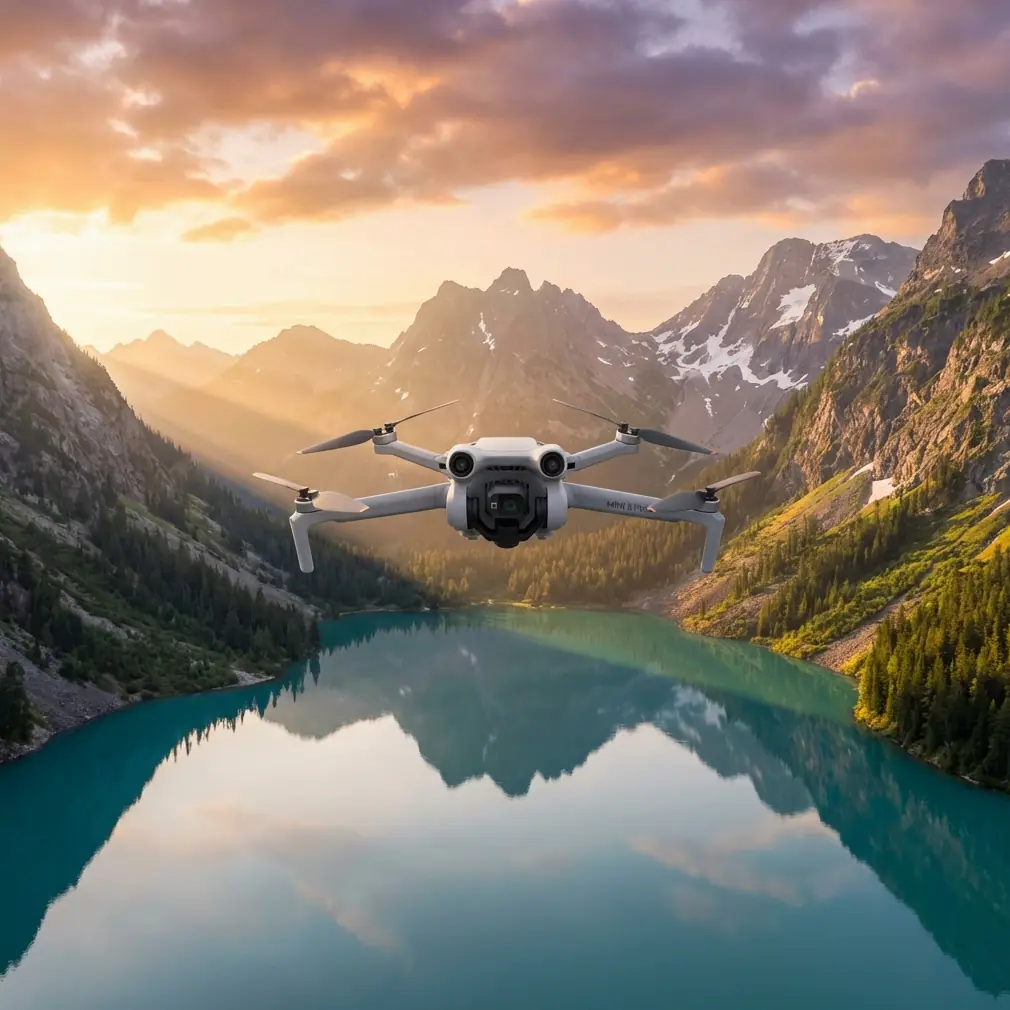
Mini 5 Pro Field Report: Mapping Power Lines in Extreme Temperatures Without Losing Precision
META: Expert field report on using the Mini 5 Pro for power line mapping in extreme temperatures, with practical altitude, safety, imaging, and workflow guidance.
Power line mapping sounds straightforward until weather turns hostile. Cold drains batteries faster than your planning sheet suggests. Heat pushes sensors and packs into less efficient territory. Wind around transmission corridors rarely behaves the way an open-field forecast says it will. And once you add tight clearances, reflective hardware, and repetitive structures, even a compact aircraft with strong automation needs to be flown with intent.
That is where the Mini 5 Pro conversation gets interesting.
This is not a generic “best settings” roundup. It is a field-focused look at how I would approach a power line mapping mission in extreme temperatures with the Mini 5 Pro, especially when the goal is usable, repeatable imagery rather than a one-off scenic capture. If you are inspecting linear infrastructure, small mistakes compound quickly. One poor altitude choice, one battery decision made too late, one misplaced trust in obstacle sensing near wires, and your data quality drops before you even notice it.
Why the Mini 5 Pro Fits This Kind of Work
The Mini class earns attention for a simple reason: deployment speed. When weather windows are short, a lightweight aircraft that can be launched quickly matters. For remote utility corridors, that speed can be worth more than headline specs. The Mini 5 Pro also sits in an interesting position because pilots are drawn to its intelligent features—obstacle avoidance, subject tracking, QuickShots, Hyperlapse, D-Log, and ActiveTrack—but those tools do not all translate equally to infrastructure work.
For mapping power lines, the aircraft’s value is less about cinematic automation and more about controlled consistency. You want stable positioning, predictable camera behavior, and a workflow that does not change character when the temperature swings. Features like D-Log can help preserve highlight and shadow detail around bright sky and dark right-of-way backgrounds. Obstacle avoidance can add a layer of situational support. But neither replaces mission discipline, especially around conductors.
That distinction matters. A lot of pilots come into line work assuming more sensing equals more safety. Around power lines, that is an expensive assumption.
The Altitude Insight That Usually Makes the Biggest Difference
If I had to give one altitude rule for Mini 5 Pro power line mapping, it would be this: fly high enough to preserve lateral separation and visual context, but low enough that the line hardware still occupies meaningful pixel area in frame. In practice, for corridor passes, I usually favor an initial working band around 20 to 35 meters above the level of the conductors, then adjust based on span geometry, tower height variation, and wind behavior.
Why that range?
Below that, the aircraft can end up too visually “inside” the structure. Perspective distortion increases, line overlap becomes harder to interpret, and small vertical corrections create big framing swings. It also narrows your safety margin in gusty conditions, particularly when temperature extremes are already affecting battery output and handling confidence.
Go much higher, and you gain safety buffer but lose defect visibility and structural detail. Insulator strings, attachment points, spacers, and crossarm relationships can flatten into a less useful visual dataset. If the mission is true mapping rather than detailed defect diagnosis, that may be acceptable. But for mixed-use sorties—where the same flight may support both corridor documentation and maintenance review—that extra altitude can dilute the operational value of your footage.
The sweet spot is rarely one exact number. It is a band. Start with enough vertical separation to keep the aircraft out of the line environment, then tighten only if your imagery says you need more subject scale. For a compact platform like the Mini 5 Pro, this altitude discipline becomes even more important in extreme temperatures because the aircraft’s energy margin is already under pressure.
Cold Weather: The Hidden Threat Is Not Just Flight Time
In sub-freezing operations, pilots usually focus on shortened battery duration. Fair enough. But the more subtle issue is performance confidence. Battery voltage can sag under load, especially during acceleration, climbs, or wind correction. The practical result is that the aircraft may still fly, but the reserve you thought you had starts to disappear faster than expected.
On a power line route, that changes how you plan each leg. I shorten each segment, keep my return logic more conservative, and avoid any unnecessary vertical yo-yoing. Smooth control inputs matter more in cold conditions because every aggressive maneuver taxes the pack at exactly the time chemistry is least forgiving.
There is also a data-quality consequence. Cold air can be beautifully clear, but if you rush the sortie because battery telemetry is dropping faster than planned, you end up compromising overlap, framing consistency, and tower approach angles. The mission fails long before the battery reaches its low threshold.
That is why I do not treat battery management as a separate safety item. In line mapping, it is also an imaging variable.
Heat Changes the Mission in a Different Way
High temperatures usually feel less dramatic on launch, but they can be just as disruptive. Packs may begin the mission with normal confidence, yet heat load accumulates over the flight. Prolonged hovering near structures, repeated repositioning for cleaner angles, and direct sun exposure on the aircraft all increase thermal stress.
Operationally, this pushes me toward cleaner passes. Fewer resets. More deliberate route design. Less temptation to “grab one more angle” after the primary mapping set is complete.
Heat also makes visual judgment trickier. Haze can soften distant line detail. Contrast can get ugly around midday. That is where D-Log earns its keep. In a corridor with bright sky and darker vegetation or terrain underneath, D-Log gives you more room to recover tonal balance later. That matters if your review team needs to distinguish components that would otherwise clip in highlights or disappear in shadow. It is not about making the footage cinematic. It is about preserving interpretability.
Obstacle Avoidance Near Power Lines: Useful, but Never a Shield
Obstacle avoidance is one of those features that sounds perfectly suited to infrastructure until you actually work around wires. Thin conductors are notoriously difficult for vision-based systems. Add glare, complex backgrounds, low-angle light, snow, or heat shimmer, and the reliability equation gets even worse.
So yes, obstacle avoidance is relevant on the Mini 5 Pro. It may help with poles, towers, vegetation, and broader structural elements. But the operational significance is in what it does not reliably solve. It does not grant permission to fly close to wires. It does not replace your standoff distance. And it definitely should not be the basis for automated close-in passes along energized lines.
The safest way to use obstacle sensing in this scenario is as secondary support while you maintain a route designed around deliberate separation. If a pilot builds a mission that only works when the sensors catch every hazard, the mission is flawed before takeoff.
Why Subject Tracking and ActiveTrack Are Usually the Wrong Tools Here
This will disappoint some pilots, but subject tracking and ActiveTrack are not central tools for power line mapping. They are impressive features, and in many other workflows they save time. But linear utility structures are repetitive, narrow, and visually confusing for consumer-style tracking logic. A tower can blend into the background. Wires are not the kind of subject you want an aircraft trying to “interpret” dynamically.
For this use case, manual route control almost always produces more dependable results. Straight passes. Intentional offsets. Stable gimbal behavior. Repeatable headings. That is what makes datasets comparable between flights.
There are edge cases where tracking-style functions can help support ground-team coordination or moving-vehicle follow work near the site perimeter, but not the line itself. Keeping that boundary clear is part of flying professionally.
QuickShots and Hyperlapse: Better for Context Than Core Mapping
QuickShots and Hyperlapse are not worthless in utility work. They are simply not your primary collection methods.
A Hyperlapse segment can be useful for visualizing corridor progression or site access context. A carefully chosen QuickShot-style reveal can support reporting, stakeholder briefings, or pre-work planning. But neither should be mistaken for mapping-grade collection. Automated cinematic moves prioritize visual effect, not measurement consistency, overlap control, or hardware visibility.
Where they do help is after the core mission is complete. If conditions remain safe and battery margin is healthy, a short contextual capture can make your documentation package easier to understand. That can help non-pilot decision-makers grasp terrain constraints, vegetation encroachment, and proximity issues faster than static stills alone.
Camera Discipline Matters More Than Feature Count
The biggest mistake I see with compact drones in infrastructure work is feature overload. Pilots bounce between automation modes because the aircraft offers them. The result is a patchwork of imagery with no consistent scale, no repeatable offset, and uneven dynamic range.
For power line mapping in extreme temperatures, I would simplify:
- Keep the route structure consistent from span to span.
- Maintain a stable altitude band relative to conductor height.
- Use D-Log when contrast is severe and post-processing discipline exists.
- Limit reliance on automated tracking.
- Treat obstacle avoidance as support, not primary risk control.
That approach sounds less glamorous than pushing every smart feature. It is also how you end up with imagery a utility team can actually use.
A Practical Mission Flow I’d Use
My preferred flow with the Mini 5 Pro in this scenario is simple.
First pass: a higher, safer corridor overview pass in that 20 to 35 meter band above the conductors. This establishes structure relationships, terrain transitions, and any obvious encroachment zones. It also gives you a read on local wind behavior around the line rather than trusting the forecast.
Second pass: a tighter but still conservative offset pass if the initial imagery shows you need more detail on hardware or vegetation interaction. Not closer by default—closer only if the first pass proves it is necessary and conditions support it.
Third capture set: short contextual clips or stills for reporting, not for measurement. This is where selective use of Hyperlapse or non-mapping footage can add value.
That sequence reduces impulsive flying. It also protects you from the common trap of launching into a tight inspection profile before you understand how the air is moving around the corridor.
If your team is building a repeatable utility workflow and wants a second set of eyes on mission structure, I’d point them to this direct planning channel: message us here.
What Extreme Temperatures Really Change
Extreme temperatures do not just make the Mini 5 Pro work harder. They expose weak operating habits. Sloppy altitude choices become riskier. Unnecessary hovering becomes more expensive. Overconfidence in obstacle sensing becomes harder to recover from. Random camera mode switching becomes a documentation problem instead of a stylistic quirk.
That is why the Mini 5 Pro can still be a very capable tool here, provided the operator respects the environment it is flying in. Compact does not mean casual. Intelligent does not mean autonomous. And a successful corridor mission usually looks less dramatic than people expect: clean spacing, calm inputs, repeatable passes, and footage gathered with purpose.
For power line mapping, the winning mindset is boring in the best possible way. Hold your altitude band. Preserve separation. Capture consistent data. Let the aircraft’s smart features assist where appropriate, but never let them define the mission.
That is how you get through extreme heat or deep cold with something more valuable than a completed flight log. You come back with imagery that supports decisions.
Ready for your own Mini 5 Pro? Contact our team for expert consultation.