
Mini 5 Pro Guide for Mapping Coastal Highways When the Weath
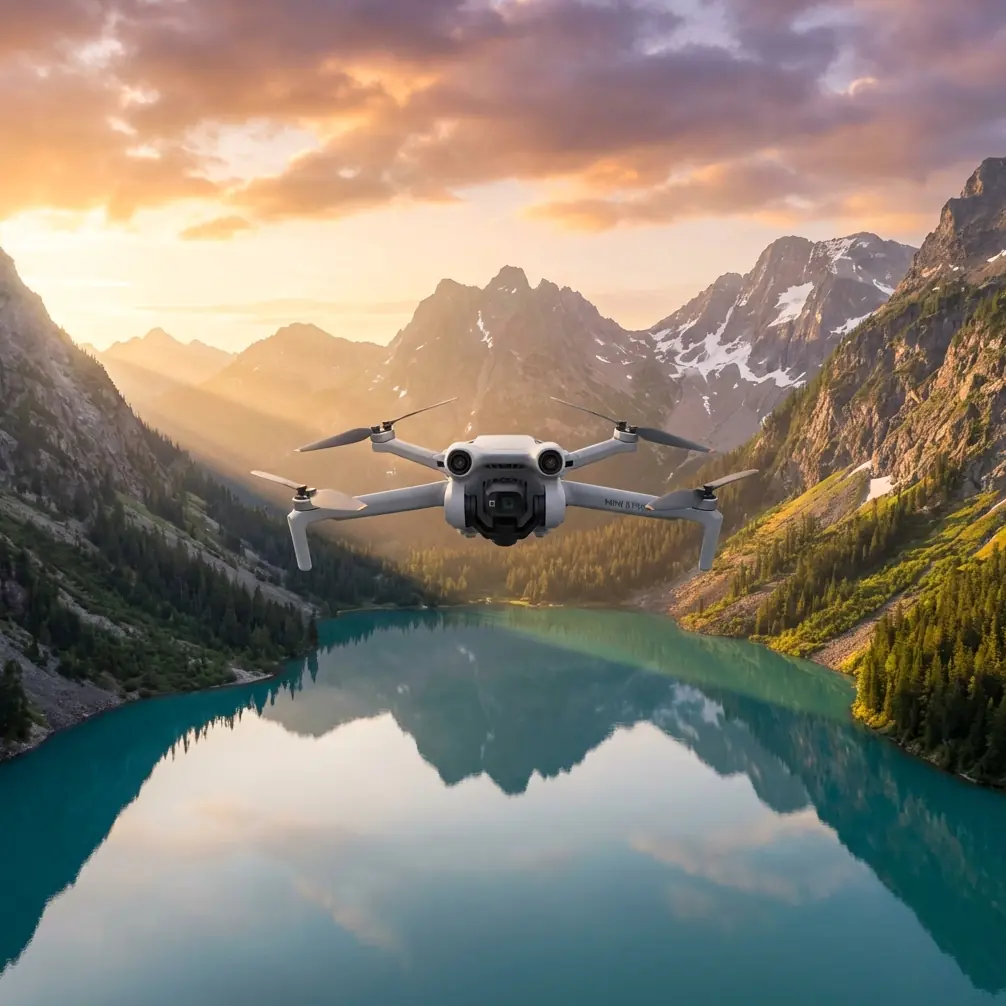
Mini 5 Pro Guide for Mapping Coastal Highways When the Weather Turns Mid-Flight
META: A practical Mini 5 Pro tutorial for mapping coastal highways, covering wind, obstacle avoidance, ActiveTrack, D-Log, Hyperlapse, and workflow decisions when conditions change in the air.
I’ve spent enough mornings near the coast to know that a highway survey can look simple from the parking shoulder and turn messy ten minutes later. Light haze becomes glare. A clean sea breeze stiffens into gusts. Traffic patterns shift. Sand and salt start showing up on lenses and landing pads. If you’re planning to map a coastal highway with the Mini 5 Pro, the aircraft matters, but the workflow matters more.
This is not a broad beginner’s overview. It’s a field tutorial built around one job: documenting and mapping highway corridors near the coast with a sub-250-class platform, while the weather changes in the middle of the mission.
As a photographer, I tend to notice light before I notice specs. But in mapping work, aircraft behavior under pressure is what separates a usable data set from a reshoot. The Mini 5 Pro’s value in this scenario comes from a combination of small size, automated capture tools, obstacle awareness, subject tracking options such as ActiveTrack, and flexible color capture including D-Log for post work. None of those features are magic on their own. Used properly, they make a difficult coastal assignment more manageable.
Why coastal highway mapping is harder than it looks
Highways near the ocean are visually open, which tricks people into thinking they’re easy to fly. They’re not.
You usually deal with:
- crosswinds coming off the water
- shifting brightness from reflective pavement and open sky
- vehicles entering and leaving the corridor unpredictably
- road signs, utility lines, poles, barriers, and overpasses
- limited takeoff zones with dust, sand, and passing traffic
- weather that can change before a single route is finished
That last one is the problem most crews underestimate. A smooth mapping pass can be interrupted by gusts, rising humidity, or a sudden change in cloud cover. When that happens, you need to decide fast: continue, modify altitude and speed, or stop and preserve what you already captured.
The Mini 5 Pro is well suited to this kind of reactive flying because it combines intelligent safety features with quick setup. Obstacle avoidance matters when you’re moving alongside road furniture and approaching interchanges. ActiveTrack and subject tracking matter when you need controlled motion for supplemental visual documentation, not just grid capture. QuickShots and Hyperlapse matter less for pure orthomosaic work, but they become useful when you need contextual footage for stakeholders who want to understand traffic flow, shoulder conditions, seawall proximity, or drainage patterns.
Before takeoff: define the mission correctly
If your goal is “mapping highways,” stop and sharpen that. There are at least three different outputs hidden inside that phrase:
Base mapping You want a repeatable aerial record of the corridor for planning, maintenance, or progress reporting.
Condition documentation You need to show pavement wear, shoulder erosion, drainage issues, barrier damage, or vegetation encroachment.
Presentation material You need clips and visuals that non-technical people can understand quickly.
The Mini 5 Pro can support all three, but not in one careless flight. My recommendation is to split the work into two layers.
Layer 1: structured mapping passes
This is where you prioritize overlap, consistency, and route discipline. Keep your altitude stable, your speed conservative, and your framing boring on purpose. The goal is usable data.
Layer 2: contextual visual passes
After the core mapping is secure, use ActiveTrack, QuickShots, or Hyperlapse selectively to create explanatory footage. This is where the drone becomes a communication tool, not just a data collector.
That distinction saves time, batteries, and nerves.
Pre-flight setup that actually matters on the coast
I don’t obsess over every menu item, but I do care about the settings that become critical once the wind picks up.
1. Choose a safe launch point with margin
Do not launch from loose sand if you can avoid it. Salt and fine grit are terrible long-term companions for a compact drone. A flat board, vehicle tailgate pad, or compact landing surface helps.
2. Check wind at ground level and above it
Coastal wind can feel harmless at your feet and become rough just a little higher up. Watch vegetation, signs, and drifting mist. If available, compare your app forecast with what you see on site. Trust the site more.
3. Lock exposure strategy before the first run
For mapping, visual consistency matters. If clouds are moving, decide whether you want to hold a manual exposure for consistency or allow limited auto behavior for changing light. For supplemental cinematic clips, D-Log is useful because it preserves more flexibility for grading later, especially when the scene swings between bright ocean reflections and darker road surfaces.
4. Set a conservative return plan
Coastal jobs tempt pilots to push farther because the highway corridor feels linear and easy to follow. Resist that. Battery reserve disappears faster when the aircraft is fighting a headwind on the way back.
5. Turn obstacle avoidance from a feature into a habit
Obstacle avoidance is not there to encourage casual route planning. It is there to help when signs, lighting poles, bridge edges, or utility crossings intrude into your path during complex lateral movement. On a coastal highway, that support matters most near ramps and service roads where vertical structures multiply.
The actual flight workflow I use
Here’s the sequence I recommend for a Mini 5 Pro coastal highway mission.
Step 1: Fly a short reconnaissance leg
Before the formal mapping pass, fly a brief visual line along the corridor. You’re looking for things the map didn’t tell you:
- cranes or temporary work equipment
- new signage
- bird activity
- glare angles
- unexpected utility lines
- traffic density changes
- wind behavior near embankments or bridge approaches
This is where the Mini 5 Pro’s compactness helps. You can get airborne quickly, assess the corridor, and come back down to revise the plan instead of improvising deep into the mission.
Step 2: Capture the core map first
Do the least glamorous part first. Straight passes. Repeatable height. Consistent overlap. No experimenting.
If weather changes mid-flight, your first concern is preserving the integrity of the mapping set. A partial but clean set is more valuable than a mixed set captured across radically different light and stability conditions.
When the breeze starts to build, I usually make three adjustments:
- reduce speed slightly to protect image consistency
- avoid aggressive yaw inputs
- shorten the remaining route into manageable segments
That last one is huge. If conditions are deteriorating, don’t chase the full corridor in one stretch. Land, review, relaunch if needed.
Step 3: Use ActiveTrack for supporting documentation, not the map itself
ActiveTrack is one of those features that people either overuse or ignore. For highway mapping, I use it after the structured pass to create supporting visuals of maintenance vehicles, inspection convoys, or a specific moving subject that helps explain how the corridor functions.
Operationally, this matters because a static orthographic view tells you where things are, but not always how they behave. Subject tracking lets you show merge areas, lane closures, temporary routing, or service access patterns in a way planners and contractors understand immediately.
The key is restraint. ActiveTrack is not a replacement for formal mapping geometry. It is a supplement.
Step 4: Use QuickShots only when they answer a question
QuickShots can feel like fluff if misused. On a working infrastructure job, they become useful when they explain spatial relationships quickly. A controlled reveal of a coastal curve, embankment, drainage path, or interchange can provide context that a top-down frame cannot.
If a client or project manager is trying to understand how the road sits relative to shoreline defenses or adjacent development, one short automated movement can do the job better than five stills.
Step 5: Build one Hyperlapse if traffic behavior matters
Hyperlapse is rarely the first deliverable on a mapping task, but for highways it can be surprisingly useful. If your corridor includes congestion points, work zones, or weather-sensitive sections, a Hyperlapse sequence can show traffic pulse and environmental shift over time.
That temporal dimension matters near the coast. Tide-related access changes, fog movement, and wind-driven traffic behavior can influence maintenance decisions. A compressed sequence gives decision-makers a fast visual explanation without requiring them to scrub through long raw footage.
When the weather changes in the air
This is the part most tutorials skip, because it’s harder to package neatly.
On one coastal road assignment, the flight began in flat, soft light. Midway through the second pass, the brightness sharpened, wind came off the water more aggressively, and the drone began showing the kind of small positional corrections that tell you the air is no longer relaxed.
This is where the Mini 5 Pro’s obstacle avoidance and stable automated assistance become more than feature-sheet talking points. As lateral passes continued near signage and roadside structures, that extra layer of spatial awareness reduced the workload. Not because the drone was “flying itself,” but because I could concentrate more on mission judgment and less on constantly second-guessing proximity.
The proper response in that moment was not to push harder. It was to simplify.
I cut the route into a shorter section, brought the aircraft slightly closer to the key area I still needed, reduced speed, and captured the remainder of the essential mapping set before conditions deteriorated further. The supplemental ActiveTrack and Hyperlapse work happened later, after a reassessment.
That is the operational significance of these features in real life. They do not make bad weather irrelevant. They give you enough margin to make smarter decisions while conditions are changing.
D-Log for highway work: when it helps and when it doesn’t
D-Log is useful around coastal roads for one reason above all: contrast management. You can end up with bright sky, reflective water, pale concrete, dark asphalt, and shadowed barriers in the same sequence. A flatter capture profile gives you more room to balance those elements in post.
But for strict mapping, consistency beats creative flexibility. If your output is analytical rather than cinematic, don’t complicate the mission by chasing maximum grading latitude on every pass. Use D-Log where the final deliverable benefits from richer post-production control, especially for stakeholder visuals or report footage.
In practice, I separate the jobs:
- standard, consistent capture for the map
- D-Log for visual explainers and edited project clips
That keeps the workflow clean.
Reviewing in the field
Never leave a coastal highway site assuming you “probably got it.”
Before packing up, check:
- edge sharpness on key frames
- horizon and framing consistency
- coverage continuity
- whether changing light created obvious mismatch
- whether any gust-induced movement compromised critical sections
Even a quick review can save a second site visit.
If you’re coordinating with a team and want a direct line for field questions, battery planning, or capture workflow discussion, I’d keep a contact like this quick WhatsApp check-in option ready before launch rather than hunting for help after conditions shift.
Mistakes I see pilots make with the Mini 5 Pro on road jobs
Treating automation like a substitute for mission planning
Obstacle avoidance, QuickShots, and ActiveTrack are useful. None of them fix a bad route or poor timing.
Capturing presentation footage before the map is done
Get the hard data first. The polished visuals can wait.
Ignoring how quickly coastal light changes
A highway corridor can look completely different twenty minutes later. Plan for that, especially if your imagery needs consistency.
Flying too far downwind
The outbound leg feels easy. The return teaches you what the wind was really doing.
Assuming “small drone” means “small consequences”
A compact aircraft is convenient, but road environments still demand disciplined operation around traffic, structures, and changing weather.
A practical Mini 5 Pro template for this exact scenario
If I were training a new pilot for coastal highway mapping with the Mini 5 Pro, I’d give them this framework:
- Arrive early enough to observe the light and wind for at least 10 minutes.
- Launch from a clean, stable surface away from sand and passing vehicles.
- Fly a short recon leg.
- Complete the essential mapping pass first.
- Use obstacle avoidance consciously near signs, poles, and overpasses.
- If weather shifts, shorten the route and preserve the core deliverable.
- Add ActiveTrack only for moving-context footage.
- Use QuickShots sparingly to explain layout.
- Capture a Hyperlapse only if time-based behavior matters.
- Use D-Log for footage that will be graded, not automatically for every task.
- Review before leaving site.
That workflow is simple, but it works because it respects what the Mini 5 Pro is good at: portability, fast deployment, intelligent assistance, and enough imaging flexibility to support both technical and visual outputs.
For coastal highway mapping, that balance is the whole story. You are never just making pretty footage, and you are never just gathering sterile data. You’re building a record of a moving piece of infrastructure in an environment that changes by the minute. The Mini 5 Pro can do that well, provided the pilot stays disciplined when the weather stops cooperating.
Ready for your own Mini 5 Pro? Contact our team for expert consultation.