
Mini 5 Pro Best Practices for Forest Mapping in Extreme Temp
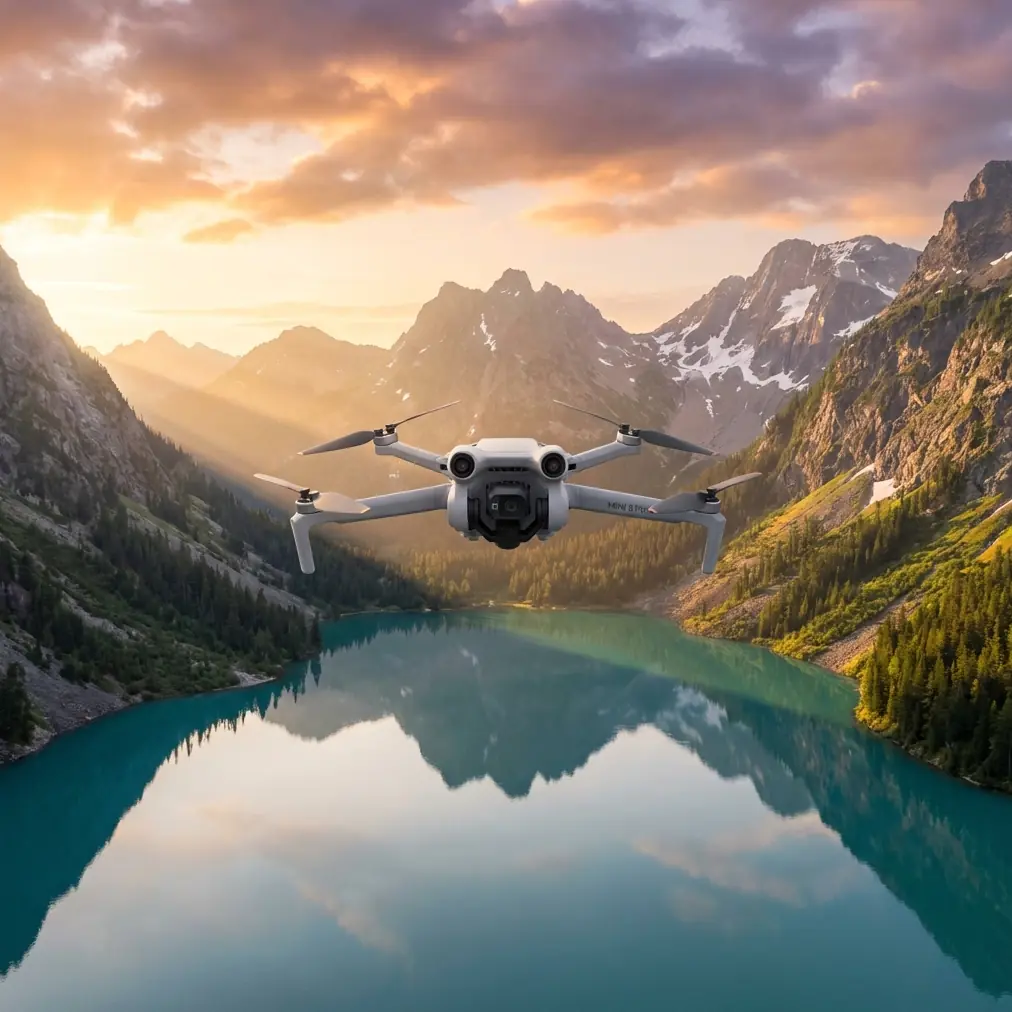
Mini 5 Pro Best Practices for Forest Mapping in Extreme Temperatures
META: A field-tested Mini 5 Pro guide for forest mapping in extreme temperatures, with practical advice on battery handling, D-Log, obstacle avoidance, and why presets matter less than capture discipline.
Forest mapping pushes a small drone harder than most creators expect. Dense canopies confuse depth perception. Repeating textures can make route planning sloppy. Extreme temperatures quietly eat into battery performance, and color consistency gets harder when light shifts from open clearings to shaded corridors in a single pass.
That is exactly why the usual conversation around image style misses the point.
A recent photography piece from chinahpsy argued that people often ask the wrong question in post-production: “How do I get this exact color?” or “What are the preset settings?” The author’s criticism was sharp and correct. Treating editing as a cosmetic layer pasted onto the image is a basic misunderstanding. The article says the real foundation lies in three underlying editing principles, not in preset hunting.
For anyone flying a Mini 5 Pro for forest mapping, that idea matters more than it might seem at first glance. In this kind of work, image quality is not built in the edit suite. It is built in the field, then protected in post.
If your goal is usable forest data, consistent visual interpretation, and clean deliverables from a compact platform, the Mini 5 Pro has to be approached as a capture system rather than a flying camera with filters. That shift in mindset changes everything: how you manage batteries in the cold, how you expose in D-Log, how you rely on obstacle avoidance under canopy, and how you use subject tracking tools like ActiveTrack without letting automation dictate the mission.
Start with the right idea: post-processing is not a rescue plan
The chinahpsy article was not really about presets. It was about flawed thinking.
The mistake it identifies is simple: seeing post-processing as a skin applied over a finished image. In forest mapping, that habit creates bad workflows. Operators assume they can fix muddy shadows, uneven white balance, or weak tonal separation later. Sometimes they can improve it. They cannot rebuild what was never properly captured.
That is why a Mini 5 Pro mapping workflow should begin with capture consistency, not looks.
In a forest, two frames taken seconds apart can have radically different exposure behavior. One may be lit by reflected sky through a gap in the canopy. The next may be in heavy shade with dark trunks and low-contrast foliage. If you fly on full auto and hope to normalize everything with a preset later, your map set starts drifting before you even land.
A preset can standardize appearance. It cannot restore disciplined input.
The practical takeaway is clear: for mapping, build an exposure and color workflow you can repeat across the whole flight, especially when temperatures are extreme and your usable airtime narrows.
Why extreme temperatures change Mini 5 Pro mission planning
Cold weather is the obvious battery killer, but heat can be just as disruptive in forest work. In the cold, pack voltage sags faster under load. In high heat, cells and electronics may sustain output but thermal stress reduces your safety margin and can affect flight pacing if you are pushing long sorties.
My field rule with compact drones is straightforward: never let the first minute of the mission be the first time the battery has to wake up.
For forest mapping in low temperatures, I keep flight batteries insulated before launch and only expose one pack at a time. If I am moving between sites, the next battery stays inside a jacket pocket or insulated case rather than sitting on a cold tailgate. Once installed, I let the drone idle briefly before climbing to the work altitude. That short stabilization period helps the pack deliver more predictably when the motors begin drawing harder current in directional changes.
It sounds small. It is not.
A cold battery often looks healthy at takeoff, then drops faster once the aircraft begins a repeated grid pattern over uneven terrain. Under canopy edges, where obstacle avoidance and braking corrections become more active, current demand can spike at exactly the wrong time. A pack that seemed fine in the open can suddenly age ten percent in behavior after a few cold flights.
Heat needs a different response. Avoid staging the drone in direct sun between sorties. Let packs cool before charging again. If the mission requires repeated flights over the same block, rotate batteries conservatively instead of trying to squeeze “just one more pass” from a warm pack that has already seen a hard discharge.
That battery discipline is not just about staying airborne. It protects data continuity. A forced early return in a forest block can leave you with overlap gaps, inconsistent light, and a second flight captured under different conditions. Now your post work gets harder, and no preset is going to solve that.
D-Log is useful, but only if you expose for information, not drama
Mini 5 Pro pilots often gravitate toward D-Log because it offers more room to shape the image later. That can be valuable in forest environments where highlights in sky gaps and dark understory exist in the same scene. But D-Log is not magic. It simply gives you more latitude to preserve tonal information if you feed it good exposure.
This ties directly back to the chinahpsy point about underlying principles. If the operator thinks editing is just adding a style later, D-Log becomes a trap. Flat footage can tempt people into aggressive grading just to “make it look finished.” For mapping and survey-adjacent visual outputs, that can create false color relationships in vegetation and terrain.
The operational significance is simple: expose D-Log to preserve detail across the scene, then grade for clarity and consistency, not for a fashionable look.
In practical terms:
- Watch shadow separation in trunks and understory, because blocked shadows erase useful visual structure.
- Protect highlight detail in canopy breaks and reflective surfaces.
- Keep your white balance stable across the whole mission rather than letting it drift shot to shot.
A lot of operators ask for a perfect LUT or preset because they want speed. I understand that. But if your forest map includes mixed shade, haze, and changing sun angle, the better approach is to create a repeatable correction framework rather than chase a single visual recipe.
That is exactly what the source article means by underlying logic. Style follows structure.
Obstacle avoidance is a safety layer, not a pathfinding strategy
The Mini 5 Pro discussion often circles around obstacle avoidance, and for good reason. In a forest, those sensors can save an aircraft from a rushed correction or an underestimated branch line. But heavy reliance on automated sensing in dense woodland is a mistake.
Forests are messy. Fine branches, irregular trunks, shifting light, and textured backgrounds are not ideal conditions for any small drone’s obstacle system. Even when detection works well, braking behavior can alter your route enough to affect overlap and coverage in a mapping pattern.
So yes, use obstacle avoidance. But use it as insurance, not as mission design.
Operationally, that means pre-planning flight lines with canopy height and terrain variation in mind. Keep enough altitude margin above the tallest probable obstructions, not just the average canopy. In areas where the canopy opens and closes unevenly, avoid hugging the treeline simply because the drone can “see” obstacles. The sensor system is there to catch exceptions. It should not be the reason you accept tighter margins.
This matters for data integrity too. Unexpected braking or path deviation may create inconsistent image spacing. In a cinematic shoot, that is annoying. In a mapping workflow, it can reduce the reliability of your visual set.
ActiveTrack and subject tracking have niche value in field documentation
Forest mapping is not the same as action filming, so ActiveTrack and subject tracking are not the center of the workflow. Still, they have limited but real value around the edges of a mission.
I use them less for the map itself and more for documenting field operations. If a ground team is moving through a marked transect, a controlled tracking shot can help create an explanatory layer for stakeholders who need to understand access conditions, site context, or habitat boundaries. That is a communication asset, not core map data.
The key is not to confuse tracking tools with survey precision.
ActiveTrack is designed to follow a subject, not to maintain the strict positional logic needed for structured coverage. So if you use it, use it for supplemental visual records. The map flight remains manual or waypoint-driven, with consistency prioritized over cinematic behavior.
The same applies to QuickShots and Hyperlapse. They are useful for project summaries, seasonal comparison visuals, and progress storytelling. A Hyperlapse from the same clearing over several site visits can illustrate canopy change or weather movement in a way clients immediately understand. But these tools sit beside the mapping workflow, not inside it.
That distinction saves time. It also keeps expectations realistic.
A field workflow that actually holds up
Here is the working sequence I recommend for Mini 5 Pro forest jobs in difficult temperatures:
1. Build the mission around battery behavior, not theoretical flight time
Plan shorter blocks than you would in mild weather. Assume your real margin is smaller than the spec sheet suggests. If temperatures are low, warm each battery before launch. If high, avoid rapid turnaround charging in hot conditions.
2. Lock consistency before takeoff
Set white balance deliberately. Choose your capture profile, often D-Log if you expect broad contrast and intend to grade carefully. Confirm shutter and ISO logic before entering the grid.
3. Use obstacle avoidance conservatively
Keep it active when the environment justifies it, but do not let it encourage risky routing. Your flight path should be safe even if the sensing system becomes less helpful under complex canopy or contrast conditions.
4. Separate mapping capture from communication capture
Do the structured mapping passes first. Then, if needed, use ActiveTrack, QuickShots, or Hyperlapse for site documentation and presentation material. Mixing objectives mid-flight often creates compromises in both.
5. Grade by principle, not by preset
Normalize exposure, color temperature, and tonal separation across the set. Do not chase a stylized look that makes vegetation, ground cover, or water features appear inconsistent from frame to frame.
That fifth point deserves emphasis. The source article mentions three underlying principles rather than parameter sharing for a reason. Even without a preset list, it is telling you something valuable: editing decisions should emerge from image structure. For a Mini 5 Pro forest mission, that means preserving visual truth and cross-frame consistency first.
What photographers get right that mappers sometimes forget
As a photographer, I have learned that the strongest image files usually feel almost boring at first glance. They are balanced, controlled, and full of usable information. They are not trying to impress you straight out of the card.
That mindset is healthy for Mini 5 Pro operators working in forests.
If your first question after landing is “Which preset will make this look premium,” you may be solving the wrong problem. The better questions are:
- Did I keep tonal detail in the darkest and brightest parts of the scene?
- Are the frames consistent enough to compare across the block?
- Did temperature affect battery output enough to change altitude or route behavior?
- Did obstacle avoidance interfere with coverage spacing?
- Can I produce a clean visual interpretation without forcing color?
Those questions lead to better mapping, better reporting, and fewer ugly surprises in post.
The bigger lesson for Mini 5 Pro users
The most useful insight from the chinahpsy article is not about editing software. It is about respecting the chain from capture to output.
Readers in that article kept asking for preset parameters. The author pushed back because the question revealed a misunderstanding: post-production is not a decorative layer stuck on top of the image. For Mini 5 Pro work in forest mapping, that is exactly right. Your results begin with exposure discipline, battery handling, route design, and realistic use of automation.
Everything after that is refinement.
If you are building a Mini 5 Pro workflow for harsh field conditions and want to compare notes on setup choices, payload expectations, or capture settings, you can message the field team here.
Ready for your own Mini 5 Pro? Contact our team for expert consultation.