
Mini 5 Pro Mapping Tips for Windy Coastlines
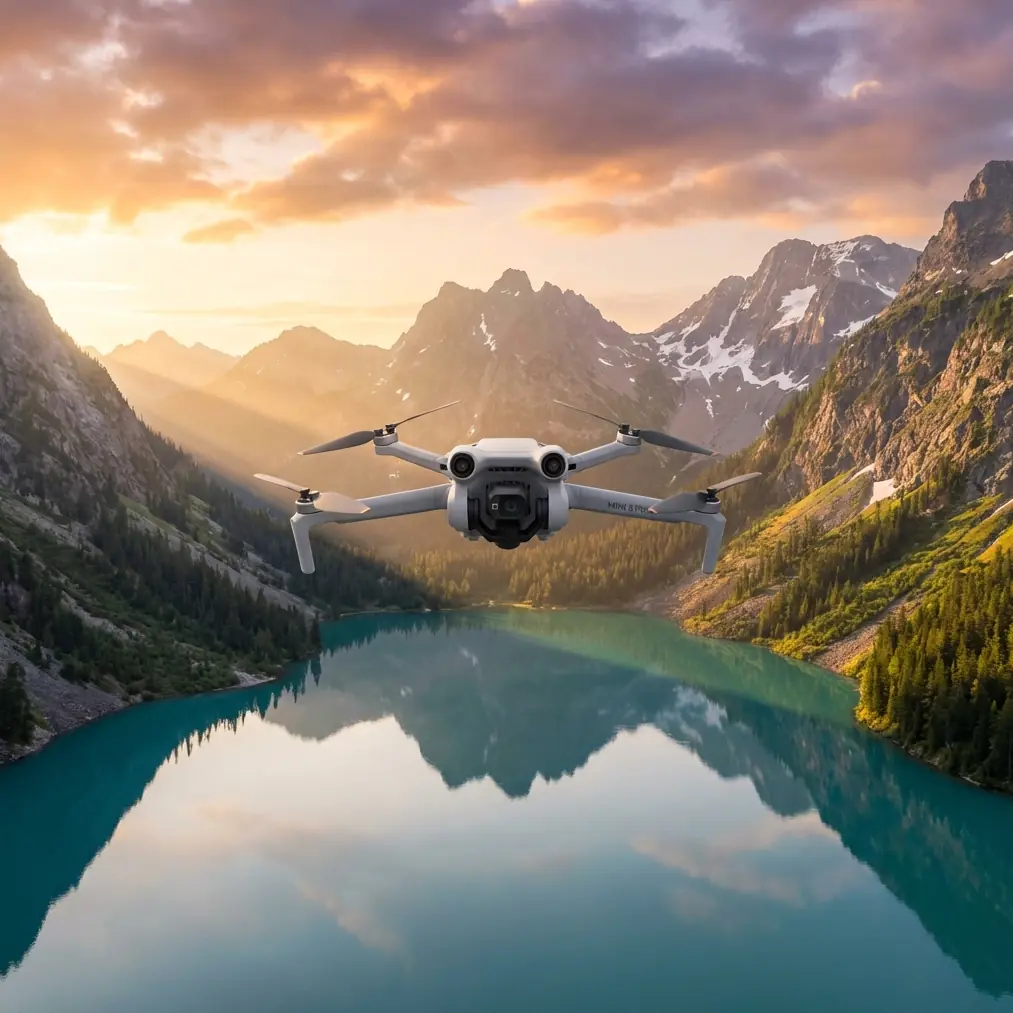
Mini 5 Pro Mapping Tips for Windy Coastlines: Building Reliable Flights in a Busier Low-Altitude Sky
META: Practical Mini 5 Pro coastline mapping tips for windy conditions, with advice on interference handling, flight planning, obstacle avoidance, tracking, D-Log capture, and efficient low-altitude operations.
Windy coastlines expose every weakness in a small drone workflow. Salt haze cuts contrast. Gusts push the aircraft off line. Reflections from water confuse composition. Then there is the less obvious problem: airspace complexity. Coastal work often happens near ports, tourism zones, roads, utility corridors, and expanding low-altitude activity where more aircraft, more services, and more data systems are sharing the same sky.
That broader context matters for anyone thinking seriously about the Mini 5 Pro.
Recent reporting from Hubei’s low-altitude development push described 2025 as a year when low-altitude applications are accelerating into logistics, inspection, emergency response, and sightseeing. It also highlighted the role of a provincial flight service platform as a kind of operational “smart hub” for a busier ecosystem. Those are not abstract policy notes. For a photographer or mapping operator on a windy shoreline, they point to a simple operational reality: low-altitude flying is becoming more structured, more networked, and less forgiving of sloppy mission habits.
If you are using a Mini 5 Pro to map coastlines, the drone itself is only part of the job. The real work is building repeatable capture under wind, signal noise, and increasingly layered airspace activity.
I approach this as a photographer first. Coastlines are visually seductive, but mapping them is not the same as filming them. You are not chasing a pretty sunset pass. You are trying to produce usable, consistent coverage that survives post-processing and stands up when someone compares one survey window to the next.
Here is how I would set up a Mini 5 Pro mission for that environment.
Start with the coastline as an operational corridor, not a scenic location
The Hubei article’s description of a “stereo corridor” carrying multiple functions is a useful mental model. A coastline is exactly that: a layered corridor. You may have foot traffic, vehicles, boats, utility assets, seawalls, breakwaters, and tourism activity all compressed into a narrow strip. Wind behavior changes from open water to built edges. Signal conditions can change fast around towers, marinas, metal roofs, and waterfront infrastructure.
So before launch, define the mission corridor in segments:
- open beach or exposed shoreline
- built waterfront sections
- harbor or marina edge
- rocky or elevated coastline
- transition zones where land cover changes abruptly
Do not treat all five the same. The aircraft may fly well across all of them, but your altitude, overlap, speed, and camera angle often should not.
On windy days, I prefer shorter legs with clean reset points rather than one long automated pass that assumes stable conditions all the way through. That gives you cleaner data and makes it easier to re-fly a section if one stretch gets hit by stronger crosswind.
Wind is not just about aircraft stability. It affects mapping geometry
Most pilots think about wind in terms of “can the drone hold position?” That is too basic for mapping work. The issue is whether the aircraft can maintain a consistent ground track and image overlap while preserving a predictable camera angle.
If the Mini 5 Pro is constantly correcting in gusts, the dataset can drift from clean map capture into a collection of technically acceptable but less uniform images. Along coastlines, that gets worse because texture varies so much. Sand, surf, dark rock, vegetation, and concrete all produce different visual cues for stitching.
In practical terms:
- Reduce speed before you reduce ambition. A slower pass often saves the mission.
- Fly into the wind for the most critical line if you need maximum positional consistency.
- Keep side overlap generous on exposed sections.
- Watch the horizon line in your live view. Small repeated corrections often show up there first.
For visual storytelling shots layered into the same mission, this is where QuickShots and Hyperlapse need discipline. They are useful, but only after the mapping pass is complete. On a windy coast, automation is best used for supplementary media, not the core survey block.
Use obstacle avoidance as a buffer, not a substitute for route design
The Mini 5 Pro audience usually expects obstacle avoidance to rescue difficult flights. Over water-adjacent terrain, that mindset causes problems. Obstacle sensing is valuable near seawalls, piers, slope faces, light poles, and cliffside vegetation, but it should be treated as a final safety layer.
Why? Because coastlines often combine irregular geometry with glare and changing textures. A system can help you avoid a sudden encroachment, but your route should already be designed to respect those structures.
What matters operationally is where obstacle avoidance earns its keep:
- low-altitude shoreline passes near vertical structures
- transitions from open beach to built promenade
- cliff edges where wind curls upward
- return-to-home segments that cross near poles or sparse masts
For mapping, I keep the route conservative enough that obstacle avoidance rarely needs to intervene. A clean mission is one where the aircraft never has to improvise.
ActiveTrack and subject tracking can still help mapping teams
Subject tracking sounds more cinematic than cartographic, but it has a role in coastline fieldwork. If you are documenting shoreline maintenance, inspecting a revetment crew’s progress, or recording movement along a specific access path, ActiveTrack-style tools can help create a supporting visual record around the core map dataset.
That supporting footage matters more now because low-altitude operations are no longer isolated hobby flights. The Hubei report emphasized an ecosystem that connects research, market expansion, and leading operators. In that kind of environment, deliverables often become mixed: maps, inspection visuals, progress records, and presentation-grade footage from the same deployment window.
The trick is separation of intent. I never blend tracking footage into the map capture phase. I complete the structured acquisition first, then switch modes for contextual media. That keeps the mission coherent and prevents “creative drift” from undermining data quality.
Handling electromagnetic interference: the antenna adjustment habit that saves flights
This is the part many pilots ignore until the live feed starts breaking up.
Coastal environments can produce electromagnetic interference from communications equipment, waterfront facilities, power infrastructure, marine electronics, and dense urban edges near the shore. Sometimes the problem is not severe enough to trigger panic, but it is enough to degrade control link quality or image transmission consistency. In mapping, that uncertainty is expensive because it interrupts rhythm and can force a partial re-fly.
My first response is not to overreact. It is to adjust antenna orientation deliberately.
I keep the controller antennas aligned so their broadside faces the aircraft rather than pointing the tips directly at it. Then I reposition my own body and stance to avoid shielding the signal. If I am near metal railings, parked vehicles, or rooftop structures, I move. A few meters can make a visible difference. Along a coastline, I also prefer standing slightly inland or on a cleaner line of sight rather than at the very edge of cluttered infrastructure.
Operationally, this matters because interference rarely announces itself with one dramatic failure. More often, it arrives as intermittent weak-link behavior. If you train yourself to notice the first signs and correct with antenna adjustment early, you preserve mission continuity.
If you need a second opinion on setup details for your own coastal workflow, I’d suggest sending your mission profile through this WhatsApp line for Mini 5 Pro planning.
Camera settings: prioritize consistency over mood
For coastline mapping, consistency beats drama every time. That includes color.
D-Log is useful when the coastline includes bright water, reflective wet sand, shaded rock faces, and harsh sky contrast in the same frame. It gives you more room in post when you also need some footage for documentation or client presentation. But for strict mapping passes, your priority is repeatability, not cinematic latitude.
My rule is simple:
- Use the most stable, repeatable capture settings for the actual map run.
- Use D-Log for supplemental visual material when dynamic range is difficult.
- Keep white balance fixed during a mission window.
- Avoid letting auto exposure drift between shoreline segments unless light is changing dramatically.
The number that matters most is not a marketing spec. It is whether your images from minute 1 and minute 21 still match closely enough for efficient processing.
Pick launch points with recovery in mind, not just signal strength
Windy coastline work punishes poor launch selection. An open spot with great GPS visibility may still be a bad recovery site if gusts funnel through it. I want a launch area that gives me:
- clear line of sight to the working corridor
- enough stand-off from metal clutter
- a stable recovery surface
- room to abort safely if the aircraft returns with a strong headwind correction
This becomes even more relevant as low-altitude infrastructure becomes more organized. The Hubei story’s emphasis on a provincial-level flight service platform points toward a future where access, coordination, and procedural discipline become normal expectations. Even small-drone operators benefit from acting like they belong in that environment now.
That means planning not just where to fly, but how to deconflict your own operation from everything else happening nearby.
Build two deliverables from one flight window
A well-run Mini 5 Pro coastline mission can produce two distinct outputs:
- A structured mapping dataset with clean overlap and route discipline.
- A contextual visual package showing shoreline condition, site access, erosion indicators, or infrastructure surroundings.
This is where a photographer’s mindset helps. After the primary acquisition, I use measured passes, selective tracking, and a few QuickShots only where they add site understanding. A carefully chosen reveal over a breakwater, or a slow lateral pass showing the relationship between a seawall and adjacent footpath, can make a technical report easier for non-specialists to understand.
That is not fluff. In a low-altitude economy expanding into inspection, logistics, emergency support, and tourism, stakeholders increasingly expect aerial outputs to communicate across departments. The same coastline may matter to planners, maintenance teams, environmental reviewers, and operations managers. A map alone is not always enough.
What the Mini 5 Pro really needs to do well on the coast
For this kind of work, the Mini 5 Pro does not have to feel heroic. It has to feel predictable.
You want obstacle avoidance that adds margin around difficult edges. You want stable tracking tools for supplemental documentation. You want camera control that lets you hold visual consistency through changing shoreline contrast. You want a link that remains trustworthy when the environment gets electrically noisy. And you want all of that in a platform small enough to deploy quickly when conditions open up for a narrow weather window.
That is why the bigger industry backdrop matters. When a province like Hubei talks about 2025 low-altitude applications expanding across logistics, inspection, emergency response, and sightseeing, and backs that with a flight service platform as a coordinating center, it signals a maturing operating culture. Small drones used for civilian work are entering a more disciplined phase. Coastal mapping sits squarely inside that shift.
The best Mini 5 Pro operator on a windy shoreline is not the one chasing the most dramatic clip. It is the one who understands that low-altitude flying is becoming a service layer: planned, repeatable, integrated, and accountable.
If you fly that way, the coastline becomes easier to map. The wind still blows. The glare still fights back. Interference still appears at awkward moments. But the mission holds together because your process does.
Ready for your own Mini 5 Pro? Contact our team for expert consultation.