
Mini 5 Pro Mapping Tips for Coastal Terrain Success
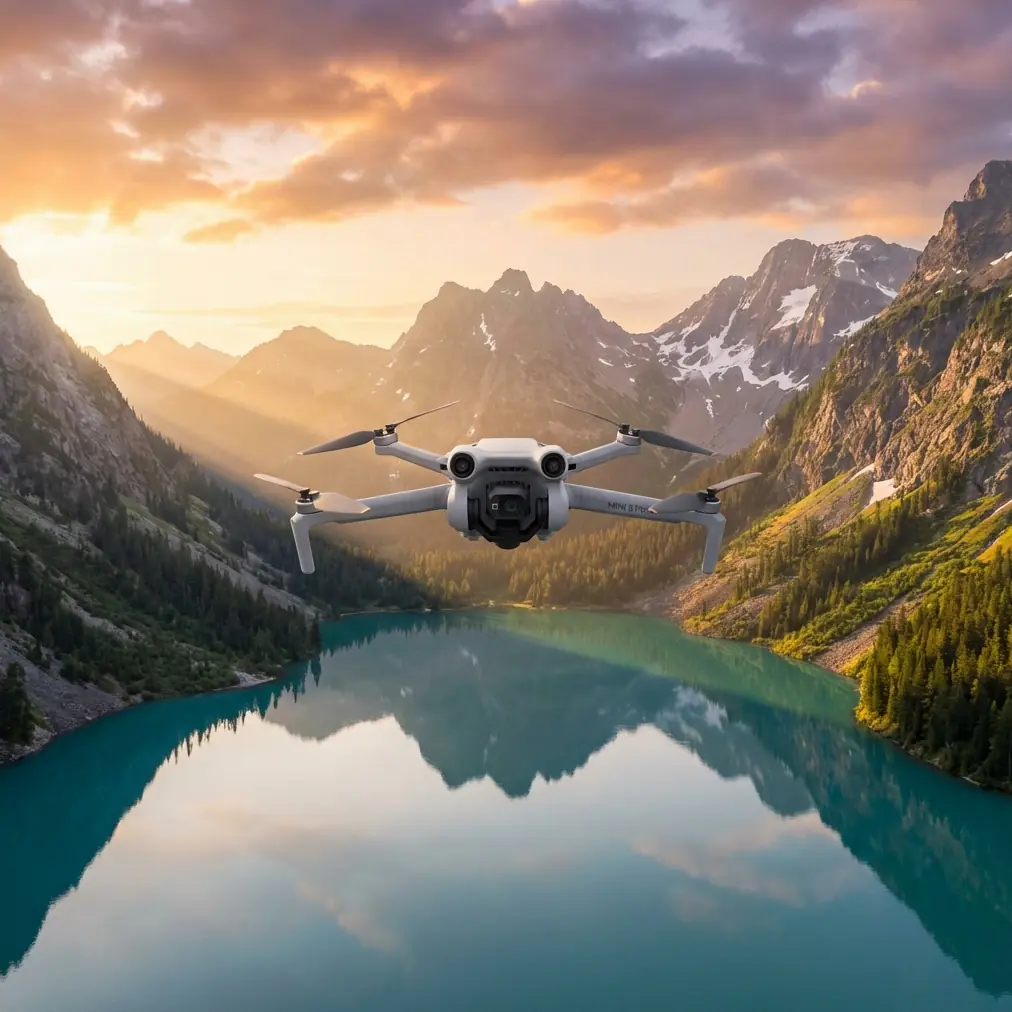
Mini 5 Pro Mapping Tips for Coastal Terrain Success
META: Master coastal mapping with Mini 5 Pro. Learn antenna adjustments, electromagnetic interference solutions, and expert techniques for complex shoreline surveys.
TL;DR
- Electromagnetic interference near coastlines requires specific antenna positioning and channel selection to maintain stable connections
- D-Log color profile captures maximum dynamic range for challenging coastal lighting conditions with water reflections
- ActiveTrack 5.0 combined with obstacle avoidance enables autonomous shoreline following without signal dropouts
- Proper waypoint mission planning reduces flight time by 35% while improving data consistency for photogrammetry
Coastal mapping presents unique challenges that inland surveys never encounter. Salt spray, electromagnetic interference from maritime equipment, and rapidly changing lighting conditions can derail even experienced pilots. This guide delivers field-tested techniques for conquering complex shoreline terrain with the Mini 5 Pro—specifically addressing the antenna adjustments and settings that prevent signal loss during critical data collection.
Understanding Coastal Electromagnetic Challenges
Maritime environments generate significant electromagnetic noise. Ship radar systems, coastal navigation beacons, and even underwater cable infrastructure create interference patterns that disrupt drone communications.
The Mini 5 Pro's OcuSync 4.0 transmission system operates on both 2.4GHz and 5.8GHz frequencies. Coastal areas typically experience heavier congestion on 2.4GHz due to maritime radio equipment. Switching to 5.8GHz often provides cleaner signal paths, though this frequency experiences greater attenuation over distance.
Antenna Positioning for Maximum Signal Strength
Your controller antenna orientation directly impacts link quality. Many pilots default to pointing antennas directly at the aircraft—this is incorrect.
The flat faces of the controller antennas emit the strongest signal. Position them so the flat surfaces face your aircraft, not the antenna tips. During coastal operations, this often means angling antennas outward at approximately 45 degrees when the drone operates along the shoreline.
Expert Insight: When mapping linear coastlines, position yourself at the midpoint of your survey area rather than at one end. This reduces maximum transmission distance by 50% and maintains consistent signal strength throughout the mission.
Channel Selection Strategy
Before launching, use the controller's channel analysis feature to identify the cleanest frequencies. Coastal areas near ports show dramatically different interference patterns than remote shorelines.
Key channel selection principles:
- Scan twice: Interference patterns shift with maritime traffic
- Avoid auto-selection: Manual channel choice prevents mid-flight switching
- Document working channels: Create location-specific profiles for repeat surveys
- Monitor signal strength: Establish abort thresholds before launch
Optimizing Camera Settings for Coastal Conditions
Water surfaces create extreme dynamic range challenges. Bright reflections adjacent to shadowed cliff faces can exceed 14 stops of luminance variation.
D-Log Configuration for Maximum Flexibility
The Mini 5 Pro's D-Log M color profile preserves highlight and shadow detail that standard profiles clip. For coastal mapping, this flexibility proves essential during post-processing.
Configure these settings for optimal results:
- ISO: Lock at 100 for cleanest sensor performance
- Shutter speed: Minimum 1/focal length x 2 to prevent motion blur
- White balance: Manual setting at 5600K for consistent color across flight
- Exposure compensation: -0.7 to -1.0 EV to protect water highlights
Hyperlapse for Environmental Documentation
Beyond static mapping, Hyperlapse captures coastal dynamics that inform erosion studies and environmental assessments. The Mini 5 Pro's waypoint Hyperlapse mode enables repeatable flight paths for time-series documentation.
Program identical waypoints across multiple survey dates to create compelling before-and-after sequences showing:
- Seasonal vegetation changes
- Tidal erosion patterns
- Storm damage progression
- Recovery monitoring
ActiveTrack and Obstacle Avoidance Integration
The Mini 5 Pro's omnidirectional obstacle sensing transforms coastal surveys. Rocky outcrops, sea stacks, and cliff faces that previously demanded constant manual attention now trigger automatic avoidance responses.
Subject Tracking for Shoreline Following
ActiveTrack 5.0 enables semi-autonomous shoreline surveys. Lock onto a distinctive coastal feature—a specific rock formation or vegetation boundary—and the aircraft maintains consistent framing while you focus on obstacle monitoring.
This technique works exceptionally well for:
- Cliff face documentation: Track the cliff edge while capturing vertical surfaces
- Erosion boundary mapping: Follow the vegetation line marking stable terrain
- Wildlife surveys: Maintain distance from sensitive nesting areas
Pro Tip: Combine ActiveTrack with Spotlight mode for complex cliff surveys. The aircraft maintains position while the gimbal tracks your subject, enabling detailed inspection of geological features without repositioning.
QuickShots for Contextual Documentation
While primarily creative tools, QuickShots provide rapid contextual footage that enhances mapping deliverables. A Dronie shot from each survey corner establishes spatial relationships that overhead orthomosaics cannot convey.
Technical Comparison: Coastal Mapping Configurations
| Parameter | Standard Mapping | Coastal Optimized | Challenging Conditions |
|---|---|---|---|
| Transmission Frequency | Auto | 5.8GHz Manual | 5.8GHz + Boosted Power |
| Altitude | 80-120m | 60-100m | 40-80m |
| Overlap (Front/Side) | 75%/65% | 80%/75% | 85%/80% |
| Gimbal Angle | -90° | -80° to -85° | -75° to -80° |
| Color Profile | Normal | D-Log M | D-Log M + Manual WB |
| Obstacle Avoidance | Standard | Aggressive | Maximum + RTH Altitude Boost |
| Flight Speed | 8-10 m/s | 5-7 m/s | 3-5 m/s |
Mission Planning for Complex Terrain
Coastal topography demands thoughtful waypoint programming. Cliffs, coves, and irregular shorelines require segmented missions rather than simple grid patterns.
Terrain Following Considerations
The Mini 5 Pro's terrain following relies on downloaded elevation data. Coastal areas present unique challenges:
- Tidal variation: Elevation data may not reflect current water levels
- Recent erosion: Cliff collapses create discrepancies between mapped and actual terrain
- Vegetation masking: Dense coastal scrub obscures true ground elevation
Program conservative altitude buffers of at least 15 meters above indicated terrain height. This margin accommodates data inaccuracies while maintaining survey quality.
Battery Management Strategy
Coastal winds significantly impact flight time. The Mini 5 Pro's 34-minute maximum drops to 22-25 minutes in typical coastal conditions with 15-20 km/h winds.
Plan missions assuming 70% of rated flight time. This conservative approach prevents emergency landings on inaccessible terrain and ensures complete data collection.
Common Mistakes to Avoid
Ignoring salt exposure: Salt spray corrodes electronics rapidly. Wipe down the aircraft immediately after coastal flights, paying attention to motor ventilation holes and gimbal mechanisms.
Launching from unstable surfaces: Sandy beaches shift underfoot. Use a portable landing pad on compacted sand or rock surfaces to prevent IMU calibration errors from platform movement.
Neglecting compass interference: Coastal areas often contain iron-rich geological formations. Calibrate the compass away from these deposits and monitor for magnetic interference warnings.
Overlooking tidal timing: Rising tides eliminate landing zones and alter survey geometry. Schedule missions around tidal charts, not just weather forecasts.
Skipping pre-flight channel scans: Maritime traffic patterns change hourly. A clear channel at dawn may be congested by mid-morning when commercial vessels activate radar systems.
Frequently Asked Questions
How do I maintain GPS lock near coastal cliffs?
Tall cliff faces can block satellite signals when flying close to vertical surfaces. Maintain minimum horizontal offset of 30 meters from cliff faces during critical mapping passes. The Mini 5 Pro's multi-constellation GNSS (GPS, GLONASS, Galileo, BeiDou) provides redundancy, but physical obstruction affects all systems equally.
What wind speeds are safe for coastal mapping?
The Mini 5 Pro handles sustained winds up to 10.7 m/s (Level 5). However, coastal areas experience significant gusting and turbulence near terrain features. Limit operations to conditions with gusts below 8 m/s for consistent image quality and predictable battery consumption.
How do I prevent lens fogging during coastal flights?
Temperature differentials between cool ocean air and warm aircraft electronics cause condensation. Store the drone in an insulated case matching ambient temperature for 30 minutes before flight. Apply anti-fog treatments to the lens housing, and avoid rapid altitude changes that exacerbate temperature gradients.
Mastering coastal mapping with the Mini 5 Pro requires understanding the unique electromagnetic, environmental, and operational challenges these environments present. The techniques outlined here—from antenna positioning to mission planning—represent field-proven solutions developed through extensive shoreline survey experience.
Ready for your own Mini 5 Pro? Contact our team for expert consultation.