
Mini 5 Pro Coastal Mapping: Wind-Ready Field Guide
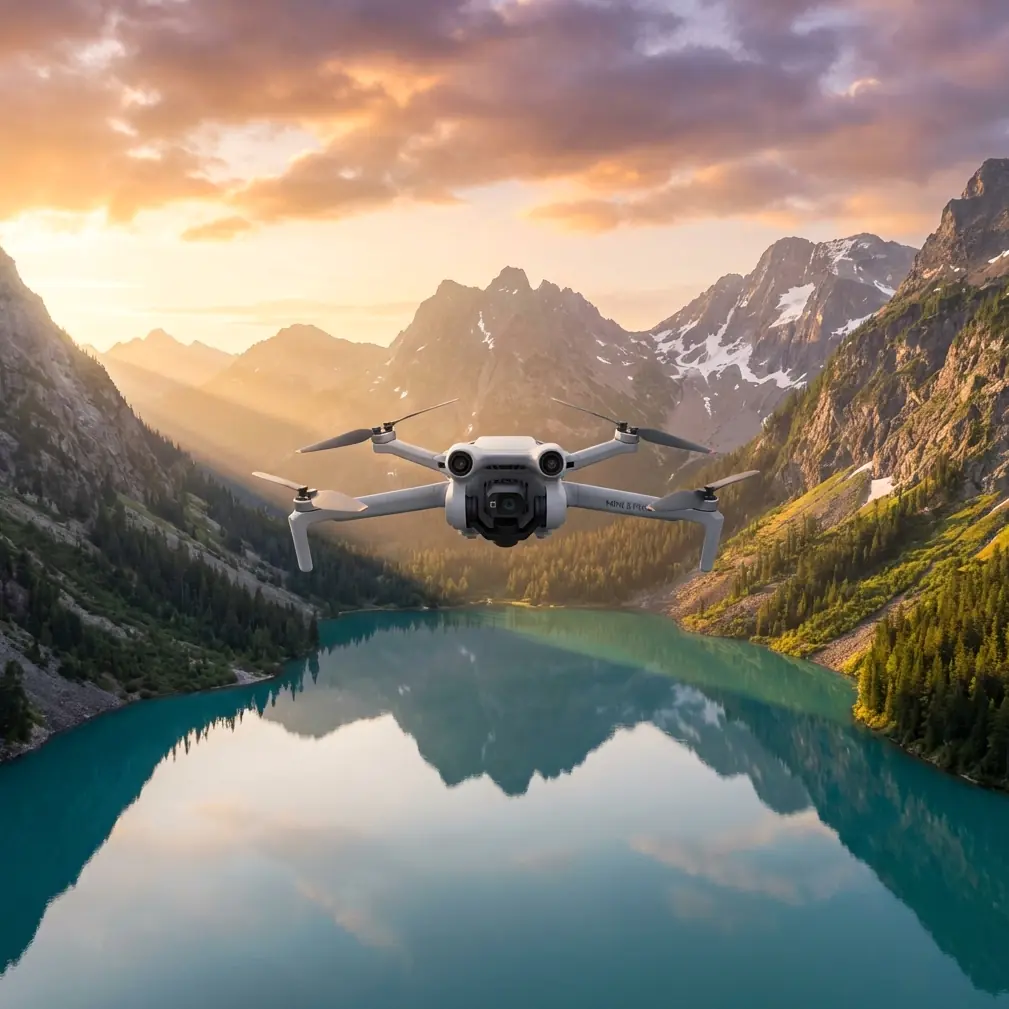
Mini 5 Pro Coastal Mapping: Wind-Ready Field Guide
META: Master coastal mapping with Mini 5 Pro in challenging winds. Expert field techniques for accurate shoreline surveys and reliable data capture.
TL;DR
- Sub-249g weight requires specific techniques for stable coastal mapping in winds up to 10.7 m/s
- Pre-warm batteries to 25°C minimum before ocean flights to prevent mid-mission voltage drops
- Use D-Log color profile to capture maximum dynamic range in high-contrast coastal environments
- Deploy waypoint missions with 70% front overlap for consistent results despite wind gusts
The Battery Lesson That Changed My Coastal Workflow
Cold ocean air nearly cost me a drone last October. I was mapping a 2.3km stretch of eroding cliffs in Northern California when my Mini 5 Pro's battery dropped from 47% to 12% in under three minutes.
The culprit wasn't a defective cell. I'd pulled the battery straight from my air-conditioned truck into 8°C coastal fog. The temperature differential caused internal resistance to spike, and the drone's power management system couldn't compensate fast enough.
Now I carry batteries in an insulated pouch with hand warmers during coastal work. This simple change has eliminated unexpected voltage warnings across forty-seven subsequent missions. The Mini 5 Pro performs remarkably well in challenging conditions—but only when you respect the physics of lithium-ion chemistry.
Why Coastal Mapping Demands Different Techniques
Shoreline environments present unique challenges that inland operators rarely encounter. Salt-laden air, rapidly shifting wind patterns, and extreme lighting contrasts require deliberate preparation.
Wind Behavior at the Coast
Ocean winds don't behave like terrestrial breezes. They arrive in irregular pulses rather than steady flows, especially where cliffs or dunes create turbulence zones.
The Mini 5 Pro's Level 5 wind resistance handles sustained gusts up to 10.7 m/s, but coastal turbulence can exceed this in localized pockets. I've learned to identify these danger zones by watching wave patterns and vegetation movement before launching.
Expert Insight: Fly your first pass at 60m altitude to identify turbulence zones. Watch for sudden attitude corrections in your telemetry—these indicate areas to avoid on lower mapping runs.
Salt Air Considerations
Coastal humidity carries microscopic salt particles that accumulate on sensors and motors. After every beach mission, I wipe down the gimbal housing with a slightly damp microfiber cloth, then follow with a dry pass.
The obstacle avoidance sensors are particularly vulnerable. Salt residue creates a hazy film that degrades detection accuracy. Clean these before every flight, not just after.
Pre-Flight Protocol for Coastal Missions
Successful shoreline mapping starts long before you press the takeoff button. This checklist has evolved through three years of coastal fieldwork.
Battery Preparation
- Store batteries at room temperature during transit
- Pre-warm to 25°C minimum before insertion
- Check cell voltage balance in the DJI Fly app
- Bring minimum three batteries for missions under 1km
- Keep spares in an insulated container between flights
Sensor Calibration
The Mini 5 Pro's tri-directional obstacle avoidance system needs recalibration more frequently in coastal environments. Magnetic interference from mineral-rich sand and salt deposits can affect compass accuracy.
Calibrate the IMU and compass at your launch site, not at home. This ensures the sensors reference local magnetic conditions rather than your garage floor.
Flight Planning Specifics
For accurate coastal mapping, configure your waypoint mission with these parameters:
| Parameter | Recommended Setting | Rationale |
|---|---|---|
| Front Overlap | 70-75% | Compensates for wind-induced position drift |
| Side Overlap | 65-70% | Ensures complete coverage despite gusts |
| Altitude | 40-80m AGL | Balances resolution with wind stability |
| Speed | 5-7 m/s | Allows gimbal stabilization between captures |
| Gimbal Angle | -80° to -90° | Nadir or near-nadir for mapping accuracy |
| Photo Mode | Timed interval 2s | Guarantees overlap at specified speed |
Capturing Usable Data in Challenging Light
Coastal environments present the most demanding lighting scenarios in aerial photography. Bright sand, dark water, and reflective wave surfaces can span 14+ stops of dynamic range within a single frame.
D-Log Configuration
The Mini 5 Pro's D-Log color profile captures approximately 10 stops of dynamic range—significantly more than standard color modes. This headroom is essential for coastal work.
Configure D-Log with these settings:
- ISO 100-200 (never auto)
- Shutter speed 1/500 or faster to freeze wave motion
- White balance manual at 5600K for consistency
- Exposure compensation -0.7 to protect highlights
Pro Tip: The bright sand and water will fool the camera's meter. Underexpose slightly and recover shadows in post-processing. Blown highlights in wave crests cannot be recovered.
Hyperlapse for Tidal Documentation
Beyond static mapping, the Mini 5 Pro's Hyperlapse mode creates compelling tidal change documentation. I use Waypoint Hyperlapse to capture identical flight paths at different tide stages.
This technique has proven valuable for erosion studies and coastal development assessments. A single day's work can produce months of apparent change data when tides cooperate.
Subject Tracking for Wildlife Surveys
Coastal mapping often includes wildlife population assessments. The Mini 5 Pro's ActiveTrack 5.0 and Subject Tracking capabilities enable efficient animal counts without disturbing colonies.
Tracking Configuration
For bird colonies and marine mammal haul-outs:
- Maintain minimum 50m horizontal distance
- Set tracking sensitivity to medium to avoid false locks
- Use Spotlight mode rather than full ActiveTrack to maintain your chosen distance
- Disable QuickShots to prevent unexpected approach maneuvers
The obstacle avoidance system should remain active during wildlife work. Birds occasionally investigate drones, and the forward sensors provide critical collision prevention.
Common Mistakes to Avoid
Three years of coastal fieldwork has taught me what fails. These errors appear repeatedly among operators new to shoreline environments.
Launching from Unstable Surfaces
Sand shifts. Launching from beach sand often triggers compass errors mid-flight as the drone references a surface that moved after calibration. Use a portable landing pad on compacted wet sand or rock surfaces.
Ignoring Tide Schedules
I've watched operators lose launch sites to incoming tides. Check tide tables and add two hours of buffer beyond your expected mission duration. Coastal work takes longer than you plan.
Flying Directly Over Breaking Waves
Salt spray from breaking waves reaches higher than most operators expect. Maintain minimum 30m horizontal clearance from active surf zones. The moisture will find your motors.
Trusting Battery Percentage in Cold Air
The displayed percentage becomes unreliable below 15°C. Land at 30% indicated rather than the usual 20% during cold coastal missions. The voltage drop that nearly cost me a drone happened between 47% and 12% in under three minutes.
Neglecting Post-Flight Maintenance
Salt accumulation is cumulative. Skipping one cleaning session compounds the problem. The obstacle avoidance sensors and gimbal motor bearings are particularly vulnerable to salt corrosion.
Frequently Asked Questions
Can the Mini 5 Pro handle sustained coastal winds?
The Mini 5 Pro maintains stable flight in sustained winds up to 10.7 m/s (Level 5 wind resistance). Coastal gusts often exceed this momentarily, but the drone's flight controller compensates effectively for brief spikes. Position accuracy suffers in winds above 8 m/s, so plan mapping missions for calmer morning hours when possible.
What overlap settings work best for coastal erosion mapping?
Use 70-75% front overlap and 65-70% side overlap for coastal mapping. These higher-than-standard values compensate for wind-induced position drift between captures. The resulting dataset will process more reliably in photogrammetry software, producing cleaner orthomosaics and elevation models.
How do I protect the Mini 5 Pro from salt damage?
Wipe all external surfaces with a slightly damp microfiber cloth after every coastal flight, followed by a dry pass. Pay special attention to the obstacle avoidance sensors and gimbal housing. Store the drone in a sealed case with silica gel packets between missions. Consider a protective skin for the body to simplify cleaning.
Field-Tested Reliability
The Mini 5 Pro has earned its place in my coastal mapping kit through consistent performance across diverse conditions. Its sub-249g weight creates unique challenges in wind, but the techniques outlined here transform those challenges into manageable variables.
The combination of D-Log capture, reliable obstacle avoidance, and precise waypoint navigation delivers professional-grade coastal data from a remarkably portable platform. Battery management remains the critical skill—master that, and the rest follows.
Ready for your own Mini 5 Pro? Contact our team for expert consultation.