
Mini 5 Pro Field Report: Filming Wildlife in Complex
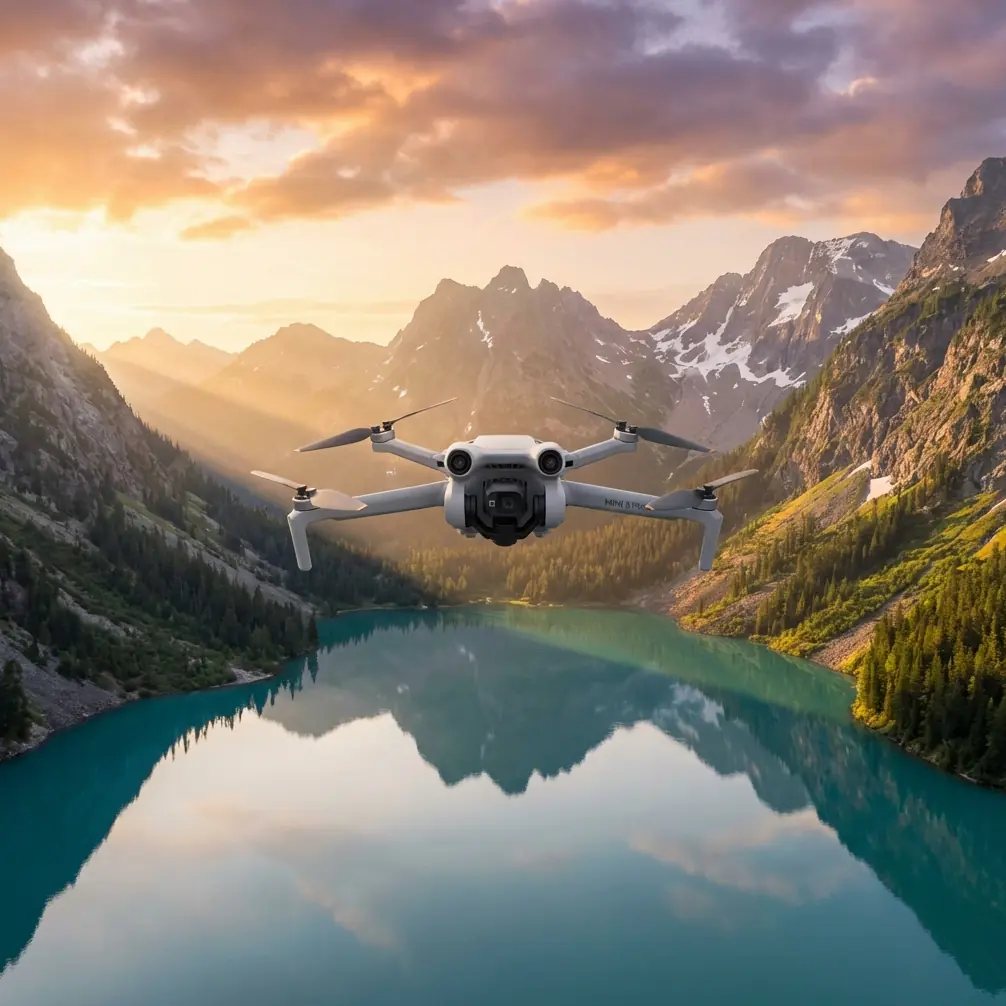
Mini 5 Pro Field Report: Filming Wildlife in Complex Terrain Without Letting the Edit Fall Apart
META: A photographer’s field report on using Mini 5 Pro for wildlife filming in difficult terrain, with practical shooting and post-processing tactics for cleaner framing, balanced light, and safer flights.
I spent the better part of a week working a broken landscape of rock ledges, scrub, shallow water, and tree cover where wildlife appears without warning and disappears even faster. That kind of terrain exposes every weakness in a small drone workflow. Not just in flight, but later, when you open the files and realize the horizon drifts, the subject is too small, or the shadows swallowed the detail you thought you had.
That is why the most useful way to think about the Mini 5 Pro for wildlife work is not as a flying camera alone. It is a chain. Pre-flight discipline, tracking behavior, obstacle sensing, flight mode choice, color profile, and post-processing all feed the final result. Break one link and the footage starts looking accidental.
The surprise is that one of the most practical lessons for Mini 5 Pro wildlife work comes from a simple mobile photo editing workflow published on 2026-04-22. The advice is straightforward: start with secondary composition by cropping away clutter, keeping the horizon level, and making the subject stand out. Then move to light calibration by adjusting exposure, contrast, highlights, and shadows to fix flat, overexposed, or underexposed images. That sounds basic. In the field, it is not basic at all. It is the difference between footage that survives difficult conditions and footage that only looked good on the controller screen.
The first wildlife mistake happens before takeoff
Most pilots think the first mistake is in the air. Usually it happens on the ground.
If you plan to rely on obstacle avoidance and subject tracking in complex terrain, a pre-flight cleaning step matters more than people admit. Dust, pollen, moisture spots, or a fingerprint near the vision sensors can reduce the reliability of avoidance cues when the aircraft is threading along a tree line or adjusting position near irregular rock faces. The same goes for the main lens. Wildlife sessions often begin at dawn, in mist, or after a long hike, and a slightly smeared front element can turn a crisp subject into a file that never really sharpens in post.
My field routine is simple and fast: inspect the front lens, wipe it with a clean microfiber, check the obstacle sensing areas, and confirm there is no condensation from moving between a cool bag and warmer air. That thirty-second ritual is boring, but it supports everything the Mini 5 Pro is asked to do later: ActiveTrack stability, obstacle avoidance confidence, and clean image capture for grading.
When you are filming wildlife in uneven terrain, safety features are not abstract spec-sheet items. They are part of your image quality pipeline. If the aircraft hesitates unnecessarily because a sensor is obstructed, your framing changes. If it loses confidence while tracking through brush gaps, you miss the clean movement that makes the animal feel present rather than distant.
Why composition has to be planned twice
The 2026 mobile editing reference makes a point that applies perfectly to aerial wildlife work: composition is not finished when you press record. It gets revisited in post.
That matters with the Mini 5 Pro because wildlife rarely lets you build the perfect frame in real time. You keep more space around the subject than you would in a controlled shoot for one reason: unpredictability. An animal can pivot, rise, dive, or move behind vegetation in a second. Giving yourself framing margin protects the shot.
But that only works if you understand the cost. Extra margin means more dead space, more visual clutter, and often more horizon drift if you were reacting quickly. So the first step in post should be what the reference called “secondary composition”: crop first, remove distractions, level the horizon, and clarify the subject.
Operationally, this changes how you fly the Mini 5 Pro.
Instead of obsessing over a perfect edge-to-edge frame in the moment, I prioritize three things:
- keeping the subject safely tracked
- maintaining a stable horizon reference
- leaving enough room for a later crop
That is especially effective when using ActiveTrack around ridgelines, creek beds, or sparse woodland openings. The terrain itself can fool your eye during flight. A frame that feels dramatic on the controller may later reveal tilted horizons or competing shapes pulling attention away from the animal. Cropping is not rescue work if you planned for it. It is the second half of composition.
The reference’s advice to remove messy background elements is more than aesthetic. In wildlife footage, clutter weakens viewer attention and can also reduce the perceived confidence of the shot. A clean crop tells the viewer where to look. That is essential when your subject is small against a visually complicated landscape.
Horizon discipline is harder in complex terrain than over open land
Open beaches and empty fields are forgiving. Broken terrain is not. You may launch from a slope, follow movement along an incline, and pan across uneven geological lines that make a level frame feel crooked or a crooked frame feel level.
That is why “ensure the horizon is level,” another detail from the reference, deserves more respect in aerial wildlife shooting. A skewed horizon in this kind of footage does two bad things at once. First, it adds subconscious visual tension. Second, it makes subject tracking feel less precise than it really was.
With the Mini 5 Pro, horizon discipline starts in flight but is finalized in editing. If I know I am working in gusty conditions or making reactive moves around terrain, I accept that some clips will need leveling later. What matters is preserving enough frame area to correct without destroying the composition.
This is also where QuickShots and Hyperlapse need restraint. They can produce elegant movement, but in wildlife situations they are supporting tools, not default modes. In complex terrain, any automated movement pattern has to be judged against the terrain geometry and the animal’s behavior. If the horizon and background are already visually busy, a flashy move can make the clip harder to read. Sometimes the better decision is a simpler tracking pass that gives you a stable foundation for later trimming and leveling.
Flat-looking files are often a light problem, not a camera problem
The second part of the 2026 editing workflow is light calibration: exposure, contrast, highlights, and shadows. That sequence is exactly how many Mini 5 Pro wildlife clips should be evaluated after a difficult session.
A lot of pilots blame the camera when footage looks gray or lifeless. In reality, early-morning haze, reflective water, deep vegetation shadows, and rapidly changing sky conditions create files that need measured correction. The reference explicitly mentions solving images that look washed out, overexposed, or underexposed. That is the field reality of wildlife work.
If you shoot in D-Log, this becomes even more relevant. D-Log gives you flexibility, especially when an animal moves from bright open ground into darker cover. But flexibility is not the same as finished image quality. A D-Log clip that has not been properly balanced will look flat by design. The value appears when you deliberately recover highlights, open shadows, and rebuild contrast without making the scene brittle.
For wildlife in complex terrain, I usually think in this order during post:
- Correct exposure so the subject reads clearly.
- Pull back highlights if sky, water, or pale rock became too aggressive.
- Raise shadows only enough to reveal useful texture.
- Add contrast carefully so the frame gains depth without making foliage or fur look harsh.
That mirrors the source logic closely, and for good reason. It works.
The operational significance is huge. Wildlife cannot be relit. If the Mini 5 Pro captured a technically usable file, thoughtful light calibration can restore separation between the subject and the terrain. Without that, the animal blends into the scene and all your patient flying gets wasted.
Subject tracking only works if you respect the environment
The Mini 5 Pro’s tracking tools are powerful, but wildlife in difficult terrain is where judgment matters more than feature lists. ActiveTrack can help maintain a coherent frame on moving subjects, yet it should not tempt you into reckless proximity or overconfidence near branches, rock walls, or uneven elevation changes.
I treat obstacle avoidance and subject tracking as layered aids, not permission to stop flying actively. In practical terms, that means choosing tracking angles with escape space, avoiding direct tunnel-like routes through vegetation, and accepting that some moments are better captured from a slightly wider perspective.
A wider frame may seem less dramatic at first glance, but it often performs better in post because it supports the “crop first” discipline from the reference. You can refine emphasis later. You cannot rebuild clipped wings, cut-off movement, or missing environmental context.
This is where the Mini 5 Pro shines for wildlife storytellers rather than just spec chasers. It allows you to gather flexible material. The best clips are often the ones that looked a little conservative in the field and become strong in the edit because they were flown cleanly, safely, and with room to shape.
QuickShots and Hyperlapse have a place, but not as novelty moves
There is always a temptation to overuse automated cinematic modes when the landscape is dramatic. Resist that.
QuickShots can be effective for establishing habitat before the wildlife appears or after the subject exits, especially when you want to show the scale of cliffs, wetlands, or forest edges. Hyperlapse can work for changing light over a valley or marsh if the story needs environmental context. But when the subject is active and terrain is unpredictable, these modes should serve the narrative, not dominate it.
Why? Because wildlife footage lives or dies on clarity. The viewer needs to understand where the animal is, how it moves, and how the terrain shapes that movement. If automation turns the shot into visual decoration, you lose the observational quality that makes wildlife work credible.
A practical edit workflow for Mini 5 Pro wildlife sessions
After a full day in the field, my cull and edit process stays disciplined:
1. Pick clips with behavioral value first
Forget the prettiest light for a moment. Start with clips where the animal’s movement, interaction, or habitat use is actually interesting.
2. Apply secondary composition
This is straight from the reference and it matters: crop to remove distracting edges, level the horizon, and make the subject unmistakable.
3. Calibrate light
Use exposure, contrast, highlights, and shadows to fix dull, blown, or muddy footage. Again, this comes directly from the reference logic, and it is especially effective with D-Log material.
4. Match neighboring clips
Wildlife sequences feel professional when light and framing feel coherent from shot to shot.
5. Add motion effects sparingly
If a clip is strong because of animal behavior, do not bury it under heavy stylistic treatment.
This workflow is simple enough to run on mobile for fast social delivery and robust enough to scale into a desktop edit for longer work.
The real strength of the Mini 5 Pro in wildlife terrain
After working with it in uneven ground, I do not think the Mini 5 Pro’s value is just that it can track, avoid obstacles, or record flexible color. Those matter, of course. The bigger advantage is that it supports a workflow where small decisions stack in your favor.
Clean the sensors and lens before takeoff, and the aircraft’s safety and tracking features have a better chance to perform properly. Fly with margin, and secondary composition becomes a creative tool instead of emergency repair. Capture a flexible image profile, and light calibration can recover the separation and transparency the scene actually had.
That word from the reference — “transparency” as the basis established by correcting light — is exactly right. Good wildlife footage often feels transparent in the best sense. Not flashy. Not strained. The viewer feels they are seeing the subject clearly, in place, within real terrain.
If you are planning a Mini 5 Pro setup for wildlife filming and want to discuss field-ready workflow choices, you can message me directly here: talk through your shooting scenario.
The more I work in difficult landscapes, the less I believe in miracle settings. What wins is a method. The Mini 5 Pro gives you enough intelligence in the air and enough flexibility in the file to make that method pay off—provided you respect both halves of the job: capture and edit.
Ready for your own Mini 5 Pro? Contact our team for expert consultation.