
Mini 5 Pro Vineyard Filming Guide: Wind, Vines
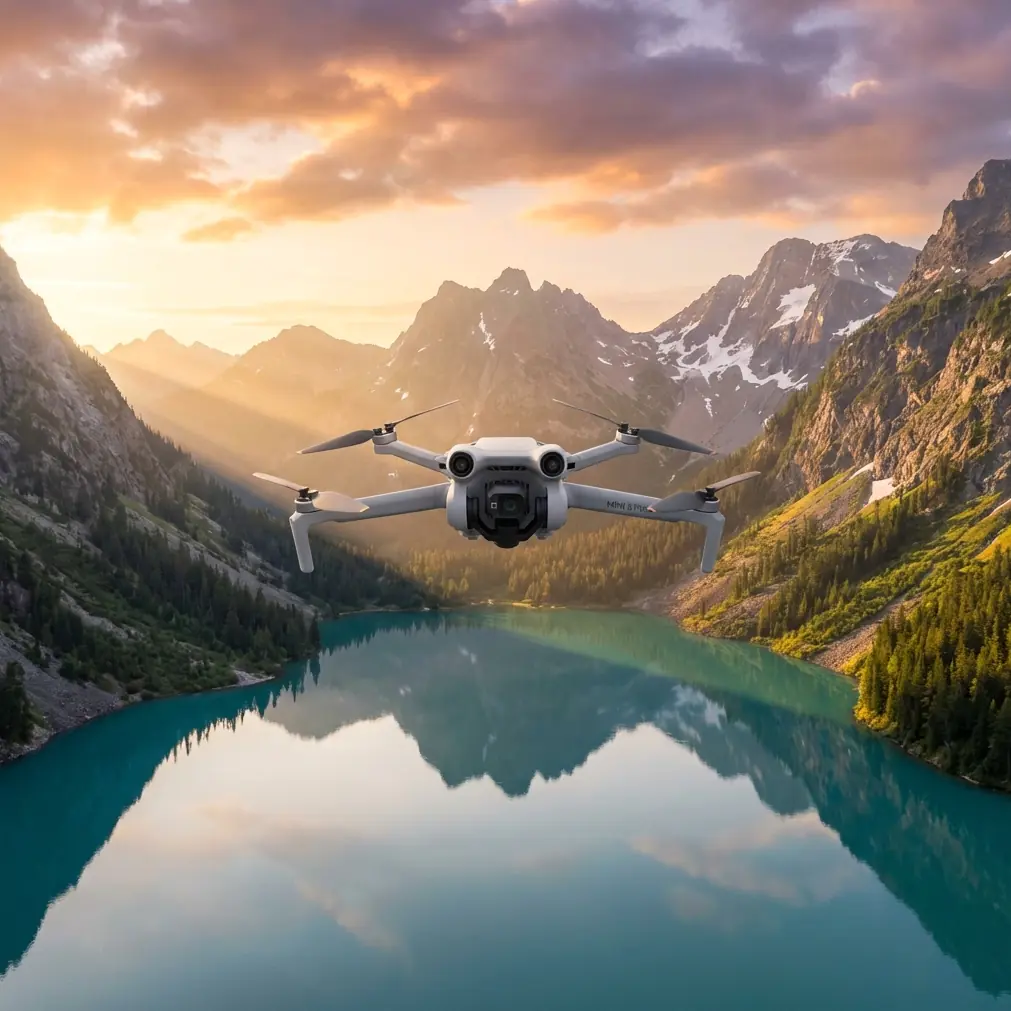
Mini 5 Pro Vineyard Filming Guide: Wind, Vines, and Smarter Pre-Flight Habits
META: A practical Mini 5 Pro filming guide for vineyards in windy conditions, covering pre-flight cleaning, obstacle avoidance, ActiveTrack, D-Log, Hyperlapse, and safer low-altitude shots.
Filming vineyards looks simple until the wind starts moving across the rows.
From the ground, a vineyard can feel orderly and open. From the air, it becomes a maze of repeating lines, wires, trellis posts, narrow gaps, reflective leaves, and changing airflow. That combination matters. If you are flying a Mini 5 Pro in vineyard conditions, especially on breezy afternoons, your best footage usually comes from preparation rather than daring stick work.
I approach vineyard shoots with the Mini 5 Pro as a precision job, not a casual flight. The goal is not just to get dramatic passes over the vines. It is to return with stable, usable footage, clean tracking shots, and enough tonal information to handle harsh sun and shadow in post. The aircraft’s obstacle avoidance, subject tracking, QuickShots, Hyperlapse, D-Log, and ActiveTrack tools can all help here, but only if they are set up for the environment you are actually flying in.
One small habit makes a bigger difference than most pilots think: cleaning the aircraft before launch, especially the vision and sensing areas.
Why a pre-flight cleaning step matters more in vineyards
Vineyards are deceptively dusty places. Even when the ground looks firm, vehicle traffic, dry soil, pollen, and fine debris can build up on the drone body and around the sensors. Add a little dried residue from a previous shoot, a fingerprint on a forward sensor window, or dust around the camera housing, and you are asking the flight systems to make decisions with compromised inputs.
That is a real operational issue, not cosmetic fussiness.
If your Mini 5 Pro is relying on obstacle avoidance to judge spacing near trellis lines or to detect a post at the edge of a lateral move, dirty sensor surfaces can reduce confidence and consistency. The same goes for precision hovering near uneven ground at the end of a row. In windy conditions, the aircraft is already making constant micro-corrections. If visual data is degraded at the same time, your safety margin narrows.
Before every vineyard flight, I do a short cleaning routine:
- Wipe the camera lens first with a clean microfiber cloth.
- Check forward, rear, and downward sensing windows for dust, smudges, or pollen.
- Inspect the gimbal area for grit that could affect smooth startup.
- Look at the motor vents and propeller roots for fine debris.
- Confirm the props are clean and undamaged, not just intact.
This takes a minute or two. On a vineyard job, it can save the shot and possibly the aircraft.
It also improves image quality in a more subtle way. Vineyard scenes often involve backlight, bright sky, and reflective leaf surfaces. A slightly dirty lens or filter can add flare or reduce contrast right when you need the cleanest possible file.
Wind in vineyards is not uniform
One mistake newer pilots make is treating wind as a single number. In vineyards, it rarely behaves that way.
You may launch in a calm pocket near a building, then hit crosswind over an exposed block. Air can funnel down rows, curl over ridgelines, and bounce unpredictably near tree breaks or equipment sheds. The Mini 5 Pro may feel locked in during a hover above the access road and then work much harder 40 meters farther out over the vines.
That has direct consequences for how you plan the shot.
If the wind is active, I avoid building the flight around long sideways moves with little room to recover. Vineyard rows create strong visual lines, which tempts pilots into aggressive low-altitude strafing. It looks good when it works. It also leaves less time to react if a gust pushes the aircraft toward posts, irrigation hardware, or anti-bird netting.
A better method is to divide the shoot into three shot categories:
- High establishing passes with more room for the aircraft to stabilize.
- Medium-height reveals following the direction of the rows.
- Short, low-altitude details only after you have evaluated gust behavior.
That order matters. By the time you attempt the lower work, you have already learned how the Mini 5 Pro is handling the site.
Use obstacle avoidance as a backup, not a substitute for line choice
Obstacle avoidance is one of the most useful features for vineyard work, but it is not a license to fly lazily through tight spaces.
Rows can create visual repetition that is easy for a human pilot to misread and difficult for any automated system to interpret perfectly in every lighting condition. Thin branches, support wires, and netting are exactly the kind of details that deserve respect. If you are filming in late afternoon with slanted sunlight and moving shadows, your visual scene gets even more complex.
The practical takeaway is simple: choose routes that are obstacle-aware before the drone has to be.
I prefer to frame row-following shots with a little extra lateral clearance and a slightly higher altitude than my first instinct suggests. You often lose very little in drama, and you gain far more consistency. If the aircraft does need to intervene, it has more time and space to do so smoothly.
That matters for footage too. A near-collision avoidance event can produce abrupt braking or unexpected path changes that ruin an otherwise elegant shot. The safest line is often the most cinematic line because it looks intentional.
ActiveTrack and subject tracking in a vineyard: where they help, where they don’t
ActiveTrack and subject tracking can be extremely useful in vineyard production, especially if you are following a slow-moving vehicle, a worker walking a row, or a person inspecting vines. The visual geometry of the vineyard can actually enhance these shots because the repeating lines give motion a strong sense of direction.
But the environment introduces constraints.
Rows are narrow. Subjects can disappear briefly behind posts or foliage. Wind can move leaves and create background motion that complicates tracking. If the subject is wearing colors close to the vineyard palette, the tracking system may need a cleaner visual angle to hold confidently.
My rule is to start tracking from a clear, high-confidence position rather than trying to engage it mid-maneuver. Give the Mini 5 Pro a well-defined subject and a stable opening line. Once the lock looks reliable, let the aircraft help, but keep your thumb and your brain fully involved.
For vineyard storytelling, the best use of ActiveTrack is usually not maximum automation. It is controlled assistance.
Try these setups:
- Track a vineyard worker from a slight rear-quarter angle rather than directly overhead.
- Follow a utility vehicle along the edge of a block, not deep between the tightest rows.
- Use short tracking segments that can be repeated, instead of one long pass through changing terrain.
The benefit is not just easier flying. You get footage that feels deliberate and repeatable, which makes editing much easier later.
If you want to compare route planning or flight setups for a specific vineyard site, you can message me here and I can help think through the shot logic.
QuickShots are useful when time is tight, but pick the right moments
Vineyard shoots often happen in short weather windows. Wind can rise quickly, and light can shift fast near sunset. QuickShots can help you capture polished movement without building every motion manually, but they are best used selectively.
The temptation is to trigger them anywhere because the vineyard pattern looks attractive from above. That can backfire if you are operating too close to obstacles or in variable wind. Automated flight paths still need safe airspace.
The strongest vineyard use cases for QuickShots are the simpler, more open compositions:
- A reveal rising from the edge of a block to show the full vineyard layout.
- A pull-back from a central feature such as a farmhouse, road, or tasting terrace.
- A high orbit where the aircraft has room and the subject is visually distinct.
I avoid automated sequences when the aircraft would need to work close to posts, wires, or irregular tree lines. In those situations, manual control is slower but smarter.
D-Log is especially valuable in bright vineyard scenes
Vineyards are contrast traps.
You may have bright sun on leaves, dark soil below, specular highlights on irrigation lines, pale dust roads, and a sky that wants to clip before the ground looks properly exposed. That is where D-Log becomes more than a checkbox feature. It becomes one of the most practical tools on the aircraft.
If your Mini 5 Pro supports D-Log capture for the mode you are shooting, use it when the scene has harsh contrast and you expect to grade the footage. The flatter file gives you more room to recover highlight detail and shape the greens without pushing the image into an artificial look.
This is operationally significant in vineyards because green is not one color. Healthy vines, dry grass, shaded leaves, and distant hills can all pull in different directions. A standard look may render the scene too punchy too early. D-Log keeps the file more flexible.
That said, it rewards discipline:
- Expose carefully so the sky is not sacrificed unnecessarily.
- Keep white balance consistent across matching shots.
- Do not mix wildly different profiles if the footage is meant for one sequence.
If you are shooting a fast social clip with no post time, a standard profile may be fine. If this is a proper visual project, D-Log gives you a stronger starting point.
Hyperlapse works well in vineyards when the wind is steady, not chaotic
The vineyard is naturally suited to Hyperlapse because the geometry of the rows creates excellent motion parallax. A slow-moving time-compressed shot over a slope or along a ridge can show the scale of the property better than a standard pass.
The catch is wind.
Hyperlapse looks elegant when the aircraft movement is repeatable and the horizon stays disciplined. In unstable gusts, the result can feel nervous, especially if nearby vines or trees are moving erratically in the frame. You are better off waiting for a steadier period than forcing the mode because the location looks good.
When conditions allow, I like Hyperlapse in two vineyard situations:
- A gradual lateral move across patterned rows at a moderate height.
- A slow pull-away during changing light, especially when shadows begin stretching across the blocks.
Those shots communicate terrain, rhythm, and atmosphere without asking the aircraft to thread tight spaces.
The best windy-day strategy is conservative altitude, shorter takes, cleaner resets
A windy vineyard shoot rewards restraint. You do not need the longest shot. You need the shot that survives editing.
I generally shorten each intended move when conditions are unsettled. Instead of trying to fly one flawless, 25-second low pass, I capture several shorter segments with defined entry and exit points. This reduces pilot workload, lowers risk, and gives the editor more clean options.
Resetting after each short take also lets you reassess:
- Has the wind picked up?
- Is the gimbal staying level?
- Are leaves moving enough to make tracking unstable?
- Is dust accumulating on the lens or sensors?
That last question is easy to ignore. It should not be. If you land on a dirt track between flights, a fresh wipe before relaunch can be the difference between confident obstacle sensing and compromised performance.
A practical Mini 5 Pro workflow for vineyard filming
If I were walking onto a windy vineyard location with a Mini 5 Pro, this is the sequence I would use:
First, inspect the launch area and identify the cleanest, least dusty takeoff point available. Then do the sensor and lens cleaning routine before powering up.
Second, fly a short evaluation sortie at safe altitude. Watch how the drone behaves when facing into the wind, crossing it, and returning with it. Check whether gusts are stronger over exposed rows than near the launch point.
Third, capture your essential wide shots early. Those establish the geography of the property and usually require the least risk.
Fourth, move into medium-height tracking or row-aligned passes once you trust the aircraft’s behavior in that air.
Fifth, use ActiveTrack, QuickShots, or Hyperlapse only where the airspace and wind pattern support them cleanly.
Finally, save the most technical low-altitude work for last, and only if the conditions still justify it.
That workflow is not flashy. It works.
The Mini 5 Pro, used thoughtfully, is capable of excellent vineyard footage. But windy vineyard flying is not about testing the edge of the aircraft. It is about understanding the site, protecting sensor performance with a basic cleaning habit, using automation where it genuinely helps, and choosing shots that stay elegant under pressure.
That is what experienced pilots learn after enough field days: the most cinematic flight is often the one that starts with a cloth in your hand and a more conservative plan than you first imagined.
Ready for your own Mini 5 Pro? Contact our team for expert consultation.