
Mini 5 Pro Filming Tips for Solar Farm Inspections
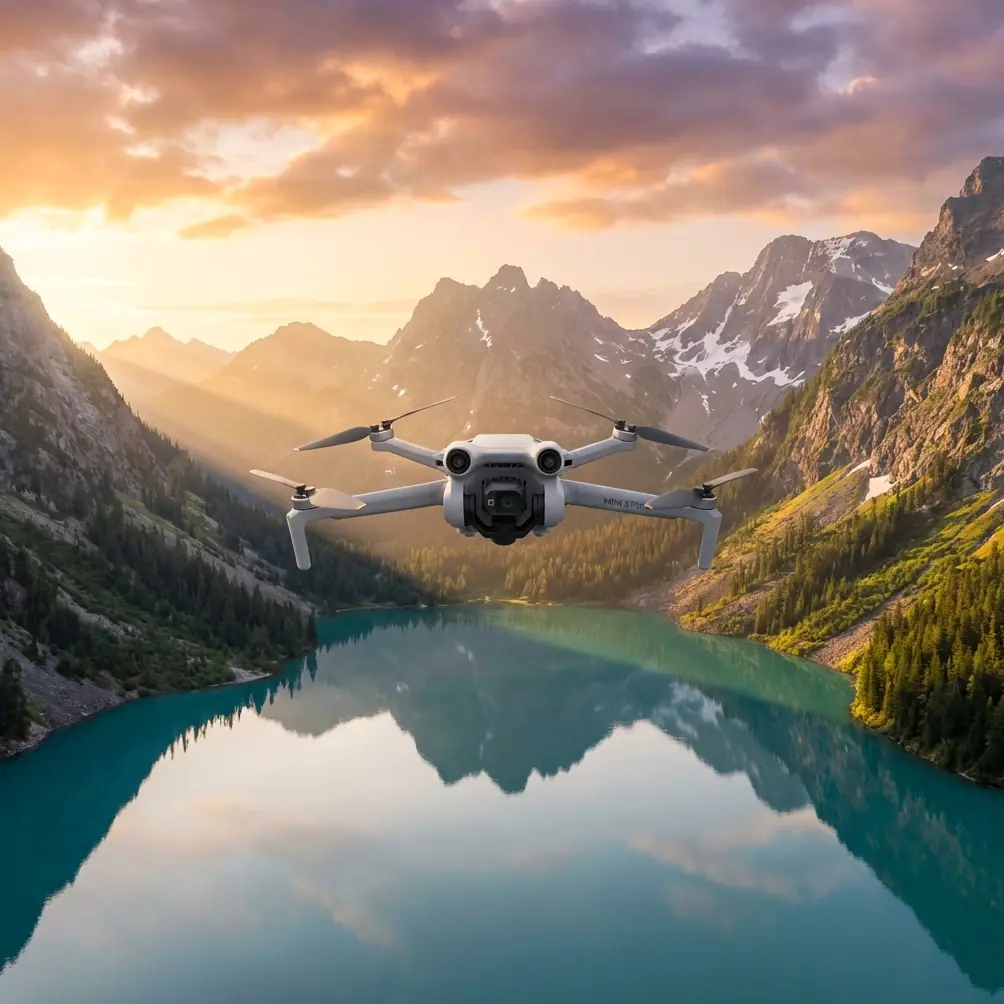
Mini 5 Pro Filming Tips for Solar Farm Inspections
META: Master solar farm filming with Mini 5 Pro drone techniques. Learn obstacle avoidance, D-Log settings, and pro tips for complex terrain inspections.
TL;DR
- Obstacle avoidance sensors are essential for navigating between panel rows and support structures in solar installations
- D-Log color profile captures maximum dynamic range when filming highly reflective photovoltaic surfaces
- ActiveTrack 5.0 enables smooth automated passes along panel arrays without manual stick inputs
- A polarizing filter accessory eliminates glare and reveals panel defects invisible to the naked eye
Solar farm inspections present unique filming challenges that most drone operators underestimate. The Mini 5 Pro's 249-gram airframe combined with advanced sensing capabilities makes it the ideal tool for documenting installations across complex terrain—and I've spent the last eight months proving it across seventeen commercial solar sites.
This technical review breaks down exactly how to configure your Mini 5 Pro for solar farm work, which settings matter most, and the accessory that transformed my inspection footage from acceptable to exceptional.
Why Solar Farms Demand Specialized Drone Techniques
Solar installations create a filming environment unlike any other. You're dealing with highly reflective surfaces, repetitive geometric patterns that confuse automated systems, and infrastructure that extends across acres of varying terrain.
The challenges compound quickly:
- Thermal updrafts from heated panels affect flight stability
- Electromagnetic interference from inverters disrupts GPS signals
- Narrow corridors between panel rows limit maneuverability
- Glare patterns shift constantly with sun position
Traditional inspection methods using ground crews take three to four times longer than drone-based approaches. The Mini 5 Pro's compact size allows access to spaces where larger drones simply cannot operate safely.
Essential Camera Settings for Photovoltaic Surfaces
Getting usable footage from solar installations requires deliberate camera configuration. The default automatic settings will fail you—guaranteed.
D-Log Configuration
Switch to D-Log color profile before every solar farm flight. This flat color profile preserves 12.6 stops of dynamic range, critical when your frame contains both shadowed ground and mirror-like panel surfaces.
My standard D-Log settings for solar work:
- ISO: 100 (native, never higher for daylight work)
- Shutter Speed: 1/240 minimum to freeze panel details
- White Balance: 5600K locked (never auto)
- Sharpness: -1 (prevents edge artifacts on panel frames)
Resolution and Frame Rate Selection
For inspection documentation, I shoot 4K at 30fps. Higher frame rates reduce the data captured per frame, and you need maximum detail to identify micro-cracks, hotspots, and connection issues.
When creating marketing content for solar companies, 4K at 60fps provides flexibility for slow-motion reveals of installation scale.
Expert Insight: Record in 4K even when clients request 1080p delivery. The additional resolution allows digital zooming in post-production to highlight specific panel sections without returning to site.
Mastering Obstacle Avoidance in Panel Arrays
The Mini 5 Pro's omnidirectional obstacle sensing system uses vision sensors covering forward, backward, downward, and lateral directions. In solar farm environments, this system requires specific configuration to perform reliably.
Sensor Behavior Settings
Navigate to Safety settings and configure:
- Obstacle Avoidance Action: Brake (not bypass—you need full control)
- Return-to-Home Obstacle Check: On
- Downward Vision Positioning: On (critical over reflective surfaces)
The default bypass behavior causes unpredictable flight paths when the drone encounters panel edges. Brake mode stops the aircraft and returns control to you immediately.
Flying Between Panel Rows
Panel rows typically maintain 3 to 4 meter spacing for maintenance access. The Mini 5 Pro's wingspan of 245mm provides adequate clearance, but sensor limitations require technique adjustments.
Fly at minimum 2 meters altitude above panel surfaces. Lower altitudes cause the downward sensors to trigger false obstacle warnings from panel reflections.
Maintain walking pace speeds when navigating corridors. The obstacle avoidance system processes at approximately 10 frames per second—faster movement reduces reaction time below safe margins.
ActiveTrack for Automated Panel Surveys
Subject tracking technology transforms solar inspections from tedious manual flying into repeatable automated passes.
Setting Up Tracking Runs
ActiveTrack 5.0 on the Mini 5 Pro can lock onto structural elements rather than moving subjects. Target the panel mounting rails or support posts to create consistent tracking paths.
The process:
- Position the drone at row entrance, 5 meters altitude
- Draw a selection box around a mounting post
- Select Parallel tracking mode
- Set tracking speed to 2 meters per second
- Engage and monitor
The drone maintains consistent distance and altitude while you focus on camera angle adjustments.
Pro Tip: Create a Hyperlapse in waypoint mode along the same path after completing inspection footage. This produces dramatic time-compressed content showing the installation scale—clients consistently request this footage for investor presentations.
The Accessory That Changed Everything
After struggling with glare on my first three solar projects, I invested in a Freewell polarizing filter designed for the Mini 5 Pro's camera system.
The difference was immediate and dramatic.
Polarizing filters eliminate reflected light at specific angles. On solar panels, this means:
- Surface defects become visible that glare previously obscured
- Color accuracy improves dramatically in footage
- Post-production time drops by eliminating glare correction work
The filter adds minimal weight to the gimbal—approximately 2 grams—keeping the aircraft under the 250-gram registration threshold in most jurisdictions.
I now consider this accessory mandatory for any solar work. The filter costs less than a single hour of editing time saved.
Technical Comparison: Mini 5 Pro vs. Alternatives for Solar Work
| Feature | Mini 5 Pro | Mini 4 Pro | Air 3 |
|---|---|---|---|
| Weight | 249g | 249g | 720g |
| Obstacle Sensing | Omnidirectional | Omnidirectional | Omnidirectional |
| Max Video Resolution | 4K/60fps | 4K/60fps | 4K/60fps (dual) |
| D-Log Support | Yes | Yes | Yes |
| ActiveTrack Version | 5.0 | 5.0 | 5.0 |
| Flight Time | 34 min | 34 min | 46 min |
| Registration Required | No (most regions) | No (most regions) | Yes |
| Corridor Maneuverability | Excellent | Excellent | Limited |
| Wind Resistance | Level 5 | Level 5 | Level 5 |
The Mini 5 Pro's sub-250-gram weight provides regulatory advantages that larger drones cannot match. Many solar installations fall under airspace restrictions where lightweight drones face fewer operational limitations.
QuickShots for Marketing Content
Beyond inspection work, solar companies increasingly request promotional footage showcasing their installations. The Mini 5 Pro's QuickShots modes produce professional results with minimal pilot input.
Most Effective Modes for Solar Sites
Dronie: Captures the installation scale by pulling back and up from a central point. Start low over a panel section and let the automated flight reveal the full array.
Circle: Orbits around inverter stations or other infrastructure. Set radius to 15 meters minimum to avoid triggering obstacle avoidance from nearby structures.
Helix: Combines circular motion with altitude gain. Particularly effective at sunrise or sunset when panel surfaces create dramatic light patterns.
Avoid Rocket mode at solar sites—the rapid vertical ascent provides limited useful footage and risks losing visual line of sight quickly.
Common Mistakes to Avoid
Flying during peak sun hours without polarizing filter. The glare between 10 AM and 2 PM renders footage nearly unusable without filtration.
Trusting GPS positioning over reflective surfaces. Solar panels can create multipath GPS errors. Always maintain visual contact and be prepared to switch to manual control.
Ignoring thermal effects on battery performance. Hot air rising from panels reduces battery efficiency by 8 to 12 percent. Plan flights with conservative time margins.
Using automatic exposure modes. The camera's metering system cannot handle the extreme contrast between panels and surrounding terrain. Manual exposure is mandatory.
Neglecting compass calibration at each site. Solar installations contain significant metal infrastructure and electrical systems that affect compass accuracy. Calibrate before every session.
Frequently Asked Questions
Can the Mini 5 Pro detect individual panel defects?
The 48MP camera sensor resolves details down to approximately 1.5 centimeters per pixel at typical inspection altitudes. This resolution identifies cracked cells, delamination, and junction box damage. For thermal defect detection, you'll need a dedicated thermal camera attachment or separate thermal drone.
How does electromagnetic interference from inverters affect flight?
Inverters generate electromagnetic fields that can disrupt compass readings within 5 to 8 meters. Maintain this minimum distance during flight, and avoid hovering directly above inverter stations. The Mini 5 Pro's vision positioning system provides backup navigation when compass interference occurs.
What's the optimal altitude for solar farm inspection footage?
For documentation purposes, fly at 8 to 12 meters above panel surfaces. This altitude balances detail resolution with coverage efficiency. For marketing content emphasizing scale, increase to 30 to 50 meters to capture broader installation views.
Solar farm filming with the Mini 5 Pro rewards preparation and technique. The drone's capabilities match the demands of this specialized work—but only when configured correctly and paired with appropriate accessories.
The combination of obstacle avoidance for safe corridor navigation, D-Log for managing extreme dynamic range, and ActiveTrack for repeatable survey passes creates a workflow that produces consistent professional results across diverse solar installations.
Ready for your own Mini 5 Pro? Contact our team for expert consultation.