
Mini 5 Pro Low-Light Power Line Filming Guide: Safer
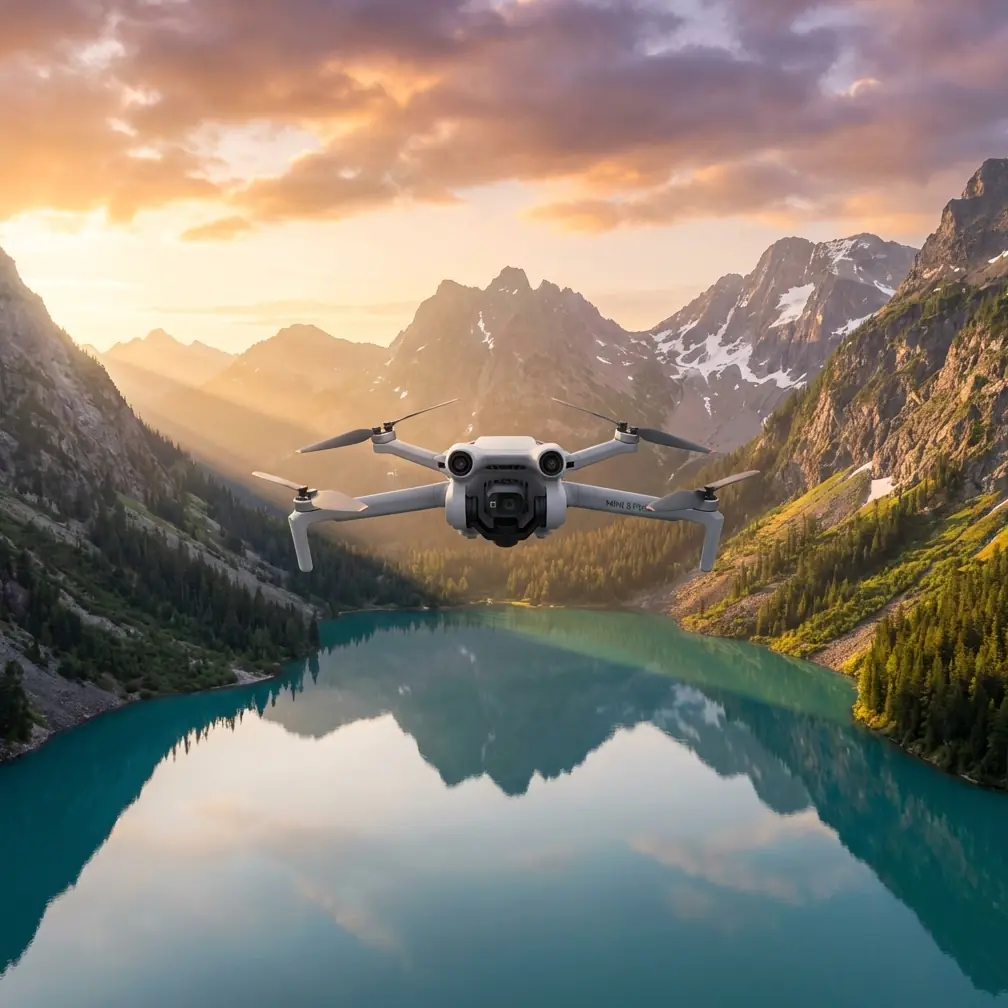
Mini 5 Pro Low-Light Power Line Filming Guide: Safer, Cleaner Flights Near EMI
META: A practical Mini 5 Pro tutorial for filming power lines in low light, with guidance on obstacle avoidance, ActiveTrack limits, D-Log exposure, Hyperlapse planning, and antenna adjustment around electromagnetic interference.
Filming power lines at dusk looks deceptively simple from the ground. Once the aircraft is up, the job changes fast. Thin wires disappear against dark backgrounds, towers create confusing contrast, and electromagnetic interference can make an otherwise stable drone feel hesitant at exactly the wrong moment.
If you plan to use a Mini 5 Pro for this kind of work, the real skill is not just flying smoothly. It is building a method that respects three things at once: low-light image quality, the physical risk of wires and structures, and the signal behavior around energized infrastructure. That combination matters more here than any one spec sheet headline.
I approach this as a photographer first. Power line footage is usually judged on clarity, repeatability, and whether the operator kept enough safety margin to come home with both the shot and the aircraft. The Mini 5 Pro is well suited to careful technical filming, but only if you fly it with discipline and stop expecting automation to solve a wire environment for you.
Start with the right assumption: obstacle sensing is helpful, not magical
The most common mistake near power infrastructure is overtrusting obstacle avoidance. This is especially dangerous in low light. Wires are narrow, backgrounds are inconsistent, and the visual system on any compact drone has less information to work with as illumination drops.
That means obstacle avoidance should be treated as a backup layer, not your primary protection. Operationally, this changes how you plan the flight:
- Keep a wider horizontal offset from the line than feels necessary from the screen view.
- Avoid straight-in approaches toward spans where wires visually compress and become hard to distinguish.
- Build your shot from parallel passes and slow arcs instead of threading between structures.
- Reduce speed early, before the aircraft reaches the most cluttered part of the route.
This is where the Mini 5 Pro’s compact size helps and hurts at the same time. A small aircraft is easier to position and less visually intrusive in the shot, but it also tempts pilots into tighter spaces. Around power lines, compact does not mean forgiving.
Low light changes your camera choices before takeoff
A lot of operators think low-light filming starts with ISO. It actually starts with deciding what kind of motion you need and how much post-production you are willing to do.
If your end goal is inspection-style footage with clear structural detail, you want a stable shutter strategy and conservative movement. If the goal is a cinematic reveal of towers and lines against a fading sky, you can lean more into motion and grading. The Mini 5 Pro becomes much easier to manage when you know which of those two jobs you are actually asking it to do.
For serious post work, D-Log is the practical choice. It preserves more grading flexibility in scenes where the sky is still bright but the tower body and lower line corridor are already falling into shadow. That contrast split is common in late-day utility filming. Without a flatter profile, you often end up sacrificing either highlight retention or shadow detail.
The catch is simple: D-Log asks for cleaner exposure discipline. Underexpose too much in low light and the noise penalty shows up fast in the darker steelwork and vegetation beneath the lines. So the better workflow is to expose carefully for recoverable highlights while keeping movement slow enough that you do not need to push shutter speed into unusable territory.
Why ActiveTrack is not the star of this assignment
The Mini 5 Pro may offer subject tracking tools such as ActiveTrack, but power lines are a poor place to let tracking logic dominate the flight. Towers are geometric, repetitive, and visually busy. Wires create diagonal patterns that can confuse composition and distance judgment. In dim conditions, those challenges get worse.
ActiveTrack can still play a role if you are following a clearly separated maintenance vehicle on an access road or tracking a tower from a generous lateral distance. But if your subject is the line itself, manual control will usually produce safer and more usable footage.
That operational significance matters. A drone that tracks beautifully in open terrain may make awkward path decisions near wires because the software is solving for subject framing, not your risk tolerance. Near energized infrastructure, your job is to prioritize predictable aircraft placement over automated convenience.
A safer hybrid approach looks like this:
- Use manual positioning to establish the corridor and stand-off distance.
- Lock in a repeatable speed and heading.
- Let tracking features assist only when the subject is clearly isolated and your exit path is obvious.
- Cancel automation early if the aircraft starts favoring framing over spacing.
The best footage of power lines usually looks calm because the pilot made conservative decisions, not because the software was being clever.
Electromagnetic interference: what it feels like and what to do first
Electromagnetic interference is one of those topics that gets discussed vaguely, which is not very useful in the field. Around power lines, interference may present as brief signal instability, unusual orientation sensitivity, hesitant responsiveness, or a link that feels solid in one heading and weaker after a small reposition.
When that happens, do not fixate on the screen alone. Change the geometry.
A practical first step is antenna adjustment. If the downlink quality starts fluctuating, pause the shot, hold position with safe clearance, and reorient the controller so the antenna faces are aligned more effectively with the aircraft rather than pointing the tips directly at it. Small angle changes can matter. Then reposition yourself if needed so the signal path is less obstructed by your own body, vehicle, terrain, or nearby structures.
That sounds basic, but around utility corridors it is operationally significant. Pilots often assume every signal hiccup is coming from the line itself. Sometimes the bigger issue is poor antenna orientation combined with a bad standing position and a partially blocked path. Fixing those variables early can restore stability without forcing you into a risky rushed recovery.
The second rule is distance discipline. If you suspect EMI is affecting control confidence, do not continue inward. Back out along the safest known route while maintaining your height margin. Trying to “just finish the shot” after the link starts acting strange is exactly how small problems become expensive ones.
If you want to compare field workflows with other operators, I’d suggest using this quick pilot support chat: message a drone specialist here. Sometimes a five-minute discussion about antenna orientation and shot geometry saves an entire evening of trial and error.
Build the flight around line geometry, not around cinematic impulse
Power line footage looks best when the movement respects the structure. That means the line itself should dictate your path.
A few proven patterns work well with a Mini 5 Pro:
1. Offset parallel pass
Fly alongside the corridor with a stable lateral separation. This is the safest and most reliable shot in low light because it minimizes sudden closure toward wires. It also gives obstacle avoidance systems a better chance to detect larger structural elements like towers, even if the wires themselves remain hard to resolve.
2. Tower reveal arc
Start with the tower partially obscured by terrain or foreground, then arc slowly until the line geometry opens up. This is visually strong at dusk because it uses contrast rather than depending on tiny wire detail alone. Keep the radius large. A broad arc is easier to repeat and much safer than a tight orbit.
3. Climb-and-hold perspective shift
Instead of flying aggressively forward, climb in a measured way while maintaining offset. This can reveal how the lines step through the landscape without forcing the aircraft deeper into the corridor.
These methods are not flashy, but they are effective. Low-light utility filming rewards patience more than bravado.
QuickShots and Hyperlapse: use them selectively
QuickShots are tempting because they can produce polished movement with minimal workload. Near power lines, though, I would treat them as optional and only use them after you have mapped the environment manually and confirmed plenty of clearance.
The reason is straightforward: automated shot patterns are often designed for open space aesthetics. Power infrastructure is not an open space. The composition may look elegant on the preview, but the route can bring the drone closer to structures than your comfort level allows, particularly when the visual depth cues are weak.
Hyperlapse is a more interesting tool here, especially if you are documenting changing light over a corridor or showing cloud movement behind a tower line. It can work beautifully with a Mini 5 Pro if you keep the aircraft position conservative and choose a scene where the wires serve as graphic elements rather than as close obstacles. In practical terms, that means setting up farther back, locking a stable composition, and letting time create the drama rather than relying on aggressive aircraft movement.
So yes, both QuickShots and Hyperlapse have creative value. But for low-light line work, Hyperlapse usually has the stronger risk-to-reward ratio because it can be executed from a safer stand-off position.
Exposure and color decisions that actually hold up in post
Here is the blunt truth: power lines at dusk can look muddy fast. Dark pylons, shadowed trees, and fading ambient light all compete for limited tonal separation. If you want footage that survives editing, your camera settings need to protect structure and texture.
D-Log earns its place here because it gives you room to recover highlight detail in the sky while shaping the darker midtones later. That matters when the top half of the frame still has residual sunset brightness and the lower half is already close to night. The Mini 5 Pro is at its best in that situation when you are not forcing a baked-in look too early.
A few practical habits help:
- Do not chase brightness at the expense of consistency.
- Keep white balance fixed once the scene direction is chosen.
- Avoid dramatic exposure shifts mid-pass.
- Repeat the same route if the light is changing quickly, so you have options in the edit.
That last point is underrated. If you fly the same movement two or three times over a 10- to 15-minute window, you often capture a much better tonal balance on one pass than on the others. Consistency gives you choices. Improvisation gives you surprises.
Subject tracking for support vehicles, not for the conductors
There is one place where subject tracking can still contribute meaningfully: support activity near the corridor. If a maintenance truck is moving below the line and separated from the towers, ActiveTrack can help maintain framing while you concentrate on altitude, stand-off distance, and environmental awareness.
This is a good example of using the feature for what it does well instead of forcing it into the wrong role. Tracking large, visually distinct ground subjects is very different from trying to make the aircraft “understand” thin conductors in poor light. Use automation where the scene is cooperative. Revert to manual control when the scene becomes structurally ambiguous.
That distinction is what separates polished field footage from wishful flying.
A simple preflight checklist for this specific job
Before lifting off with a Mini 5 Pro near power lines in low light, I would personally verify these points:
- The route is planned as an offset pass or wide arc, not a close threading maneuver.
- Obstacle avoidance is enabled, but I am not relying on it to detect wires.
- D-Log is selected if I expect meaningful grading later.
- Hyperlapse or QuickShots are only considered after a manual reconnaissance pass.
- ActiveTrack is reserved for isolated vehicles or clearly separated subjects.
- Controller antenna orientation is checked before launch and rechecked if signal quality changes.
- A retreat path is identified that moves the aircraft away from the corridor rather than deeper into it.
None of that is glamorous. All of it improves your odds of getting stable footage.
The Mini 5 Pro is most effective here when flown conservatively
Power lines in low light are not the place to test your confidence or your automation settings. They are a test of judgment. The Mini 5 Pro can absolutely produce strong results in this environment, especially when you lean on D-Log for dynamic range, treat obstacle avoidance as a supporting aid, and keep ActiveTrack on a short leash. Add smart antenna adjustment when electromagnetic interference starts to creep into the link, and the aircraft becomes much easier to manage with intent rather than hope.
That is the real takeaway. The best Mini 5 Pro footage around utility corridors is rarely the most aggressive footage. It is the cleanest, safest, and most repeatable. When the wires are hard to see and the airspace is unforgiving, restraint is not a limitation. It is the technique.
Ready for your own Mini 5 Pro? Contact our team for expert consultation.