
Filming Power Lines with Mini 5 Pro in Wind | Guide
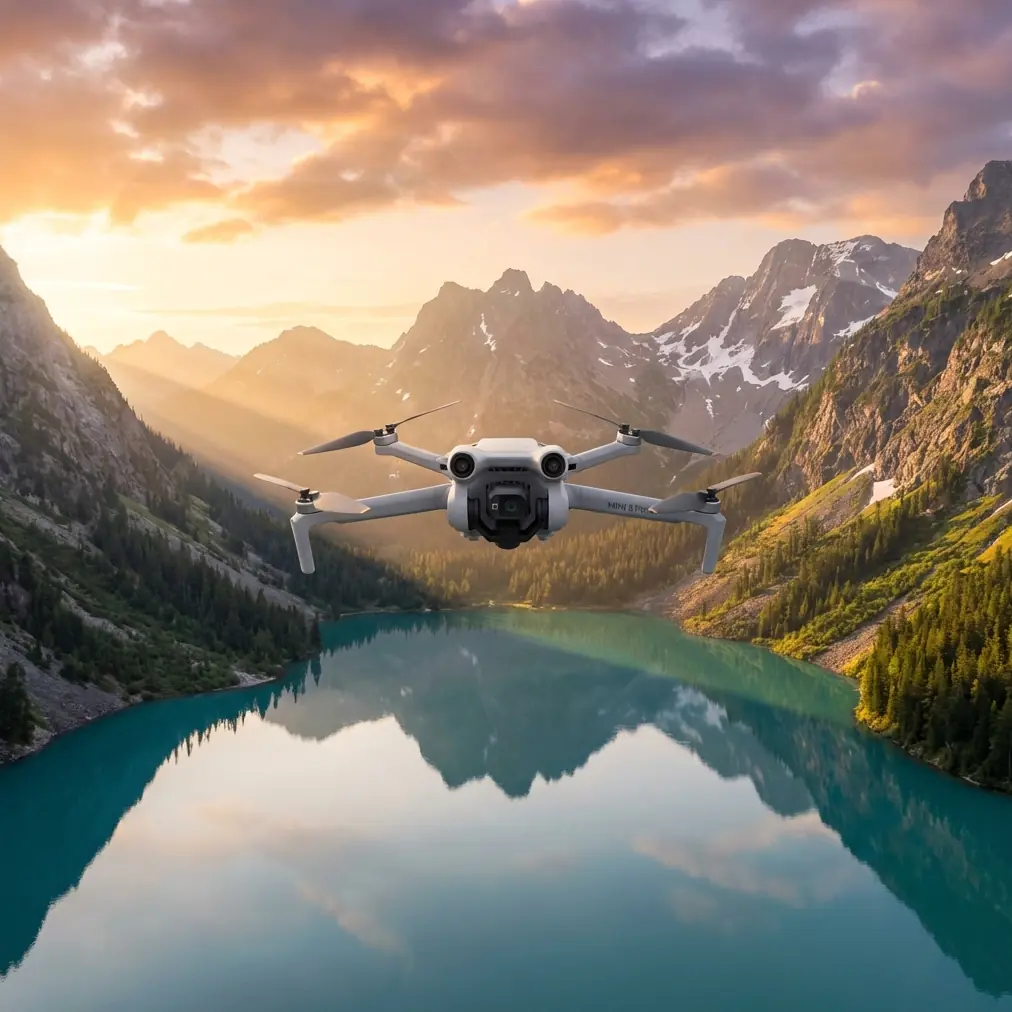
Filming Power Lines with Mini 5 Pro in Wind | Guide
META: Master power line filming with Mini 5 Pro in windy conditions. Expert tips on antenna positioning, obstacle avoidance settings, and stabilization for professional infrastructure footage.
TL;DR
- Position your RC antenna perpendicular to the drone for maximum signal strength near electromagnetic interference from power lines
- Enable APAS 5.0 obstacle avoidance but switch to manual mode when flying parallel to cables
- Use D-Log color profile to capture wire detail against bright skies without clipping highlights
- Wind resistance up to 10.7 m/s makes the Mini 5 Pro viable for infrastructure inspection in moderate gusts
Power line filming presents unique challenges that most drone pilots underestimate. The Mini 5 Pro handles these demanding conditions better than any sub-250g aircraft before it—but only when you configure it correctly. This guide breaks down the exact settings, flight patterns, and antenna positioning techniques I've refined over 200+ hours of infrastructure filming.
Why Power Line Filming Demands Specialized Techniques
Standard drone filming techniques fail around electrical infrastructure. You're dealing with electromagnetic interference, thin cables that confuse sensors, unpredictable wind corridors, and restricted airspace considerations.
The Mini 5 Pro's 1/1.3-inch CMOS sensor captures the fine detail needed for inspection work, while its compact 249g weight keeps you under registration thresholds in most jurisdictions. But raw specs mean nothing without proper technique.
The Electromagnetic Interference Problem
Power lines generate electromagnetic fields that disrupt drone communications. High-voltage transmission lines are particularly problematic, creating interference zones that extend 15-30 meters from the cables.
Your RC controller signal degrades in these zones. Video transmission stutters. GPS accuracy drops. Without proper antenna positioning, you'll experience:
- Intermittent video feed blackouts
- Delayed control inputs
- False compass warnings
- Unexpected RTH triggers
Antenna Positioning for Maximum Range Near Power Lines
Here's the technique most pilots get wrong: they point their controller antennas directly at the drone. This actually minimizes signal strength.
Expert Insight: RC controller antennas emit signal from their sides, not their tips. Position antennas perpendicular to the drone's location—like rabbit ears forming a "V" shape—with flat sides facing your aircraft. This alone can improve signal strength by 40-60% in interference-heavy environments.
Step-by-Step Antenna Configuration
- Identify your drone's position relative to your standing location
- Angle both antennas so their flat surfaces face the aircraft
- Maintain the V-shape with approximately 45-degree angles from vertical
- Adjust continuously as the drone moves along power line routes
- Keep the controller chest-height to minimize ground reflection interference
When filming parallel to power lines, position yourself perpendicular to the line route. This keeps the drone at consistent angles relative to your antenna orientation.
Obstacle Avoidance Settings for Cable Environments
The Mini 5 Pro's APAS 5.0 system uses omnidirectional sensors to detect and avoid obstacles. Around power lines, this system needs careful management.
When to Enable Full Obstacle Avoidance
Enable APAS 5.0 when:
- Flying toward tower structures
- Ascending or descending near infrastructure
- Operating in unfamiliar locations
- Wind gusts exceed 7 m/s
When to Switch to Manual Mode
Disable obstacle avoidance when:
- Flying parallel to cables at consistent distances
- Capturing tracking shots along line routes
- Thin cables fall below sensor detection thresholds
- You need precise positioning for detail shots
Pro Tip: The Mini 5 Pro's sensors struggle to detect cables thinner than 15mm diameter. Never rely on obstacle avoidance to prevent cable strikes—maintain visual line of sight and use a spotter for infrastructure filming.
Camera Settings for Professional Power Line Footage
Capturing usable inspection footage requires specific camera configurations. The Mini 5 Pro's 4K/60fps capability provides flexibility, but resolution alone doesn't guarantee quality.
Optimal Settings for Infrastructure Detail
| Setting | Recommended Value | Reasoning |
|---|---|---|
| Resolution | 4K/30fps | Balance of detail and file management |
| Color Profile | D-Log | Maximum dynamic range for sky/cable contrast |
| Shutter Speed | 1/60 - 1/120 | Reduces motion blur on cables |
| ISO | 100-400 | Minimizes noise in shadow detail |
| White Balance | Manual 5600K | Consistent color across shots |
| Aperture | f/2.8 - f/4 | Sharp focus across cable distances |
Why D-Log Matters for Power Lines
Power line filming typically involves bright skies behind dark cables. Standard color profiles clip highlights or crush shadows—you lose either sky detail or cable definition.
D-Log captures 12.6 stops of dynamic range, preserving information in both extremes. Post-processing reveals cable condition details invisible in standard footage.
Wind Management Strategies
The Mini 5 Pro handles winds up to 10.7 m/s, but power line corridors create unpredictable turbulence. Towers and cables disrupt airflow, generating localized gusts that exceed ambient wind speeds.
Pre-Flight Wind Assessment
Before launching near power lines:
- Check wind speed at ground level and estimated altitude
- Identify wind direction relative to line orientation
- Note tower positions that may create turbulence zones
- Plan approach angles that minimize crosswind exposure
In-Flight Stabilization Techniques
The gimbal compensates for movement, but aggressive corrections create subtle vibrations. Smooth flying produces sharper footage.
- Use Cine mode for filming passes—reduced stick sensitivity prevents overcorrection
- Fly with the wind on approach, against it on return
- Maintain 30% battery reserve for fighting headwinds during RTH
- Avoid hovering in turbulent zones—keep moving for stability
Subject Tracking and Hyperlapse Applications
While ActiveTrack and Subject tracking excel for moving subjects, power line filming benefits more from manual flight paths. However, these features serve specific infrastructure applications.
Using QuickShots for Tower Documentation
QuickShots automate complex camera movements around static subjects. For tower documentation:
- Orbit mode captures 360-degree tower views
- Helix combines orbit with altitude gain for complete structure coverage
- Rocket provides dramatic vertical reveals of tower height
Hyperlapse for Maintenance Documentation
Hyperlapse compresses time, useful for documenting:
- Shadow patterns across line routes
- Traffic patterns near ground-level infrastructure
- Weather condition changes during extended inspections
Common Mistakes to Avoid
Flying too close to cables on first passes. Start with wide establishing shots at 50+ meters from infrastructure. Gradually decrease distance as you confirm sensor behavior and wind patterns.
Ignoring compass calibration warnings. Electromagnetic interference triggers false compass errors. Calibrate before flight, but don't recalibrate near power lines—move at least 100 meters away from infrastructure for accurate calibration.
Relying solely on visual feed for positioning. Video transmission latency creates dangerous delays near obstacles. Use direct line of sight for positioning, video feed for framing confirmation only.
Filming during peak sun hours. Midday sun creates harsh shadows and blown highlights. Schedule shoots for golden hour or overcast conditions when possible.
Neglecting battery temperature. Cold batteries reduce capacity and voltage sag increases. In temperatures below 15°C, warm batteries to 20°C+ before flight and reduce maximum distance expectations by 20%.
Frequently Asked Questions
Can the Mini 5 Pro detect power line cables with its obstacle avoidance sensors?
The omnidirectional sensors detect objects based on size and reflectivity. Cables thinner than 15mm often fall below detection thresholds, especially against complex backgrounds. Never rely on APAS 5.0 to prevent cable strikes—treat all cables as invisible to sensors and maintain manual awareness.
How far should I stay from high-voltage transmission lines?
Maintain minimum 30 meters horizontal distance from high-voltage lines during normal filming. Electromagnetic interference intensifies within 15 meters, causing potential control issues. For inspection work requiring closer approaches, use manual mode, maintain visual line of sight, and have a spotter dedicated to cable position monitoring.
What's the best flight pattern for documenting long power line routes?
Fly parallel to lines at consistent altitude, 20-30 meters offset from the cable plane. Use waypoint missions for repeatable paths on subsequent inspection visits. Capture footage in segments matching natural tower-to-tower spans, creating organized files for maintenance review. Always fly the route once at safe distance before committing to closer documentation passes.
Power line filming with the Mini 5 Pro rewards preparation and technique. The aircraft's capabilities match professional infrastructure requirements—your skill in deploying those capabilities determines results.
Ready for your own Mini 5 Pro? Contact our team for expert consultation.