
Filming Windy Fields Like a Pro with Mini 5 Pro
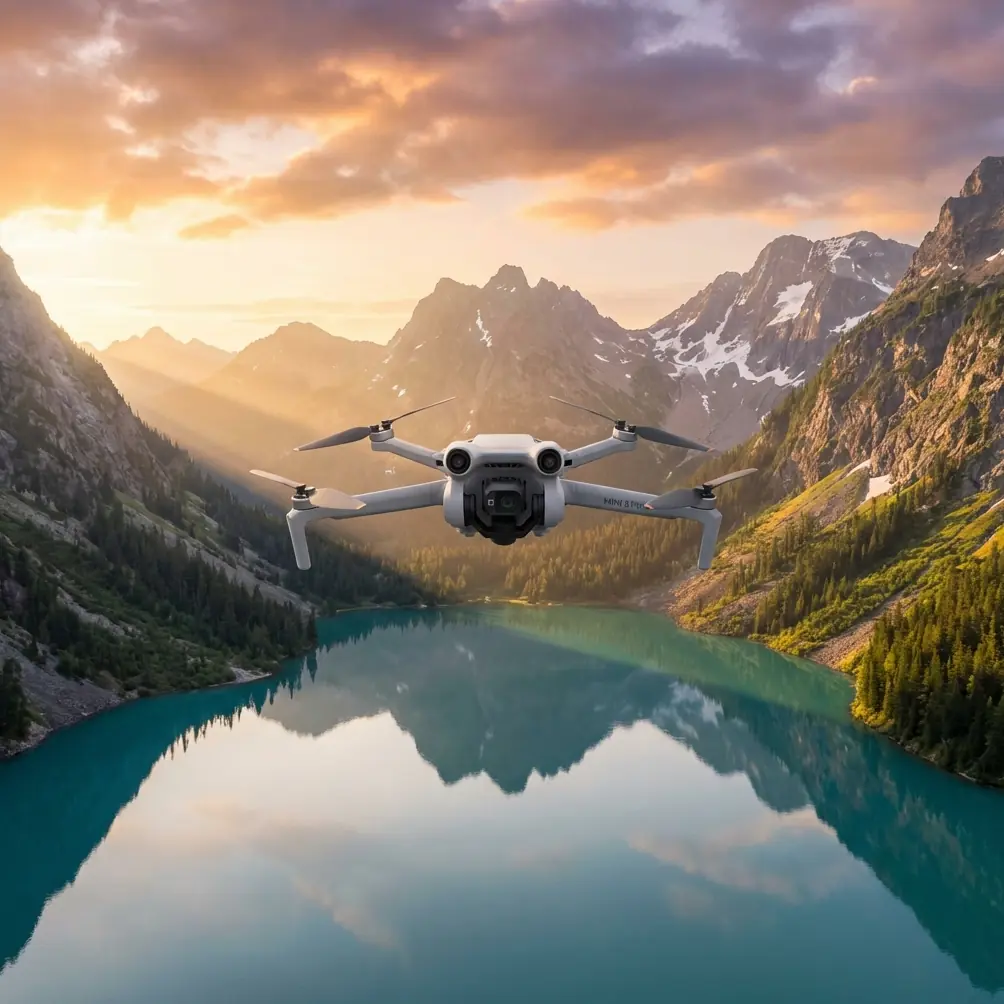
Filming Windy Fields Like a Pro with Mini 5 Pro
META: Learn how to film stunning agricultural fields in windy conditions using the Mini 5 Pro. Expert tips on D-Log, ActiveTrack, and antenna positioning for range.
TL;DR
- Proper antenna positioning on your controller is the single most important factor for maintaining stable signal over open fields in gusty conditions.
- Shooting in D-Log preserves highlight and shadow detail across vast, sunlit landscapes where dynamic range matters most.
- The Mini 5 Pro's obstacle avoidance sensors and wind resistance up to Level 5 make it a reliable companion for agricultural and open-terrain filming.
- QuickShots and Hyperlapse modes automate complex cinematic moves, freeing you to focus on composition instead of stick inputs.
Why Windy Field Filming Demands the Right Drone
Wind is the number one enemy of lightweight drones over open terrain. Fields offer zero wind breaks—no buildings, no tree lines, nothing to buffer sustained gusts. The Mini 5 Pro tackles this head-on with enhanced motor performance rated for Level 5 winds (38 kph / 24 mph), all while staying under the critical 249-gram registration threshold in most countries.
This guide walks you through my complete field-tested workflow for capturing cinematic agricultural footage when conditions get rough. From controller antenna angles to D-Log color settings, every recommendation comes from hours spent flying over wheat fields, vineyards, and open grasslands.
— Jessica Brown, Photographer
Step 1: Pre-Flight Setup for Maximum Range and Stability
Antenna Positioning — The Detail Most Pilots Get Wrong
Here's the truth: your controller's antennas are not omnidirectional. They emit signal from the flat face of each antenna, not the tip. Most pilots point the antenna tips toward the drone. That's exactly backward.
- Orient the flat face of both antennas toward the drone's position in the sky.
- For flights directly ahead at low altitude, angle both antennas straight up vertically — the flat faces will naturally point forward.
- For flights at higher altitudes, tilt the antennas slightly back at a 45-degree angle so the flat faces aim upward.
- Never cross the antennas. Keep them parallel or in a slight V-shape.
Expert Insight: Over flat fields with no interference, I routinely maintain a solid HD feed at 8+ km simply by keeping the antenna flats aimed at the aircraft. Incorrect positioning can cut your effective range by 50% or more — even in open terrain with zero obstructions.
Firmware and Calibration Checks
Before every windy session, complete these steps:
- Update to the latest firmware — wind-resistance algorithms improve with each release.
- Calibrate the IMU if you've traveled to a new location.
- Calibrate the compass on-site, away from vehicles and metal structures.
- Set your Return-to-Home altitude to at least 40 meters to clear any unexpected obstacles on the return path.
- Verify obstacle avoidance sensors are clean and enabled in all directions.
Step 2: Camera Settings for Open-Field Cinematography
Why D-Log Changes Everything Over Fields
Fields are high-contrast environments. Bright sky above, dark soil or textured crops below. Standard color profiles clip highlights in the sky or crush shadows in the vegetation. D-Log solves this.
- D-Log captures a flat, desaturated image that preserves approximately 2-3 extra stops of dynamic range compared to Normal mode.
- Shoot at 4K/30fps for maximum editing flexibility, or 4K/60fps if you plan to create slow-motion sequences of swaying crops.
- Set ISO manually to 100 in daylight to minimize noise in the flat D-Log profile.
- Use an ND16 or ND32 filter to maintain proper shutter speed according to the 180-degree shutter rule (double your frame rate).
Manual White Balance
Auto white balance shifts between frames as the drone pans across different colored crops and sky. Lock it manually:
- 5500K–5800K for midday sunlight
- 6500K for overcast or golden-hour conditions
Step 3: Flight Techniques for Cinematic Field Footage
Using QuickShots in Wind
QuickShots automate complex movements like Dronie, Helix, Rocket, and Boomerang. Over fields, these modes shine because the uncluttered background emphasizes the geometric patterns of the terrain.
- Dronie: Flies backward and upward, revealing the full scope of a field — dramatic for showing scale.
- Helix: Spirals around a subject (a barn, tractor, or lone tree) while ascending.
- Rocket: Ascends straight up — excellent for revealing patchwork field patterns from above.
In wind, QuickShots may fly slightly off their ideal path. The drone's stabilization compensates in the gimbal, but start QuickShots flying into the wind so the return leg gets a tailwind assist, preserving battery.
Hyperlapse Over Changing Light
Hyperlapse mode captures time-lapse footage while the drone moves through space. Over fields, this creates stunning sequences of cloud shadows racing across crops.
- Use Free mode for full manual control of the flight path.
- Set intervals to 2-3 seconds for smooth motion.
- Plan 3-5 minute Hyperlapse runs for approximately 10-15 seconds of final footage.
- Ensure battery is above 60% before initiating a Hyperlapse — you don't want it cut short.
Subject Tracking with ActiveTrack
ActiveTrack locks onto moving subjects — tractors, vehicles, or even livestock — and follows them autonomously. Over flat fields, ActiveTrack performs exceptionally well because the obstacle avoidance sensors have a clean field of view with few false positives from nearby objects.
- Draw a box around the subject on your screen to initiate tracking.
- Choose Trace mode to follow behind the subject or Parallel mode to fly alongside.
- ActiveTrack works best when the subject contrasts against the background — a red tractor on green crops is ideal.
Pro Tip: When using ActiveTrack over fields, keep the drone at 15-25 meters altitude. Too low and you lose the landscape context. Too high and the subject becomes insignificant. This altitude sweet spot captures both the subject and the sweeping field patterns behind it.
Technical Comparison: Mini 5 Pro vs. Common Field-Filming Alternatives
| Feature | Mini 5 Pro | Typical Sub-250g Competitor | Mid-Range Camera Drone |
|---|---|---|---|
| Weight | 249g | 245–249g | 600–900g |
| Wind Resistance | Level 5 (38 kph) | Level 4 (29 kph) | Level 5 (38 kph) |
| Obstacle Avoidance | Multi-directional | Forward only or none | Multi-directional |
| D-Log / Flat Profile | Yes | Rarely available | Yes |
| ActiveTrack | Yes | Limited or absent | Yes |
| QuickShots | Full suite | Partial | Full suite |
| Hyperlapse | Yes | Limited | Yes |
| Max Video Resolution | 4K/60fps | 4K/30fps | 4K/60fps or higher |
| Max Transmission Range | Up to 15+ km | 6–10 km | 12–20 km |
| Registration Required | No (most regions) | No | Yes |
The Mini 5 Pro delivers mid-range drone capability at a sub-250g weight class — the critical advantage for field work where you want professional results without regulatory overhead.
Common Mistakes to Avoid
1. Flying Downwind First
New pilots launch and fly with the tailwind because the drone feels fast and responsive. Then they turn around. Suddenly the drone is crawling home against a headwind, burning battery at twice the normal rate. Always fly into the wind first so your return leg is wind-assisted.
2. Ignoring Battery Temperature
Cold, windy mornings drain batteries faster. The Mini 5 Pro's compact batteries lose efficiency below 15°C (59°F). Warm batteries in your jacket pocket before flight and land when charge drops below 25%.
3. Forgetting ND Filters
Shooting wide open without an ND filter on a bright day produces harsh, stuttery footage with a fast shutter speed. The 180-degree shutter rule (1/60s at 30fps, 1/120s at 60fps) requires ND filters in daylight to achieve natural motion blur.
4. Over-Relying on Obstacle Avoidance
Obstacle avoidance sensors are excellent, but thin wires (like power lines crossing fields) can be nearly invisible to sensors. Always visually scan your flight path. Know where power lines, fences, and poles are located before takeoff.
5. Neglecting Gimbal Calibration
Wind causes the gimbal to work overtime. If your horizon is slightly tilted in footage, recalibrate the gimbal through the app settings. This takes 30 seconds and saves hours of post-production correction.
Frequently Asked Questions
Can the Mini 5 Pro handle sustained wind over open fields?
Yes. The Mini 5 Pro is rated for Level 5 winds (38 kph). Open fields produce consistent, laminar wind rather than the turbulent gusts found near buildings. The drone's stabilization system handles sustained field winds well. That said, always check wind forecasts before flying and avoid gusts exceeding 40 kph, as intermittent spikes above the rated threshold will trigger high-wind warnings and increase battery consumption dramatically.
Should I use D-Log for every field shoot?
D-Log is ideal when you plan to color grade in post-production. If you need quick, ready-to-share footage without editing, the standard or Normal color profile produces vibrant, punchy images straight from the drone. For professional work — client deliverables, portfolio pieces, or footage you'll composite with other cameras — D-Log is always the better choice because it preserves the most data for grading flexibility.
How do I maintain signal strength when flying far over flat terrain?
Three factors determine signal reliability over fields. First, antenna positioning (flat face toward the drone) as detailed above. Second, minimize interference by keeping your phone in airplane mode with only the controller app active — background apps and cellular signals can degrade the link. Third, maintain line of sight. Flat terrain actually helps here because there are no buildings or hills to block the signal. Under these conditions with correct antenna orientation, the Mini 5 Pro maintains a reliable connection well beyond typical shooting distances.
Final Thoughts from the Field
After dozens of agricultural filming sessions across varied wind conditions, the Mini 5 Pro has earned a permanent place in my camera bag. Its combination of sub-249g portability, robust wind handling, and professional features like D-Log, ActiveTrack, and multi-directional obstacle avoidance makes it uniquely suited for open-terrain work where heavier drones add regulatory friction without meaningful image quality gains.
The techniques in this guide — proper antenna orientation, wind-first flight planning, locked manual camera settings, and strategic use of QuickShots and Hyperlapse — will transform your field footage from shaky, washed-out clips into cinematic sequences that clients and audiences remember.
Ready for your own Mini 5 Pro? Contact our team for expert consultation.