
Mini 5 Pro Filming Tips for Construction Site Projects
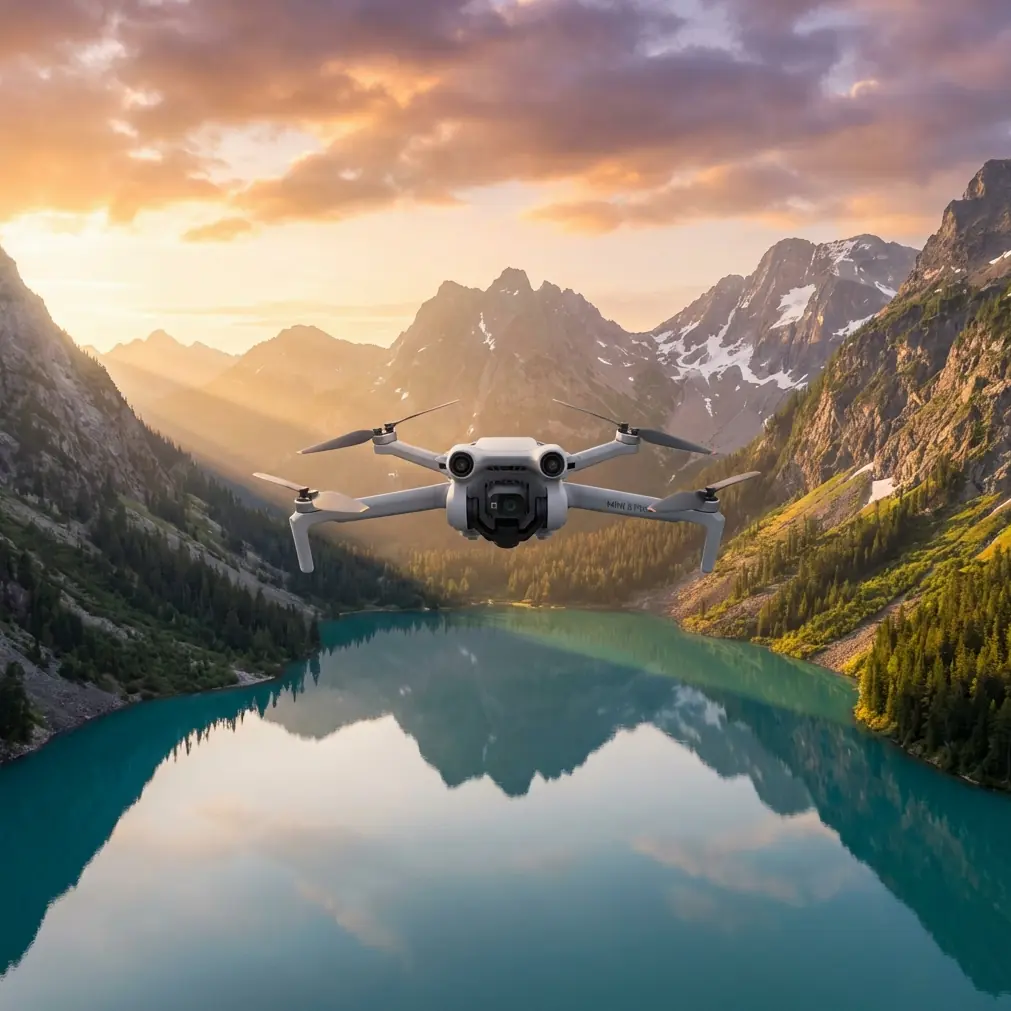
Mini 5 Pro Filming Tips for Construction Site Projects
META: Master construction site filming with Mini 5 Pro. Learn obstacle avoidance, D-Log settings, and pro techniques for stunning aerial documentation footage.
TL;DR
- Obstacle avoidance sensors are essential for navigating scaffolding, cranes, and unpredictable site hazards
- D-Log color profile captures maximum dynamic range for dusty, high-contrast construction environments
- ActiveTrack 5.0 maintains smooth subject following even when workers move between structures
- Hyperlapse modes create compelling time-progression documentation that clients love
Why Construction Sites Demand Specialized Drone Techniques
Construction sites present unique aerial filming challenges that standard drone operation simply cannot address. Between towering cranes, temporary scaffolding, suspended loads, and constant worker movement, your Mini 5 Pro faces obstacles that require deliberate technique and proper configuration.
This guide breaks down exactly how to capture professional construction documentation using the Mini 5 Pro's advanced sensor suite and intelligent flight modes. You'll learn specific camera settings, flight patterns, and safety protocols that separate amateur footage from client-ready deliverables.
Last month, while documenting a high-rise foundation pour, a red-tailed hawk dove toward my Mini 5 Pro from a blind spot above a concrete pump. The omnidirectional obstacle sensors detected the bird at 12 meters, triggering automatic hover and allowing the hawk to pass safely. That single moment justified every hour spent mastering this aircraft's capabilities.
Essential Pre-Flight Configuration for Construction Environments
Obstacle Avoidance Settings
Before launching at any construction site, configure your obstacle avoidance system for the specific hazards present.
Recommended settings for active construction zones:
- Obstacle Avoidance Mode: Bypass (not Stop)
- Horizontal Obstacle Avoidance Distance: 3.0 meters minimum
- Downward Vision Positioning: Enabled
- Return-to-Home Altitude: Set 15 meters above tallest structure
The Bypass mode allows continuous filming while the aircraft navigates around unexpected obstacles. Stop mode interrupts your shot every time a worker raises a beam or a crane swings into sensor range.
Pro Tip: Walk the site perimeter before flying. Identify guy-wires, temporary power lines, and any reflective surfaces that might confuse the downward vision sensors. Mark these zones mentally and plan flight paths accordingly.
Camera Configuration for Dusty Environments
Construction sites generate airborne particulates that affect both image quality and sensor performance.
Optimal camera settings:
- Resolution: 4K/30fps for documentation, 4K/60fps for promotional content
- Color Profile: D-Log for maximum post-production flexibility
- ISO: Lock at 100-200 to minimize noise in dust-scattered light
- Shutter Speed: Double your frame rate (1/60 for 30fps, 1/120 for 60fps)
- ND Filter: ND16 or ND32 depending on conditions
D-Log captures approximately 2.5 additional stops of dynamic range compared to Normal color profiles. This matters enormously when filming bright concrete against shadowed excavations or reflective safety vests against dark soil.
Mastering ActiveTrack for Worker Documentation
Subject Selection Strategy
ActiveTrack 5.0 performs remarkably well on construction sites when you select subjects correctly.
High-success tracking targets:
- Workers wearing high-visibility vests (orange or yellow)
- Vehicles with distinct shapes (excavators, dump trucks)
- Crane hooks and suspended loads
- Supervisors with white hard hats (contrast against most backgrounds)
Problematic tracking targets:
- Workers in similar clothing moving in groups
- Small hand tools or equipment
- Subjects frequently obscured by structures
Tracking Mode Selection
| Tracking Mode | Best Use Case | Construction Application |
|---|---|---|
| Trace | Following moving subjects | Documenting worker paths through site |
| Profile | Side-angle following | Capturing equipment operation sequences |
| Spotlight | Stationary camera, moving subject | Fixed overview with worker highlight |
For most construction documentation, Trace mode at medium following distance produces the most usable footage. The aircraft maintains approximately 8-12 meters from your subject while automatically adjusting altitude to keep them framed.
Expert Insight: When tracking heavy equipment operators, lock focus on the cab rather than the entire machine. This prevents the tracking algorithm from losing lock when the boom or bucket moves dramatically within frame.
QuickShots That Actually Work on Construction Sites
Not every QuickShot mode suits construction environments. Some create stunning results while others produce unusable footage.
Recommended QuickShots
Dronie: Perfect for establishing shots showing project scale. Position your subject (project manager, lead contractor) at the site entrance, then execute a Dronie that reveals the full construction scope behind them.
Circle: Exceptional for documenting vertical construction progress. Center on the building's highest point and execute a 360-degree orbit at consistent altitude. This creates footage that directly compares against previous documentation flights.
Helix: Combines vertical climb with orbital movement. Use this for dramatic reveal shots of completed phases—particularly effective for foundation completions or topping-out ceremonies.
QuickShots to Avoid
Rocket: The rapid vertical ascent often triggers obstacle avoidance when cranes or scaffolding enter sensor range, producing jerky, unusable footage.
Boomerang: The curved flight path frequently intersects with site structures, causing automatic stops or dangerous proximity situations.
Hyperlapse Techniques for Progress Documentation
Construction clients increasingly request time-progression content. The Mini 5 Pro's Hyperlapse modes create this content efficiently.
Waypoint Hyperlapse for Consistent Documentation
Establish a repeatable flight path that you'll execute weekly or monthly throughout the project.
Setup process:
- Fly your desired documentation path manually, marking 5-8 waypoints
- Save the mission with a descriptive name including project and date
- Set interval to 2 seconds for smooth playback
- Execute identical mission at consistent time of day for each documentation flight
This approach produces footage where only the construction progress changes—same angles, same lighting conditions, same flight path. Clients can directly compare frames across months of development.
Free Hyperlapse for Creative Content
For promotional or marketing footage, Free Hyperlapse allows manual control while the aircraft captures interval images.
Effective techniques:
- Slow orbit around completed structural elements
- Gradual altitude changes revealing site context
- Smooth tracking shots following access roads into the site
Set your interval based on desired final video length. A 2-second interval over a 3-minute flight produces approximately 90 frames—roughly 3 seconds of final footage at 30fps.
Common Mistakes to Avoid
Flying During Active Concrete Pours
Concrete pump trucks create significant rotor wash that affects Mini 5 Pro stability. The fine concrete mist also coats sensors and camera lenses. Schedule documentation flights before pours begin or after curing.
Ignoring Magnetic Interference
Construction sites contain massive amounts of rebar, steel beams, and heavy equipment that create magnetic anomalies. Always perform compass calibration away from the site, then verify heading accuracy before beginning documentation flights.
Overlooking Temporary Power Lines
Permanent utility infrastructure appears on site surveys. Temporary construction power does not. These lines often run at unexpected heights and locations. Visual confirmation before every flight prevents catastrophic collisions.
Filming Without Site Authorization
Construction sites involve multiple stakeholders—general contractors, subcontractors, property owners, and often municipal authorities. Obtain written authorization specifying permitted flight zones, times, and purposes before any aerial operation.
Neglecting Battery Temperature
Construction sites offer limited shade. Batteries sitting in direct sunlight can exceed safe operating temperatures. Keep spare batteries in an insulated cooler and swap them into the aircraft only immediately before flight.
Frequently Asked Questions
Can the Mini 5 Pro fly safely near active cranes?
Yes, but maintain minimum 30-meter horizontal distance from any crane with an operator present. Crane movements are unpredictable, and the Mini 5 Pro's obstacle sensors cannot predict swing paths. Coordinate directly with crane operators before flying, and consider temporarily halting crane operations during critical documentation sequences.
What wind conditions are too dangerous for construction site filming?
The Mini 5 Pro handles sustained winds up to 10.7 m/s (approximately 24 mph). However, construction sites create turbulent conditions as wind deflects off structures. Reduce your operational limit to 7 m/s when flying near buildings over three stories. Monitor the aircraft's attitude indicator for unusual corrections indicating turbulence.
How do I capture consistent footage for monthly progress reports?
Create saved waypoint missions that you repeat identically each documentation session. Fly at the same time of day to maintain consistent lighting. Use identical camera settings across all sessions. Store all flights in a dedicated project folder with date-stamped file names. This systematic approach produces footage that clients can directly compare across the entire project timeline.
Delivering Professional Results
Construction documentation demands more than basic drone operation. The Mini 5 Pro provides the sensor suite, tracking capabilities, and image quality that professional results require—but only when configured and operated with site-specific techniques.
Master these approaches, and your construction clients receive footage that documents progress, impresses stakeholders, and justifies your professional rates.
Ready for your own Mini 5 Pro? Contact our team for expert consultation.