
Mini 5 Pro for Coastline Filming: How Manual Thinking Beats
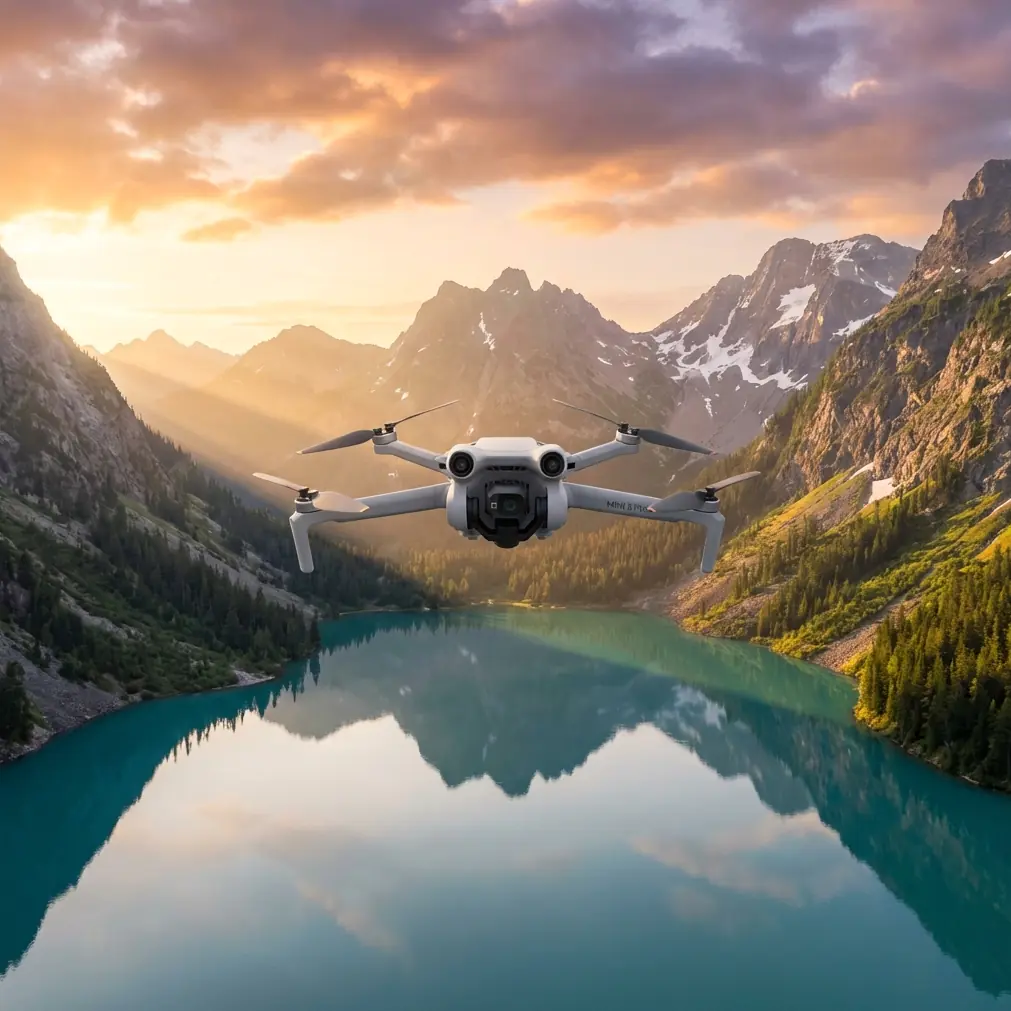
Mini 5 Pro for Coastline Filming: How Manual Thinking Beats Guesswork in Difficult Terrain
META: Learn how to film coastlines with Mini 5 Pro using a manual-exposure mindset, smarter subject priorities, and practical tips for obstacle-heavy terrain, tracking shots, D-Log capture, and cleaner aerial footage.
Coastlines punish hesitation.
They look open from the air, but anyone who has actually flown them knows the truth: cliffs create violent light shifts, wet rock throws back glare, wind changes shape as it hits coves, and a scene that felt simple on the ground becomes a stack of conflicting priorities once the drone is in the air. Water, people, foam lines, boats, grass on the ridge, dark rock faces, bright sky. You can’t expose everything perfectly, and you can’t fly every route twice.
That is exactly why the most useful lesson for flying a Mini 5 Pro near complex coastline terrain has less to do with menu-diving and more to do with mindset.
A recent photography piece published on 2026-04-17 by 御空逐影 made a point that deserves more attention from drone pilots: manual mode is not some mystical skill, and it is not primarily about being good at calculations. The author said they spent about six months using M mode, and for the first four months they were mostly guessing. That detail rings true because many drone creators go through the same phase. They know what shutter, aperture, and ISO do in theory, but they still come home with footage that misses the point of the scene.
That article also identified three classic mistakes: opening the aperture too wide and losing needed focus, dragging shutter too slowly and getting blur, and pushing ISO too high until visible noise ruins the image. For drone work along coastlines, those three errors show up in slightly different ways, but they hit even harder because aerial footage gives you fewer second chances.
The Mini 5 Pro helps. Its obstacle avoidance, ActiveTrack-style subject tracking, QuickShots, Hyperlapse modes, and flat profiles like D-Log reduce friction. But the drone does not replace judgment. If anything, a more capable aircraft exposes bad decision-making faster.
The real question before every coastline shot
Before touching exposure, ask one thing:
What must the viewer remember?
Not the whole scene. Not everything at once. One thing.
Is it the white water folding into black volcanic rock? The path of a hiker on the cliff edge? The geometry of a lighthouse above the surf? The texture of sea grass bending in offshore wind? The answer decides how you fly and how you expose.
That idea comes straight from the source material’s strongest insight: M mode is really about deciding what visual element matters before you set the parameters. If you skip that step, even technically “correct” settings can produce forgettable footage.
With the Mini 5 Pro, this becomes an operational advantage. Once you define the subject priority, features like subject tracking, obstacle sensing, and preset intelligent shots stop being gimmicks and become tools with a purpose.
Why coastlines trick Mini 5 Pro pilots into bad exposure choices
Coastal environments create the illusion that the scene is bright and easy. In reality, they are full of extremes.
Bright foam and sky can push you to underexpose the cliffs. Dark rock and shadowed coves can tempt you to lift ISO. A moving drone over moving water makes shutter decisions more visible. If you’re flying low across a ridgeline, autofocus behavior, motion rendering, and horizon stability all matter at once.
This is where the three problems from the photography article become directly relevant.
1. Shallow focus can become the wrong kind of cinematic
The source article warns that a wide aperture can create shallow focus problems. In drone work, the issue is less about portrait-style background blur and more about losing clarity where you need it most. Along a coastline, you often want readable layers: foreground cliff edge, middle-distance wave action, distant headland. If your setup prioritizes a narrow slice of the frame, the scene can feel soft or disconnected rather than immersive.
On the Mini 5 Pro, think carefully about whether the shot should feel expansive or selective. If the point is scale, preserve enough depth to let the coastline breathe. If the point is isolation—say, a lone walker against the sea—then a more selective visual treatment may make sense. The setting is not “right” by itself. It’s right only if it supports the memory you want to build in the viewer’s mind.
2. Slow shutter turns ocean energy into accidental mush
The article’s second warning—slow shutter causing motion blur—is even more dangerous from the air. Drone footage already contains aircraft motion. Add surf movement, wind drift, and a low pass near rocks, and careless shutter choices can smear fine detail across the frame.
Sometimes motion blur is desirable. Sometimes it ruins the shot.
If you are doing a controlled cinematic reveal over a bay at a steady pace, blur can feel smooth and elegant. But if your subject is the sharp line where wave foam collides with jagged shoreline, too much blur destroys the very texture that made the scene worth filming. With the Mini 5 Pro, this affects everything from straight manual flight to Hyperlapse planning. Hyperlapse especially punishes uncertainty because tiny exposure problems compound across a sequence.
3. High ISO makes cliff shadow footage fall apart fast
The third issue from the source—raising ISO until noise becomes obvious—is a common coastline trap. The light may be strong overall, but once you swing toward a dark cove or orbit a sea arch with the sun behind it, the camera can be pushed hard. Noise is particularly ugly in shadow gradients on rock faces and in flat areas of sea under overcast conditions.
If you’re shooting D-Log on the Mini 5 Pro to maximize grading flexibility, noisy footage becomes even less forgiving in post. Flat profiles are powerful, but they reward disciplined exposure. They do not rescue indecision.
My turning point with coastal drone work
I learned this the hard way on a rugged shoreline where the brief sounded simple: capture a sequence that showed how a footpath carved across the cliffs led down toward a narrow inlet.
I launched with the usual confidence. Bright afternoon. Clean horizon. Good visibility. I thought I needed a broad scenic master, so I framed everything—the sea, the path, the cliff, the town in the distance. The result looked expensive and said nothing. The viewer’s eye had nowhere to land.
Then I changed the question.
Not “How do I expose this landscape?” but “What should the audience remember?”
The answer was the path.
Once that was clear, the Mini 5 Pro became easier to use. Obstacle avoidance mattered because the cliff edge was now part of a tighter route, not just a background feature. ActiveTrack-style subject tracking mattered because I needed the walker to stay legible without constantly reworking the composition. D-Log mattered because I wanted to hold detail in the chalky highlights of the path while preserving the darker wall of rock below it. QuickShots stopped being novelty presets and became ways to quickly test whether the path read better in a pull-away, an orbit, or an ascending reveal.
The final sequence worked because the settings served the idea, not the other way around.
A practical Mini 5 Pro workflow for filming coastlines in M mode
Here’s the method I recommend if you’re flying the Mini 5 Pro in difficult coastal terrain.
Step 1: Pick the subject before takeoff
Write it mentally in one short sentence.
- The viewer must notice the wave pattern.
- The viewer must follow the hiker.
- The viewer must feel the height of the cliffs.
- The viewer must see the contrast between calm harbor and exposed sea.
This sounds basic. It isn’t. Most failed coastline footage comes from trying to make one shot do four jobs.
Step 2: Build exposure around that decision
The photography article’s core point is that manual mode is not an exam in arithmetic. That matters here. If your subject is moving surf detail, prioritize settings that preserve texture and shape. If your subject is the vastness of the coast, protect tonal balance and spatial readability. If your subject is a person on the trail, expose so that they remain visually meaningful within the larger environment.
Do not start with “What are the standard settings?” Start with “What can I not afford to lose?”
Step 3: Use obstacle avoidance as a route tool, not a safety crutch
Coastline routes are deceptive. A headland can hide a protruding rock shelf. A cliff face can reduce your margin faster than expected. The Mini 5 Pro’s obstacle avoidance is most valuable when you plan a deliberate line through complex terrain, especially for lateral slides, ascending reveals, and low contour-following moves.
Its significance is operational, not just protective. Reliable sensing lets you devote more attention to composition and timing. That is a major difference when the sea is moving below you and the light is changing every few seconds.
Step 4: Use ActiveTrack only when the terrain supports it
Tracking a runner or hiker along a coastline can look fantastic, but only if the route is readable and the background does not create confusion. The value of subject tracking is consistency. It keeps your human subject anchored in the frame while you shape motion around them.
Its operational significance becomes obvious near cliff paths, where manually balancing aircraft position, subject placement, and terrain awareness can overload a solo pilot. Mini 5 Pro reduces that burden, but you still need to choose moments where the subject is visually distinct from the landscape.
Step 5: Test your story with QuickShots before committing to a longer take
QuickShots are often dismissed by experienced pilots. That’s a mistake. On a complicated shoreline, they can function as scouting tools. A short orbit may show that the sea stack reads beautifully from one side but disappears from another. A pull-back may reveal that the cliff geometry is stronger when the horizon sits higher than you expected.
This saves battery, time, and frustration.
Step 6: Reserve Hyperlapse for structure, not chaos
Hyperlapse works best when the coastline has a clear visual rhythm: tide movement around a harbor wall, cloud shadows crossing a headland, boats tracing repeatable arcs offshore. It works far less well in scenes that are already overloaded with conflicting motion.
If your subject priority is unclear, Hyperlapse turns that confusion into a longer, more elaborate confusion.
Step 7: Shoot D-Log only if you plan to finish the job
D-Log gives you more latitude, especially in bright coastal contrast, but it asks for discipline. Expose carelessly and push the image too hard later, and noise or muddy midtones will show up fast. If you need flexibility because the scene contains bright water and dark rock in the same frame, D-Log can be the right choice. Just don’t treat it as a shortcut.
What changed when I stopped guessing
The biggest improvement in my Mini 5 Pro coastline footage did not come from memorizing settings. It came from eliminating indecision before launch.
That detail from the source article—the author spending the first four months of six months basically guessing in M mode—is probably the most honest description of how many creators learn camera control. Guessing is normal at the beginning. Staying there is optional.
Once you understand that exposure is a creative priority system, your flights become cleaner.
You stop chasing every cloud break. You stop trying to preserve every highlight and every shadow equally. You stop blaming the drone for footage that lacked intent from the start.
And the Mini 5 Pro starts to show its real value. Not as a machine that magically fixes coastlines, but as one that gives a prepared pilot more room to execute.
A simple coastline checklist for Mini 5 Pro pilots
Before takeoff, ask:
- What is the one element the audience must remember?
- What exposure mistake would most damage that element—softness, blur, or noise?
- Is obstacle avoidance helping me fly the intended line?
- Is tracking improving the shot, or just adding complexity?
- Would a QuickShot test reveal the strongest angle faster?
- Am I shooting D-Log because I need latitude, or because it sounds professional?
If you can answer those clearly, you are already ahead of the pilot who launches first and thinks later.
If you want to compare route ideas or coastline filming setups with someone who understands this kind of workflow, you can message here on WhatsApp.
The Mini 5 Pro is at its best when you pair smart automation with an old-fashioned discipline: decide what matters, then fly for that result. Coastlines are too dynamic for guesswork and too beautiful for generic footage. The camera will record whatever you point it at. The real craft is deciding what deserves to stay in the frame.
Ready for your own Mini 5 Pro? Contact our team for expert consultation.