
Mini 5 Pro for Windy Power Line Jobs: What Actually Matters
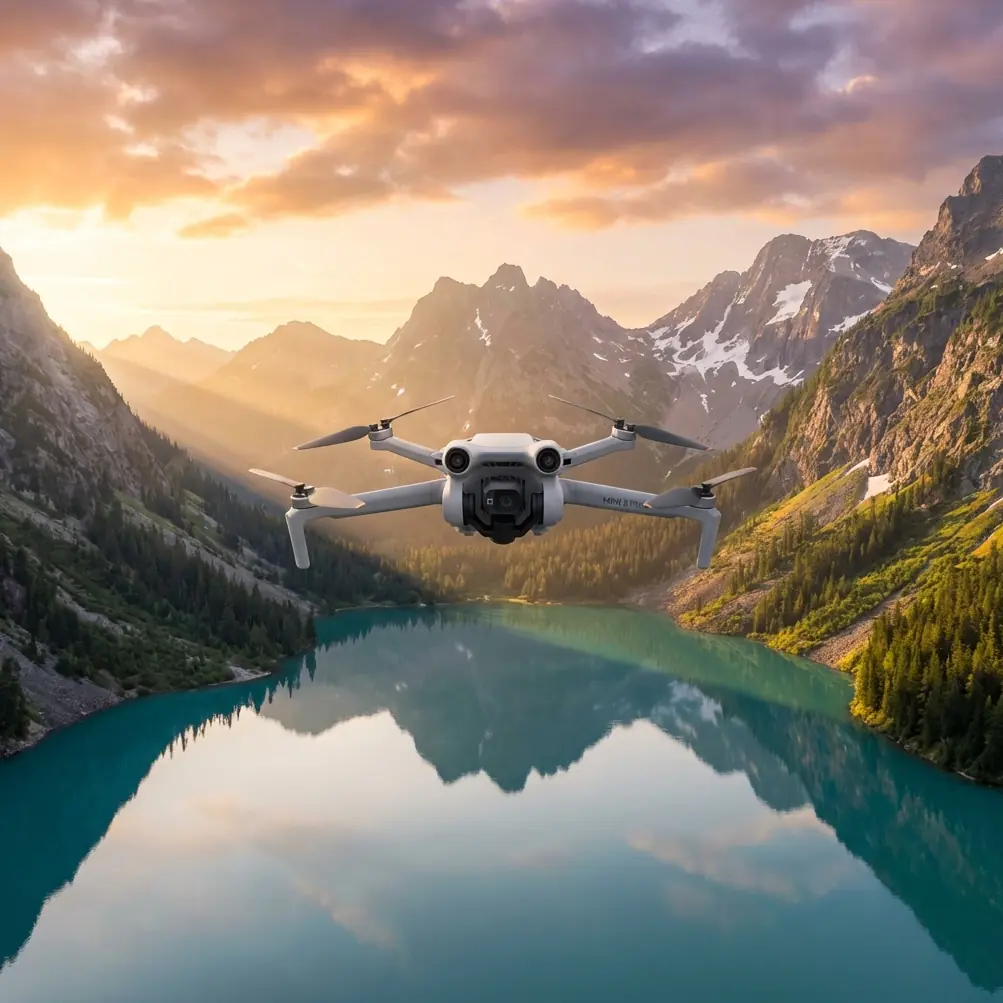
Mini 5 Pro for Windy Power Line Jobs: What Actually Matters When the Route Changes Mid-Flight
META: A field-focused look at how Mini 5 Pro planning, mapping workflow logic, RTK-style accuracy expectations, and image capture discipline matter for windy power line inspection and delivery support missions.
Power line work punishes sloppy drone habits.
Wind shifts along ridgelines. Open corridors funnel gusts. A route that looks simple on a map can turn into a very different flight once the aircraft reaches a span crossing, a tower cluster, or a cut through uneven terrain. That is why the most useful way to think about the Mini 5 Pro is not as a spec-sheet object, but as part of a workflow: plan, verify, fly, adjust, and document.
For teams using a compact drone around power infrastructure, especially when wind becomes the variable that changes everything, the real question is this: can the aircraft fit into a disciplined operational chain without slowing the crew down?
A good answer starts long before takeoff.
The planning lesson power line crews should borrow from professional mapping systems
One of the smartest ideas in professional UAV survey systems is not the aircraft itself. It is the ground planning logic behind it.
In the reference workflow, the ground station software includes multiple map interfaces, lets the operator draw the work area directly on the map, then automatically generates a flight plan based on that selected area. It also allows offline planning, displays the survey area, and estimates both flight time and photo count before launch. That matters more than many pilots realize.
For a Mini 5 Pro operator supporting power line work in windy conditions, this same mindset is the difference between a calm mission and a rushed one.
Power line delivery support and corridor inspection often happen in places where signal quality is inconsistent. Offline planning is not a convenience feature. It is operational insurance. If the team reaches a remote line section and cellular service drops, a prebuilt plan still allows the pilot to work from a known route, known battery requirement, and known capture sequence.
The flight-time estimate is equally practical. Wind can easily erode your comfortable margin. If your baseline route already sits too close to battery limits, a weather shift mid-flight turns a manageable sortie into a compromised return. Teams that estimate time and image load before launch are less likely to improvise under pressure.
That’s one of the biggest hidden advantages of a Mini 5 Pro workflow built on mapping discipline: you stop treating each flight like a one-off reaction.
Why map-area thinking matters even for line delivery scenarios
Some readers will say: “I’m not producing terrain maps. I’m checking lines, documenting towers, or carrying small items to a field crew.”
Fair point. But corridor work still benefits from survey habits.
When the reference system allows the operator to draw the target area and auto-plan the mission, it creates structure around coverage. For power lines, that structure helps with three things:
Span completeness
Crews often miss the less dramatic sections between obvious structures. A mapped corridor forces full coverage instead of tower-to-tower guesswork.Repeatability
If one windy day produces partial data, the next mission can be rebuilt around the same area logic rather than memory.Decision speed in changing weather
If gusts increase halfway through, the pilot can trim the mission intelligently by section, not by instinct alone.
This becomes especially relevant when weather changes during the flight.
The moment wind changes the mission
Here’s a realistic scenario.
You launch the Mini 5 Pro for a support run along a power line corridor. The goal is modest: visual confirmation on several structures, capture of conductor clearance around vegetation, and delivery of a lightweight item to a maintenance team positioned near a remote access point. The first leg is clean. Air is stable enough for smooth tracking footage and controlled lateral movement.
Then the weather shifts.
It happens quickly near utility corridors. The line crosses a slope break, the air starts curling around the terrain, and what felt like normal resistance becomes irregular buffeting. Suddenly your original route is no longer the best route.
This is where consumer-style flying and professional-style flying separate.
A pilot who started with a planned area, expected flight duration, and capture priorities can make calm decisions:
- cut nonessential passes
- preserve enough reserve for a headwind return
- prioritize documentation of the highest-value structures
- reposition for safer angles rather than forcing the original line
A pilot who launched with only a loose idea of the route tends to burn time deciding what to save and what to skip.
The Mini 5 Pro’s appeal in this environment is not just obstacle avoidance or tracking intelligence. Those features help, but they are secondary to planning clarity. Obstacle avoidance is useful around towers, crossarms, and access roads. ActiveTrack and subject tracking can support moving crew documentation or line-following visuals. QuickShots and Hyperlapse have a place in progress reporting. But in wind, the biggest advantage is still good mission logic.
Accuracy expectations: what the RTK reference tells us about Mini 5 Pro use
The reference document includes a detail that deserves more attention: with built-in RTK high-precision mapping capability, the survey drone can produce a 1:1000 topographic map without ground control points in many cases. If the terrain is more complex, or if a 1:500 result is needed, only a small number of control points is typically required—generally 4 to 8 points, distributed evenly to enclose the survey area.
Even though the Mini 5 Pro is not being presented here as that exact survey platform, the operational significance is clear.
First, precision is a workflow question, not just a hardware question. If your power line mission needs reliable positional consistency—say, documenting recurring vegetation encroachment, comparing tower condition over time, or creating a repeatable inspection corridor—then you should think in terms of control, geometry, and repeatability, not merely “did the footage look stable?”
Second, small interventions can dramatically improve results. The reference notes that only 4 to 8 control points may be enough in more demanding terrain. That is a powerful lesson for field teams. You do not always need to overbuild the job. A few properly placed reference points, especially when spread evenly and wrapping the work area, can tighten the quality of documentation without turning a compact mission into a full survey campaign.
For Mini 5 Pro operators working around power lines in windy conditions, this suggests a practical middle ground:
- use the drone for fast visual work and lightweight corridor documentation
- add a small number of reference checks when the job needs stronger consistency
- reserve full survey-grade methods for the sites that genuinely justify them
That approach saves time while keeping the data useful.
Image quality is not just about looking sharp
The source material also specifies a 24.3-megapixel camera with an 18 mm fixed-focus lens capable of capturing high-definition imagery with a ground resolution from 1 to 20 cm.
The number alone matters, but not for bragging rights.
In utility work, image quality determines whether the flight produces answers or just pictures. You need enough detail to assess hardware condition, vegetation proximity, access-path obstacles, and changes between one visit and the next. When wind arrives mid-flight, image discipline becomes even more important because gusts reduce your margin for wasted passes.
A camera system that supports clear, consistent imagery lets the crew finish the job in fewer attempts. That matters when batteries are being consumed faster than expected.
For Mini 5 Pro users, this translates into a simple principle: fly with deliverables in mind. If the mission needs inspection-grade documentation, use stable framing, repeatable angles, and preserve dynamic range where lighting is harsh. D-Log can be useful when line corridors cut across bright sky and dark vegetation in the same frame, because it gives your team more latitude in post for review footage and client reporting. But color flexibility is only valuable if the capture itself is deliberate.
Power line operations do not reward random cinematic wandering.
What obstacle avoidance actually means around power infrastructure
Obstacle avoidance is one of those features people mention too casually.
Around power lines, it is not a substitute for pilot judgment. Thin conductors, complex backgrounds, and variable light can challenge any automated system. Still, obstacle sensing has real value in the support spaces around the line: towers, access roads, nearby trees, service vehicles, staging areas, and terrain transitions.
That operational significance is often overlooked. In windy conditions, the most common problem is not a dramatic collision with a line itself. It is drift, overcorrection, or awkward repositioning near secondary obstacles while the pilot is managing gusts and monitoring battery draw.
A Mini 5 Pro configured and flown with obstacle awareness in mind can reduce workload during those moments. Not eliminate it. Reduce it. That distinction matters.
A better way to use tracking features on utility jobs
ActiveTrack and subject tracking are often framed as creative tools, but they can also help on civilian infrastructure tasks when used conservatively.
For example:
- tracking a walking maintenance crew along a safe access corridor for progress documentation
- following a vehicle moving between towers for visual records of site access conditions
- maintaining consistent framing on a structure during a controlled orbit in calmer segments of the mission
When the weather changes, though, tracking should serve the mission, not the other way around. If gusts build, switch back to direct pilot control and simplify. The strongest professional habit is knowing when to stop using the clever feature.
The case for pre-deciding your cut line
One practical habit I recommend for windy power line work with the Mini 5 Pro is defining the cut line before launch.
That means deciding in advance:
- which assets must be documented no matter what
- which visual tasks are optional
- what battery reserve triggers the return
- what wind increase ends the mission
- which route segment gets dropped first if conditions deteriorate
This sounds basic, but it mirrors the discipline embedded in the reference workflow. If software can estimate flight time and image count before takeoff, then the human crew should estimate mission priority before takeoff too.
That is how you avoid turning a weather shift into a decision crisis.
If your team is building a repeatable corridor workflow
The best use of a Mini 5 Pro in this niche is not “flying more.” It is building a repeatable corridor method that borrows from serious mapping practice without becoming overcomplicated.
That method should include:
- area-based route planning
- offline readiness
- time and photo estimation
- clear primary and secondary objectives
- optional reference-point logic for higher-consistency jobs
- disciplined image capture
- a defined weather cut line
If you’re refining that kind of workflow for power line support or inspection operations, it helps to compare notes with crews already doing it in the field. One practical place to start is this direct Mini 5 Pro workflow discussion: message the field team here.
The real takeaway
The reference material may describe a dedicated aerial survey system, but the bigger lesson transfers well to Mini 5 Pro operations around power lines in wind: the aircraft becomes much more valuable when it is placed inside a measured workflow.
Draw the area. Build the route. Know the time. Estimate the capture load. Understand when a few control points can tighten the result. Treat image quality as operational evidence, not decoration. And when the weather changes mid-flight, simplify early instead of salvaging late.
That is how compact drones earn trust on real utility jobs.
Ready for your own Mini 5 Pro? Contact our team for expert consultation.