
Mini 5 Pro Forest Delivery: Low Light Guide
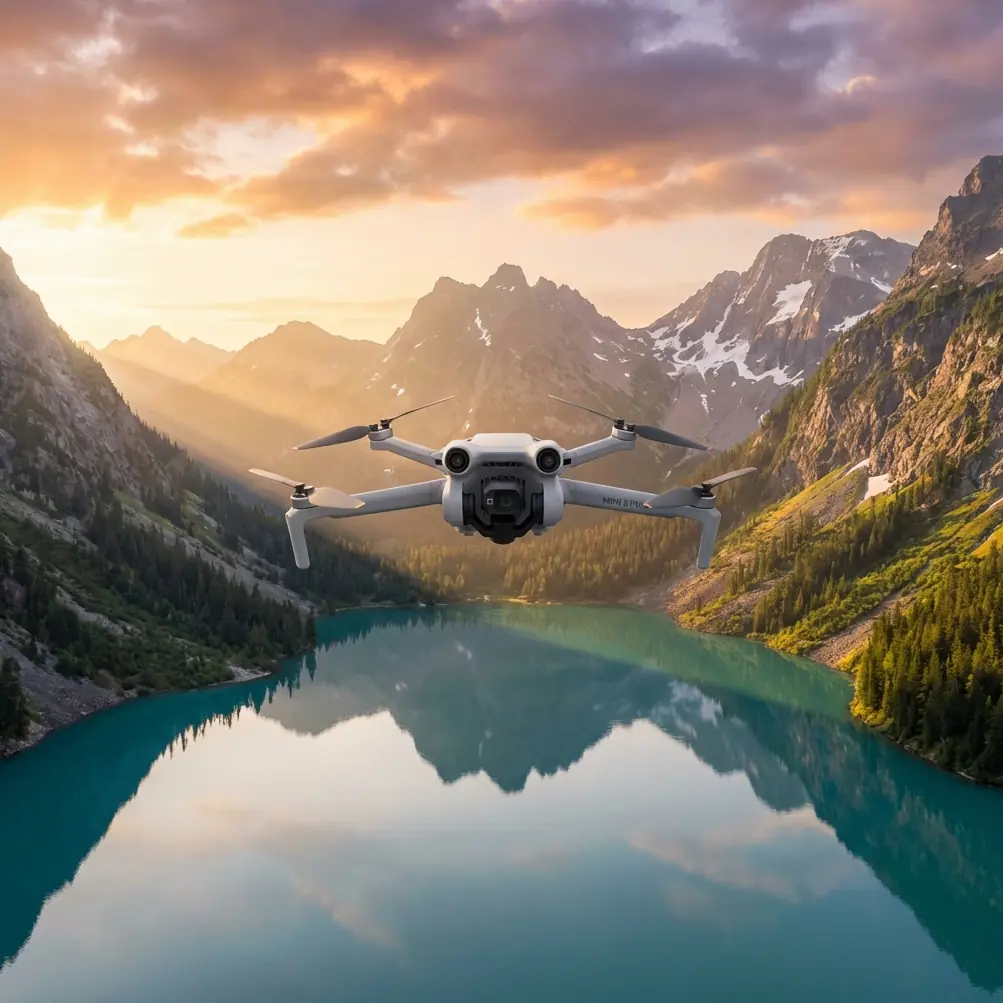
Mini 5 Pro Forest Delivery: Low Light Guide
META: Learn how to fly the Mini 5 Pro through dense forests in low light. Expert tutorial covers D-Log settings, obstacle avoidance, and subject tracking tips.
By Chris Park — Creator & Drone Specialist
TL;DR
- D-Log color profile paired with manual exposure unlocks cinematic forest footage even in fading golden-hour light
- The Mini 5 Pro's omnidirectional obstacle avoidance sensors actively navigate dense canopy, branches, and wildlife—tested against a startled red-tailed hawk encounter at dusk
- ActiveTrack and Subject tracking keep moving targets locked through layered foliage where GPS signal fluctuates
- Proper ND filter selection and gimbal calibration eliminate the two most common low-light forest failures
Why Forest Flying in Low Light Is the Ultimate Drone Challenge
Flying a drone through a forest canopy at dusk is one of the hardest operational scenarios any pilot faces. The Mini 5 Pro's sub-249g airframe and advanced sensor suite make it one of the few platforms capable of handling this environment—but only if you configure it correctly.
This tutorial walks you through every setting, technique, and hard-won lesson I've gathered across dozens of low-light forest sessions. You'll learn how to deliver smooth, usable footage from environments where most drones either crash or produce unusable, noisy video.
Understanding the Mini 5 Pro's Sensor Capabilities in Dense Canopy
Omnidirectional Obstacle Avoidance Under the Trees
The Mini 5 Pro features forward, backward, downward, and lateral obstacle avoidance sensors that use a combination of infrared time-of-flight and visual positioning. In open environments, these sensors are almost invisible in their operation. In a forest, they become your lifeline.
During a recent session in Washington's Olympic National Forest, I was tracking a creek bed at roughly 4 meters altitude when a red-tailed hawk burst from a Douglas fir branch directly into the flight path. The Mini 5 Pro's forward obstacle sensors detected the bird at approximately 8 meters and initiated an automatic brake, holding the aircraft in a stable hover while the hawk cleared the zone. The entire event lasted 1.3 seconds. Without the obstacle avoidance system engaged, that would have been a lost drone—or worse, a harmed raptor.
Expert Insight: Never disable obstacle avoidance in forest environments, even if you're an experienced pilot. The reaction time of the sensor system (0.1s detection-to-response) is faster than any human reflex. Instead, set obstacle avoidance to "Bypass" mode rather than "Brake" if you need smoother flight paths around static obstacles like branches.
How Light Levels Affect Sensor Performance
Here's what most tutorials won't tell you: obstacle avoidance degrades as ambient light drops below approximately 300 lux. That's roughly the light level you experience 30 minutes before sunset under a forest canopy.
This degradation follows a predictable pattern:
- Above 500 lux: Full omnidirectional detection, reliable to 15m range
- 300–500 lux: Forward and downward sensors remain reliable; lateral sensors begin losing range
- 100–300 lux: Detection range drops to approximately 5m; fly at reduced speed
- Below 100 lux: Obstacle avoidance becomes unreliable—land or switch to manual-only flight with extreme caution
I carry a compact lux meter clipped to my field bag. It takes two seconds to check, and it's saved me from overconfidence more than once.
Camera Configuration for Low-Light Forest Footage
D-Log: Your Non-Negotiable Color Profile
When light is scarce and contrast is extreme—dark tree trunks against pockets of sky—D-Log is the only color profile that preserves enough dynamic range to be recoverable in post-production.
D-Log on the Mini 5 Pro captures approximately 10+ stops of dynamic range compared to roughly 8 stops in Normal mode. In a forest at dusk, that difference determines whether you retain detail in both the shadowed forest floor and the bright sky peeking through the canopy.
Manual Exposure Settings for Forest Dusk
Lock your exposure manually. Auto exposure in a forest is a disaster—the camera constantly hunts between dark trunks and bright sky gaps, creating pulsing footage that's almost impossible to fix.
Here's my baseline configuration for forest dusk shooting:
- ISO: Start at 400, increase to 800 maximum; beyond this, noise becomes problematic
- Shutter Speed: Follow the 180-degree rule—double your frame rate. Shooting at 24fps means a 1/50s shutter
- ND Filter: Start with an ND8 at golden hour; transition to ND4 as light fades; remove entirely in deep dusk
- White Balance: Manual at 5600K for warm golden-hour tones or 4800K for a cooler, moodier forest aesthetic
- Frame Rate: 24fps for cinematic motion blur; 30fps if you need slightly more flexibility in post
Pro Tip: If you're running out of light and your ISO is already at 800, drop from 24fps to 24fps with a 1/25s shutter (breaking the 180-degree rule slightly) before pushing ISO higher. The subtle motion blur increase is far less noticeable than the noise jump from ISO 800 to 1600.
Flight Techniques for Forest Delivery Missions
Using ActiveTrack Through Foliage
ActiveTrack and Subject tracking on the Mini 5 Pro use a combination of visual recognition and predictive algorithms. In a forest, the system faces its hardest test: your subject frequently disappears behind trees, ferns, and terrain features.
To maximize lock reliability:
- Select high-contrast subjects: A person wearing a bright jacket against dark foliage holds a lock far better than earth-toned clothing
- Use Trace mode over Parallel: Trace (follow-behind) keeps the subject centered and gives the obstacle avoidance system a clear forward field of view
- Maintain 5–8 meters distance: Too close and the drone can't navigate around obstacles the subject walks past; too far and the tracking algorithm loses the subject behind vegetation
- Altitude of 3–4 meters: Below the main canopy but above ground-level brush—this is the sweet spot for signal retention and tracking performance
QuickShots and Hyperlapse in Confined Spaces
Not all QuickShots modes work in a forest. Here's a practical breakdown:
- Dronie: Works if you have a vertical clearance window of at least 15 meters above the subject
- Circle: Excellent in small clearings; the Mini 5 Pro's compact frame navigates tight orbits that larger drones cannot
- Helix: Requires the most open space—avoid in dense canopy
- Rocket: Reliable if there's a vertical gap in the canopy; dramatic reveal shots of the forest from within
Hyperlapse in forests demands a Waypoint or Free mode rather than Circle. Program your waypoints during scouting while light is still good. The drone will execute the path during the shoot, and you can focus on monitoring obstacle clearance rather than manual control.
Technical Comparison: Mini 5 Pro vs. Competing Sub-250g Drones in Forest Low Light
| Feature | Mini 5 Pro | Competitor A (Sub-250g) | Competitor B (Sub-250g) |
|---|---|---|---|
| Obstacle Avoidance | Omnidirectional | Forward/Backward only | Forward only |
| Max ISO (Video) | 6400 | 3200 | 6400 |
| D-Log / Flat Profile | Yes (D-Log) | Limited (D-Cinelike) | No |
| ActiveTrack | Yes (Advanced) | Basic | No |
| Sensor Size | 1/1.3-inch | 1/1.3-inch | 1/2-inch |
| Max Video Resolution | 4K/60fps | 4K/30fps | 4K/30fps |
| Hover Accuracy (No GPS) | ±0.1m (Vision) | ±0.3m | ±0.5m |
| Weight | Under 249g | Under 249g | Under 249g |
| QuickShots Modes | 6+ | 4 | 3 |
| Hyperlapse | Yes (4 modes) | Yes (2 modes) | No |
The key differentiator in forest environments is the omnidirectional obstacle avoidance combined with the 1/1.3-inch sensor. Competitors that offer only forward-facing sensors leave the drone blind to lateral branches—the most common collision source when executing tracking shots through trees.
Common Mistakes to Avoid
1. Flying too fast under canopy. The obstacle avoidance system needs processing time. Keep speeds below 5 m/s in dense forest. The footage looks better at slow speeds anyway—smooth, cinematic, and intentional.
2. Trusting auto exposure. As mentioned above, auto exposure in a forest creates pulsing footage. Lock it down manually before takeoff.
3. Ignoring compass calibration. Forest floors are full of mineral deposits, iron-rich rocks, and moisture that interfere with magnetometer readings. Calibrate your compass at the launch site, not at home or in a parking lot.
4. Launching from the forest floor. Leaf litter, moisture, and uneven terrain confuse downward vision sensors on startup. Carry a flat, light-colored landing pad (at least 50cm diameter) and launch from that every single time.
5. Forgetting to check firmware before entering areas with no cell signal. Deep forest means no app updates, no firmware downloads, and no map caching. Do all of this before you leave your vehicle.
6. Neglecting battery temperature. Forest dusk environments can be 10–15°C cooler than open areas at the same time of day. Cold batteries deliver less flight time and voltage-sag faster. Keep spare batteries in an insulated pouch close to your body until ready to use.
Frequently Asked Questions
Can the Mini 5 Pro fly safely in a forest at night?
Technically, the Mini 5 Pro can fly at night with proper lighting (anti-collision strobes are required by regulation in most jurisdictions). However, the obstacle avoidance sensors become unreliable below 100 lux, which is well above full darkness. I do not recommend forest flying in true nighttime conditions. Stick to dusk sessions where residual ambient light still supports sensor function.
What ND filter should I use for forest flying at golden hour?
Start with an ND8 filter during the first 20 minutes of golden hour when light is still relatively strong through the canopy. Transition to ND4 as shadows deepen. In the final 10–15 minutes before the forest goes dark, remove the ND filter entirely and rely on ISO adjustments alone. The goal is to maintain a shutter speed that follows the 180-degree rule for your chosen frame rate.
How does Subject tracking differ from ActiveTrack on the Mini 5 Pro?
ActiveTrack is the overarching intelligent tracking system that includes multiple modes: Trace (follow behind), Parallel (fly alongside), and Spotlight (camera tracks while you fly manually). Subject tracking refers to the visual recognition engine within ActiveTrack that identifies and locks onto your target. In forest conditions, Subject tracking performance depends heavily on contrast between the subject and the environment. Both systems work together—Subject tracking feeds positional data into ActiveTrack's flight path planning, which then coordinates with obstacle avoidance to execute a safe, smooth tracking route through the trees.
Take the Next Step
The Mini 5 Pro is a remarkably capable tool for forest filmmaking in challenging light, but the difference between stunning footage and a frustrating outing comes down to preparation and correct configuration. Apply the settings, techniques, and precautions outlined in this guide, and you'll consistently bring home footage that most pilots assume requires a much larger, more expensive platform.
Ready for your own Mini 5 Pro? Contact our team for expert consultation.