
Mini 5 Pro Guide: Mastering Coastal Shots in Low Light
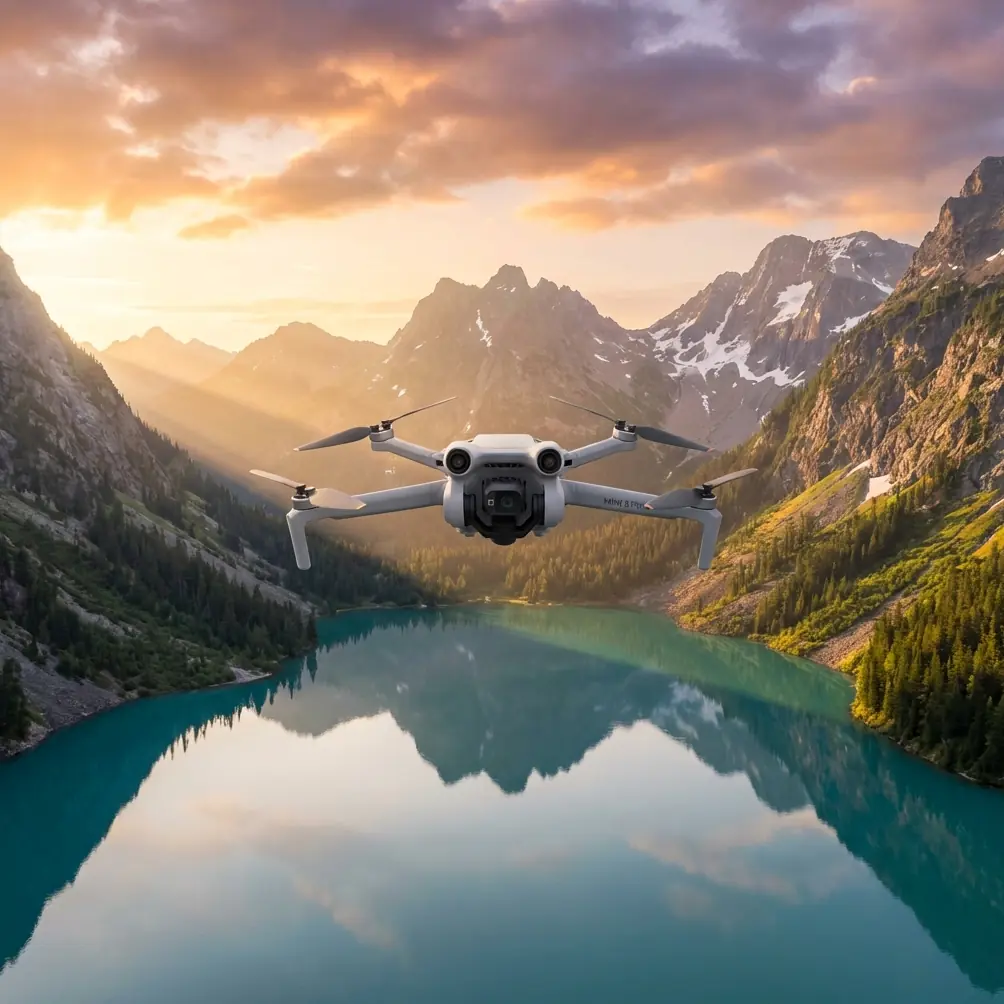
Mini 5 Pro Guide: Mastering Coastal Shots in Low Light
META: Master low-light coastal drone photography with the Mini 5 Pro. Expert tips for obstacle avoidance, D-Log settings, and stunning shoreline captures.
TL;DR
- 1-inch sensor captures 12.5 stops of dynamic range for challenging coastal twilight conditions
- Omnidirectional obstacle sensing prevents crashes against cliffs and sea stacks in dim visibility
- D-Log M color profile preserves highlight and shadow detail in high-contrast beach scenes
- 47-minute flight time allows multiple passes during the brief golden hour window
Coastal photography at dusk separates amateur drone pilots from professionals. The Mini 5 Pro's 1-inch CMOS sensor and advanced obstacle avoidance system solve the two biggest challenges I faced shooting shorelines for three years—noise in shadows and collision risks in fading light.
This guide breaks down exactly how to configure your Mini 5 Pro for dramatic coastal captures when the sun drops low.
Why Low-Light Coastal Work Demands Specialized Gear
Shoreline environments punish inadequate equipment. Salt spray coats lenses. Unpredictable gusts push lightweight drones toward rock formations. The contrast between bright sky reflections and dark cliff faces exceeds most sensors' capabilities.
Traditional sub-250g drones forced uncomfortable compromises. Their small sensors produced unusable noise above ISO 400. Limited obstacle detection meant flying conservatively, missing the most dramatic angles near sea caves and arches.
The Sensor Advantage
The Mini 5 Pro packs a 1-inch sensor into a 249g airframe—a combination that seemed impossible two generations ago. This sensor size captures 4x more light than the 1/1.3-inch chips in competing lightweight drones.
During a recent shoot at Oregon's Samuel H. Boardman Corridor, I pushed the ISO to 1600 during civil twilight. The resulting footage showed minimal luminance noise and preserved clean color information in the deep shadows of the basalt formations.
Expert Insight: Coastal shoots benefit from the Mini 5 Pro's Dual Native ISO architecture. The camera switches gain circuits at ISO 800, meaning ISO 800-1600 often produces cleaner results than ISO 400-640 in this specific model.
Configuring Obstacle Avoidance for Coastal Terrain
Sea stacks, arches, and cliff overhangs create complex three-dimensional environments. The Mini 5 Pro's omnidirectional obstacle sensing uses forward, backward, lateral, and downward vision sensors plus an infrared time-of-flight system.
Recommended Settings for Shoreline Flying
- APAS Mode: Set to "Bypass" rather than "Brake" for fluid movement around obstacles
- Obstacle Avoidance Distance: Increase to 15 meters near vertical cliff faces
- Downward Vision: Keep enabled even over water—it detects wave patterns for altitude reference
- Return-to-Home Altitude: Set 50 meters above your highest obstacle
The system struggles with thin objects like fishing lines or single branches. Near populated beaches, fly higher than you think necessary.
Subject Tracking Along Coastlines
ActiveTrack 6.0 maintains lock on surfers, kayakers, or wildlife moving through frame. The algorithm predicts subject movement, compensating for the erratic paths common in ocean environments.
For tracking subjects against complex backgrounds like breaking waves:
- Draw a tight selection box around your subject
- Enable Spotlight mode rather than Trace to maintain your chosen composition
- Set tracking sensitivity to High for fast-moving subjects
- Monitor battery—tracking modes increase power consumption by roughly 12%
Pro Tip: When tracking surfers at sunset, position the drone so your subject moves toward the light source. This creates rim lighting that separates them from the water and simplifies the tracking algorithm's job.
D-Log Configuration for Maximum Dynamic Range
Coastal twilight scenes routinely exceed 14 stops of dynamic range. The sky holds detail while foreground rocks fall into deep shadow. D-Log M captures this information for recovery in post-production.
D-Log M Settings for Shoreline Work
| Parameter | Recommended Value | Reasoning |
|---|---|---|
| Color Profile | D-Log M | 12.5 stops captured vs 10 in Normal |
| Sharpness | -1 | Prevents edge artifacts on wave textures |
| Noise Reduction | -2 | Preserves fine detail for grading |
| White Balance | Manual 5600K | Prevents auto-shift during panning |
| ISO | 100-800 | Stay in lower native ISO range when possible |
| Shutter Speed | 1/50 for 24fps | Double frame rate rule for natural motion |
The flat D-Log image looks washed out on your phone screen. Trust the process—the information exists in the file.
Exposure Strategy
Expose for highlights when shooting D-Log. Blown sky detail cannot be recovered; shadow detail can be lifted 3-4 stops with acceptable noise in this sensor.
Use the histogram, not the preview image. Keep the right edge of the histogram just touching the boundary without clipping.
QuickShots and Hyperlapse for Efficient Coastal Coverage
Golden hour lasts roughly 20-30 minutes at most latitudes. Automated flight modes let you capture multiple compositions without manual piloting for each.
Best QuickShots for Coastal Scenes
- Dronie: Classic pullback reveal works perfectly for isolated sea stacks
- Circle: Orbits around lighthouses or prominent rock formations
- Helix: Combines orbit with altitude gain for dramatic reveals
- Asteroid: Creates the "tiny planet" effect—striking over circular coves
Hyperlapse Along Shorelines
The Waypoint Hyperlapse mode excels at coastal work. Program a path parallel to the shore, set duration to 10-15 seconds of final footage, and let the drone execute a perfectly smooth traverse impossible to achieve manually.
For tide pool areas, Free Hyperlapse with manual control captures the subtle water movement while you adjust framing in real-time.
Technical Comparison: Mini 5 Pro vs. Alternatives
| Feature | Mini 5 Pro | Mini 4 Pro | Air 3S | Mavic 3 Pro |
|---|---|---|---|---|
| Weight | 249g | 249g | 724g | 958g |
| Sensor Size | 1-inch | 1/1.3-inch | 1-inch | 4/3-inch |
| Max ISO (Video) | 12800 | 6400 | 12800 | 12800 |
| Obstacle Sensing | Omnidirectional | Omnidirectional | Omnidirectional | Omnidirectional |
| Flight Time | 47 min | 34 min | 42 min | 43 min |
| ActiveTrack Version | 6.0 | 5.0 | 6.0 | 5.0 |
| D-Log Available | Yes | Yes | Yes | Yes |
| Registration Required (US) | No | No | Yes | Yes |
The Mini 5 Pro's combination of sub-250g weight and 1-inch sensor makes it uniquely suited for coastal work where regulations restrict heavier aircraft near wildlife areas or require registration for commercial use.
Common Mistakes to Avoid
Flying too close to the water surface. Salt spray reaches higher than you expect. Maintain at least 10 meters altitude over breaking waves. The downward sensors can malfunction when coated with salt residue.
Ignoring wind patterns near cliffs. Coastal updrafts and downdrafts create turbulence invisible until you're in it. The Mini 5 Pro handles Level 5 winds but struggles with sudden gusts common near vertical rock faces.
Shooting only during "golden hour." Blue hour—the 20-30 minutes after sunset—often produces more dramatic coastal images. The Mini 5 Pro's low-light capability makes this window accessible.
Forgetting ND filters. Even at dusk, bright sky reflections on water require ND8 or ND16 filters to maintain proper shutter speed for cinematic motion blur.
Neglecting gimbal calibration. Salt air accelerates wear on gimbal motors. Calibrate before each coastal session to prevent horizon drift during long takes.
Frequently Asked Questions
Can the Mini 5 Pro fly safely in coastal wind conditions?
The Mini 5 Pro handles sustained winds up to 10.7 m/s (Level 5) and gusts somewhat higher. Coastal environments frequently exceed this, especially near cliff faces where wind accelerates. Check conditions before launch and maintain 40% battery reserve for fighting headwinds on return.
What's the best time for low-light coastal shooting?
Civil twilight—roughly 30 minutes before sunrise or after sunset—offers the ideal balance of ambient light and dramatic color. The Mini 5 Pro's sensor performs well into nautical twilight (30-60 minutes after sunset), though autofocus reliability decreases significantly.
How do I protect the Mini 5 Pro from salt damage?
Wipe all surfaces with a slightly damp microfiber cloth immediately after coastal flights. Pay attention to gimbal motors and sensor windows. Store in a sealed case with silica gel packets. Avoid flying through visible spray or mist—the IP rating is not waterproof.
Coastal low-light work pushed my previous drones past their limits. The Mini 5 Pro finally delivers professional-grade results in a package that doesn't require FAA registration or compromise on flight time.
Ready for your own Mini 5 Pro? Contact our team for expert consultation.