
Mini 5 Pro Guide for Urban Vineyard Shoots
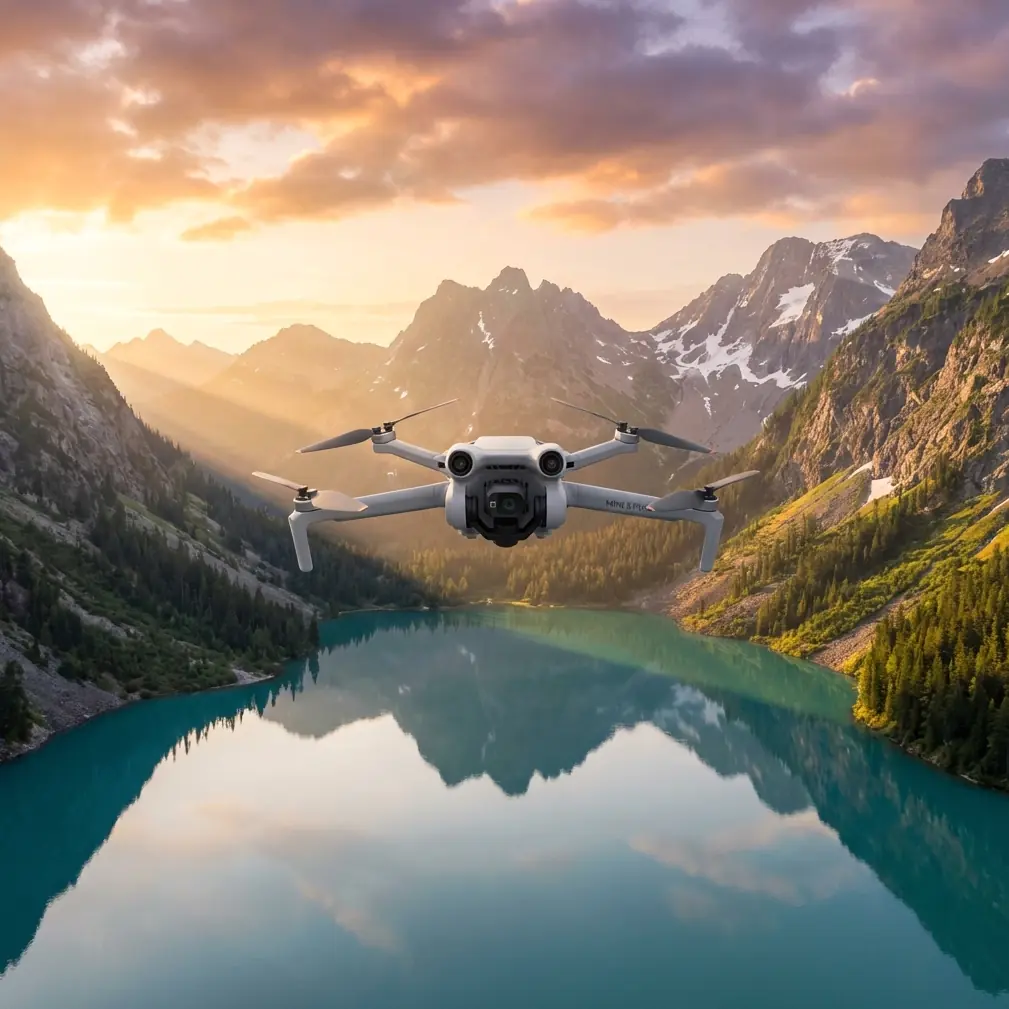
Mini 5 Pro Guide for Urban Vineyard Shoots: Battery Discipline, Media Reliability, and Smoother Flight Days
META: A practical Mini 5 Pro field guide for filming urban vineyards, with expert tips on battery handling, SD card reliability, overheating awareness, and safer day-to-day workflow.
Urban vineyard work asks more from a small drone than most people expect.
On paper, the Mini 5 Pro sounds like the easy part: compact airframe, obstacle avoidance, ActiveTrack-style subject following, QuickShots, Hyperlapse options, and color profiles such as D-Log for flexible grading. In the field, though, the difference between a clean shoot and a frustrating one usually comes down to something less glamorous: power management, card health, and heat control.
That’s the angle most pilots overlook when they plan a vineyard session inside or near a city.
I’ve seen crews obsess over shot lists and forget the basic conditions that keep a lightweight camera drone productive for an entire morning. If you’re capturing an urban vineyard—tight property lines, reflective surfaces, narrow rows, nearby roads, occasional foot traffic—you need a workflow that protects your footage before you ever think about your final edit.
This guide is built around a few very specific operational lessons pulled from device manual material that still applies surprisingly well to modern drone work: rechargeable lithium battery handling, card formatting discipline, file repair behavior after interrupted recording, and thermal warning awareness. Those details may sound mundane. They are not. They are often what saves a day of vineyard footage.
Why urban vineyard shoots punish sloppy workflow
A vineyard in a rural valley gives you room to recover from mistakes. An urban vineyard usually doesn’t.
You may be working between buildings, walls, access roads, decorative lighting, pergolas, fences, and visitor areas. That means more stop-start flight patterns, more precise obstacle avoidance use, more short clips instead of one long orbit, and more pressure on the pilot to relaunch quickly after changing batteries or reviewing footage.
That operational tempo creates three common failure points:
- Batteries get cycled hard and stored carelessly.
- microSD cards stay in service too long without proper formatting.
- Heat builds during repeated takes, especially in warm weather or on still afternoons.
The Mini 5 Pro’s smart flight features can reduce pilot workload, but they can’t fix a neglected battery, a corrupted clip, or a card that has become unreliable.
Start with the battery, not the camera settings
The most useful field habit I can give any Mini 5 Pro pilot shooting vineyards is this: treat battery management as part of image quality.
That sounds backwards until you’ve lost a key pass because a pack was mishandled, overheated, or swapped in carelessly.
One reference point worth carrying into your routine comes from lithium battery disposal guidance: many rechargeable lithium-ion batteries are classified in many places as non-hazardous waste, but local laws may require recycling, and terminals should be protected with packaging, shielding, or electrical tape during transport to prevent fire risk. There’s also a very practical recycling pathway mentioned through Call2Recycle and the North American number 1-800-BATTERY.
Why does that matter to a Mini 5 Pro owner filming vineyards?
Because responsible end-of-life handling begins with responsible in-field handling. Pilots who understand that lithium packs can become a transport and fire concern when neglected usually also become better at day-to-day battery discipline. They stop tossing depleted packs loose into a gear bag with metal tools, spare screws, adapters, or keys. They stop leaving warm batteries in direct sun on a stone wall beside the vines. And they stop assuming that a battery is “fine” just because it powers on.
For urban vineyard work, I recommend a simple battery flow:
- Mark packs clearly.
- Rotate them in order.
- Let a warm battery cool before charging or bagging it tightly.
- Keep terminals protected during transport.
- Retire questionable batteries early instead of trying to squeeze one more session from them.
That last point matters more than people think. A lightweight drone over vines, pathways, tasting areas, or rooftop-adjacent spaces is not where you want voltage inconsistency or thermal stress.
A field tip from experience
My own habit after a vineyard shoot is to isolate spent batteries in a separate pouch the moment they come out of the drone. Not in the same compartment as fresh packs. Not loose in a side pocket. Separate, oriented the same way, contacts protected.
It sounds basic. It also prevents the classic end-of-day confusion where a half-used battery gets put back into service for one final Hyperlapse run over the rows just as the light turns perfect.
That is how “one last shot” becomes the one you don’t trust.
Card reliability is a production issue, not an IT issue
The manual excerpt includes several storage warnings that are directly relevant to Mini 5 Pro operators, even if the source device is different.
The messages are familiar in spirit:
- NO SD: no card detected, so no recording.
- FORMAT SD?: card not formatted or not properly formatted.
- FULL: storage card full.
- SD ERR: the device cannot read the card format.
- A professional tip in the source advises users to regularly reformat the microSD card to keep it in good condition.
That last detail is gold for drone operators.
Urban vineyard jobs create lots of short assets: reveal shots from behind trellises, top-down geometry of rows, low lateral passes, orbit variations around a tasting deck, and repeat takes for changing sun angles. That means your card sees constant write cycles and frequent start-stop recording. If you simply dump files and keep using the same card forever without regular in-device formatting, you increase the odds of card instability at exactly the wrong time.
For Mini 5 Pro work, I’d make this your standard:
Before the shoot
- Offload all media.
- Confirm backup integrity.
- Reformat the card in the aircraft or approved workflow before the next major session.
During the shoot
- Monitor capacity before a long sequence like Hyperlapse.
- Don’t assume “a few gigabytes left” is enough for your intended codec and profile.
- If the drone behaves oddly around media, stop and investigate immediately.
After the shoot
- Don’t leave the card full for days.
- Archive, verify, then format before the next assignment.
The practical benefit is simple: fewer interrupted takes, fewer media errors, and less uncertainty when you’re flying a precise route between structures or over narrow planting lines.
If a file repair icon appears, do not panic
Another highly relevant detail in the source material is the file repair icon. When it appears, it indicates that the previous video file was damaged during recording, and pressing any button initiates repair.
Operationally, this matters a lot.
Modern pilots often assume that if a clip is interrupted—whether by abrupt power loss, forced shutdown, impact-free hard stop, or some other recording disruption—the footage is gone. Sometimes it is. Sometimes the device can reconstruct the file container or recover enough metadata to make the clip usable.
For a Mini 5 Pro user shooting vineyards, this has two implications:
Do not rush your shutdown sequence.
After landing from a key take—say an ActiveTrack pass following a utility cart between rows or a slow D-Log reveal rising above an urban edge—let recording finish properly before powering down.If the aircraft or app indicates file repair, follow the recovery process before making assumptions.
That can be the difference between losing a sunrise establishing shot and salvaging it.
This is especially relevant on jobs where light changes fast. Urban vineyards often have patchy illumination due to nearby buildings and shadows. If your best clip was captured in a narrow 10-minute window, file recovery can save the sequence that defines the entire project.
Heat warnings deserve more respect than they get
The source material also mentions a temperature icon that appears when the camera needs to cool down, with a built-in protection behavior that prevents overheating.
That principle carries over directly to compact drones.
Mini-class aircraft are efficient, but they are also tightly packaged systems. During repeated climbs, long hover setups, active processing, and high ambient temperatures, heat can become a limiting factor. Add urban surfaces—concrete, masonry, rooftops, parked vehicles—and the local environment can be significantly hotter than the day’s reported air temperature.
Here’s where overheating quietly damages productivity in vineyard filming:
- You shorten battery life by pushing hot packs back into rotation too quickly.
- You risk interrupted takes if the system begins protecting itself.
- You reduce consistency across repeated passes, which matters when trying to match motion for an edited sequence.
My recommendation is straightforward:
- Avoid leaving the drone powered on unnecessarily while discussing shot changes.
- Land between sequences rather than idling for long periods.
- Give the aircraft and battery time to cool if you’ve just shot multiple QuickShots or repeated obstacle-heavy tracking attempts.
- Use the cooler part of the day for the most demanding sequences.
Early morning is usually ideal for vineyard texture anyway. Leaves hold shape better, shadows describe row spacing beautifully, and the calmer environment is kinder to a small drone.
How to build a Mini 5 Pro vineyard workflow that actually holds up
Let’s connect the technical dots to the real assignment.
Imagine you’re filming a vineyard embedded in an urban district. The client wants a short promotional reel plus a few mapping-style overheads for planning and a smooth social clip featuring visitors walking along the rows.
A solid Mini 5 Pro workflow might look like this:
1. Open with a system check, not a creative impulse
Before takeoff, confirm battery state, card formatting, storage space, and thermal baseline. You’re not delaying creativity. You’re protecting it.
2. Use obstacle avoidance as a buffer, not a crutch
In vineyards with posts, wires, signage, and built structures nearby, obstacle avoidance helps manage risk. But plan clean flight paths anyway. Avoid forcing the system into constant edge-case decisions.
3. Save ActiveTrack for predictable motion
If you’re following a worker cart, walking tour, or maintenance vehicle, choose routes with clear separation from wires, trellises, and trees. Subject tracking is powerful, but vineyard geometry can confuse line-of-sight and create awkward framing if you launch into it casually.
4. Reserve Hyperlapse for controlled conditions
Hyperlapse over vineyard rows can look exceptional in a city setting because the repetition of vines contrasts with surrounding architecture. But it is media- and power-intensive. That makes card health and battery confidence especially important.
5. Shoot D-Log when the scene truly needs grading latitude
Urban vineyards often contain hard contrast: bright sky, dark foliage, reflective glass nearby. D-Log can help preserve flexibility, but only if your post workflow supports it. If turnaround is tight, consistency may matter more than maximum grading range.
6. Keep one battery in reserve for correction shots
Never spend every pack chasing optional variations early in the day. Keep one battery untouched if possible. Vineyard work often reveals missing inserts only after reviewing the first sequence.
The hidden professionalism of end-of-life planning
One detail from the source deserves a second mention: the recommendation to recycle lithium-ion batteries through established channels such as call2recycle.org or 1-800-BATTERY in North America, while also checking local laws and never disposing of a battery in fire.
This matters beyond environmental compliance.
If you manage a fleet of Mini 5 Pro batteries for recurring vineyard documentation, tourism content, or crop-progress imaging, battery retirement should be part of your operating system. A degraded pack is not “backup gear.” It is a future interruption.
A professional workflow includes:
- tracking battery age and behavior,
- removing unreliable packs from active use,
- protecting terminals during transport,
- and recycling batteries through approved local pathways.
That’s not admin work. That’s risk control.
One overlooked prep step before a vineyard shoot
If you only adopt one new habit from this article, make it this: regularly reformat your microSD card after verified backup.
That small practice, explicitly recommended in the source material as a way to help keep the card in good condition, solves an astonishing number of field headaches. It reduces the odds of unreadable media, odd recording behavior, and failed long-take captures. In urban vineyard production—where you may only get one calm weather window or one brief golden-hour slot—that reliability is worth more than another accessory.
If you’re planning a Mini 5 Pro setup for vineyard filming and want a practical second opinion on workflow, flight prep, or accessory choices, you can message here for a direct field-focused chat.
The real takeaway
People shopping for a Mini 5 Pro usually focus on the visible features: obstacle avoidance, tracking modes, QuickShots, image profile options. Those matter. But for urban vineyard work, the less visible habits are what keep the aircraft useful across an entire project.
A protected lithium battery terminal reduces transport risk. A properly formatted microSD card reduces recording uncertainty. Understanding file repair behavior can save a damaged clip. Respecting thermal warnings prevents unnecessary downtime. None of that is flashy. All of it is operationally significant.
When those fundamentals are handled well, the Mini 5 Pro can do what it’s supposed to do: move quietly through a constrained urban landscape, pull elegant geometry from vineyard rows, and give you footage that survives the trip from takeoff to edit.
Ready for your own Mini 5 Pro? Contact our team for expert consultation.