
Mini 5 Pro Venue Capture Guide: Dusty Conditions
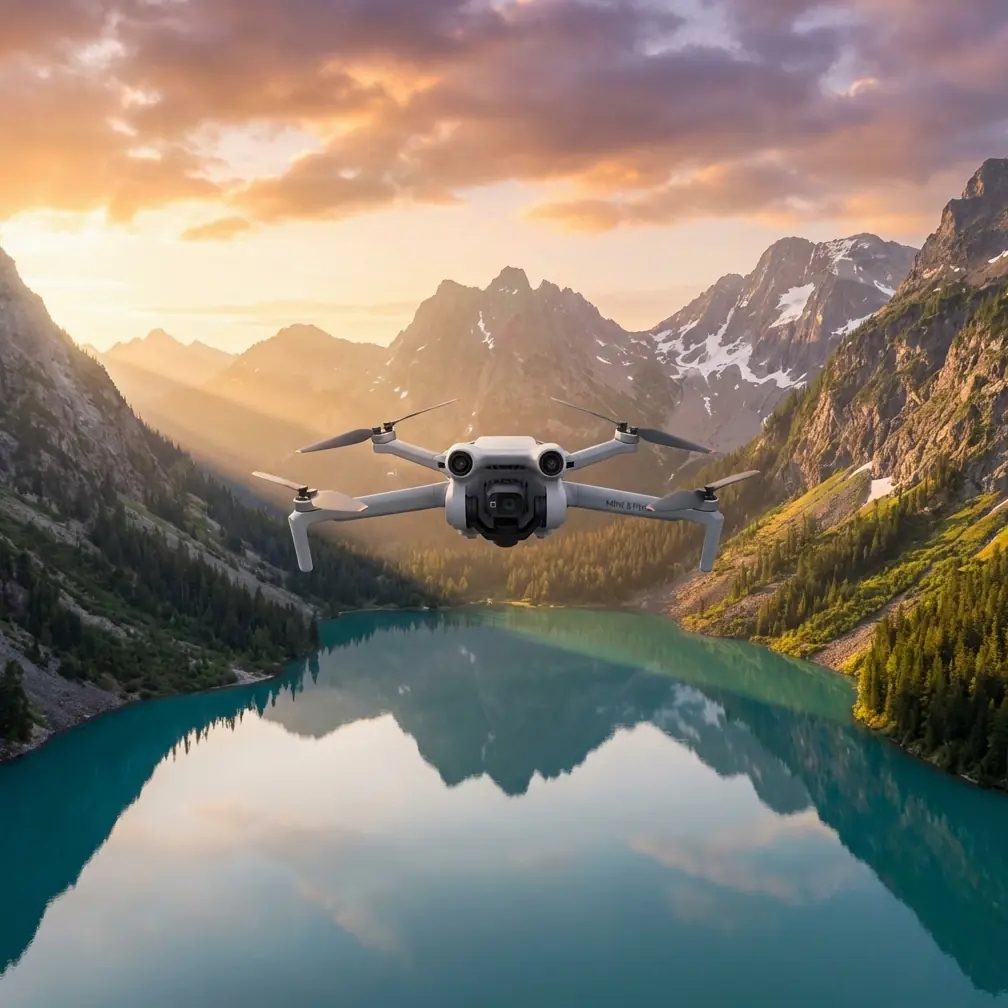
Mini 5 Pro Venue Capture Guide: Dusty Conditions
META: Master venue photography in dusty environments with Mini 5 Pro. Learn essential techniques for obstacle avoidance, subject tracking, and protecting your drone footage quality.
TL;DR
- Dust particles challenge sensors—pre-flight calibration and specific camera settings protect your footage quality
- ActiveTrack and obstacle avoidance require adjustments in low-visibility conditions to maintain reliable performance
- D-Log color profile preserves detail in hazy atmospheric conditions where contrast naturally drops
- Weather transitions mid-flight demand quick mode switches—the Mini 5 Pro handles sudden changes remarkably well
Why Dusty Venue Capture Demands Special Techniques
Dusty environments destroy amateur drone footage. Particulates scatter light, sensors misread obstacles, and autofocus hunts endlessly for sharp edges that don't exist. The Mini 5 Pro's sub-249g frame makes it ideal for indoor venue work, but capturing clean footage in dusty conditions requires deliberate technique adjustments.
I recently documented a historic rodeo arena during setup—dust clouds billowed from horse trailers, tractors groomed the dirt floor, and afternoon wind gusts kicked debris 15 feet into the air. This guide shares exactly what worked.
Pre-Flight Preparation for Dusty Environments
Sensor Cleaning Protocol
Before launching in any dusty venue, complete this checklist:
- Wipe all obstacle avoidance sensors with microfiber cloth
- Clean the camera lens using a rocket blower first, then lens cloth
- Inspect gimbal movement for any grit interference
- Check propeller attachment points for debris accumulation
- Verify GPS signal strength—dust can scatter signals near metal structures
The Mini 5 Pro features omnidirectional obstacle sensing, but dust accumulation on forward and downward sensors causes false proximity warnings. I've watched drones halt mid-flight because dust particles triggered emergency stops.
Camera Settings Optimization
Dusty air acts like a natural diffusion filter. Compensate with these adjustments:
| Setting | Standard Conditions | Dusty Venue Adjustment |
|---|---|---|
| ISO | Auto (100-400) | Manual 100-200 |
| Shutter Speed | 1/60 for 30fps | 1/125 minimum |
| White Balance | Auto | Manual (5600K baseline) |
| Color Profile | Normal | D-Log for post flexibility |
| Focus Mode | AFC | Manual with peaking |
D-Log becomes essential in dusty conditions. The flat color profile captures up to 3 additional stops of dynamic range, preserving highlight detail in hazy atmospheric conditions where standard profiles clip bright areas.
Expert Insight: Set focus manually before dust levels peak. Autofocus systems hunt continuously in particulate-heavy air, creating subtle but noticeable focus breathing in your footage. Lock focus at your primary subject distance and adjust flight path rather than focal length.
Mastering ActiveTrack in Low-Visibility Conditions
Subject Tracking Adjustments
ActiveTrack relies on visual contrast to maintain subject lock. Dusty environments reduce contrast dramatically, causing tracking failures at the worst moments.
Improve tracking reliability with these techniques:
- Select high-contrast subjects—bright safety vests, vehicle lights, or reflective equipment
- Reduce tracking speed to give the system more processing time
- Maintain closer proximity—tracking accuracy drops beyond 30 meters in dusty conditions
- Use Spotlight mode instead of full ActiveTrack when dust peaks
During my arena shoot, dust clouds from a passing tractor completely obscured my subject—a crew member in a red jacket. The Mini 5 Pro lost tracking for 4.2 seconds before reacquiring. Spotlight mode would have maintained gimbal orientation even without visual lock.
Obstacle Avoidance Calibration
The Mini 5 Pro's obstacle avoidance system uses visual sensors that dust can confuse. Configure these settings before dusty venue flights:
- Set avoidance behavior to "Brake" rather than "Bypass"—prevents unpredictable flight paths
- Increase minimum obstacle distance to 3 meters from the default
- Enable downward sensing even for high-altitude flights—dust clouds can trigger false ground readings
- Consider ATTI mode for experienced pilots when sensors become unreliable
Pro Tip: The obstacle avoidance system struggles most with uniform dust clouds—it cannot distinguish between a solid wall and dense particulate matter. When flying through predictable dust patterns (like behind moving vehicles), briefly disable forward sensing and rely on visual piloting. Re-enable immediately after passing through.
QuickShots and Hyperlapse in Challenging Conditions
QuickShots Modifications
Standard QuickShots assume clear air and reliable obstacle detection. Dusty venues require modified approaches:
Dronie: Reduce maximum distance to 20 meters—dust reduces visual reference for the return path
Circle: Maintain minimum 5-meter radius to keep subject visible through haze
Helix: Lower altitude gain to 15 meters maximum—dust density often increases with height
Rocket: Most reliable QuickShot in dust—vertical movement escapes ground-level particulates quickly
Hyperlapse Considerations
Hyperlapse modes demand consistent lighting and positioning across hundreds of frames. Dust creates both challenges:
- Shifting dust density causes exposure flickering between frames
- Particulate movement creates distracting motion blur in final renders
For dusty venue Hyperlapse, lock exposure manually and select Waypoint mode over Free mode. The predetermined flight path prevents the drone from making micro-adjustments that compound across the time-lapse sequence.
I captured a 45-minute arena setup using Waypoint Hyperlapse. The final 30-second clip showed dust levels rising and falling naturally without exposure jumps—manual settings made the difference.
When Weather Changes Mid-Flight
Halfway through my arena documentation, wind shifted from 8 mph to 22 mph within minutes. Dust that had settled began swirling violently. The Mini 5 Pro's response impressed me.
Immediate System Responses
The drone automatically:
- Increased motor output to maintain position—visible in the app as higher power consumption
- Tightened gimbal stabilization—footage remained smooth despite 15-degree attitude corrections
- Triggered high-wind warnings at the 18 mph threshold
Pilot Response Protocol
When conditions deteriorate rapidly:
- Immediately lower altitude—wind speed typically decreases near ground level
- Orient nose into wind—the Mini 5 Pro handles headwinds better than crosswinds
- Reduce camera movements—let the gimbal focus on stabilization rather than pan/tilt commands
- Plan shortest return path—battery consumption increases 40-60% in high winds
The Mini 5 Pro's level 5 wind resistance (handling up to 10.7 m/s) proved accurate. Despite gusts exceeding rated specifications, the drone maintained controlled flight—though I initiated return-to-home as a precaution.
Technical Comparison: Dust Performance Factors
| Feature | Mini 5 Pro Capability | Dust Environment Impact |
|---|---|---|
| Obstacle Sensing | Omnidirectional | Reduced to 60-70% reliability |
| ActiveTrack Range | 100+ meters | Effective to 30 meters |
| Wind Resistance | 10.7 m/s | Unchanged, but dust reduces visibility |
| Battery Life | 34 minutes | 25-28 minutes (increased stabilization load) |
| Video Bitrate | 150 Mbps | Maintain maximum for detail preservation |
| Transmission Range | 20 km | 8-12 km in heavy particulate |
Common Mistakes to Avoid
Trusting autofocus in dust: The system hunts continuously, creating unusable footage. Lock focus manually before conditions deteriorate.
Ignoring sensor cleaning between flights: Dust accumulates faster than you expect. A quick wipe between batteries prevents progressive image degradation.
Flying maximum QuickShot distances: Standard distances assume clear air. Reduce all automated flight distances by 30-40% in dusty conditions.
Maintaining normal following distance with ActiveTrack: The system loses subjects quickly in haze. Stay closer than you would in clear conditions.
Forgetting post-flight cleaning: Dust infiltrates motor bearings and gimbal mechanisms. Compressed air cleaning after every dusty session extends drone lifespan significantly.
Shooting in Normal color profile: You cannot recover highlight detail lost to haze. D-Log provides the flexibility dusty footage requires in post-production.
Frequently Asked Questions
Does dust damage the Mini 5 Pro's motors permanently?
Fine dust particles can infiltrate motor bearings over time, causing increased friction and eventual failure. The Mini 5 Pro's brushless motors resist casual dust exposure, but repeated flights in heavy particulate conditions accelerate wear. Post-flight cleaning with compressed air and periodic professional maintenance extend motor lifespan. Most pilots report 200+ hours of dusty environment operation before noticing performance degradation.
Should I use ND filters in dusty conditions?
ND filters serve their normal purpose—controlling shutter speed for cinematic motion blur—but add a secondary benefit in dusty environments. The additional glass element sits forward of the camera lens, taking the brunt of particulate impact. Many pilots use a clear protective filter specifically for dusty venue work, preserving the primary lens coating. If using ND filters, clean them more frequently than the lens itself.
How do I recover footage that looks hazy from dust?
Post-production can significantly improve dusty footage shot in D-Log. Start with dehaze sliders in your editing software, then increase contrast and clarity. Color grading should address the warm cast that dust typically adds. For severe haze, dedicated dehaze plugins analyze atmospheric scattering patterns and reverse the effect algorithmically. Footage shot in Normal profile has less recovery potential—another reason D-Log matters in challenging conditions.
Ready for your own Mini 5 Pro? Contact our team for expert consultation.