
Mini 5 Pro for Solar Farms at Dawn and Dusk
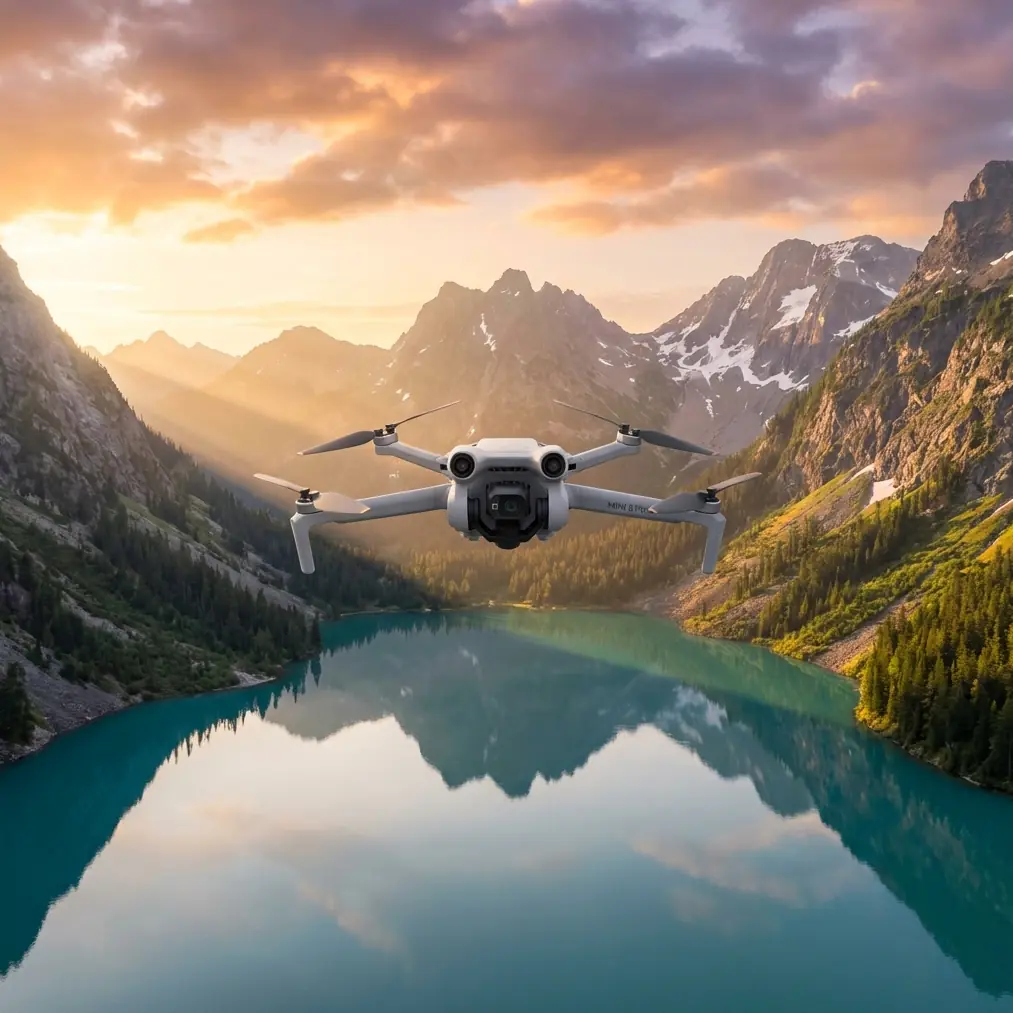
Mini 5 Pro for Solar Farms at Dawn and Dusk: What Actually Matters in Low Light
META: A practical, expert look at using the Mini 5 Pro for low-light solar farm footage, including obstacle avoidance, ActiveTrack, D-Log, Hyperlapse, QuickShots, and antenna positioning for stronger range.
Low-light work exposes the truth about any drone. Midday hides mistakes. Dawn and dusk do not.
If your goal is to capture a solar farm when the site looks its best, that usually means working near sunrise, sunset, or under heavy cloud. Those are the moments when panel rows pick up texture, inverter stations separate from the background, perimeter fencing stops blowing out, and the site feels dimensional instead of flat. They are also the moments when small drones get tested hardest. Contrast rises. Shadows deepen. Navigation gets less forgiving. Signal discipline matters more than most pilots admit.
That is where the Mini 5 Pro conversation gets interesting.
For solar farm imaging, the issue is rarely whether the drone can get in the air. The real question is whether it can keep footage clean, stable, and operationally useful when light drops and the environment becomes visually repetitive. A solar site is full of long geometric rows, metallic reflections, service roads, cable runs, and occasional obstacles that appear late in the frame. You need a platform that helps you fly precisely without overcomplicating the mission.
The real low-light problem on solar sites
Solar farms create a strange visual environment for small camera drones. You have large dark surfaces next to bright sky, repeating lines that can confuse visual judgment, and long stand-off distances that tempt pilots to push signal farther than they should. In weak light, this gets tougher.
Three things usually break first:
- Image quality
- Situational awareness
- Transmission confidence
And if one starts to slide, the others follow quickly.
A noisy file is not just ugly. It hides detail in panel edges, combiner box areas, and service lanes. Weak situational awareness is not just stressful. It slows the flight and ruins timing. Poor signal management is not just a range issue. It creates hesitation, broken shot flow, and unnecessary repositioning across a very large site.
That is why the Mini 5 Pro, at least for this kind of work, should be judged less like a hobby drone and more like a light utility imaging tool. The features people often treat as convenience items—obstacle avoidance, subject tracking, QuickShots, Hyperlapse, D-Log, ActiveTrack—matter because they solve real field problems when the light is fading.
Obstacle avoidance matters more at a solar farm than people expect
On paper, a solar farm looks open. In practice, it is full of low-contrast hazards.
There are tracker structures, utility poles, weather stations, substation fencing, security lighting, and maintenance vehicles moving unpredictably. In low light, many of these objects blend into the ground or sit near the edge of visibility. That is exactly when obstacle avoidance becomes operationally significant.
Not because you plan to rely on automation blindly. You should not. But when you are flying lateral passes over repeating panel rows at dawn, obstacle sensing adds a margin that helps protect the mission. It gives you more confidence to maintain smoother movement and hold framing, rather than making constant defensive corrections.
For solar farm content, that translates into cleaner reveal shots, steadier corridor moves, and less stop-start footage. It also helps when repositioning around inverter pads or approaching a control building where vertical structures can appear suddenly darker than the background sky.
In low light, that safety buffer is not a luxury feature. It is workflow insurance.
ActiveTrack and subject tracking are surprisingly useful on utility sites
A lot of pilots think ActiveTrack and subject tracking are mostly for athletes, cars, or social content. That misses their value on commercial sites.
At a solar farm, tracking can help when you need consistent framing on a maintenance vehicle moving along service roads, or when documenting personnel movement patterns from a safe, responsible standoff for training or progress reporting. The benefit is not flashy automation. The benefit is repeatability.
In difficult light, manually holding a clean track on a slow-moving subject while preserving composition is harder than it sounds. The Mini 5 Pro’s tracking tools can reduce stick workload so you can pay more attention to altitude, line safety, and scene balance. That matters when your foreground is dark, your sky is bright, and your subject is moving through long bands of shadow.
The operational advantage is simple: more usable takes in less time, before the light window closes.
D-Log is not just for colorists
If you are filming solar infrastructure in mixed or low light, D-Log is one of the most practical tools you have.
Panel surfaces can sit near-black while the horizon stays bright. Standard profiles often force a compromise. Preserve the sky and the site goes muddy. Lift the site and the brighter parts clip early. D-Log gives you a flatter file that holds more flexibility when the scene contains both reflective surfaces and deep shadow.
That matters during the first 20 to 30 minutes after sunrise and the last stretch before dusk, when contrast often exceeds what a normal profile handles gracefully. With D-Log, you can recover panel texture, keep detail in service roads, and retain a more natural transition in the sky. For anyone creating inspection-adjacent visuals, investor updates, construction progress media, or marketing footage for EPC and O&M firms, that extra grading room is valuable.
It also gives your solar farm footage a more serious look. Not “cinematic” in the vague internet sense. Just more controlled, more editable, and less brittle when conditions are imperfect.
QuickShots and Hyperlapse are useful when used with restraint
On a site with strong geometry, automation can either look elegant or painfully generic. The difference is whether you use it with a purpose.
QuickShots can be effective for short establishing clips that show the scale of a solar array, especially when you need a clean opener for a project update or client presentation. A well-timed pullback or orbital move can reveal row alignment, access roads, and the relationship between generation blocks and surrounding terrain without demanding repeated manual rehearsals in dim light.
Hyperlapse is even more interesting on solar farms. These sites are built around time, angle, and energy flow. A hyperlapse captured near dawn or dusk can show changing light rolling over the panel field, traffic movement on maintenance routes, or weather movement affecting site atmosphere. Used well, it turns a static industrial site into a readable visual story.
But restraint matters. The objective is not to show every intelligent flight mode. It is to make the site legible. A short hyperlapse of clouds crossing over a substation edge can say more than five overworked hero shots.
Range is not just about distance. It is about antenna discipline.
Large solar farms invite a common mistake: pilots assume open terrain guarantees easy signal performance. That is not always true.
You may have long clear lines of sight, but you also have reflective surfaces, low operating angles, electrical infrastructure, and a tendency to fly far out while staying low over the array. That can degrade transmission quality faster than expected. If you want maximum practical range and stable control, antenna positioning matters.
The core rule is simple: do not point the antenna tips directly at the drone. The broadside of the antenna pattern is what you want aligned toward the aircraft. In plain terms, aim the flat face or side relationship toward the drone’s position rather than “spearing” it with the ends. Many avoidable signal complaints come from getting this backward.
On a solar farm, this matters even more when the drone is flying low and far along panel rows. Small changes in controller orientation can improve link stability, reduce hesitation in the live view, and keep your shot sequence intact. If the aircraft shifts across your field position, rotate your body and controller with it instead of locking yourself in place and hoping the link holds.
A few practical habits help:
- Keep the controller chest-high, not buried low at your waist.
- Reorient your antennas as the aircraft changes bearing.
- Maintain clean line of sight above nearby service vehicles, fencing, or terrain undulations.
- Avoid standing beside metal structures that can affect your link environment.
- If you are working a very long row pass, reposition yourself physically rather than trying to stretch one take beyond sensible signal geometry.
That last point is underrated. On utility-scale sites, better launch placement often beats trying to “win” on maximum range.
If you want help planning a setup for a large solar site, this is a practical place to start: message Chris Park directly on WhatsApp.
A better way to structure the mission
When the reader scenario is “capturing solar farms in low light,” the best answer is not a single camera setting. It is a flight plan built around the light window.
Here is the approach I recommend for the Mini 5 Pro.
1. Start with the widest operational story
Use the earliest workable light to capture high-level establishing angles while the sky still carries color separation. This is when the full geometry of the farm reads best. Long passes across rows, elevated reveals, and perimeter-to-core transitions work well here.
Obstacle avoidance is especially useful in this phase because shadows can mask poles, sensors, and perimeter infrastructure.
2. Move to mid-altitude tracking work
Once there is enough ambient light for clearer subject recognition, use ActiveTrack or subject tracking for vehicles or supervised personnel movement on service roads. Keep it measured. You are documenting site activity, not filming a chase sequence.
This is where the Mini 5 Pro can save time. Smooth tracking shots are hard to repeat manually in dim conditions.
3. Capture short automated sequences selectively
Now is the time for one or two QuickShots or a brief Hyperlapse. Avoid stacking too many programmed moves in one session. Solar farms already provide strong visual structure; the drone only needs to reveal it.
4. Protect the grade with D-Log
If contrast remains high, record in D-Log to preserve edit latitude. This is especially helpful if the site includes bright sky beyond dark panel fields or reflective metal near the substation.
5. Finish before the drone starts fighting the environment
Low light encourages one more take, then another. That is usually when signal confidence drops, obstacle visibility weakens, and the footage starts to lose consistency. End with margin.
What makes the Mini 5 Pro a fit for this specific job
The Mini 5 Pro is appealing for low-light solar farm work not because it turns a hard shoot into an easy one, but because it reduces friction at the right points.
- Obstacle avoidance helps maintain flow near low-contrast infrastructure.
- ActiveTrack and subject tracking improve repeatability for moving elements on-site.
- QuickShots can produce efficient establishing media.
- Hyperlapse gives utility projects a way to show time and scale.
- D-Log preserves flexibility when dark panels and bright sky share the frame.
Those are not isolated bullet points. Together, they shape how productive the aircraft is during the narrow periods when solar farms look best.
And that is the real story.
Low-light solar footage is less about chasing dramatic conditions and more about controlling variables. You need enough confidence in the aircraft to focus on composition and site logic. You need enough transmission discipline to avoid broken sequences. You need a recording profile that survives difficult contrast. And you need to know when automation helps instead of getting in the way.
Handled properly, the Mini 5 Pro can be more than just a compact drone that happens to fly over a solar farm. It becomes a very efficient documentation platform for one of the trickier visual environments in commercial drone work.
That is a much more useful standard than hype.
Ready for your own Mini 5 Pro? Contact our team for expert consultation.