
Mini 5 Pro in Low Light: A Practical Field Method for Power
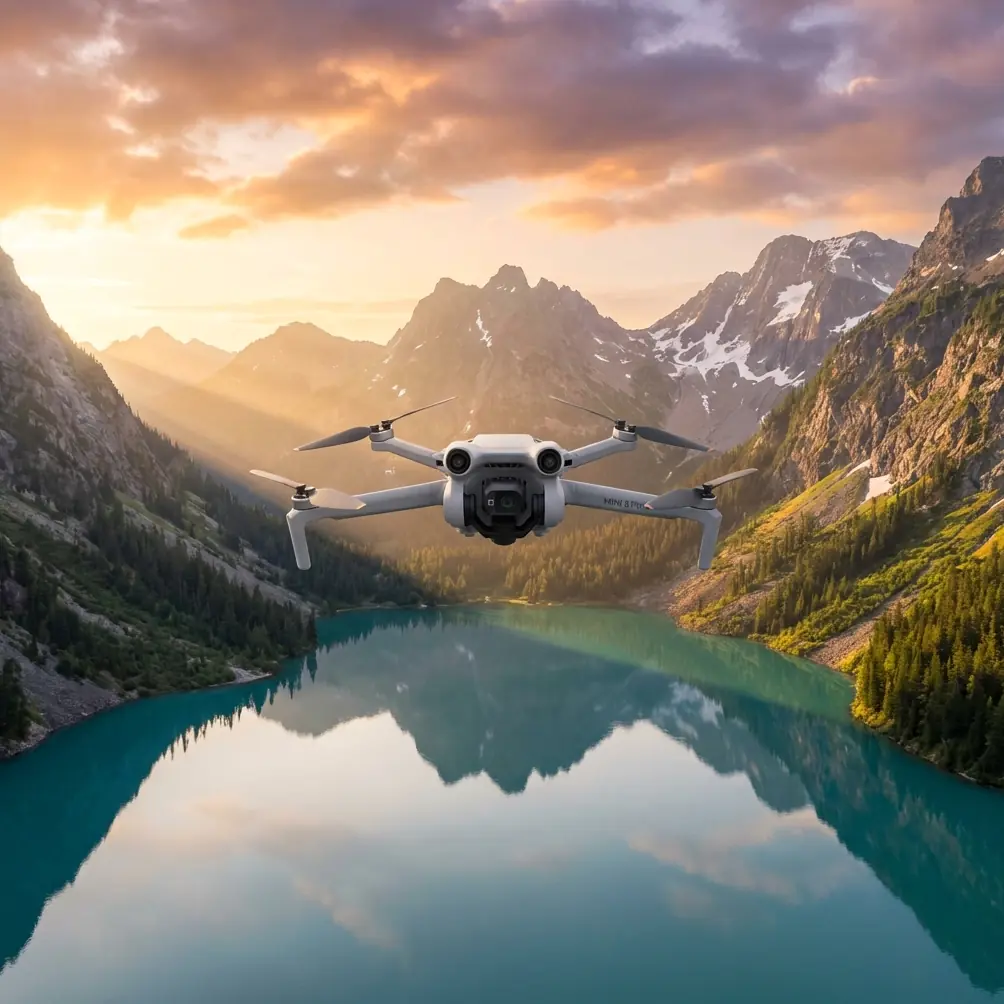
Mini 5 Pro in Low Light: A Practical Field Method for Power Line Capture
META: A hands-on Mini 5 Pro low-light workflow for filming and inspecting power lines, including obstacle avoidance, ActiveTrack limits, D-Log setup, Hyperlapse use, and antenna positioning to reduce EMI-related signal issues.
Power lines at dusk look simple from a distance. In the field, they are not. You’re working with thin subjects, weak ambient light, reflective hardware, wind at elevation, and a source of electromagnetic interference that can make a small drone feel less forgiving than it does over open ground.
That is exactly where the Mini 5 Pro becomes interesting.
A sub-250 g platform is usually associated with travel footage and quick social clips. But when you approach it as a precision imaging tool rather than a casual camera drone, it can become a very capable option for civilian utility documentation, route checks, training flights, and visual asset capture in fading light. The catch is that low-light work around power infrastructure demands discipline. Settings matter. Flight path matters. Antenna orientation matters. Even your expectations for subject tracking need to be recalibrated.
This guide is built around one specific scenario: capturing power lines in low light with the Mini 5 Pro. Not generic drone theory. Not broad marketing claims. A field workflow.
Why low-light power line work is harder than it looks
Power lines create a peculiar imaging problem. They are narrow, dark, and often backlit by the sky. Towers and poles may still read clearly, but conductors can disappear into noise if your exposure is pushed too far. Add movement from wind and the drone’s own micro-adjustments, and detail falls apart quickly.
Then there is the radio environment. Around energized infrastructure, pilots sometimes notice inconsistent signal behavior, compass unease, or brief transmission confidence drops. The drone is not necessarily “failing.” More often, the operating environment is hostile to sloppy setup. That is why antenna adjustment is not a trivial footnote here. It has operational significance. The way you orient the controller antennas relative to the aircraft can directly affect link stability, which in turn affects framing accuracy and smooth movement when you are trying to hold a line, inspect an insulator string visually, or capture clean cinematic passes.
The Mini 5 Pro’s value in this context comes from a combination of mobility, stabilized imaging, obstacle sensing, and intelligent flight tools. But those features only help if you know when to trust them and when to override them.
Start with the mission, not the menu
Before touching camera settings, define what you need to see.
There are usually three low-light objectives around power lines:
Context capture
Show the line corridor, pole spacing, surrounding vegetation, access roads, and terrain.Asset visibility
Make hardware readable enough for visual review: crossarms, insulators, connectors, markers, and attachment points.Motion-controlled footage
Create smooth clips for stakeholder reporting, training, or infrastructure storytelling.
Those goals do not all require the same setup. If you try to shoot everything with one profile, you usually compromise the most important part.
For example, a dramatic low-light reveal in D-Log is great for post flexibility, but not always the fastest path to clear field review if you need immediate visual confidence on a tablet. QuickShots can produce elegant movement, but around wires they should be treated with caution, not as a one-button solution.
The safest useful time window
The best low-light period for power line capture is often just before sunset or during blue hour, not full darkness. That sounds obvious, but it matters because obstacle avoidance and visual positioning systems perform better when they still have enough contrast to work with.
This is where one of the most useful details in your workflow comes in: obstacle avoidance is a support system, not permission to fly close to conductors. In low light, thin wires are among the hardest subjects for automated sensing to interpret reliably. Poles and towers are much easier for the system to detect. The operational takeaway is simple: use obstacle sensing to protect against larger structures and spatial mistakes, but keep manual standoff distance from the lines themselves.
That distinction can save a flight.
Camera setup: expose for the line, not the sky
Low-light power line footage often fails because the pilot meters for the brightest part of the scene. The sky looks beautiful, but the conductor turns into a vague thread with no separation.
A better approach:
- Use manual exposure whenever possible
- Keep shutter speed high enough to preserve line detail if there is wind
- Raise ISO only as much as needed
- Watch the histogram, but judge the actual subject on screen
- Slight underexposure is usually easier to recover than a noisy, over-lifted file
If you plan to grade later, D-Log is useful because it preserves more flexibility in highlights and shadows. That matters in utility corridors where the sky may still be bright while the hardware below is already darkening. D-Log gives you room to hold the sky and recover structure detail more gracefully in post.
Operational significance: D-Log is not just a “cinematic” option. For infrastructure capture, it can protect detail across high-contrast scenes where reflective insulators, dark poles, and bright horizon all coexist in one frame.
That said, don’t use D-Log as an excuse to under-monitor. A flat image can fool you into thinking the line is visible when the detail is barely there. Zoom in on playback if needed. Confirm that the actual asset is readable.
Flight pattern: the line should guide your movement
The cleanest power line footage usually comes from one of three paths:
1. Offset parallel pass
Fly parallel to the corridor with lateral distance from the line. This keeps the conductor visible against shifting background layers and reduces the temptation to crowd the asset.
Best for:
- corridor overview
- smooth establishing shots
- route documentation
2. Pole-to-pole reveal
Begin near one structure and drift outward to show spacing and alignment across the corridor.
Best for:
- training footage
- maintenance planning visuals
- transition shots in edited sequences
3. Elevated oblique hold
Hover at a safe offset angle and capture a stable, slightly downward view of the line and attachment hardware.
Best for:
- visual review
- asset context
- low-light stills
This is where ActiveTrack and broader subject tracking tools need a reality check. They are excellent with people, vehicles, and well-defined subjects. A power line is not that. Even a pole can become a weak tracking subject once light drops and background clutter increases. Use tracking for nearby support vehicles or corridor movement if needed, but don’t build your low-light wire capture plan around automated tracking. The Mini 5 Pro’s intelligence is helpful, yet manual control remains the more reliable method around linear infrastructure.
Handling EMI: antenna position is not a minor detail
Let’s get to the part many pilots neglect until they see signal instability.
When flying near power lines, electromagnetic interference can affect transmission confidence. The Mini 5 Pro may still be fully controllable, but the link can feel less robust than in open countryside. If your video feed starts to degrade or command response feels less crisp, one of the first things to check is your controller antenna orientation.
The practical method:
- Face the aircraft directly when possible
- Keep the broad side of the antennas oriented toward the drone, not the tips pointed at it
- Reposition your body and controller if the aircraft moves laterally down the line
- Avoid standing close to large metal objects, vehicles, or other structures that can complicate the signal environment
- If feed quality drops, widen your standoff rather than pressing deeper into the corridor
That antenna adjustment matters because the aircraft is already operating in a challenging RF environment. You are trying to preserve the strongest, cleanest control and downlink path available. A simple change in antenna alignment can stabilize the link enough to complete a pass smoothly instead of aborting halfway through.
This is one of those details that separates casual flying from competent field work.
If your team wants a field checklist for this kind of setup, I can share one directly here: message Chris Park on WhatsApp.
How obstacle avoidance helps without becoming a crutch
Obstacle avoidance belongs in the workflow, but with a very specific job description.
Use it to:
- maintain margin around poles, towers, and trees
- reduce risk during repositioning in dim conditions
- support slower, deliberate moves near large structures
Do not assume it will reliably identify every wire in poor contrast. Thin conductors in low light are exactly the kind of hazard that can challenge vision-based systems.
So the right mindset is layered safety:
- obstacle avoidance on
- conservative distance from conductors
- low-to-moderate speed
- clear bailout route
- no sudden lateral pushes near the line
That combination gives you the actual benefit of obstacle sensing without overestimating what it can “see.”
QuickShots and Hyperlapse: useful, but only in the right airspace
The Mini 5 Pro’s automated shot modes can be valuable around utility corridors when used away from the wires themselves.
QuickShots
QuickShots can help create short context clips for reports or presentations. Think of a gentle reveal that starts with a pole and expands to show the surrounding network. But these modes should be used only after confirming plenty of lateral and vertical clearance. Around dense wire fields, manual flight is still the better call.
Hyperlapse
Hyperlapse is more useful than many pilots realize in infrastructure work. It can show changing light, traffic patterns beneath a corridor, weather movement, or the visual footprint of a transmission route over time. In low light, though, stability and route predictability become critical. Use a carefully planned path with no close obstacles. Hyperlapse is best treated as a wide-context storytelling tool, not a close-asset maneuver mode.
Operational significance: Hyperlapse can turn a routine corridor scene into a clear planning or communication asset, especially when stakeholders need to understand how a line sits within its environment rather than just seeing isolated hardware details.
A practical low-light settings mindset
Rather than memorizing fixed numbers, think in tradeoffs.
- If wind is moving the line, prioritize shutter speed
- If the scene is static, you can afford a little more exposure time
- If noise is climbing, reduce your ambition for deep shadow recovery
- If the sky is dominating the frame, adjust composition before exposure
One hard number worth keeping in mind: the difference between a clean shot and a weak one can be just a few minutes of fading light. Low-light utility capture is often won by timing rather than heroic settings. Get airborne while there is still enough contrast for the line to separate from the background.
Field workflow from takeoff to landing
Here’s a practical sequence I recommend.
Pre-flight
- Inspect the site from the ground
- Identify wire direction, pole spacing, tree hazards, and safe takeoff area
- Confirm return path that does not cross into the corridor
- Check antennas before launch
Initial hover
- Evaluate signal quality
- Watch for abnormal interference behavior
- Confirm exposure on the actual assets, not just the landscape
First pass
- Fly offset and parallel
- Keep speed modest
- Review footage immediately for line visibility and hardware readability
Second pass
- Adjust framing for tighter asset context
- Use D-Log if you need grading latitude
- Recheck antenna orientation if the aircraft position changes significantly
Context pass
- Step back for a wider reveal
- Use a controlled QuickShot or Hyperlapse only if obstacle clearance is generous
Recovery
- Land before visual contrast drops too far
- Review clips on a larger screen as soon as practical
That review step matters. On a small mobile display, noise and missed focus can look acceptable. Later, on a monitor, you may realize the conductor never separated cleanly from the background.
Where the Mini 5 Pro fits best
The Mini 5 Pro is not a substitute for specialized inspection platforms when a mission demands heavy zoom, advanced thermal payloads, or highly structured asset analysis. But that misses the point.
Its strength is access and speed.
For training teams, content creators in the utility space, site planners, corridor survey support, and visual documentation crews, the aircraft offers a nimble way to gather useful, polished footage with minimal setup burden. In low light, it remains effective if you respect its boundaries: keep distance, manage exposure manually, use D-Log with intent, treat ActiveTrack carefully, and never assume obstacle avoidance has solved the wire problem for you.
And if you remember only one field lesson from this article, make it this one: around power lines, antenna orientation is part of flight control, not an afterthought. Small adjustments can make the difference between a stable, confident pass and a feed that starts falling apart just as the light gets good.
That’s what practical drone work looks like. Not flashy. Repeatable.
Ready for your own Mini 5 Pro? Contact our team for expert consultation.