
Mini 5 Pro for Highway Work in Windy Conditions
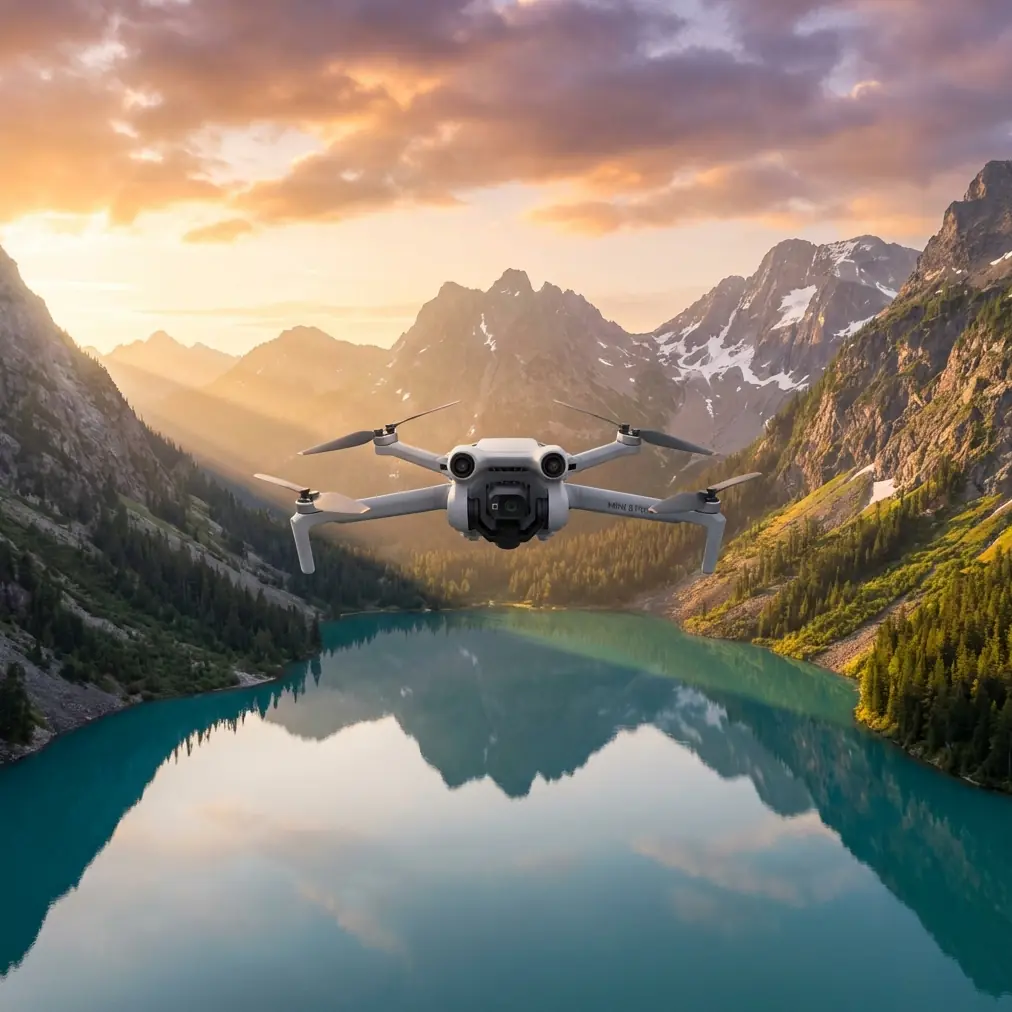
Mini 5 Pro for Highway Work in Windy Conditions: A Field Guide Built From Bigger Mapping Aircraft Lessons
META: Learn how to use Mini 5 Pro for highway capture in shifting wind, with practical flight planning, obstacle avoidance, ActiveTrack, D-Log, and mapping workflow insights drawn from professional UAV survey platforms.
Highway filming sounds simple until you do it for real.
Long straight corridors create a false sense of ease. There’s usually plenty of open space, traffic gives you natural motion in the frame, and the subject line seems obvious. Then the weather turns. Wind starts rolling across embankments and overpasses. Heat shimmer softens detail. Gusts hit from the side just as you’re trying to hold a clean tracking move along a carriageway.
That’s where a Mini 5 Pro workflow either holds together or starts to unravel.
I’ve spent enough time around professional survey platforms to know that small drones perform better when pilots borrow habits from bigger systems. The reference material behind this piece comes from a mapping solution deck featuring aircraft with very different scales and missions, including the fixed-wing XH-FG3300 and the hexacopter XH-HE840. On paper, those machines are nowhere near a Mini 5 Pro. In practice, they teach two lessons that matter a lot for highway capture: endurance changes decision-making, and wind tolerance is only useful if your workflow is built around it.
The XH-FG3300, for example, is listed with a 3.32-meter wingspan, up to 10 hours of endurance, a 1000-kilometer maximum range, a cruise speed of 80 km/h, and wind resistance rated to level 6. It also supports fully autonomous takeoff and landing and can operate up to 4,000 meters in altitude. Nobody is pretending a Mini 5 Pro is that class of aircraft. But the operational significance is clear: serious corridor work depends on stable planning, controlled image acquisition, and confidence when conditions shift. A highway is a corridor problem, whether you’re solving it with a long-endurance fixed wing or a compact camera drone.
The XH-HE840 points in a different direction. This six-rotor aircraft has an 84-centimeter motor-to-motor diagonal, a 3-kilogram payload, and endurance figures that drop from 50 minutes empty to 30 minutes with a 1.3-kilogram load. It also uses a high-precision three-axis gimbal camera and is rated for level 6 wind, with a working temperature range of -10 to 40 degrees Celsius. That detail matters because it reminds us of a truth many newer operators miss: payload, stabilization, and environmental conditions are always connected. Even with a lighter platform like Mini 5 Pro, image quality on a windy highway has less to do with marketing specs than with how you manage the aircraft’s workload in the air.
So let’s build a highway capture method for Mini 5 Pro that reflects those professional habits rather than treating the flight as casual scenic shooting.
Start with the road, not the drone
Before takeoff, define what “capturing highways” actually means for your job.
There are at least four common civilian use cases:
- progress documentation for road construction
- infrastructure inspection visuals for pavement, barriers, and drainage
- traffic pattern observation for planning presentations
- promotional or informational footage for contractors, consultants, or local authorities
Each one demands a different flight pattern.
If your goal is linear documentation, think like a mapping operator. Break the highway into segments. Note interchanges, bridges, retaining walls, sound barriers, utility crossings, and elevation changes. If your goal is a cinematic reveal, then your corridor becomes a sequence of controlled moves: low parallel tracking, rising orbit at an interchange, elevated push over a bridge, and compressed telephoto-style compositions where traffic flow shows scale.
Mini 5 Pro earns its place here because it can switch from precision positioning to more expressive camera movement quickly. Features like obstacle avoidance, ActiveTrack, QuickShots, and Hyperlapse are useful, but only when they support the mission rather than distract from it.
The mistake most pilots make in wind
They launch as if wind is constant across the whole site.
It isn’t.
Highways create microclimates. Open lanes, cut slopes, elevated ramps, bridge decks, and roadside vegetation all reshape airflow. A calm launch point can hide ugly lateral gusts 40 meters higher or 100 meters farther down the corridor. I’ve seen weather change halfway through a run: a smooth outbound pass suddenly turns into a fight for line discipline on the return leg because the crosswind intensifies once the sun shifts and the roadway starts venting heat.
This is exactly why the larger systems in the reference material emphasize wind capability and stable navigation. The FTD-R4A is described as having stable, reliable navigation control and being especially suitable for low-altitude aerial imaging. Strip away the platform size, and the lesson is straightforward for Mini 5 Pro pilots: stability is not just an aircraft feature. It’s a flight design requirement.
For highways in windy conditions, do this before your first shot:
- Fly one short test leg parallel to the road at the altitude you plan to use.
- Watch ground speed consistency in both directions.
- Check how aggressively the gimbal is working to keep the horizon settled.
- Review a few seconds of footage at full screen before committing to the full sequence.
If the test leg already shows twitchy yaw corrections or visible lateral drift, change the plan early. Don’t wait until battery is half gone.
Use obstacle avoidance intelligently, not passively
Highways are not obstacle-free environments. They’re full of thin, ugly, easy-to-misjudge hazards: gantries, mast lighting, poles, signs, cable runs, and overpass edges.
Obstacle avoidance helps, but it can also alter motion in ways that ruin a clean tracking shot if you’re too close to roadside structures. The right approach is to use it as a safety layer while choosing flight lines that don’t force constant intervention. If you’re hugging the shoulder side of the road and your drone keeps “helping” around sign structures, move wider and slightly higher. Give the aircraft room to maintain predictable motion.
For inspection-oriented work, obstacle sensing is best treated as protection during setup and transitions. For presentation footage, it’s more about preserving margin while you hold smoother lines.
A highway shot that looks professional usually has one thing in common: the drone doesn’t appear busy. No visible hesitation. No abrupt sidesteps. No panicked braking.
When ActiveTrack works — and when it doesn’t
ActiveTrack can be excellent for following a lead vehicle in controlled, legal, pre-approved scenarios, especially on service roads or adjacent access corridors where you’re not trying to skim over active traffic.
But highways challenge subject tracking in three ways:
- multiple vehicles enter and leave the frame constantly
- shadows and reflective surfaces can confuse visual consistency
- wind adds small positioning errors that become obvious over long, straight runs
Use ActiveTrack when the subject is distinct and the route geometry is simple. A maintenance vehicle on a frontage road? Good candidate. A single survey car on a separated segment? Also workable. Mixed traffic around an interchange during changing wind? That’s where manual control often produces cleaner results.
The key is recognizing that automated tracking should reduce workload, not increase uncertainty.
Why D-Log matters more on roads than people expect
Road surfaces are brutal on cameras.
You’re often dealing with bright pavement, dark vehicles, reflective signage, and blown-out sky all in one frame. Add shifting cloud cover or late-afternoon contrast and your footage can break apart fast in standard profiles.
This is where D-Log becomes practical rather than fashionable. It gives you more room to preserve highlight detail in pale concrete or reflective lane markings while keeping shadow information under bridge spans or beside retaining walls. For highway documentation, that latitude matters because the footage often needs to show actual site conditions, not just look dramatic.
If the weather changes mid-flight — and that’s common on long corridor sessions — D-Log also makes matching clips easier when sunlight moves in and out. The color grade becomes a correction tool, not a rescue mission.
A real-world windy highway sequence for Mini 5 Pro
Here’s a workflow I recommend when conditions are good enough to fly but not calm enough to get lazy.
1. Open with a high context pass
Start elevated and slightly offset from the highway centerline. This gives you a readable overview and lets you assess wind exposure over open pavement and structures. Keep movements conservative. Let the scene reveal itself.
2. Drop for a parallel tracking run
Once you know how the wind is behaving, move into a lower lateral track. Keep enough separation from signs and barriers that obstacle avoidance doesn’t keep nudging the aircraft. If the drone struggles to hold a clean line, shorten the run and reset. Don’t force a long take in unstable air.
3. Use ActiveTrack selectively
If you have a suitable lead vehicle in a safe, lawful environment, try one controlled follow. Check whether the subject remains visually distinct against traffic and road markings. If not, go back to manual.
4. Capture one vertical composition
Highways aren’t only horizontal stories. A vertical ascent near an interchange or bridge can reveal lane geometry, merge complexity, and project scale far better than another low sweep.
5. Add a Hyperlapse only if the air is settled
Hyperlapse can be excellent for showing changing traffic flow or cloud movement over a road project, but it exposes every bit of drift. If gusts are inconsistent, skip it. In unstable wind, a shaky Hyperlapse looks careless.
6. Finish with a safety-first return shot
The weather often changes while you’re focused on the middle of the mission. Save enough battery and attention for a measured return leg. Bigger systems like the XH-FG3300 are built around autonomous procedures for a reason: disciplined endings protect aircraft and data. Small drones deserve the same mindset.
What changed when the weather shifted mid-flight
One of the more revealing moments in highway work is when conditions change halfway through a session.
You launch under manageable wind. The first overview pass is clean. Then a crosswind starts building over the median and bridge section. You see it in the footage before you fully feel it on the sticks: the nose needs more correction, the gimbal starts working harder, and your smooth lateral move begins to look slightly mechanical.
This is the point where experienced pilots make a quiet adjustment instead of chasing the original plan.
With Mini 5 Pro, that usually means three things:
- reducing the complexity of the shot
- increasing lateral clearance from obstacles
- prioritizing stable framing over aggressive movement
On one kind of mission, I’d abandon the low pass and climb for a safer, more stable angle. On another, I’d shorten each corridor segment and grab cleaner pieces for editing rather than one heroic take. That decision-making is exactly what large survey platforms teach. Long-endurance and wind-rated systems are designed to preserve mission quality when conditions become less cooperative. A compact drone can’t brute-force the atmosphere, so the operator has to compensate with smarter shot design.
Borrow the maintenance mindset from industrial UAVs
The reference material also mentions multirotor systems designed for durability, sealed construction, and heavier payload work. One platform, the FTD-R4B, is described with an 8-kilogram task payload and enclosed protection against dust and water. Again, Mini 5 Pro is not that kind of aircraft. But highway environments still punish equipment with grit, roadside dust, and repetitive landings from uneven pull-off points.
That means your post-flight routine matters:
- inspect props after every roadside session
- clean sensors and lens surfaces
- review footage before leaving the site
- log where wind caused visible instability
The difference between consistent operators and frustrated ones is rarely just flying skill. It’s system discipline.
QuickShots are useful, but only in moderation
QuickShots can give you fast establishing visuals near interchanges, bridges, or roadside assets. They’re especially helpful when you need a reliable secondary angle without manually rehearsing every curve. But on highways, automated camera moves can become repetitive fast. Use one or two where they reveal geometry. Don’t build the whole project around them.
Highway footage works best when each shot answers a different question:
- Where is the corridor?
- How does traffic or construction move through it?
- What structures define the segment?
- What changed over time?
If an automated move doesn’t answer one of those, leave it out.
The bigger lesson from mapping aircraft
What the reference systems really show is that corridor work rewards planning, wind awareness, and data discipline more than raw excitement.
A fixed-wing platform with a 10-hour endurance profile and 30 to 100 kilometer two-way data link exists because long linear missions need structure. A six-rotor system with a three-axis gimbal camera and clear performance drop under payload exists because image stability is always tied to airframe demand. Those aren’t abstract engineering facts. They map directly onto how you should fly a Mini 5 Pro over highways in real weather.
Keep the flight plan simple. Expect wind variation, not just wind. Use obstacle avoidance to protect the mission, not to improvise one. Use D-Log when the road and sky are fighting for exposure. Let ActiveTrack help only when the subject is truly clean. And when the air changes, change with it.
If you’re planning a highway workflow and want a second opinion on route design, shot sequencing, or weather-readiness, you can message a drone specialist here.
The Mini 5 Pro is at its best when it’s treated like a compact professional tool rather than a flying camera you hope will sort things out on its own. Highways, especially in wind, expose every shortcut in your process. They also reward every good habit.
Ready for your own Mini 5 Pro? Contact our team for expert consultation.